

NEW
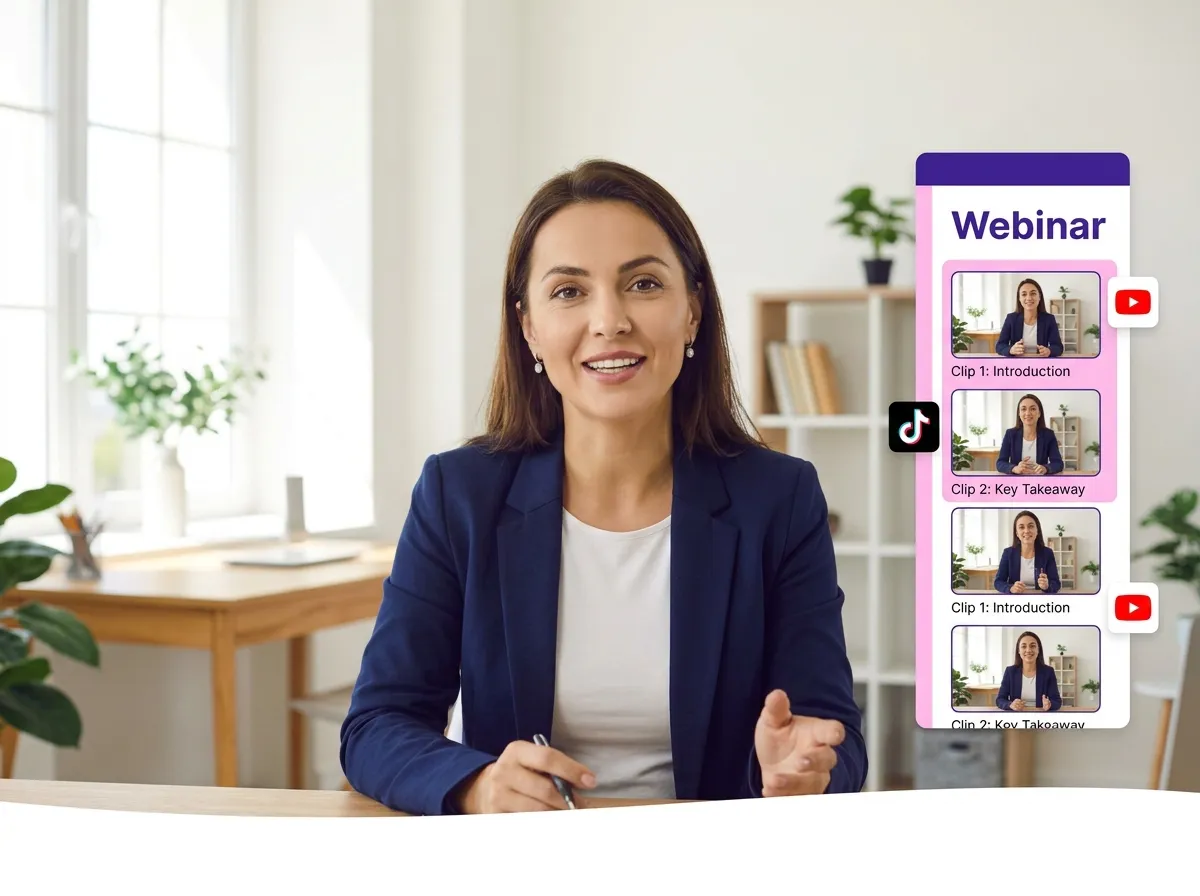



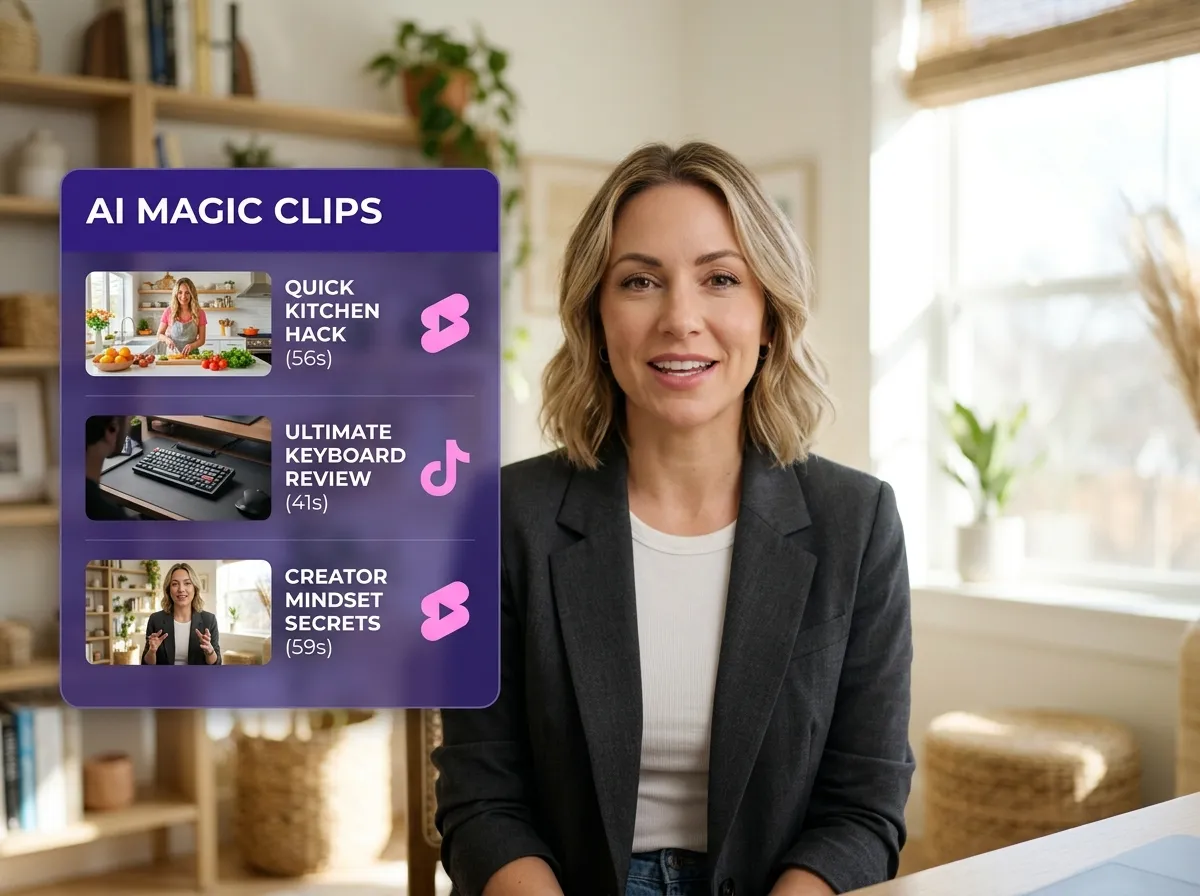
Vizard’s Webinar Repurposing tool uses AI to split long recordings into high-impact clips automatically. Skip the manual scrubbing; Vizard identifies key moments, slashing editing time. Perfect for social media managers, it transforms webinars into ready-to-share content for TikTok and Reels, ensuring your best insights reach a wider audience with zero hassle.
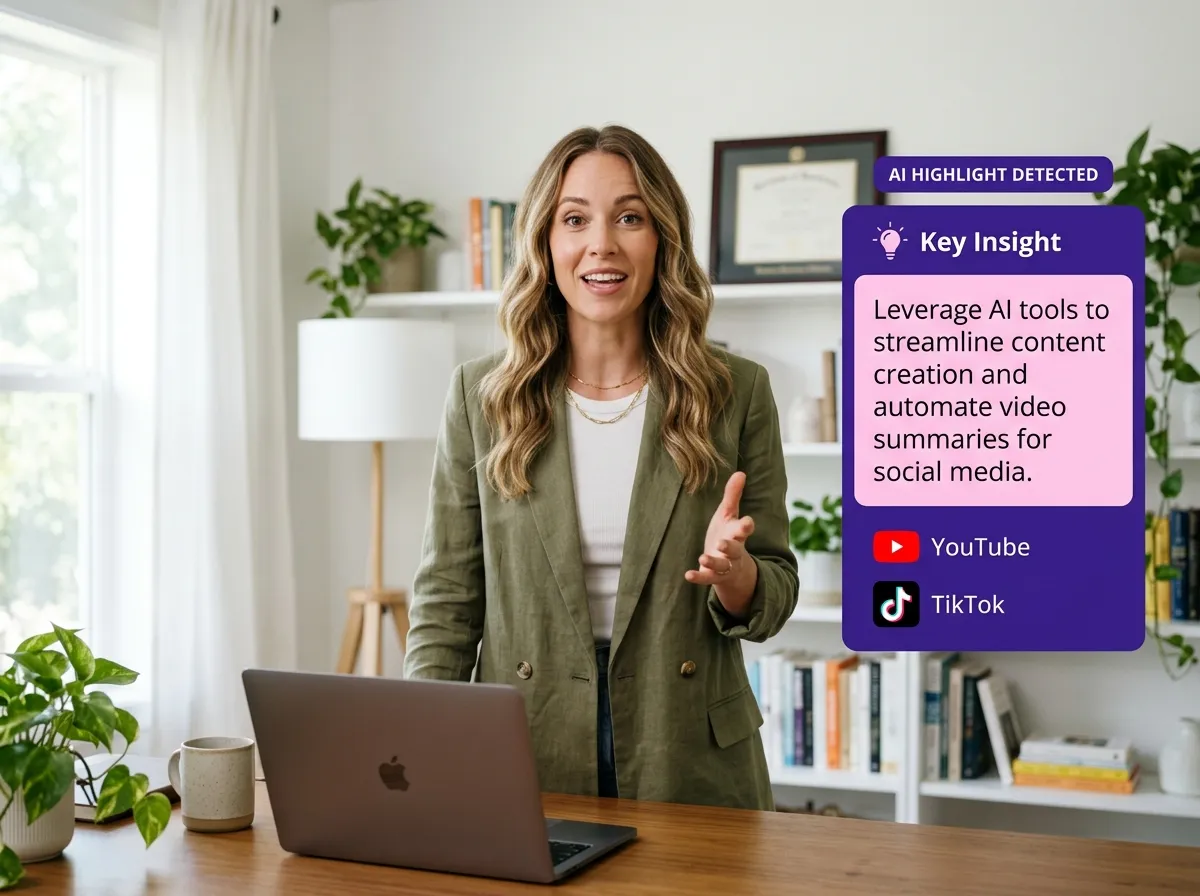
Maximize your virtual events with Vizard’s intelligent highlight detection. Our AI finds key insights and engaging explanations during the webinar repurposing process, ensuring clips resonate. Ideal for thought leaders, Vizard turns one presentation into a library of viral snippets, boosting social engagement and brand authority by sharing powerful moments effortlessly.
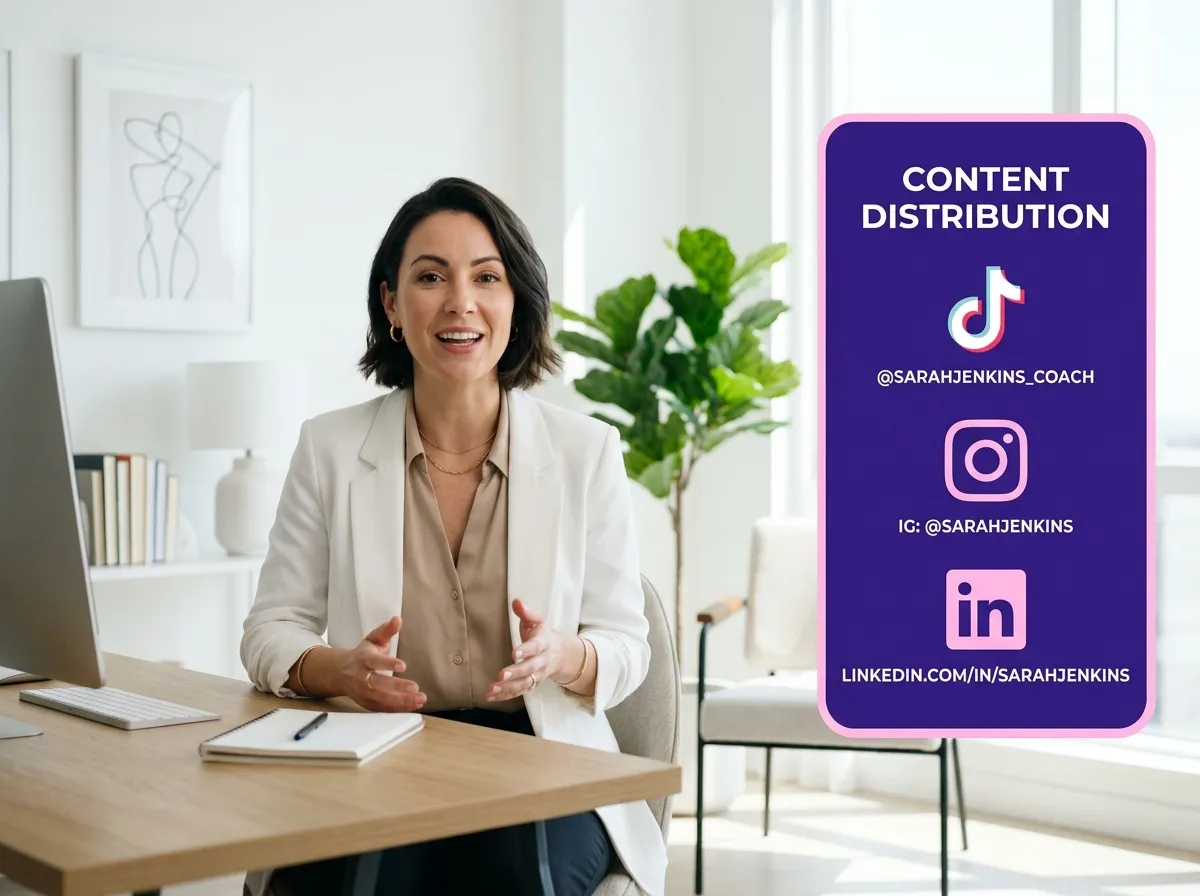
Vizard structures webinar recordings into reusable assets optimized for social media. Each clip is formatted for platforms like LinkedIn and Instagram. Essential for webinar hosts, this feature scales content production without the extra work. With Vizard, one webinar repurposing session yields a month’s worth of professional marketing assets for all your social channels.
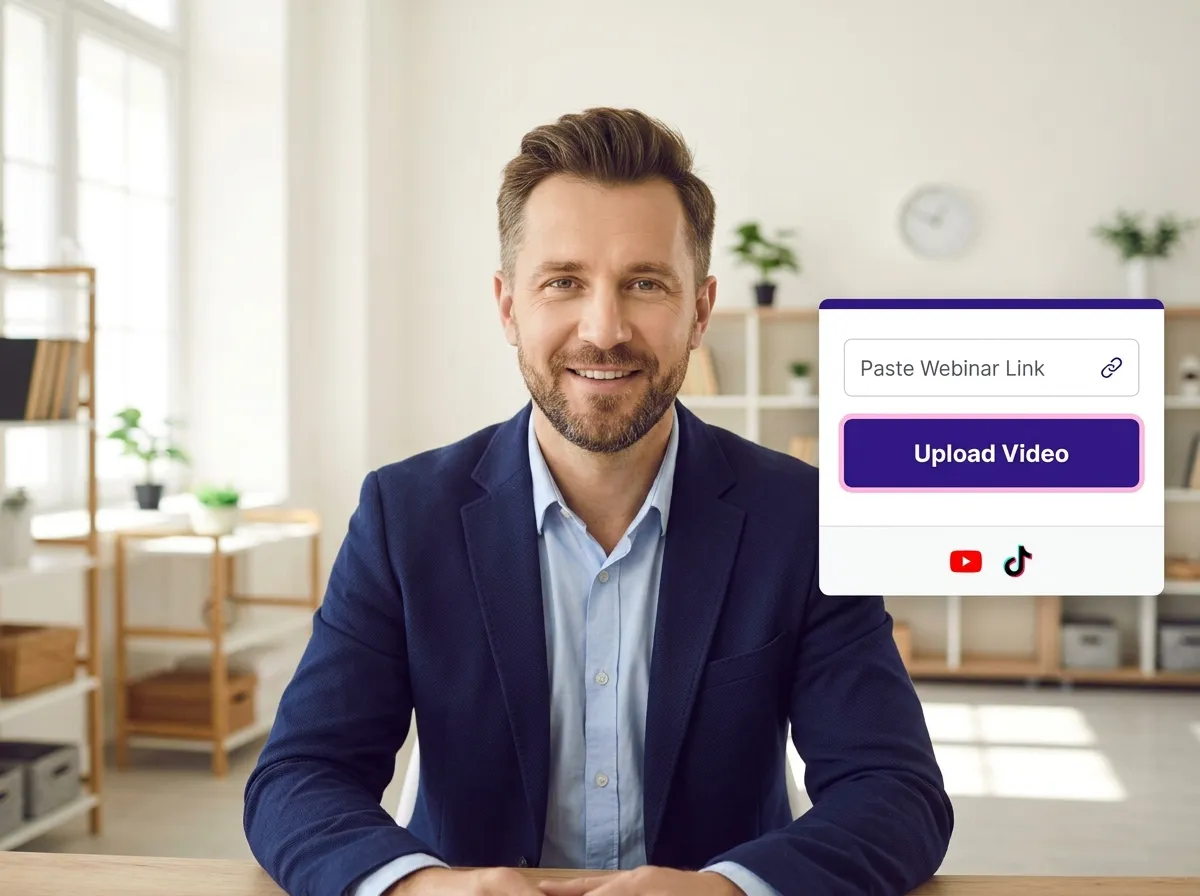
Start by uploading your webinar video file or pasting a recording link. Vizard handles the heavy lifting, supporting various formats and platforms to get your content ready for repurposing in seconds.
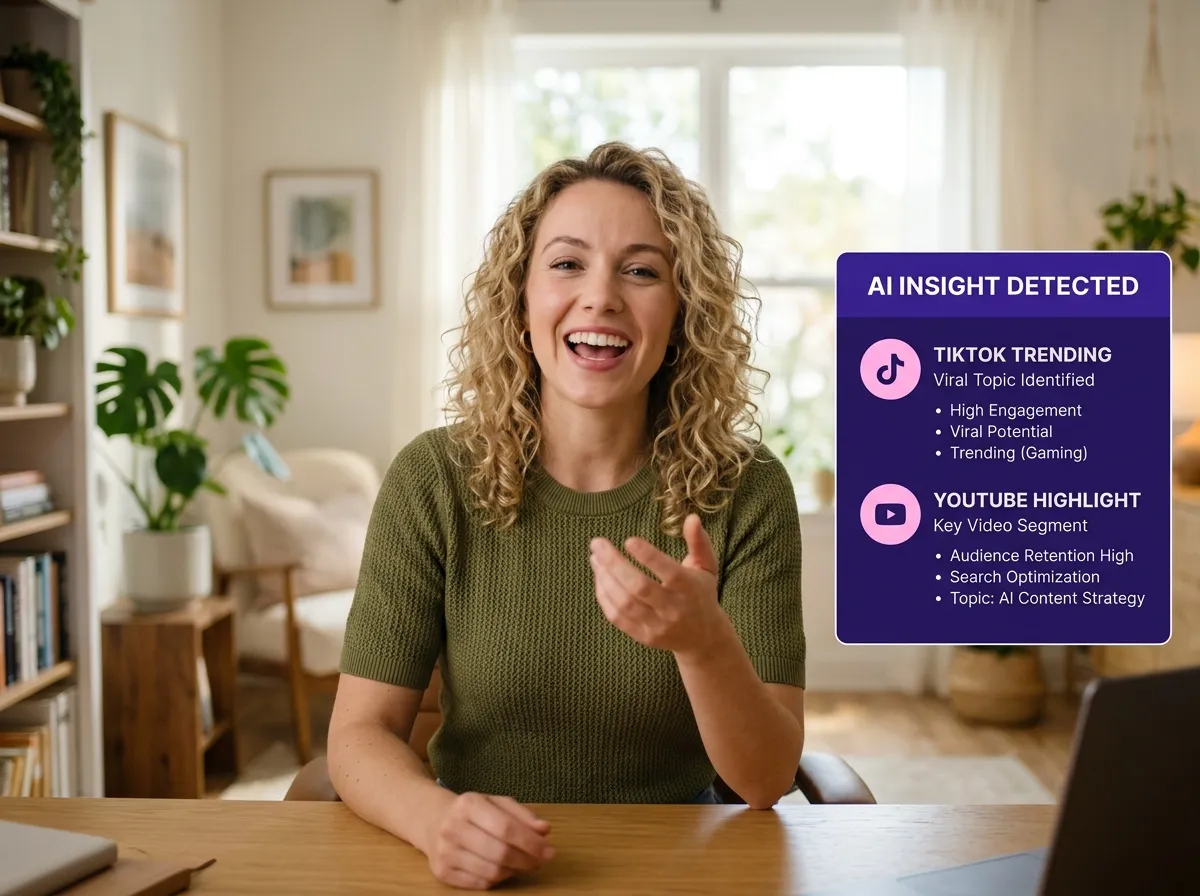
Sit back as Vizard’s advanced AI analyzes your entire webinar. The system intelligently identifies core messages, expert explanations, and the most engaging highlights that are perfect for social media clips.
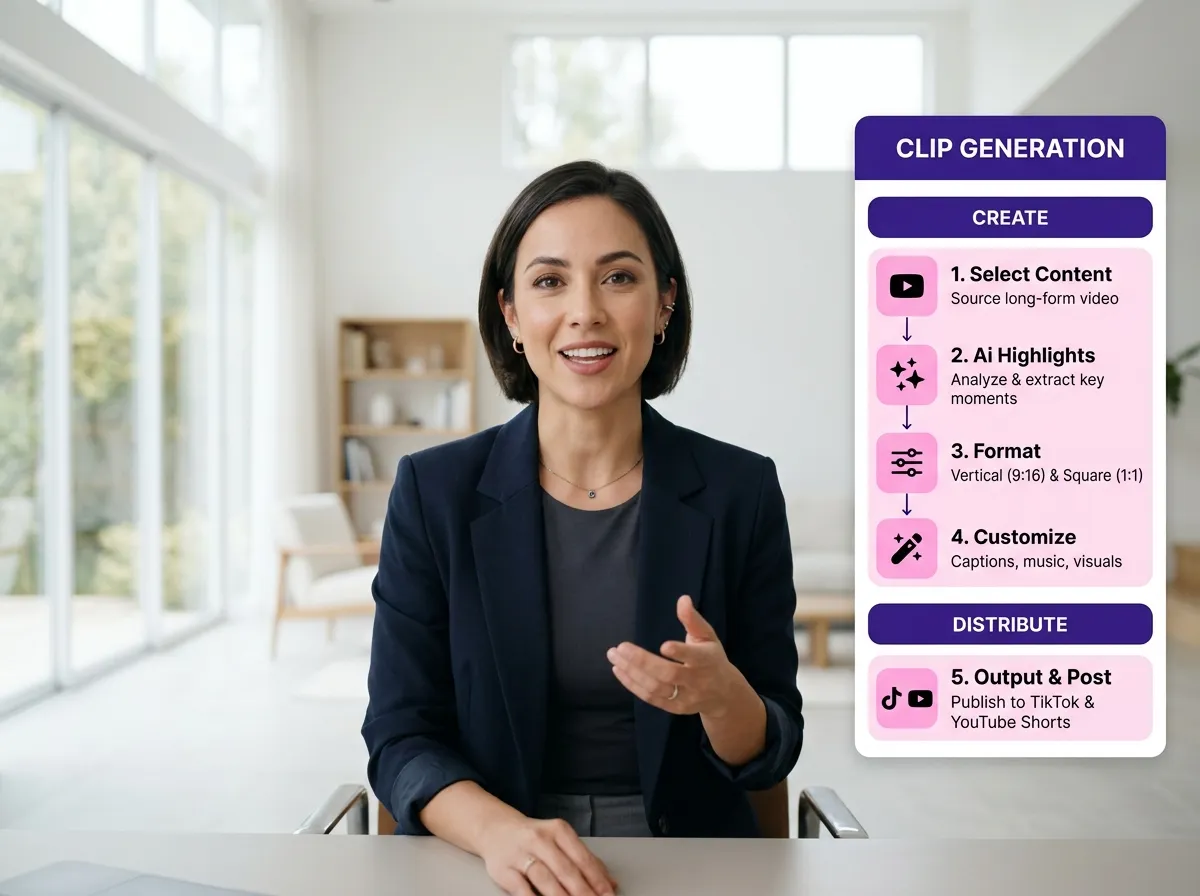
Vizard automatically transforms your long-form recording into a suite of short, punchy clips. Each asset is structured to capture attention and optimized for maximum distribution across all digital channels.
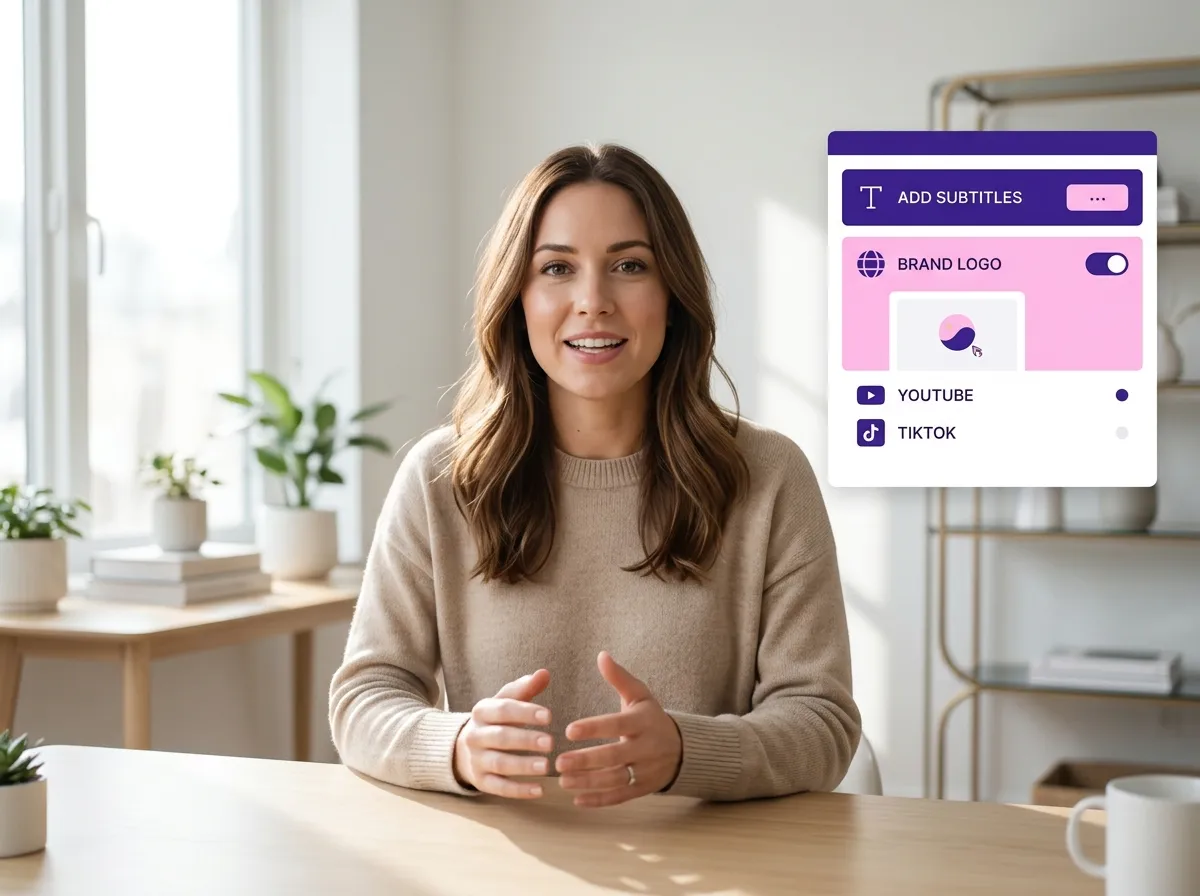
Preview your generated clips and use Vizard's intuitive editing tools to add subtitles, transitions, or branding elements. Ensure every piece of content perfectly represents your brand before it goes live.
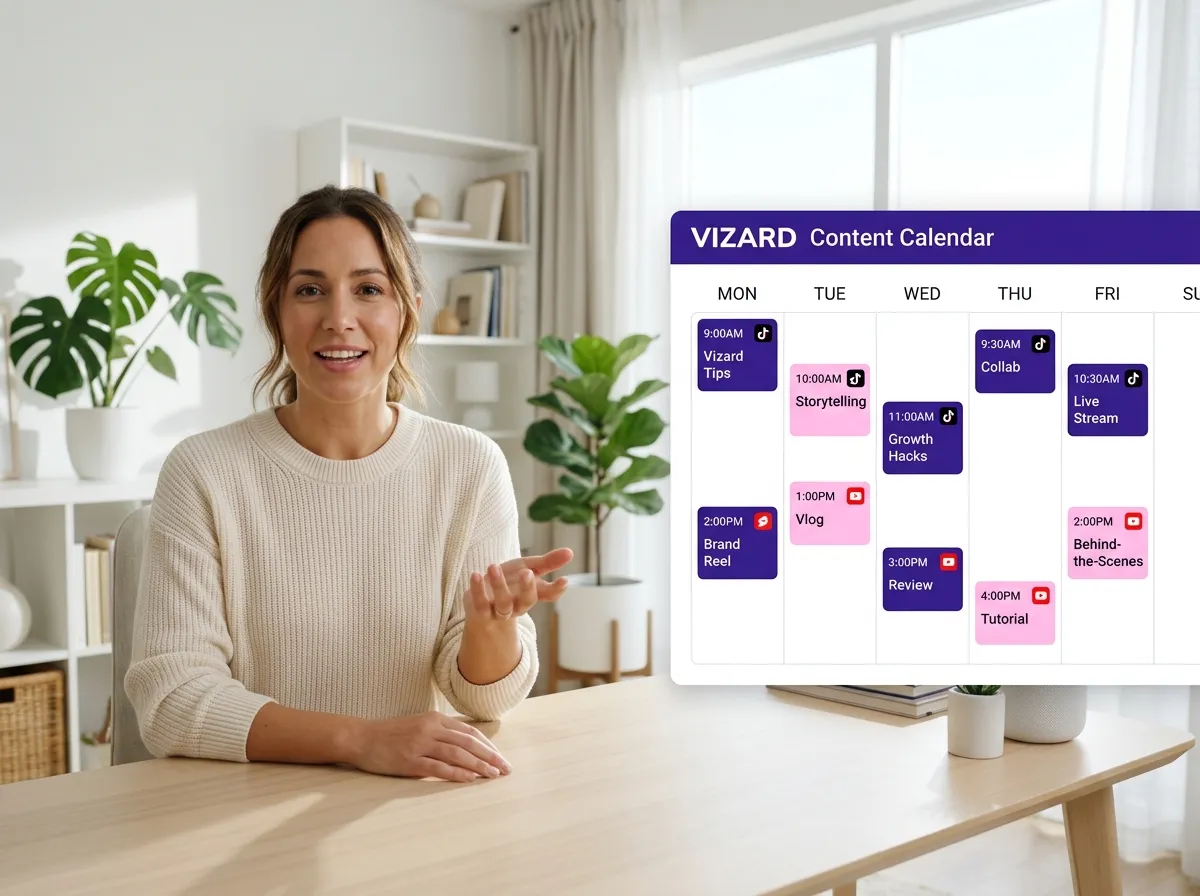
Streamline your workflow with Vizard's built-in Content Calendar. Instead of using third-party tools, you can schedule your clips to be posted at optimal times directly from the Vizard dashboard.
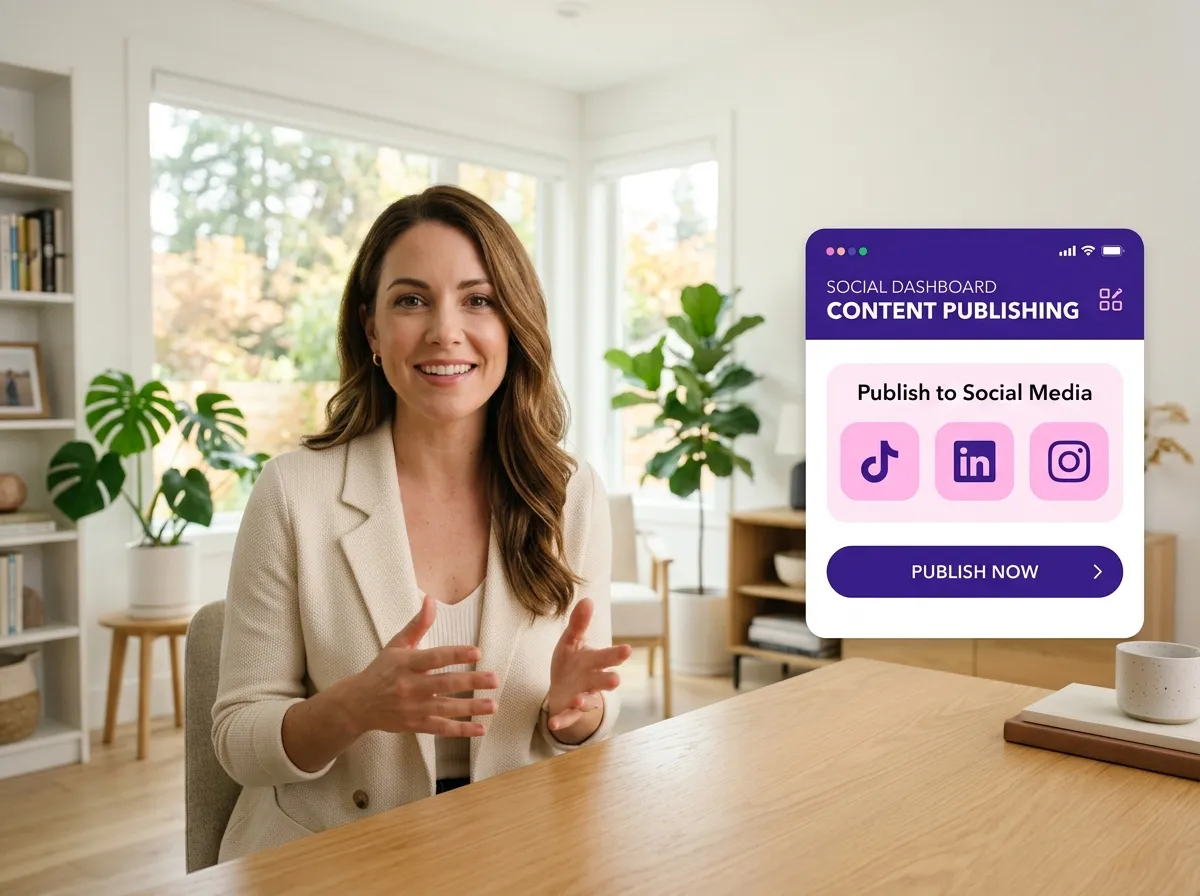
With everything set, Vizard publishes your clips directly to platforms like TikTok, LinkedIn, and Instagram. Maximize your reach and maintain a consistent posting schedule without ever leaving the platform.
Turn one video into 10+ Instagram Reels with AI.
With just a few clicks, you can download or share your videos with your friends or team members with a link.
Turn your videos and audios into Reels, Stories, posts, and more in one click.
Effortlessly plan, schedule, and auto-generate engaging AI-driven posts, and publish your Instagram Reels along with the perfect captions.
Add dynamic subtitles for your videos automatically, all in the browser.
Bring your team together by inviting collaborators to work on your projects, in one workspace.
Effortlessly translate your video content into 130+ languages, expanding your global reach with just a few clicks.
Enhance your video's visual appeal and brand identity with ease by adding logos, images, outros, and custom fonts to your videos.


What is webinar repurposing and how does it work?
How many clips can Vizard generate from a single webinar?
Can I edit the clips after Vizard generates them?
Does Vizard support webinars from Zoom or other platforms?
Can I add subtitles to my repurposed webinar clips?
Is there a limit to the length of the webinar I can upload?
What is webinar repurposing and how does it work?
How many clips can Vizard generate from a single webinar?
Can I edit the clips after Vizard generates them?
Does Vizard support webinars from Zoom or other platforms?
Can I add subtitles to my repurposed webinar clips?
Is there a limit to the length of the webinar I can upload?

 Yao Wang
Yao Wang

Yao Wang
Yao Wang

Yao Wang


















