

NEW
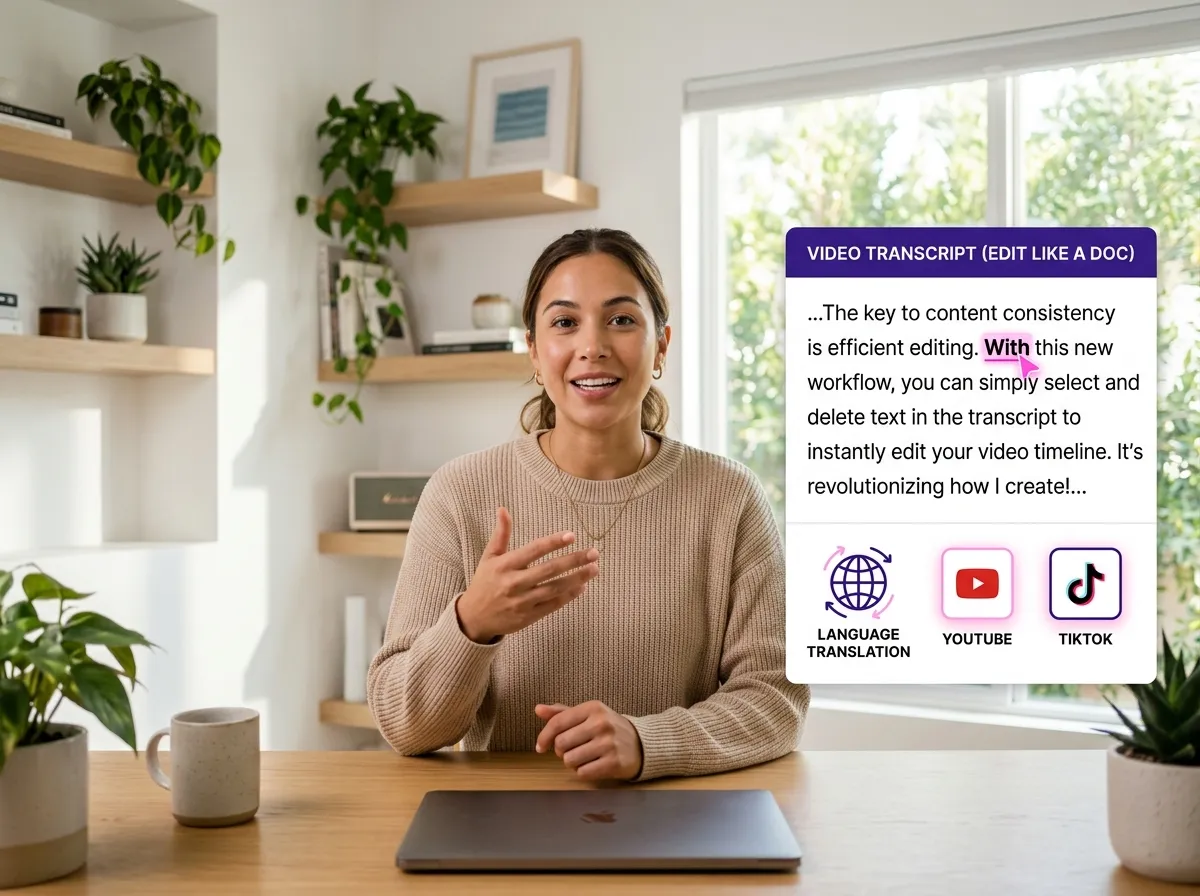



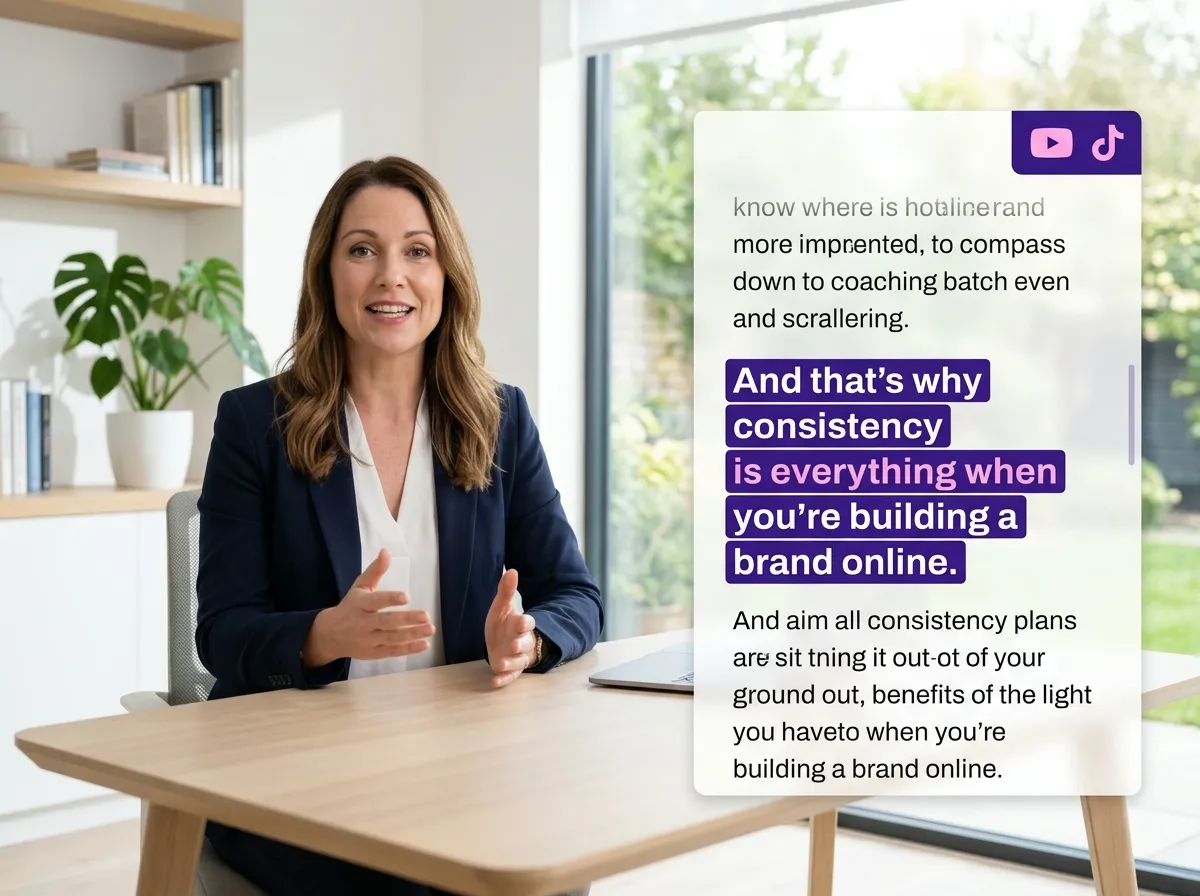
Vizard’s Video Transcript Editing tool features high-speed AI transcription, automatically converting video audio into accurate text in seconds. This eliminates manual transcription, saving podcasters and marketers hours of tedious work. Ideal for repurposing long-form content, our transcription service supports multiple formats and ensures every word is captured perfectly. With Vizard’s precision, you can bypass the technical heavy lifting and focus on storytelling, providing a solid foundation for further video refinement and global distribution.
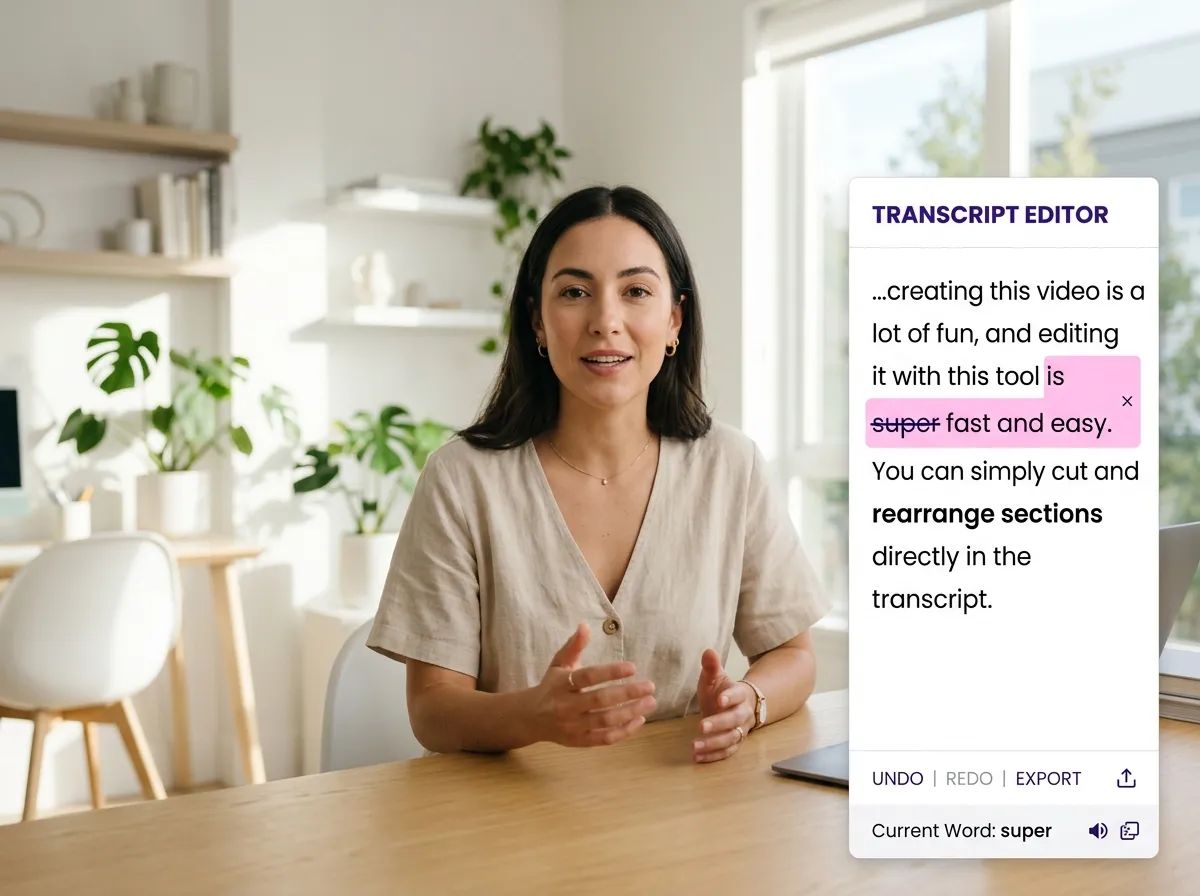
Transform your workflow with Vizard’s "edit video like a doc" feature. Instead of scrubbing timelines, simply delete words or sentences from the transcript, and the corresponding video segments are instantly removed. This Video Transcript Editing capability is perfect for YouTubers and educators needing to trim filler words or cut mistakes quickly. By making video editing as intuitive as text editing, Vizard empowers anyone to produce professional-quality clips without technical expertise, dramatically accelerating your content production cycle.
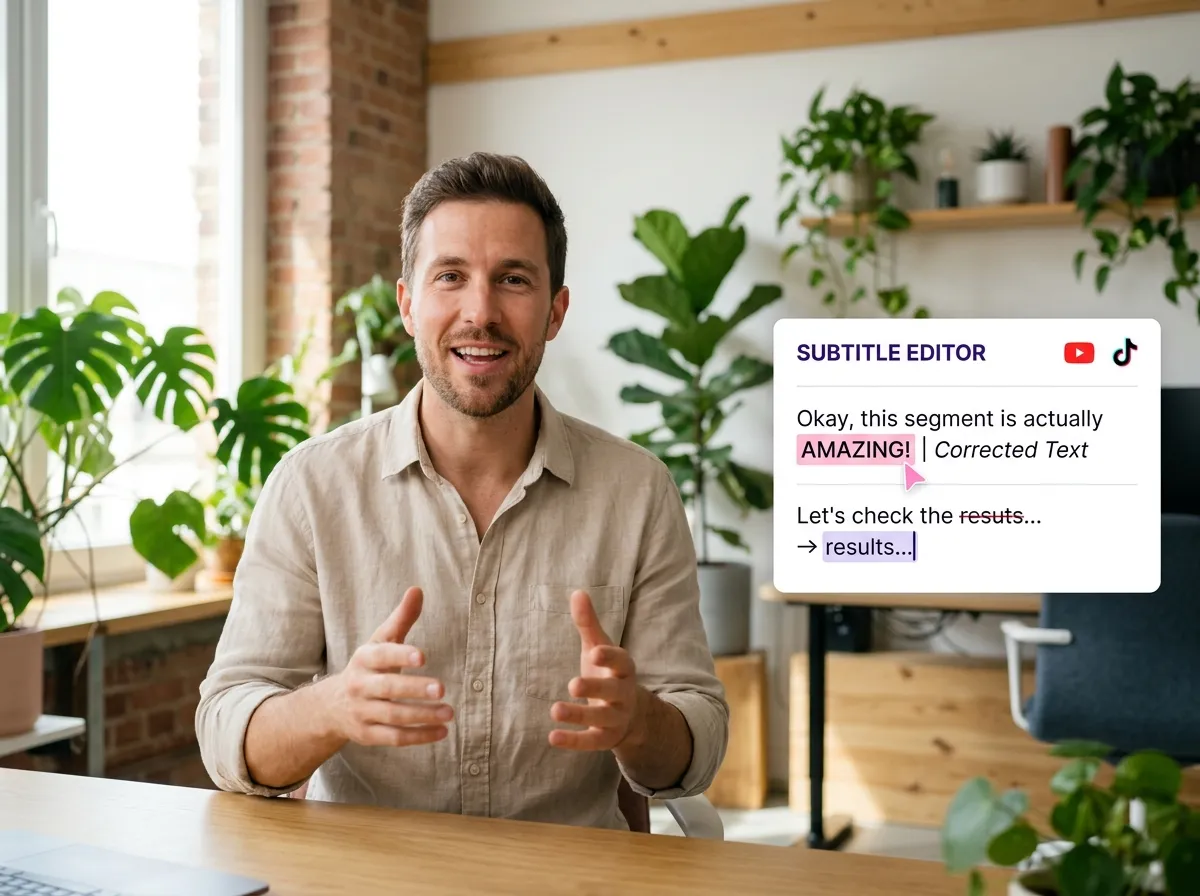
Take full control of your captions with Vizard's comprehensive subtitle editor. Fix typos, adjust timing, or remove specific keywords directly within the Video Transcript Editing interface. This is essential for social media managers creating polished, error-free subtitles for Instagram Reels or TikTok. Vizard makes it easy to maintain brand consistency and enhance viewer engagement by providing clean, professional subtitles. Boost accessibility and keep your audience’s attention focused on your message with just a few simple edits.
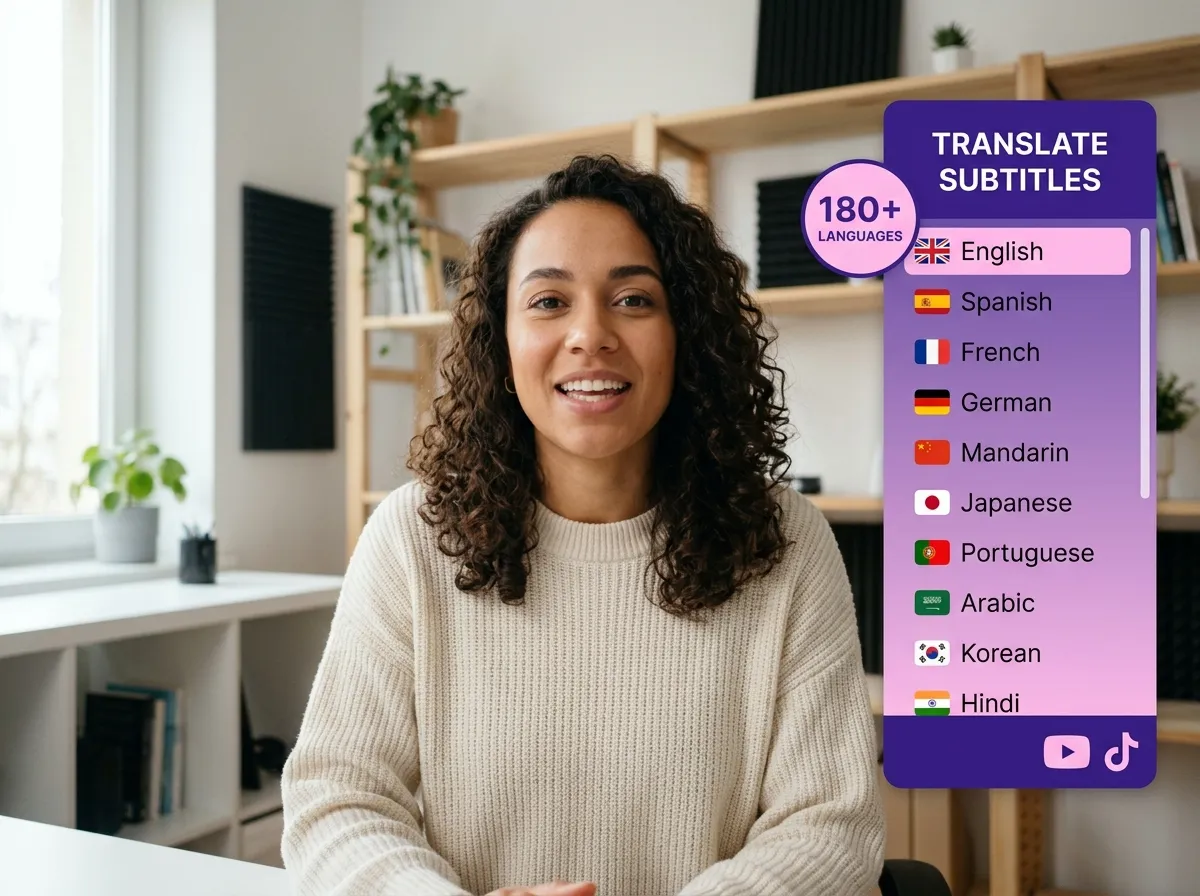
Expand your audience globally using Vizard’s powerful translation feature. Within the Video Transcript Editing workspace, you can instantly translate subtitles into over 180 languages. This is a game-changer for businesses scaling their reach across international markets without the cost of manual translation. Vizard’s AI ensures your message resonates worldwide, breaking down language barriers and boosting SEO. Transform a single video into a global asset and reach new viewers everywhere with just a few clicks.
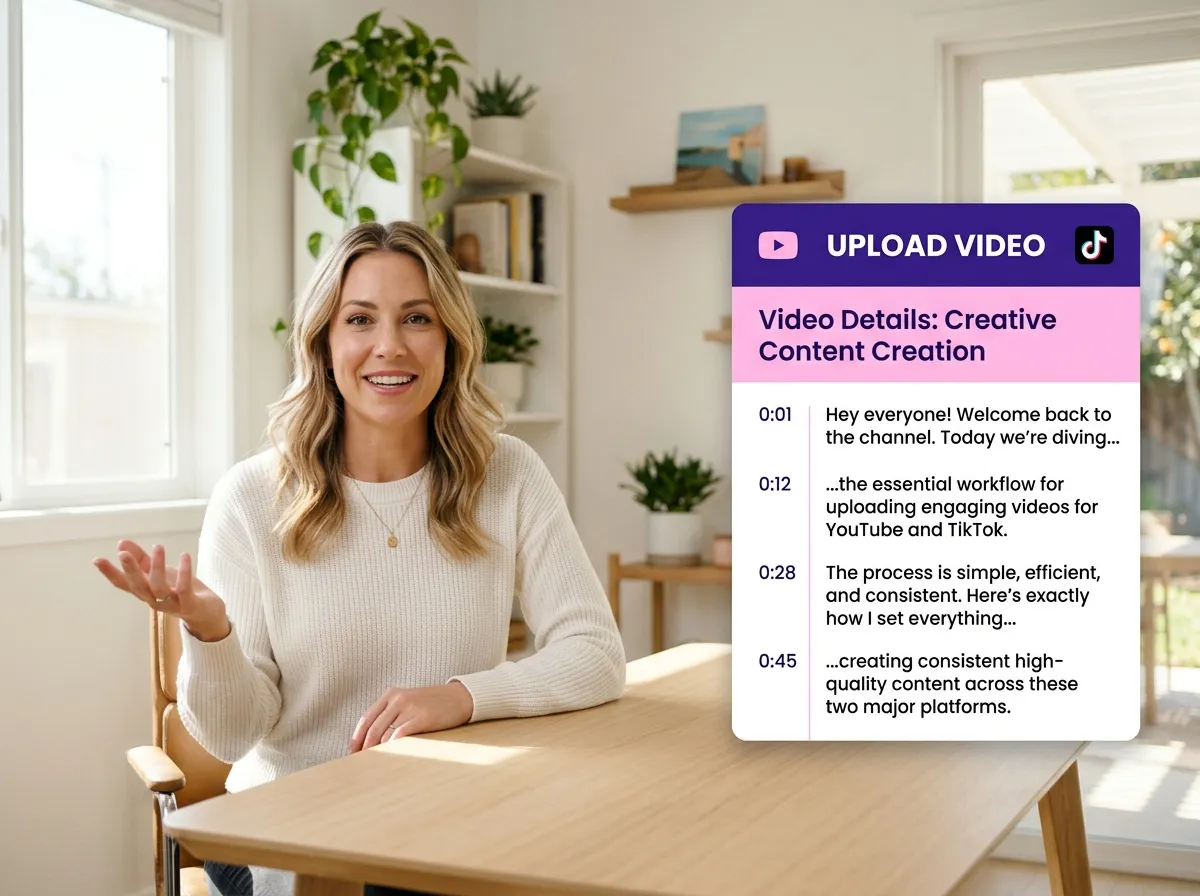
Begin by uploading your video file directly or pasting a URL. Vizard's AI instantly processes your footage to generate a precise, time-coded transcript.
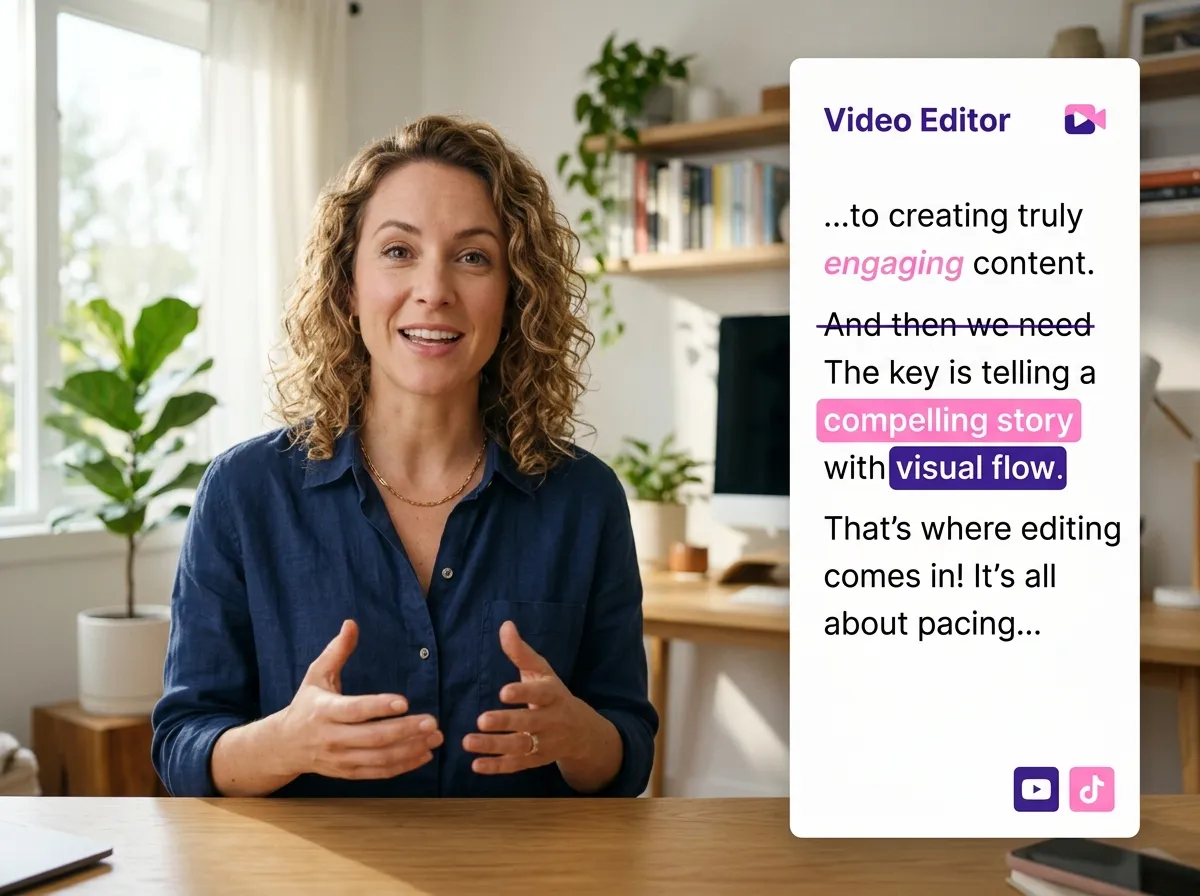
Refine your video simply by editing the text. Delete unwanted words or sections from the transcript to automatically cut the video, or correct subtitles for perfect accuracy.
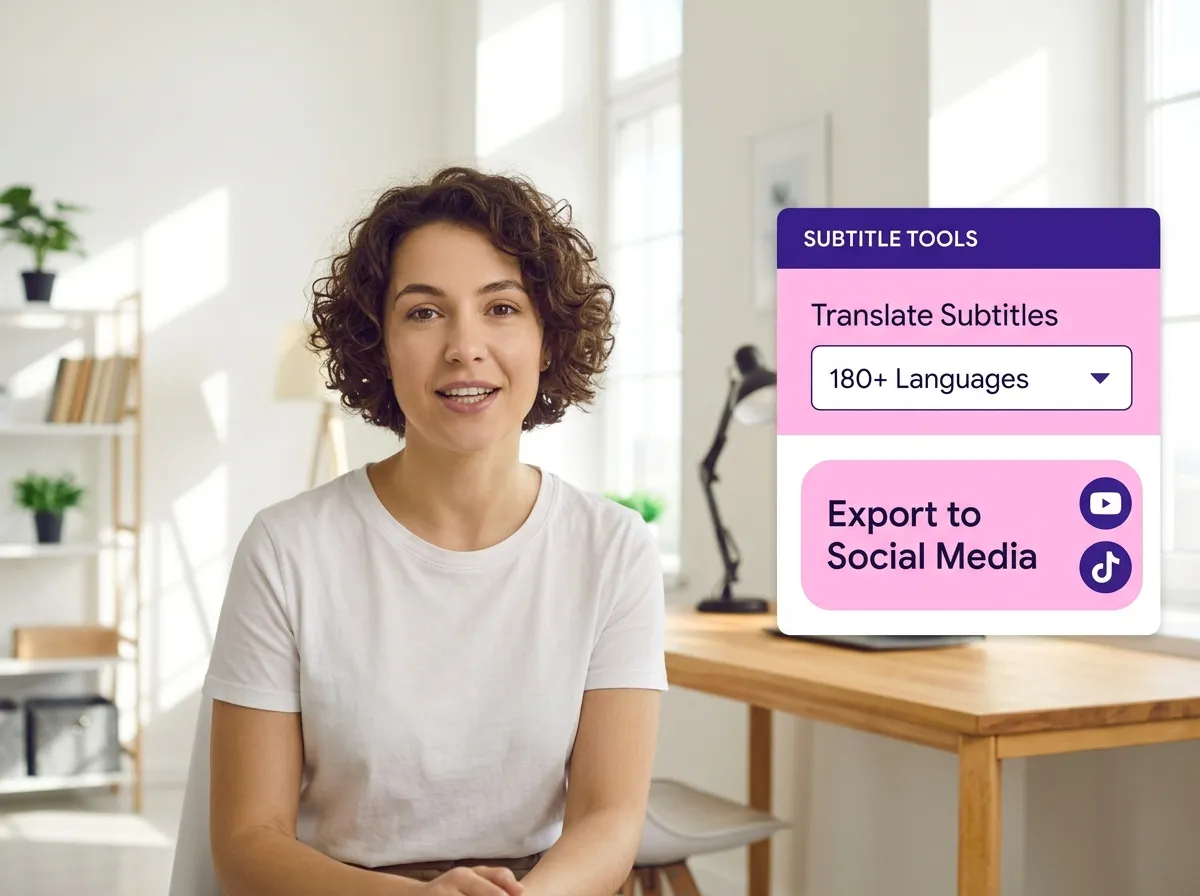
Expand your reach by translating your subtitles into over 180 languages. Once you're satisfied with your edits, export your polished video ready for social media.
Turn one video into 10+ Instagram Reels with AI.
With just a few clicks, you can download or share your videos with your friends or team members with a link.
Turn your videos and audios into Reels, Stories, posts, and more in one click.
Effortlessly plan, schedule, and auto-generate engaging AI-driven posts, and publish your Instagram Reels along with the perfect captions.
Add dynamic subtitles for your videos automatically, all in the browser.
Bring your team together by inviting collaborators to work on your projects, in one workspace.
Effortlessly translate your video content into 130+ languages, expanding your global reach with just a few clicks.
Enhance your video's visual appeal and brand identity with ease by adding logos, images, outros, and custom fonts to your videos.


How does Video Transcript Editing work in Vizard?
Can I translate my video transcripts into other languages?
Can I remove specific words or sections from the video using the transcript?
How do I upload a video for transcript editing?
Can I manually correct mistakes in the auto-generated subtitles?
Why should I use Vizard's transcript editor instead of a traditional video editor?
How does Video Transcript Editing work in Vizard?
Can I translate my video transcripts into other languages?
Can I remove specific words or sections from the video using the transcript?
How do I upload a video for transcript editing?
Can I manually correct mistakes in the auto-generated subtitles?
Why should I use Vizard's transcript editor instead of a traditional video editor?
 Yao Wang
Yao Wang

Yao Wang
Yao Wang
Yao Wang


















