

NEW
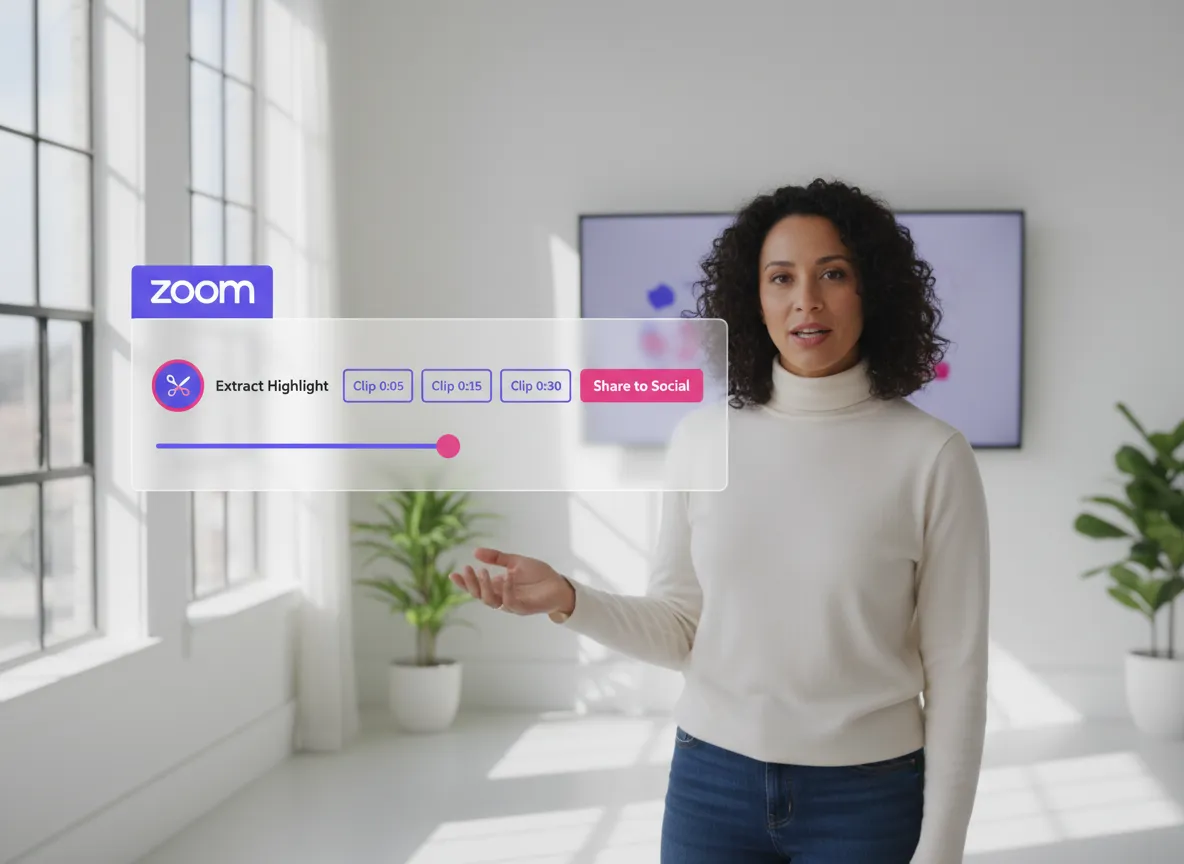



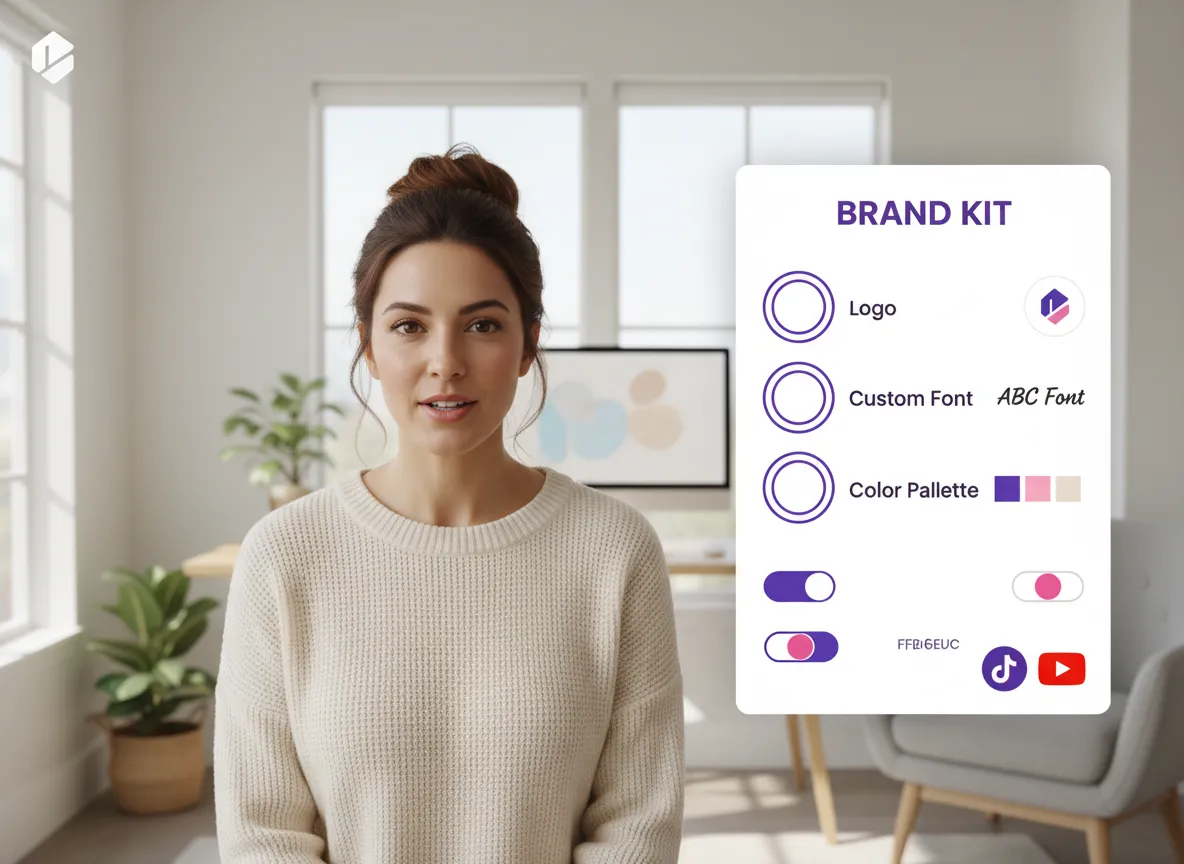
Maintain a professional and cohesive brand image across every social media platform with Vizard. Whether you're repurposing a corporate webinar or a coaching session, Vizard automatically applies your brand kit—including logos, custom templates, intros/outros, fonts, and colors—ensuring every Zoom clip looks polished and perfectly aligned with your business identity.
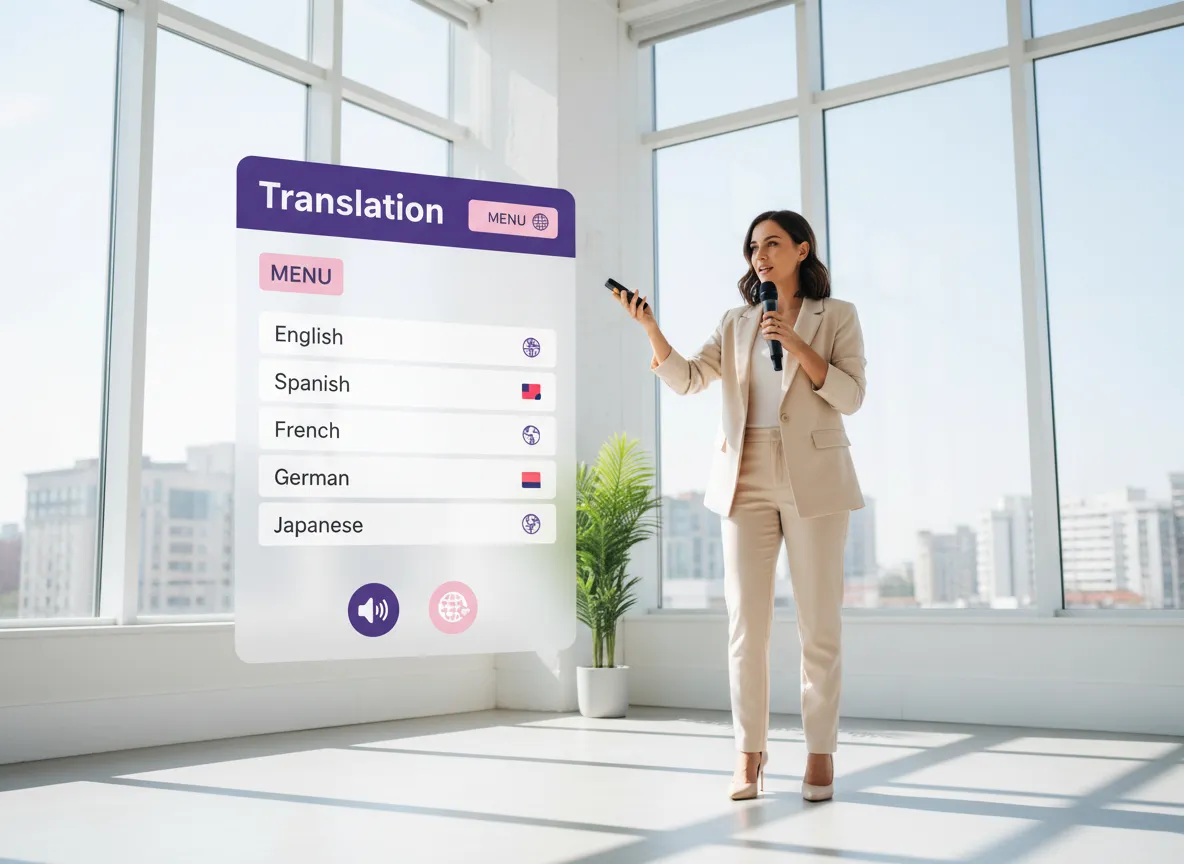
Expand your reach to a global audience with Vizard's powerful multilingual capabilities. Vizard supports Zoom recordings in over 35 languages and provides AI-powered subtitle translation into 150+ languages. This is perfect for international product launches or educational content, allowing you to engage viewers from Tokyo to Toronto with localized, accessible video clips.
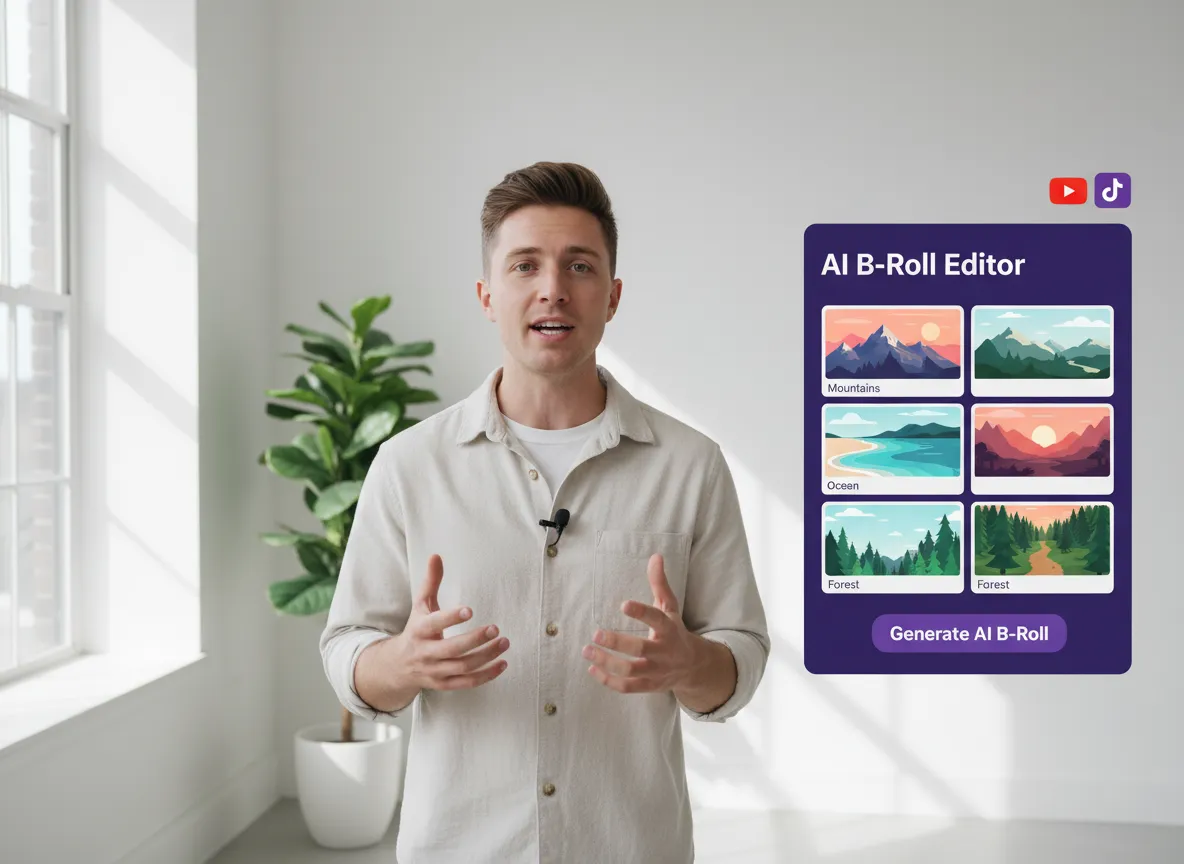
Transform static Zoom interviews into dynamic visual experiences using Vizard's advanced full editor and AI B-roll generator. Use Vizard to intelligently overlay relevant B-roll footage or add your own custom assets like product demos and secondary videos. Vizard makes it easy to keep your audience engaged by visually illustrating the key points discussed in your recordings.
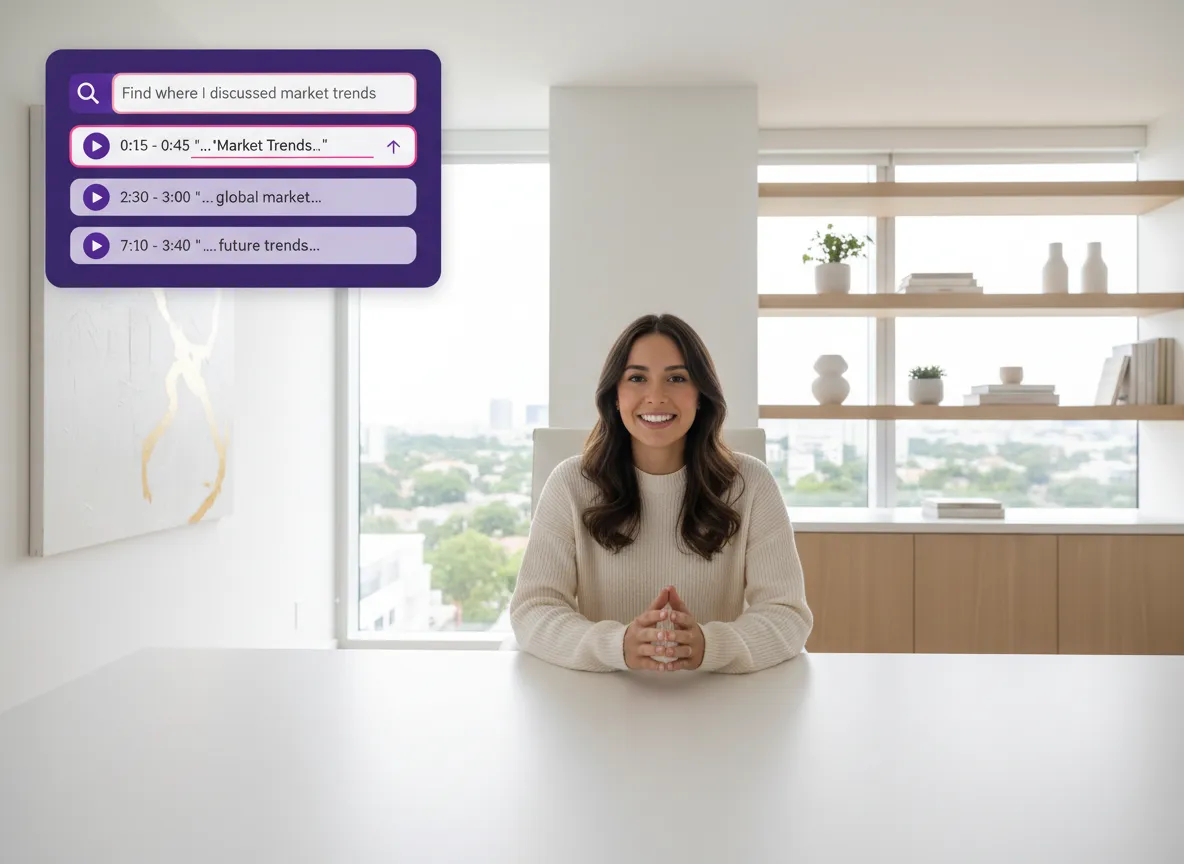
Stop wasting hours manually scrubbing through hours of footage; let Vizard's AI highlight selection find the golden moments for you. Simply use Vizard's semantic search by entering a prompt like "Find all segments about quantum computing" or "Locate the customer success story." Vizard instantly identifies and extracts high-impact clips that are ready for social media.
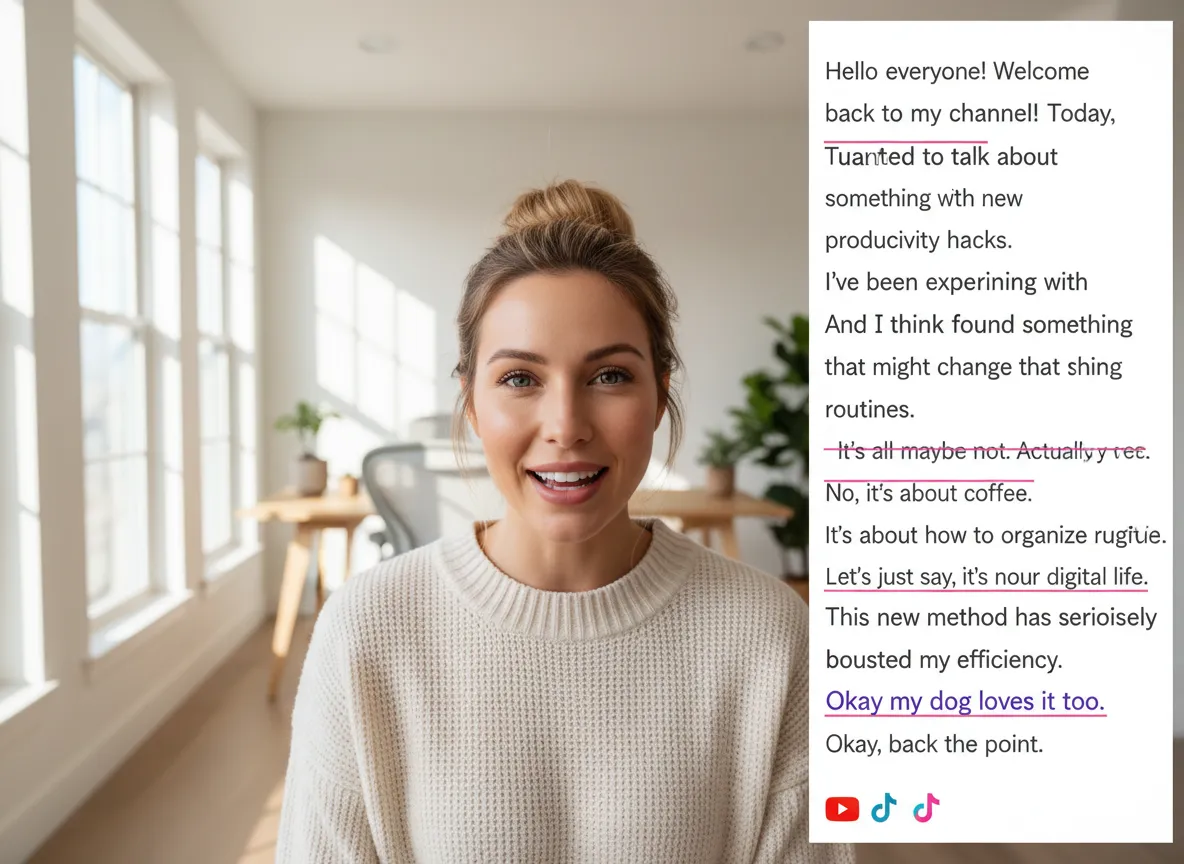
Edit your Zoom recordings with the same ease as editing a Word document using Vizard's text-based editor. Simply delete words, phrases, or entire sentences from the auto-generated transcript, and Vizard will automatically trim the corresponding video. It’s the fastest way for busy marketers to remove filler words and tighten up their content without needing professional editing skills.
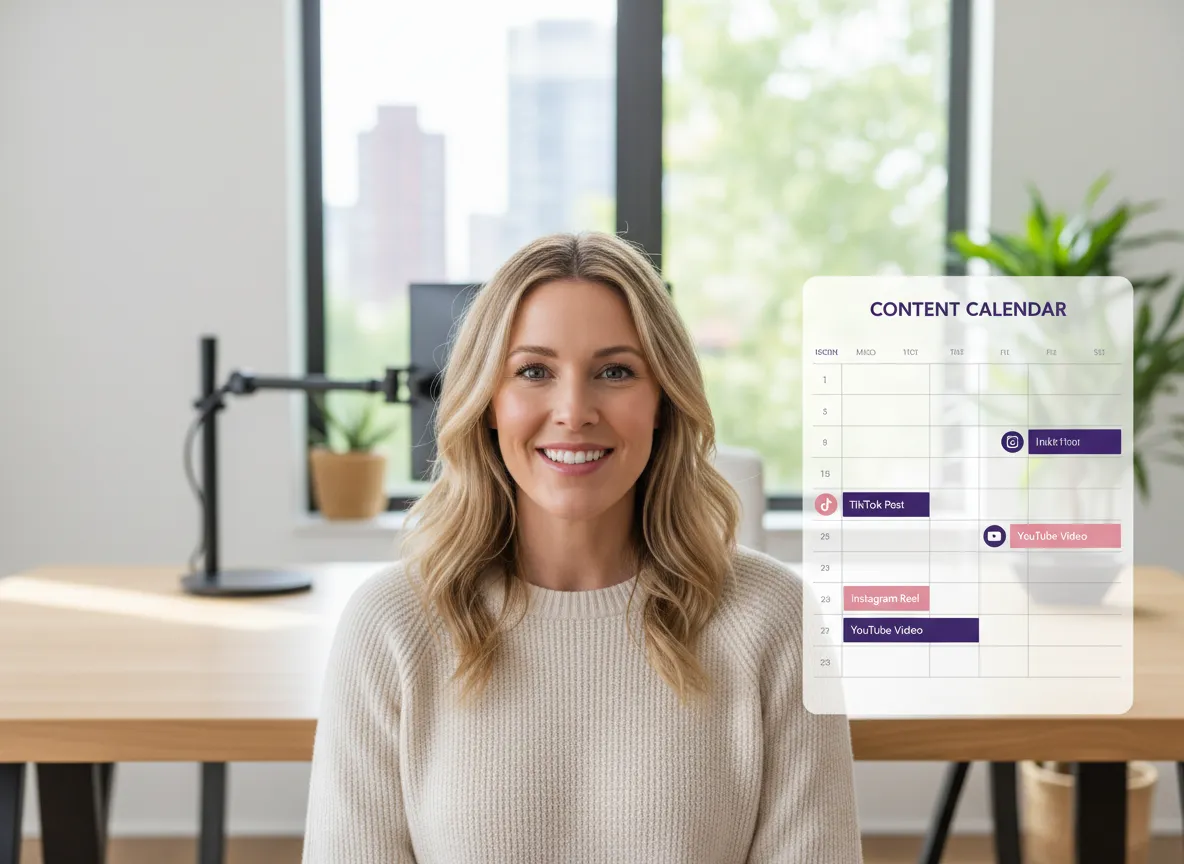
Take the complexity out of social media management with Vizard's integrated content calendar and auto-publishing tool. Once your Zoom clips are ready, use Vizard to schedule and publish them across up to 20 social media accounts, including TikTok, Instagram, and LinkedIn. Vizard streamlines your entire workflow, from raw recording to scheduled post, all within a single, intuitive dashboard.
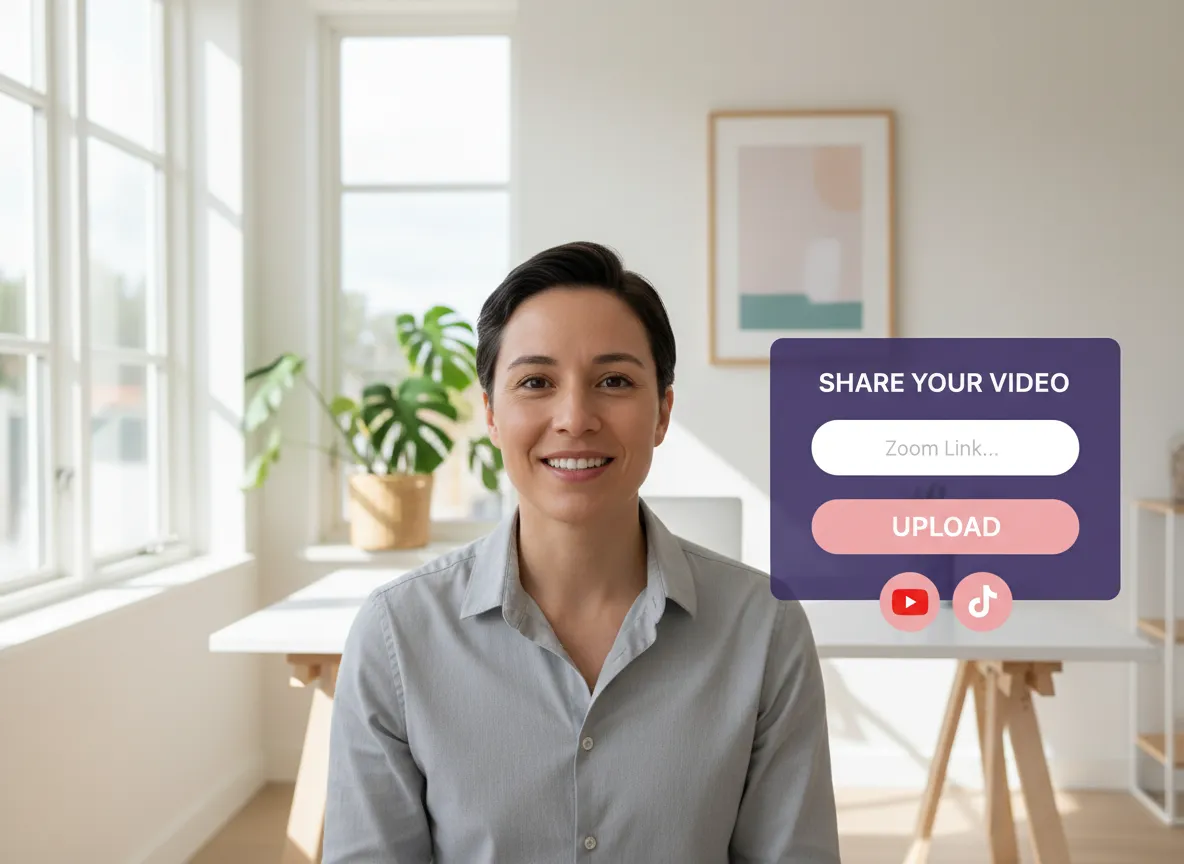
Navigate to your Vizard workspace. Simply paste your Zoom cloud recording link or upload the raw recording file directly from your computer to get started.
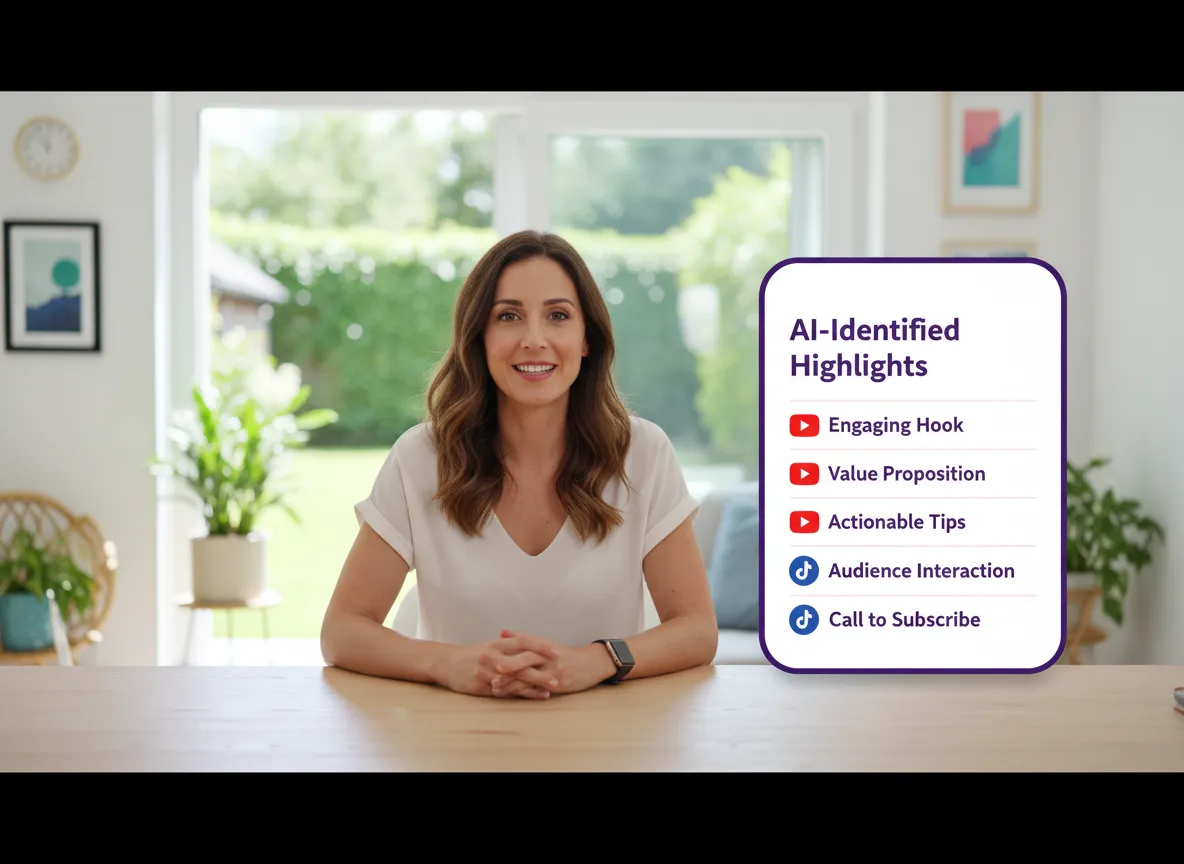
Let Vizard's powerful AI analyze your long-form Zoom recording. With just one click, it identifies the most engaging highlights and key moments automatically.
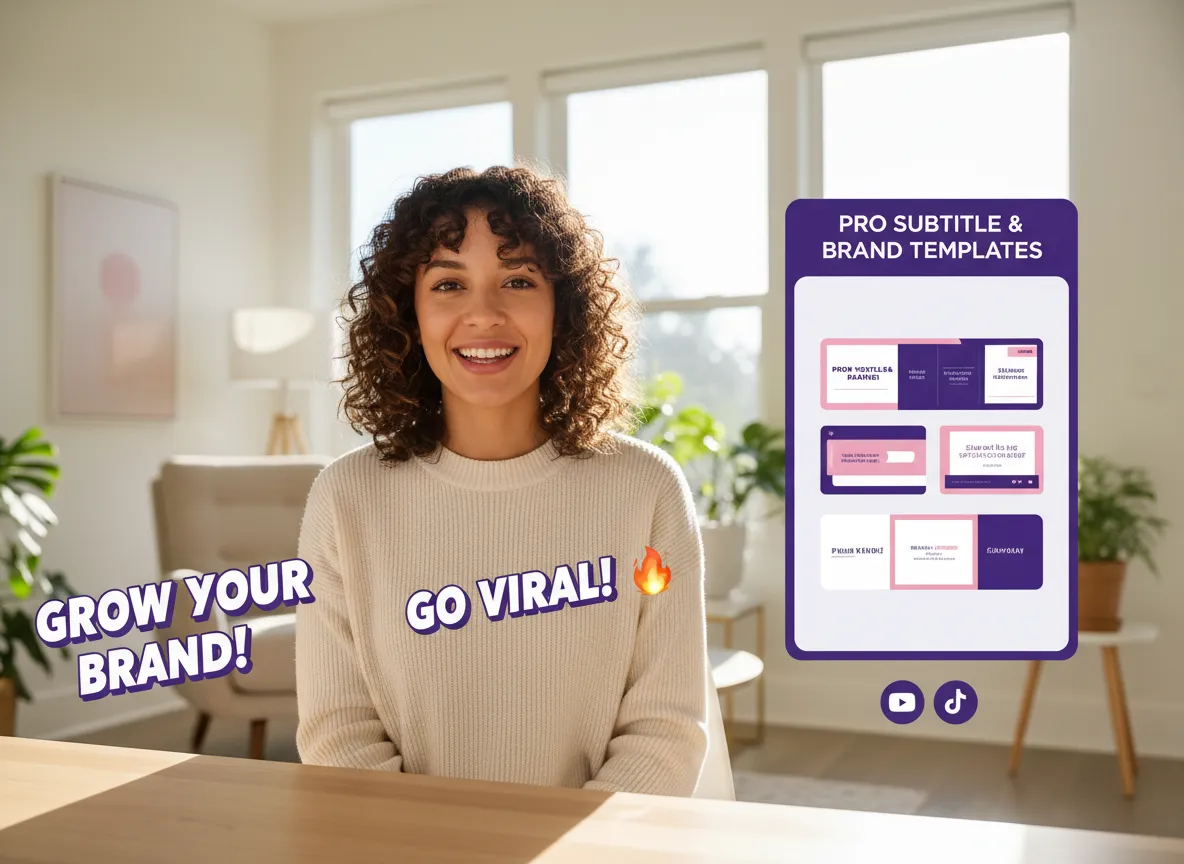
Choose from a variety of professional templates and dynamic subtitle styles that match your brand. Customize layouts and captions to make your clips pop on social media.
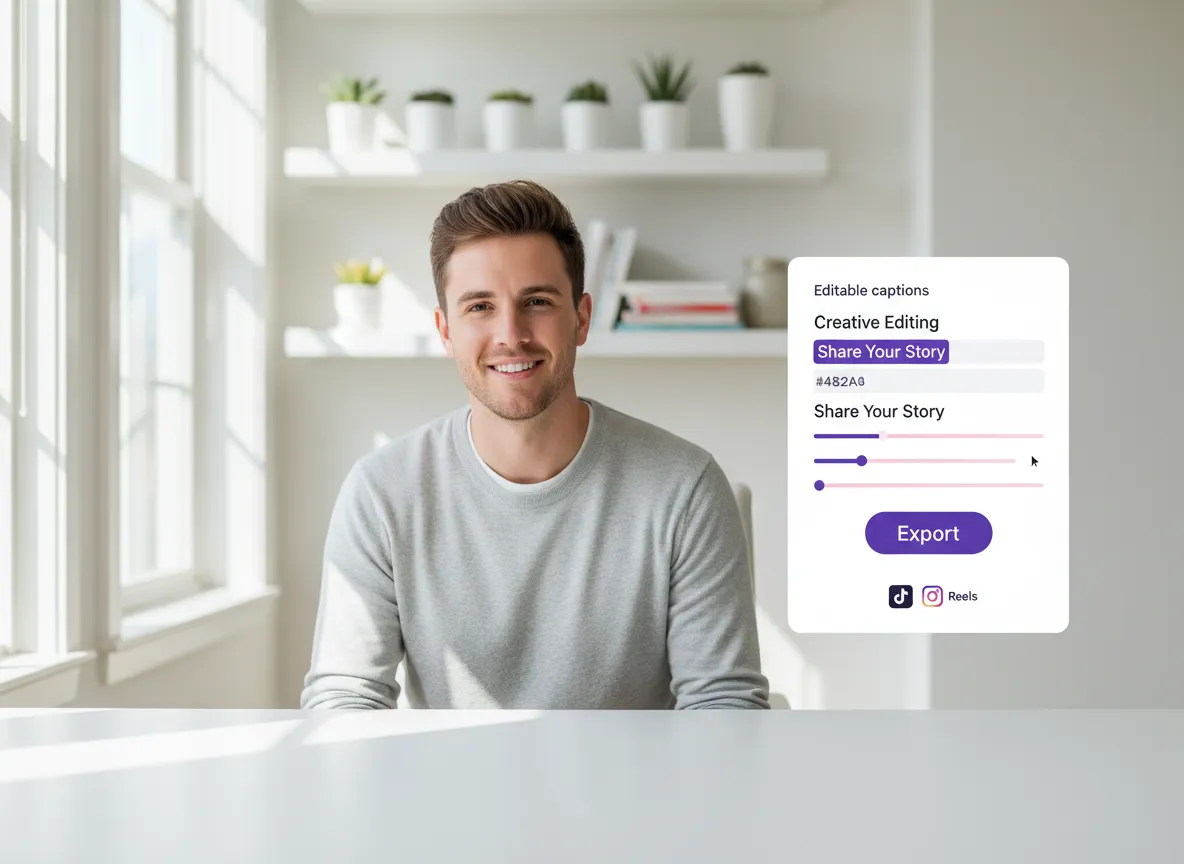
Review your AI-generated clips, make any final edits with our text-based editor, and export them. Your viral-ready short videos are now ready for TikTok, Reels, and Shorts!
Turn one video into 10+ Instagram Reels with AI.
With just a few clicks, you can download or share your videos with your friends or team members with a link.
Turn your videos and audios into Reels, Stories, posts, and more in one click.
Effortlessly plan, schedule, and auto-generate engaging AI-driven posts, and publish your Instagram Reels along with the perfect captions.
Add dynamic subtitles for your videos automatically, all in the browser.
Bring your team together by inviting collaborators to work on your projects, in one workspace.
Effortlessly translate your video content into 130+ languages, expanding your global reach with just a few clicks.
Enhance your video's visual appeal and brand identity with ease by adding logos, images, outros, and custom fonts to your videos.


How can I turn my Zoom recordings into short clips?
Does Vizard support different languages for Zoom recordings?
Can I customize the branding of my Zoom clips?
How does the AI find highlights in my Zoom recording?
Can I edit the content of my Zoom recording like a text document?
Can I schedule my Zoom clips to social media directly from Vizard?
How can I turn my Zoom recordings into short clips?
Does Vizard support different languages for Zoom recordings?
Can I customize the branding of my Zoom clips?
How does the AI find highlights in my Zoom recording?
Can I edit the content of my Zoom recording like a text document?
Can I schedule my Zoom clips to social media directly from Vizard?

 Yao Wang

Yao Wang
Yao Wang

Yao Wang

Yao Wang


















