

NEW
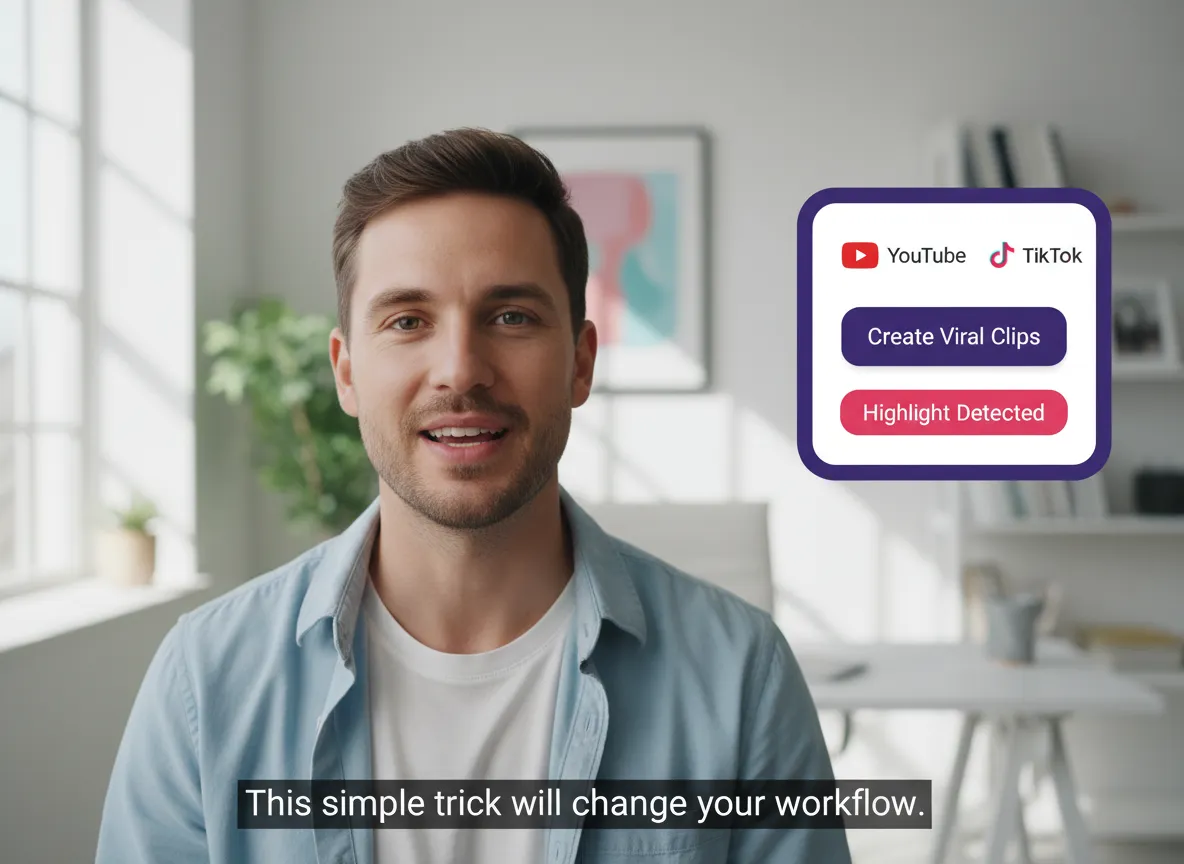



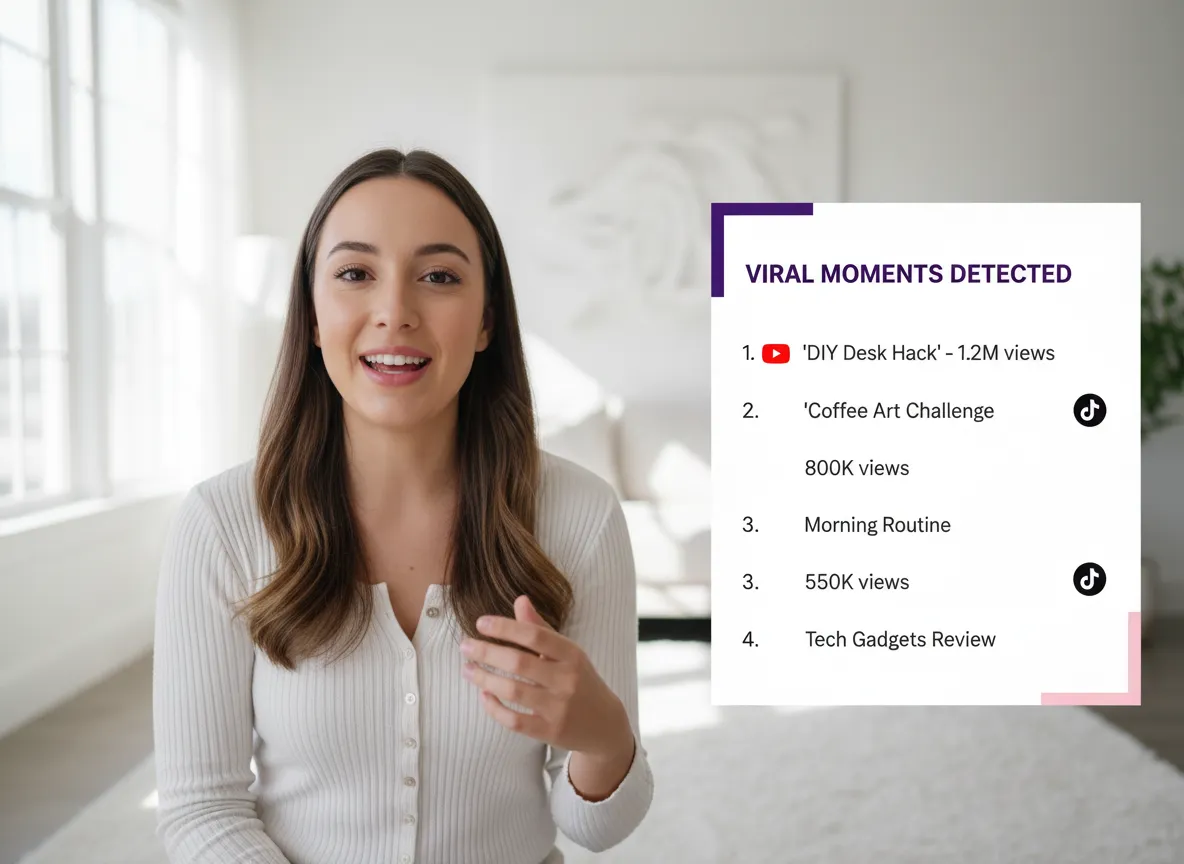
Stop spending hours scrubbing through footage. Our AI instantly scans your livestreams to identify the most engaging, viral-ready moments, ensuring you never miss a highlight from your YouTube Live or Twitch streams.
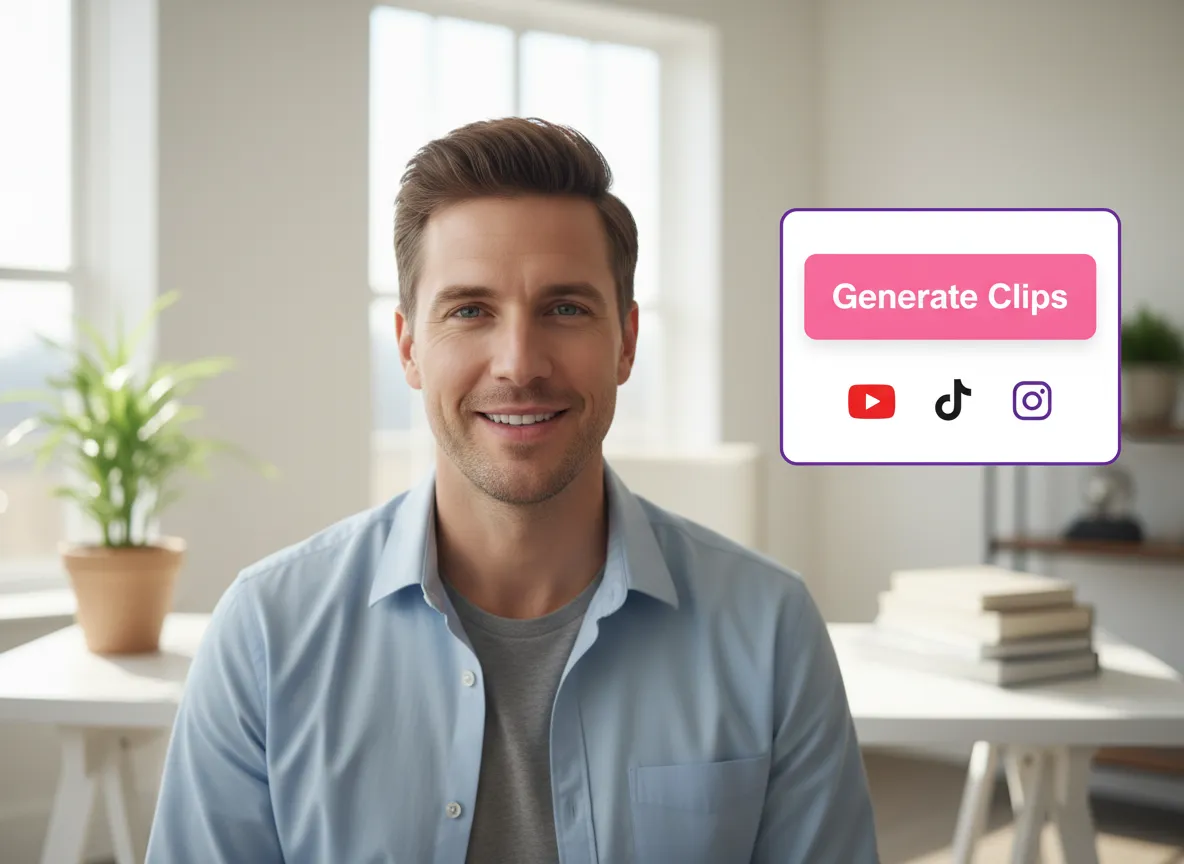
Convert long-form recordings into a series of punchy, social-ready clips with just one click. Each clip is automatically cropped and optimized for the specific dimensions of TikTok, Instagram Reels, and YouTube Shorts.
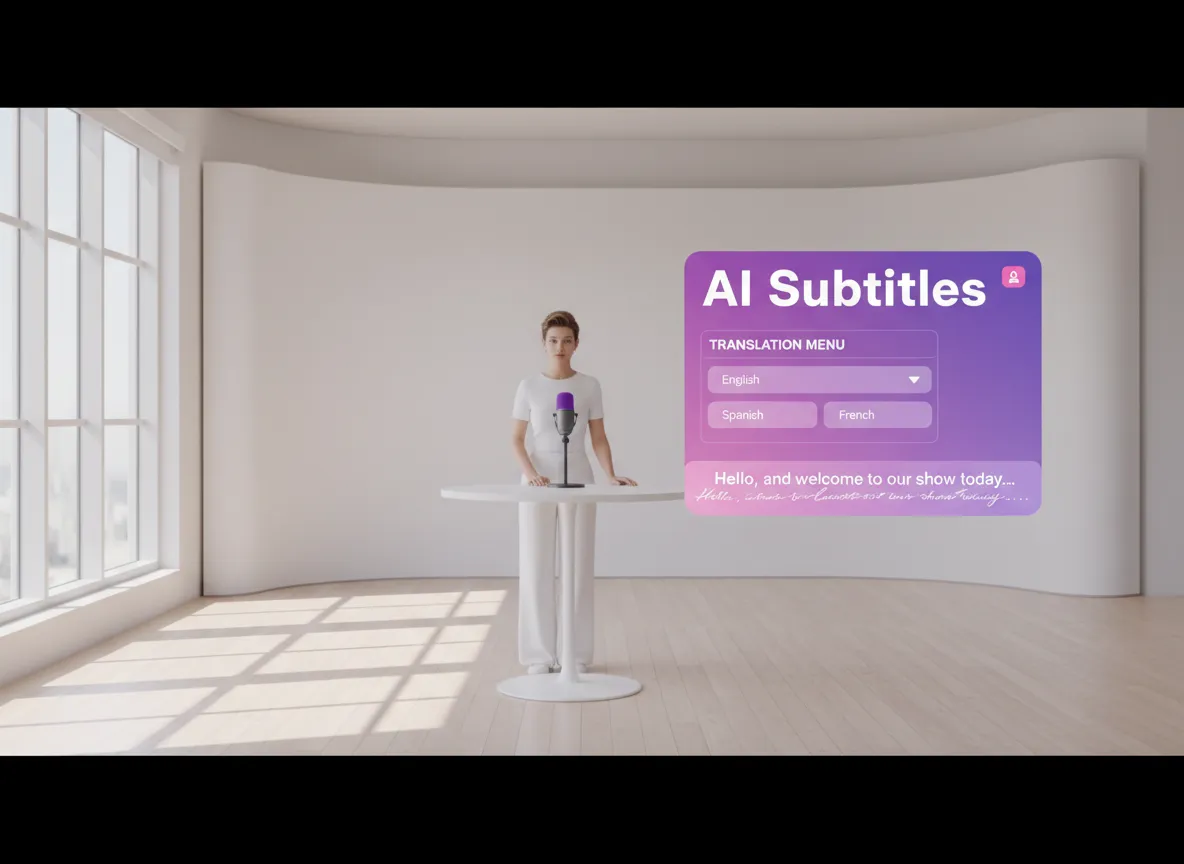
Captivate a global audience with 98% accurate auto-captions. Support for 35+ source languages and instant translation into 130+ languages helps your livestream content break through borders and language barriers.
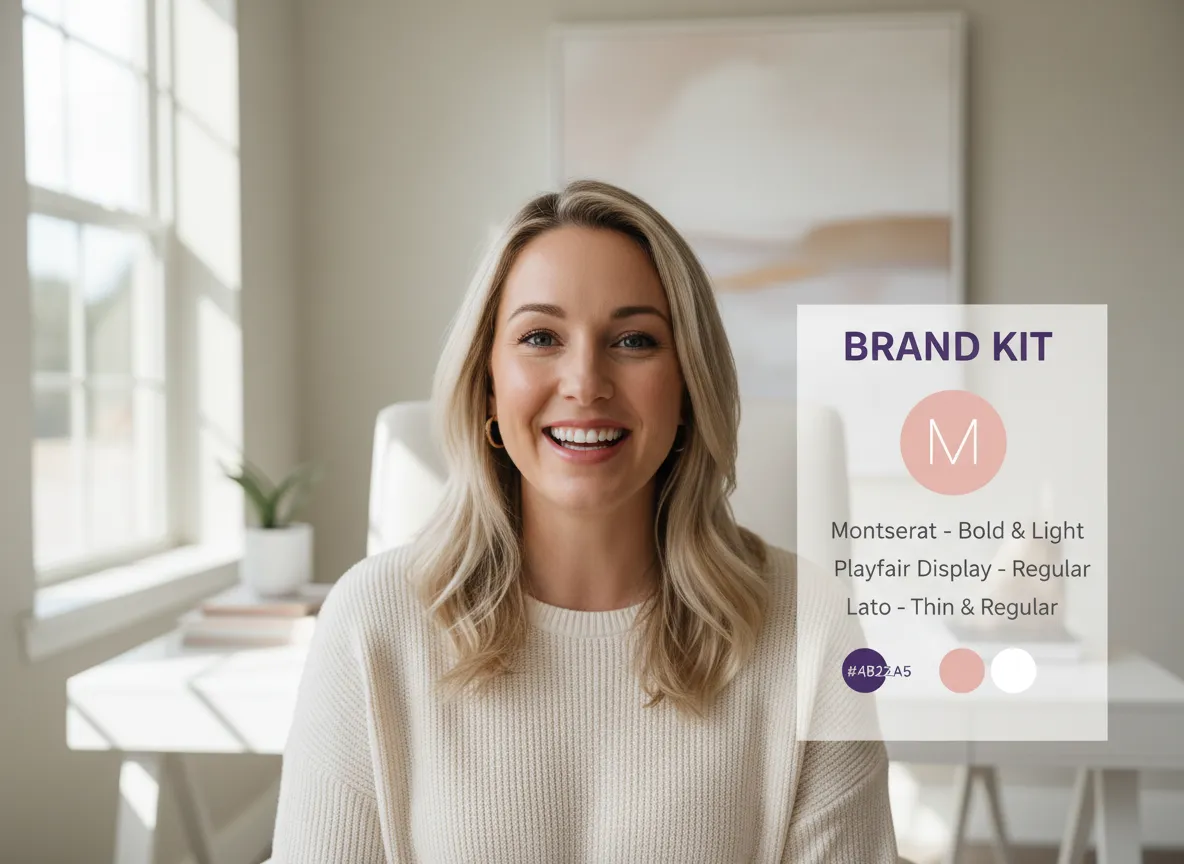
Ensure every clip looks professional and consistent. Easily apply your brand's logo, colors, custom fonts, and watermarks using our library of fully customizable, high-impact video templates.
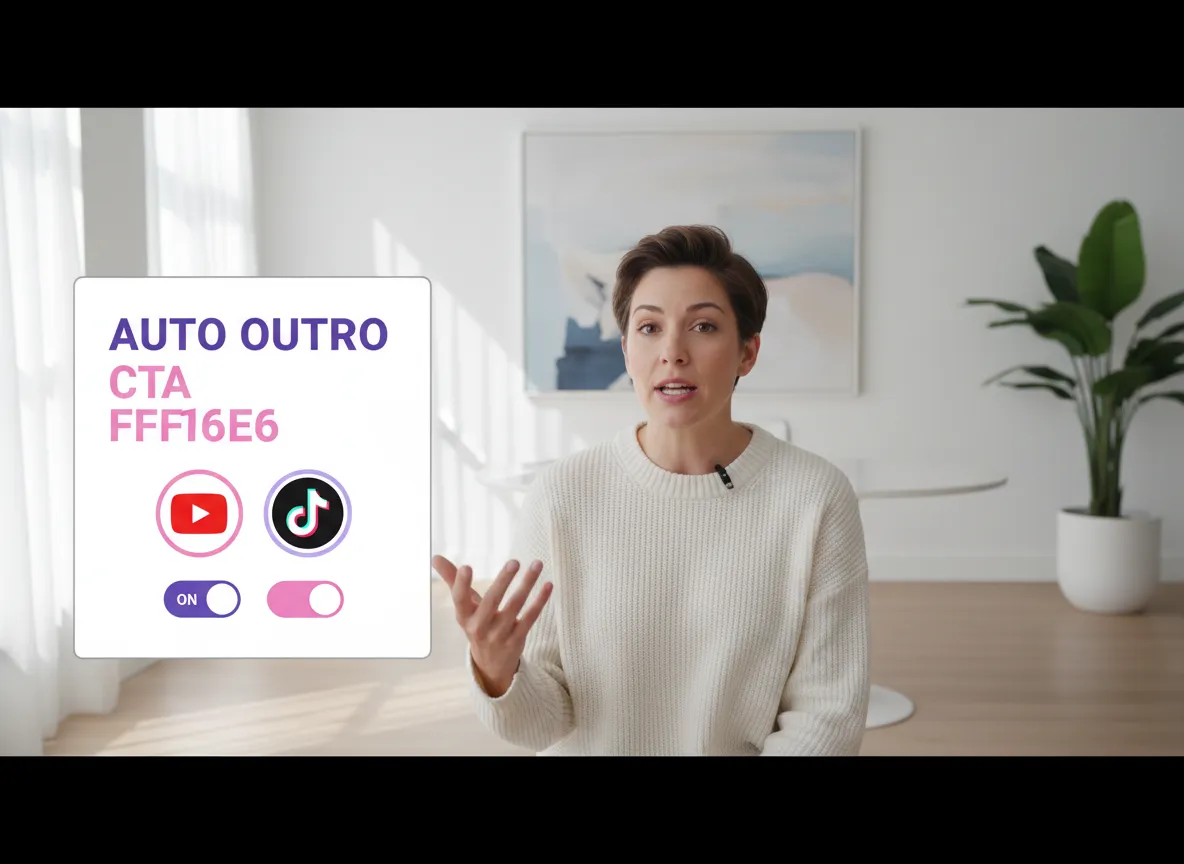
Maximize your social media conversion rates. Automatically append branded outros and powerful calls-to-action to your clips, turning casual viewers into loyal subscribers and followers.
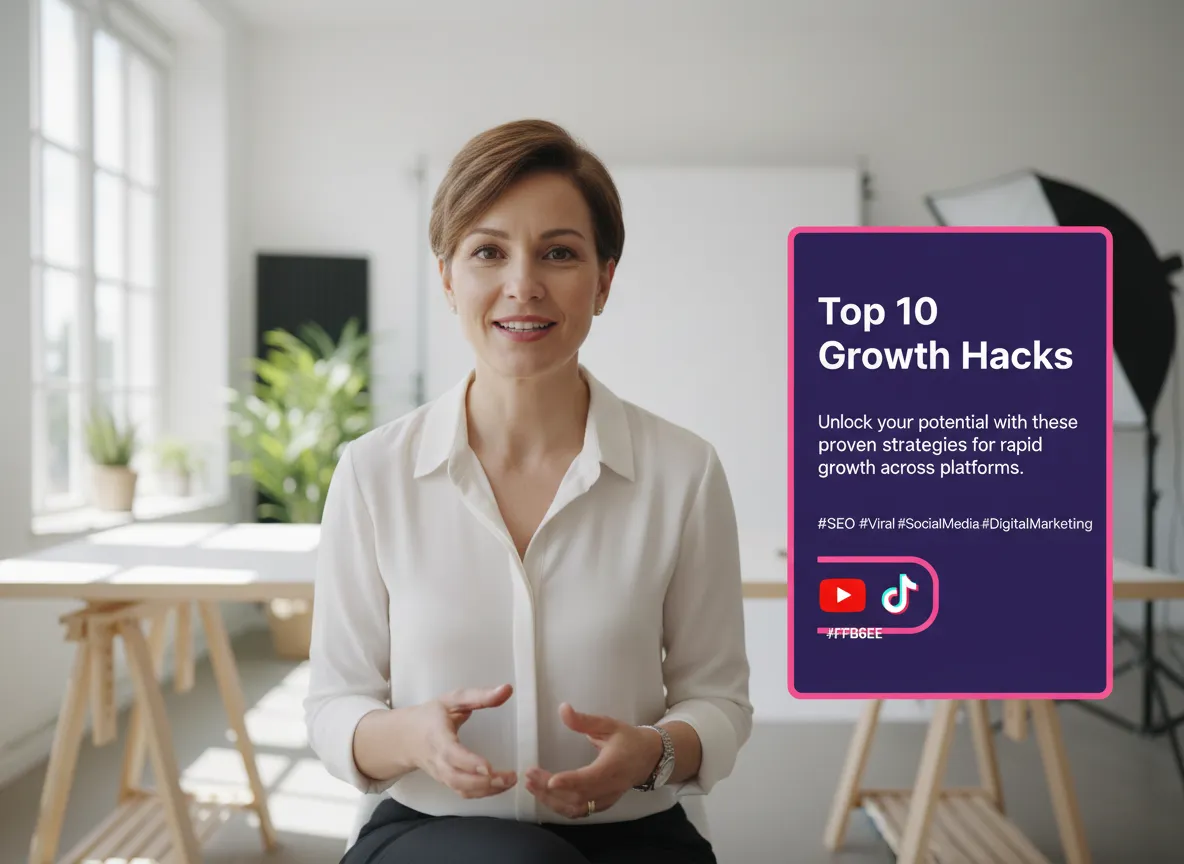
Eliminate the guesswork from social posting. Our AI generates SEO-friendly titles, engaging video descriptions, and trending hashtags for every clip, designed to maximize reach and engagement.
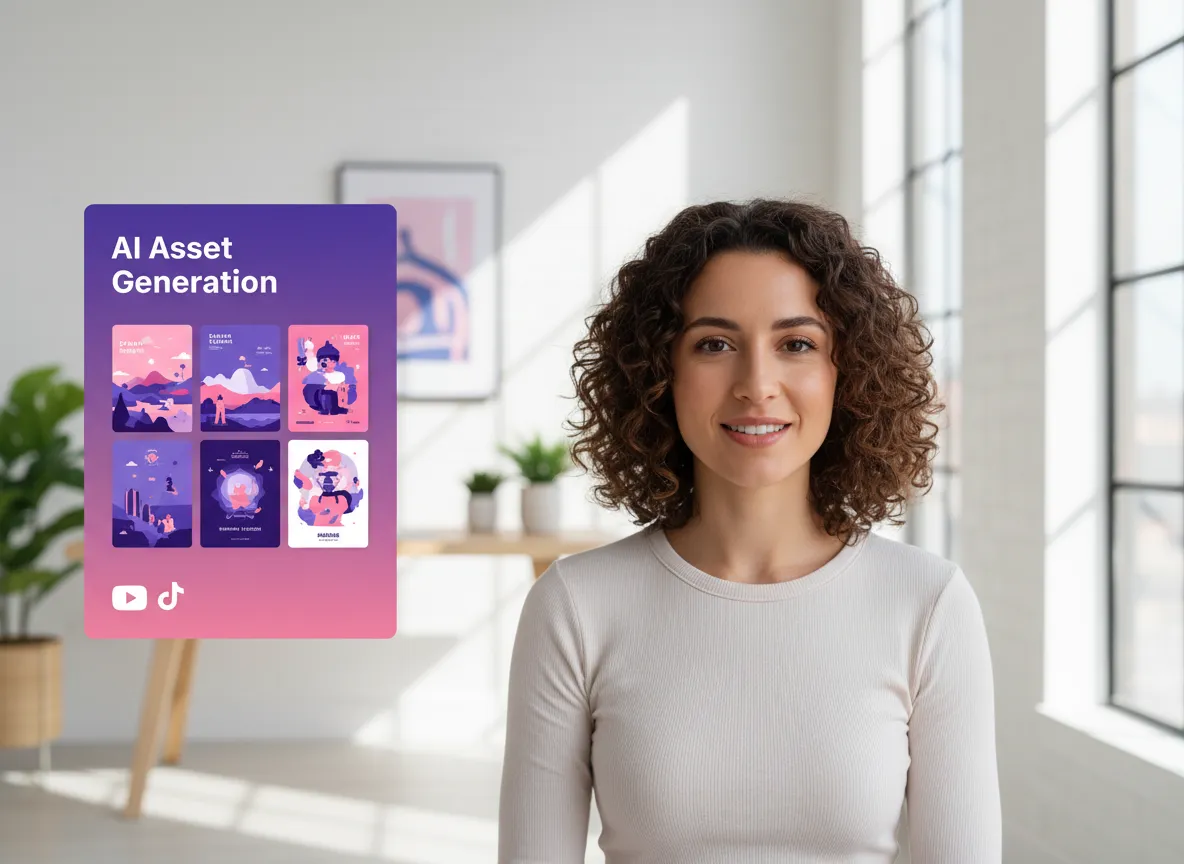
Create eye-catching visuals that demand clicks. Leverage cutting-edge models like Sora 2 and Nano Banana to generate custom YouTube thumbnails, promotional posters, and creative assets tailored to your video content.
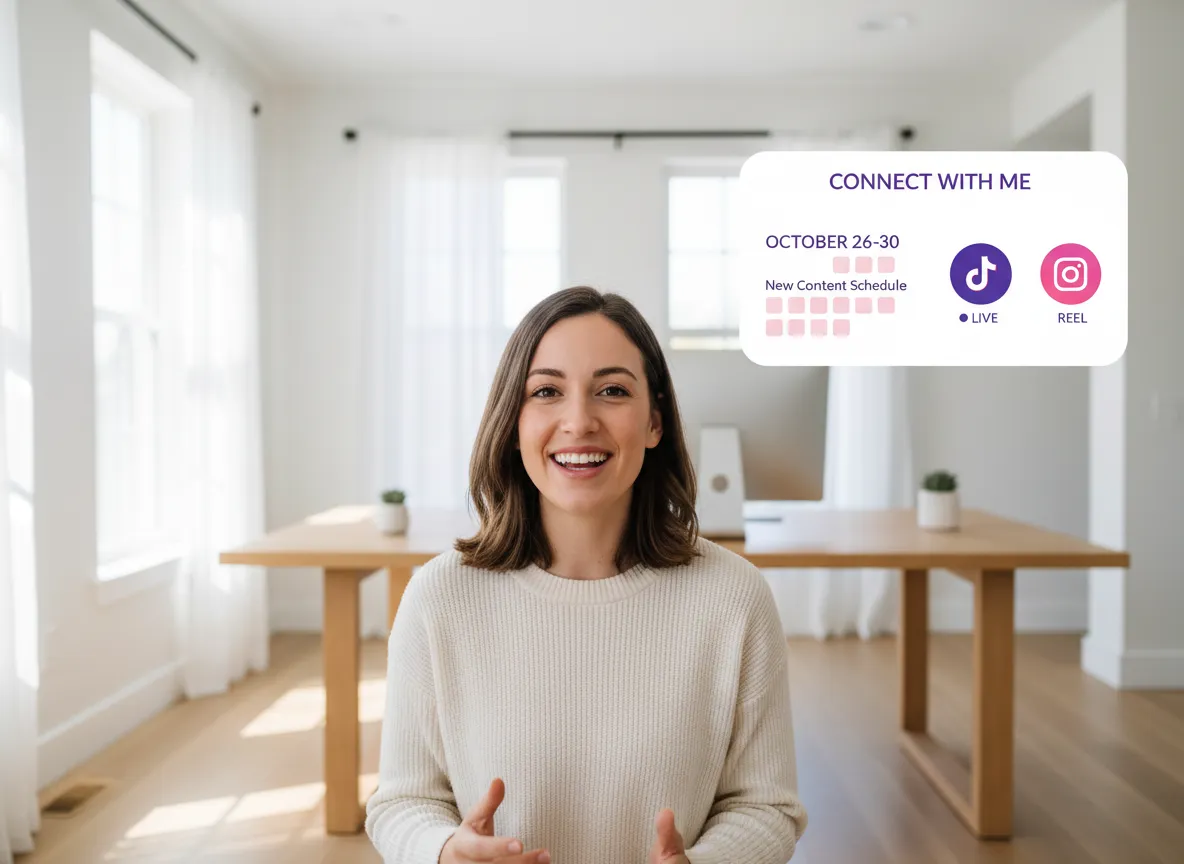
Manage your entire content calendar in one place. Link your social accounts and schedule your clips for automatic publishing across multiple platforms and time zones with zero manual effort.
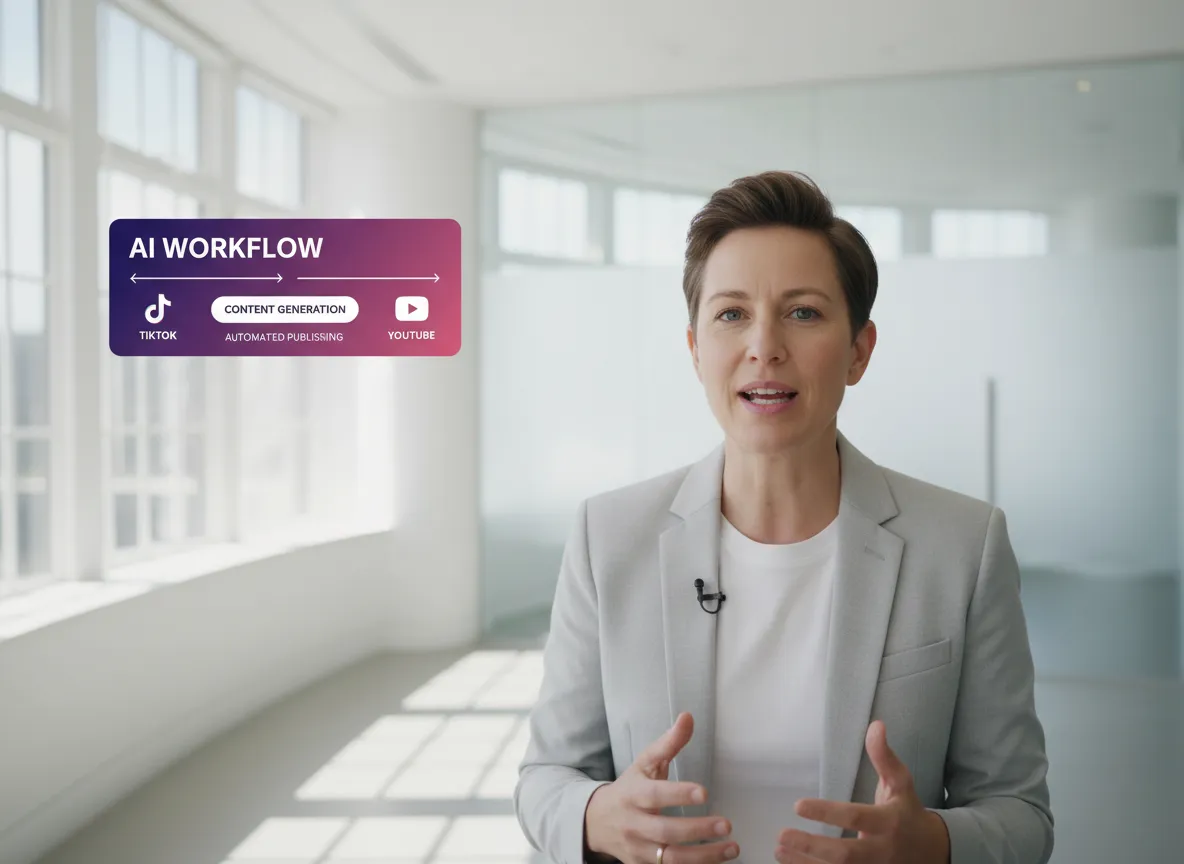
Streamline your entire production process. From raw livestream recording to fully edited, branded, and scheduled social media posts—all within a single, unified, AI-powered ecosystem.
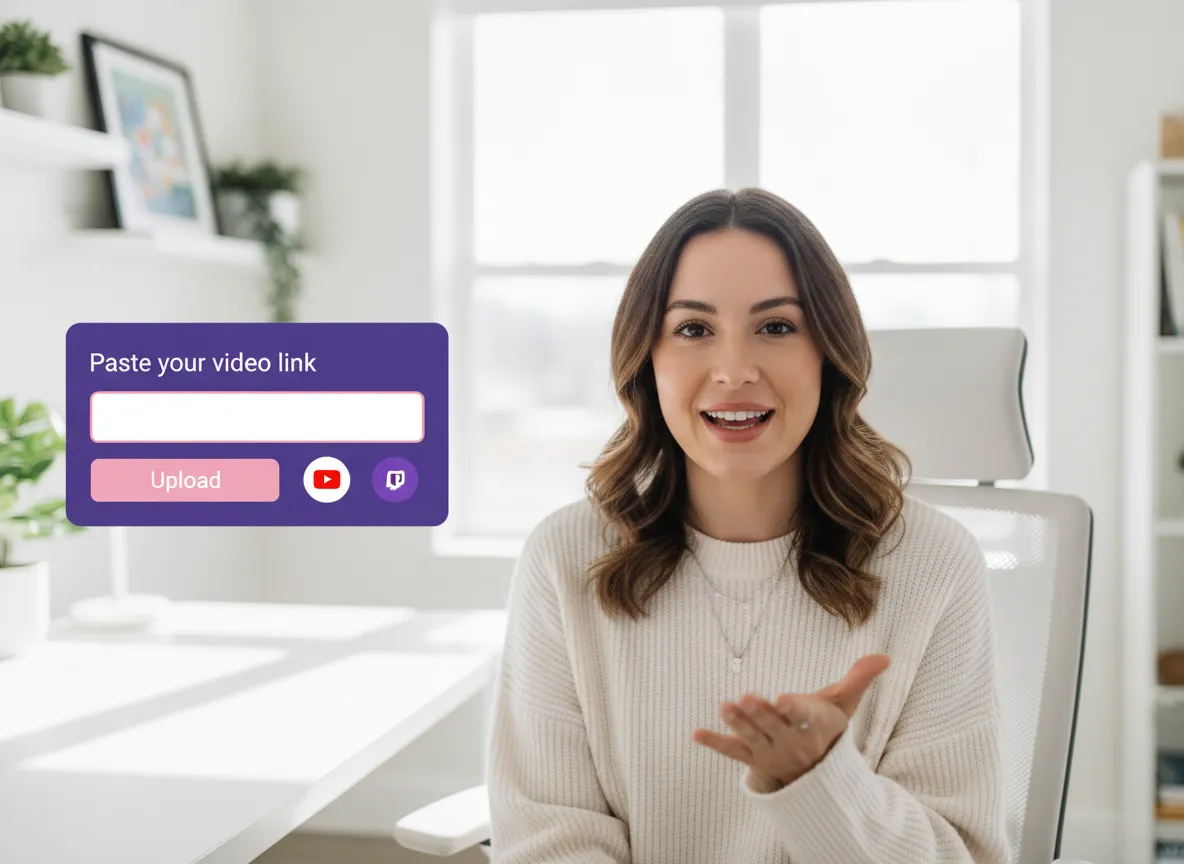
Start by uploading your livestream recording or pasting a video link from YouTube, Twitch, Zoom, or other supported platforms. Vizard handles the rest, preparing your long-form content for AI processing.
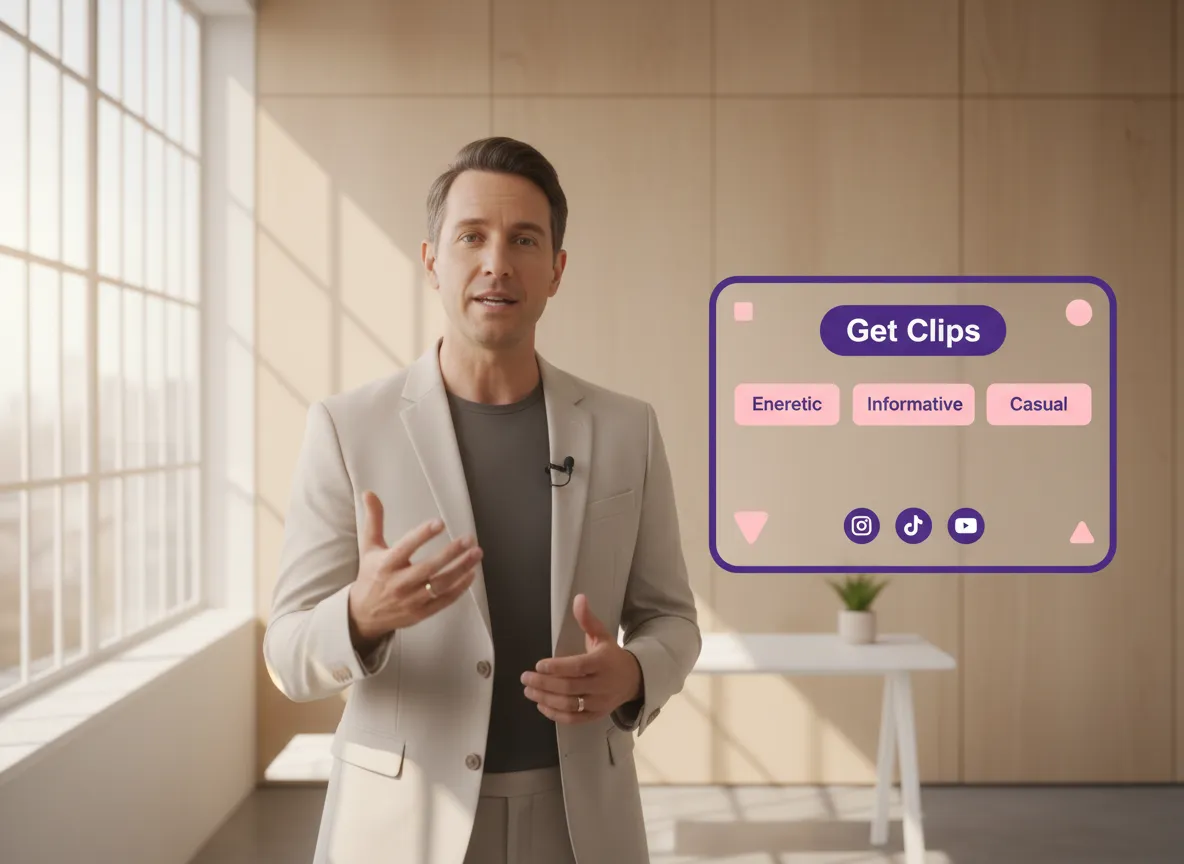
Choose from dynamic subtitle styles and professional templates. With one click on "Get Clips," our AI analyzes your footage to find the most engaging moments, automatically adding captions and visual enhancements.
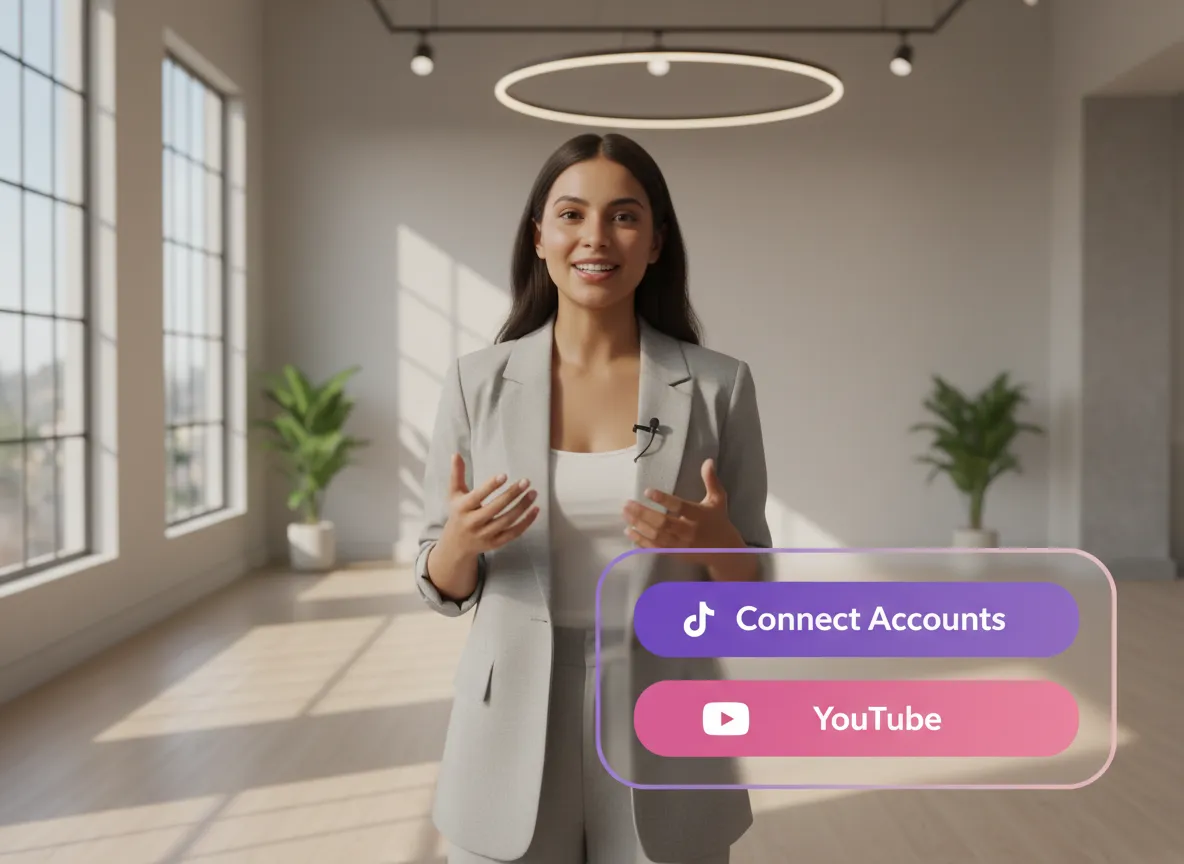
Preview your generated clips and connect your social media profiles. Vizard supports up to 20 accounts across platforms like TikTok, Instagram, and YouTube, making multi-channel distribution effortless.
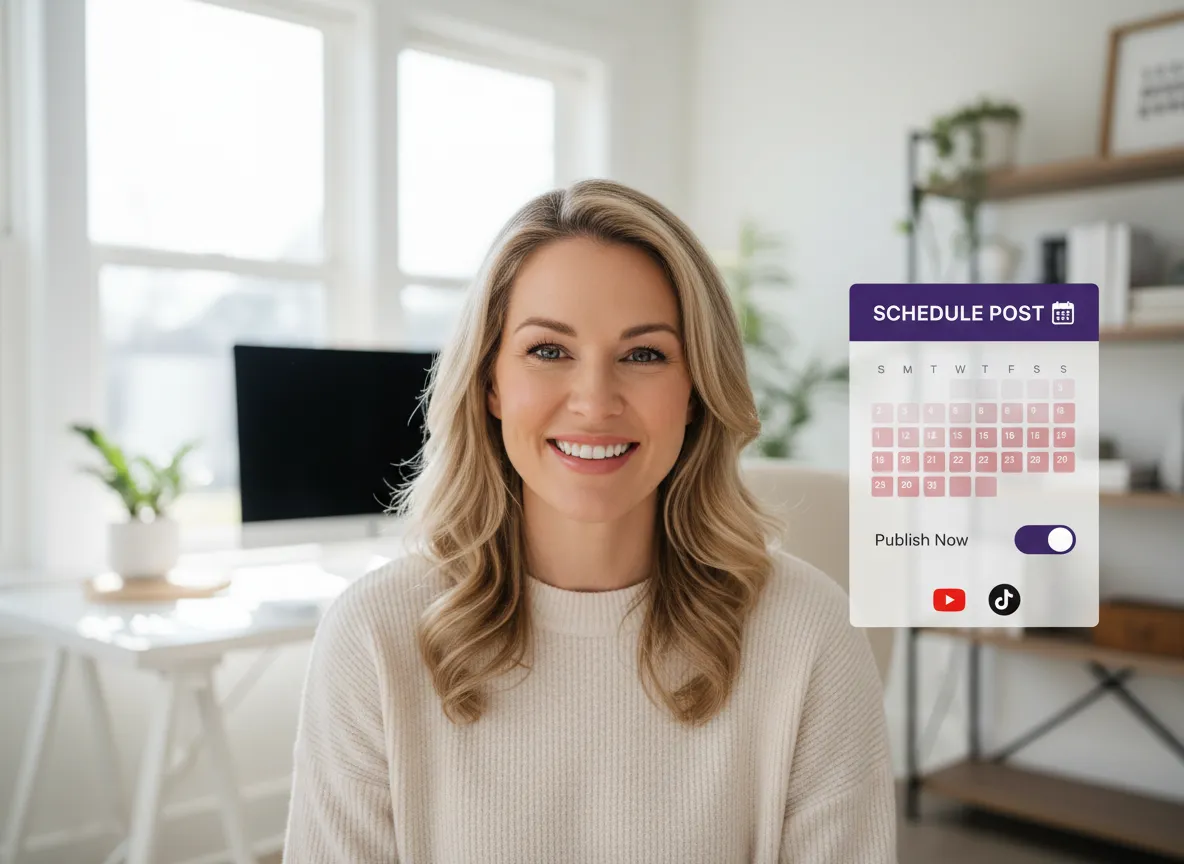
Decide whether to publish immediately or schedule your posts for later. Vizard automates the posting process, ensuring your content reaches your audience consistently without manual effort.
Turn one video into 10+ Instagram Reels with AI.
With just a few clicks, you can download or share your videos with your friends or team members with a link.
Turn your videos and audios into Reels, Stories, posts, and more in one click.
Effortlessly plan, schedule, and auto-generate engaging AI-driven posts, and publish your Instagram Reels along with the perfect captions.
Add dynamic subtitles for your videos automatically, all in the browser.
Bring your team together by inviting collaborators to work on your projects, in one workspace.
Effortlessly translate your video content into 130+ languages, expanding your global reach with just a few clicks.
Enhance your video's visual appeal and brand identity with ease by adding logos, images, outros, and custom fonts to your videos.


What types of livestream recordings can I turn into clips?
How does the AI identify the best highlights from my livestream?
Can I customize the clips with my own branding and logo?
Does Vizard support automated subtitles and multi-language translation?
Can I post my clips directly to social media from Vizard?
What other AI creative assets can I generate with Vizard?
What types of livestream recordings can I turn into clips?
How does the AI identify the best highlights from my livestream?
Can I customize the clips with my own branding and logo?
Does Vizard support automated subtitles and multi-language translation?
Can I post my clips directly to social media from Vizard?
What other AI creative assets can I generate with Vizard?

 Yao Wang

Yao Wang

Yao Wang
Yao Wang
Yao Wang


















