

NEW
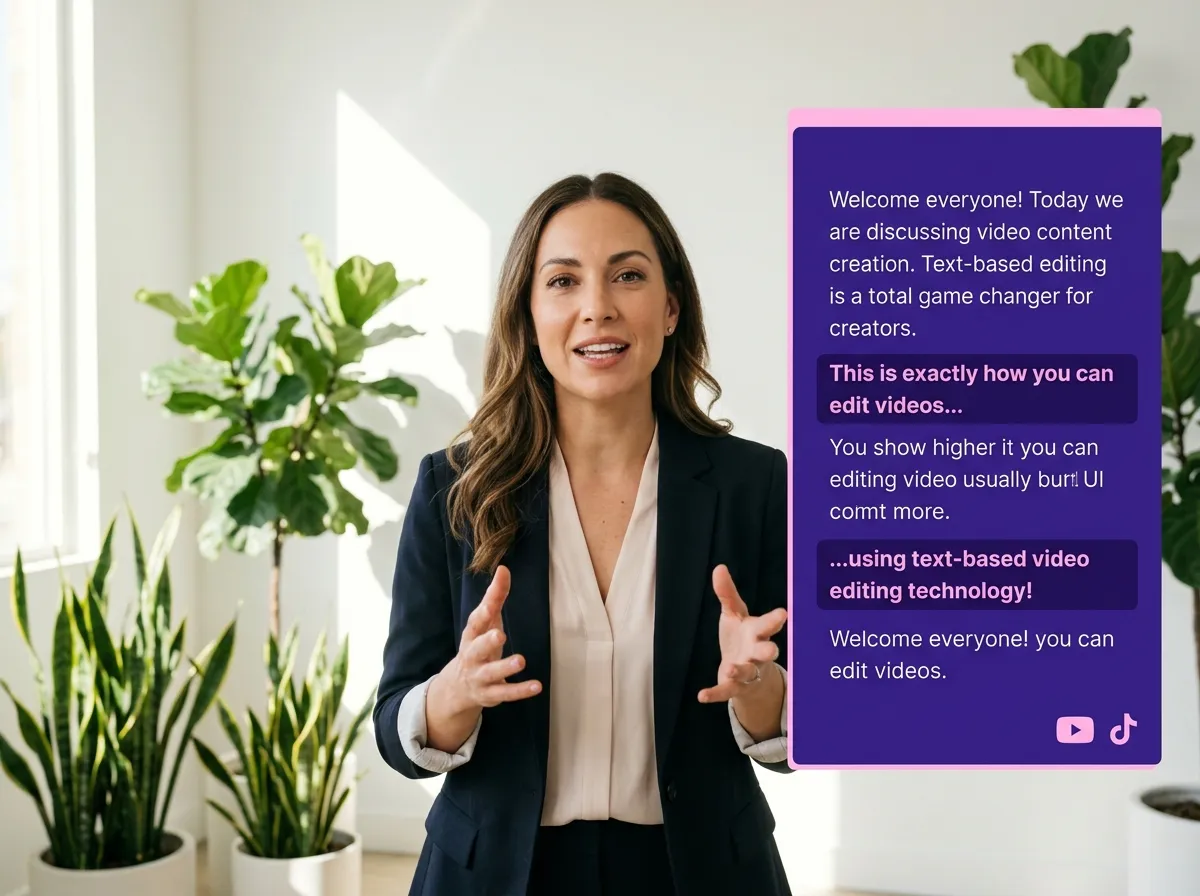



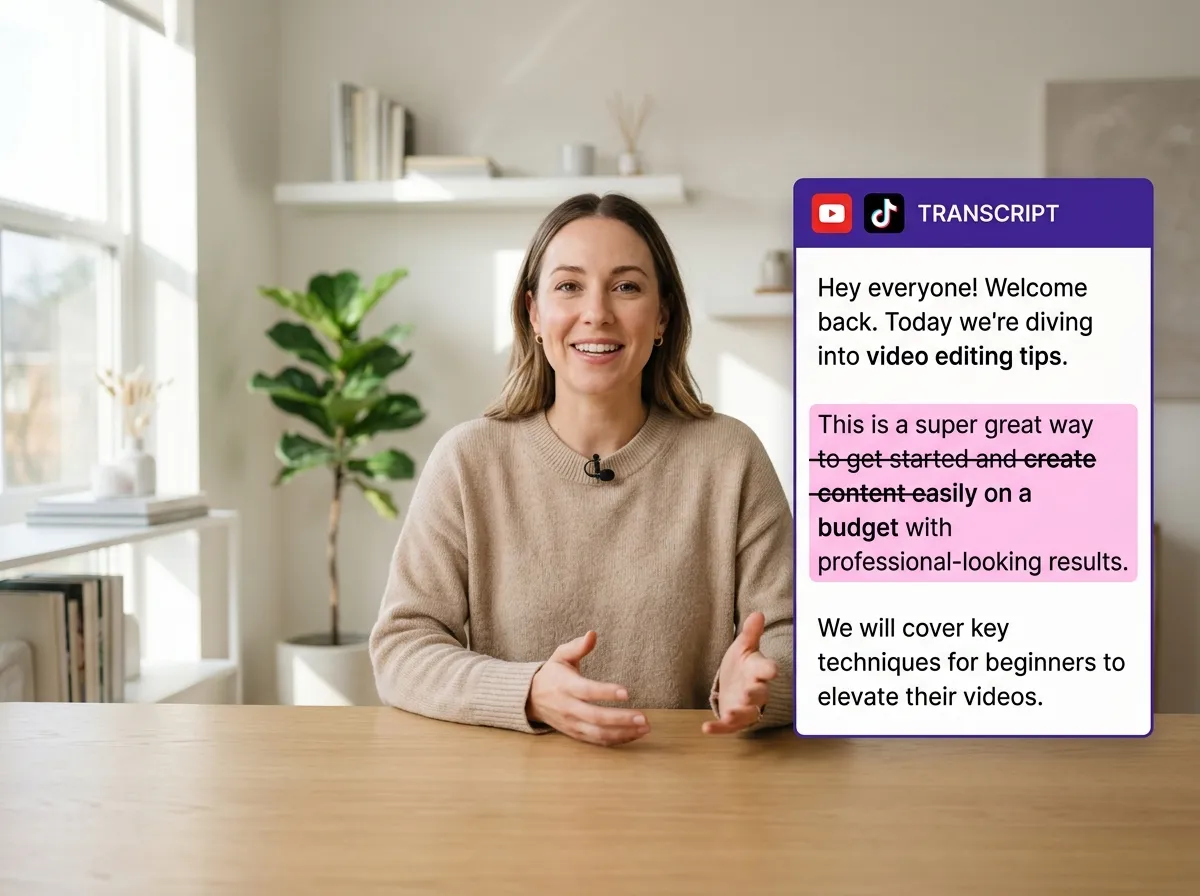
Vizard transforms the complex process of video editing into a simple, text-based workflow. With our Transcript Based Video Editing tool, your video is automatically transcribed upon upload. Instead of struggling with traditional timelines, you can simply delete sentences or remove bad takes directly from the transcript, and the video updates instantly. This is ideal for podcasters and webinar hosts who want to clean up interviews without technical expertise. Vizard empowers you to focus on your message rather than the mechanics of editing, saving hours of manual work while ensuring your final content is polished and professional.
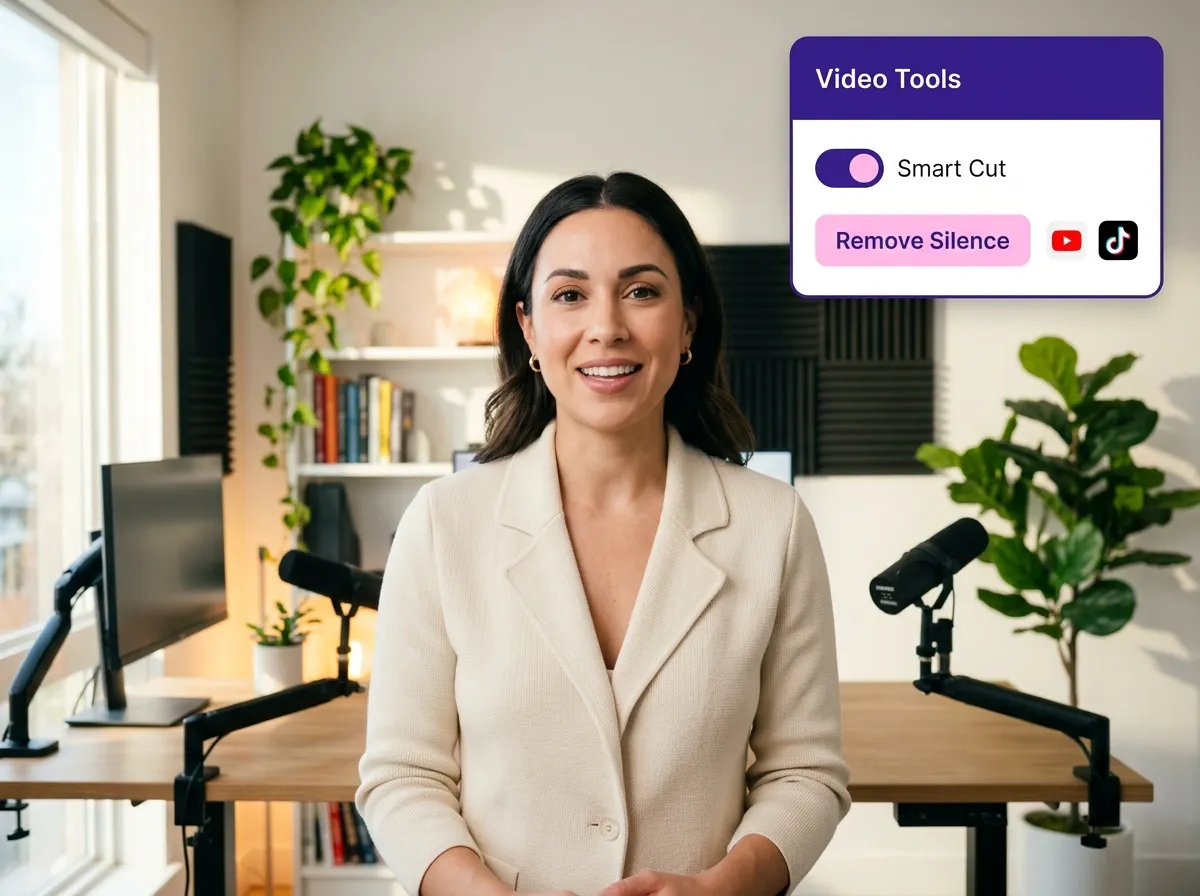
Clean up your recordings effortlessly with Vizard's intelligent silence removal. This feature automatically identifies and cuts out awkward pauses, dead air, and repetitive lines from your transcript. Whether you're a YouTuber or a corporate trainer, this tool ensures your talking-head videos flow smoothly and keep viewers engaged. By editing the text, you remove the filler words and mistakes that distract from your content. Vizard makes it incredibly easy to produce high-quality, fast-paced videos that are ready for social media platforms like TikTok and Instagram Reels, all without needing any prior editing experience.
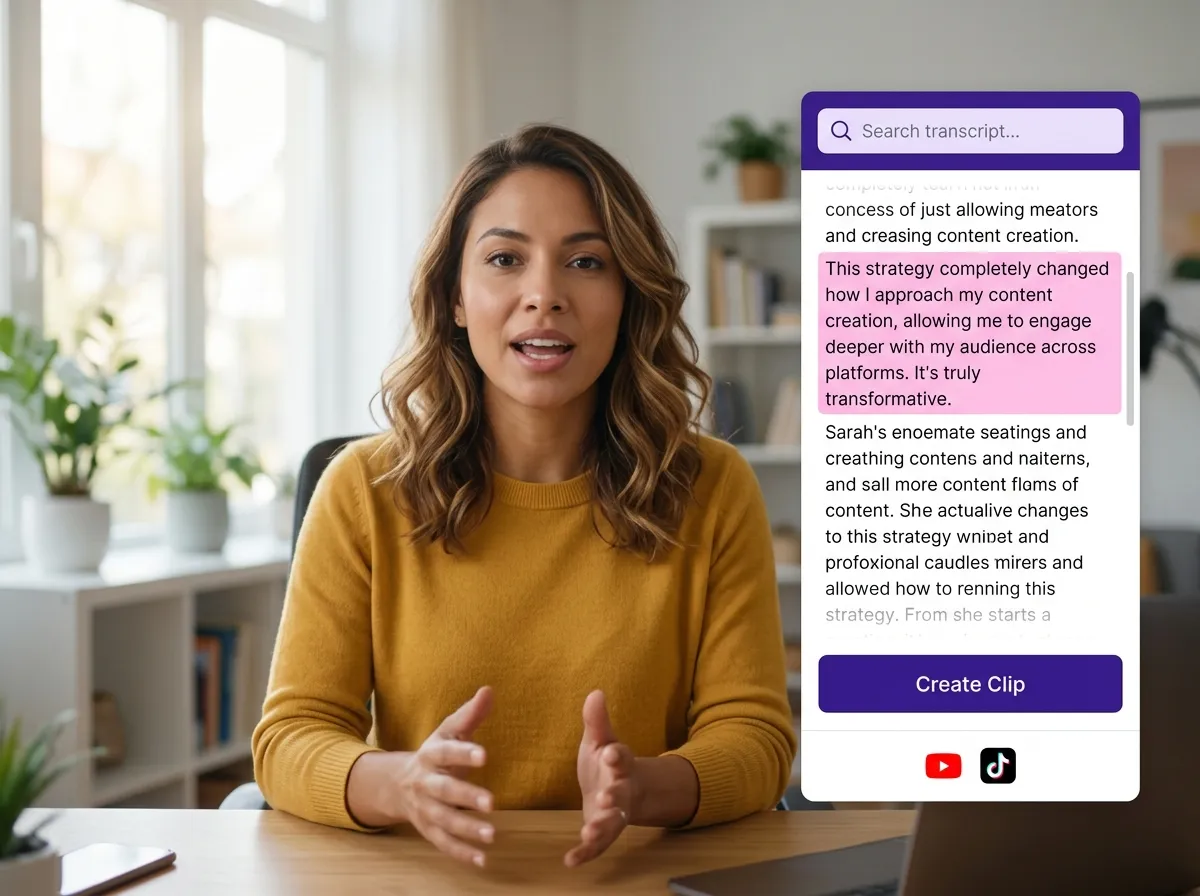
Finding the perfect moment in a long-form webinar or interview has never been easier. Vizard's Transcript Based Video Editing allows you to search for specific keywords within your transcript to jump directly to those video segments. Once you've found a highlight, simply select the text to instantly create short, viral clips for social media. This workflow is a game-changer for social media managers who need to repurpose long recordings into bite-sized content. Vizard streamlines the entire process, allowing you to turn one long video into multiple engaging clips in just a few clicks.
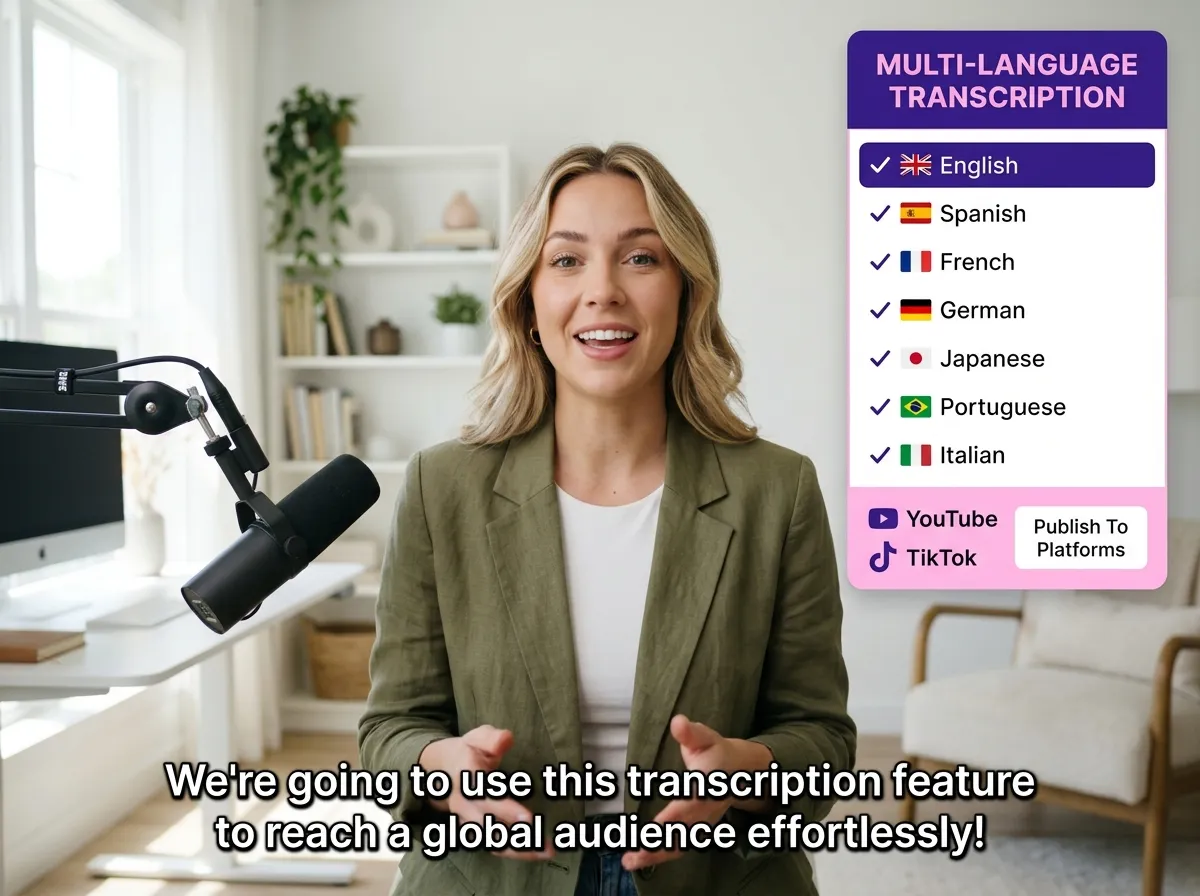
Expand your reach globally with Vizard's powerful transcription and captioning capabilities. Our tool supports transcription in over 50 languages and can translate your captions into 180+ languages, making your content accessible to a worldwide audience. Your transcript automatically becomes stylish, customizable captions that enhance viewer retention on platforms like YouTube Shorts and LinkedIn. Vizard provides a beginner-friendly editing experience that combines the precision of text editing with the power of professional video production, ensuring your message resonates across borders and cultures with ease and accuracy.
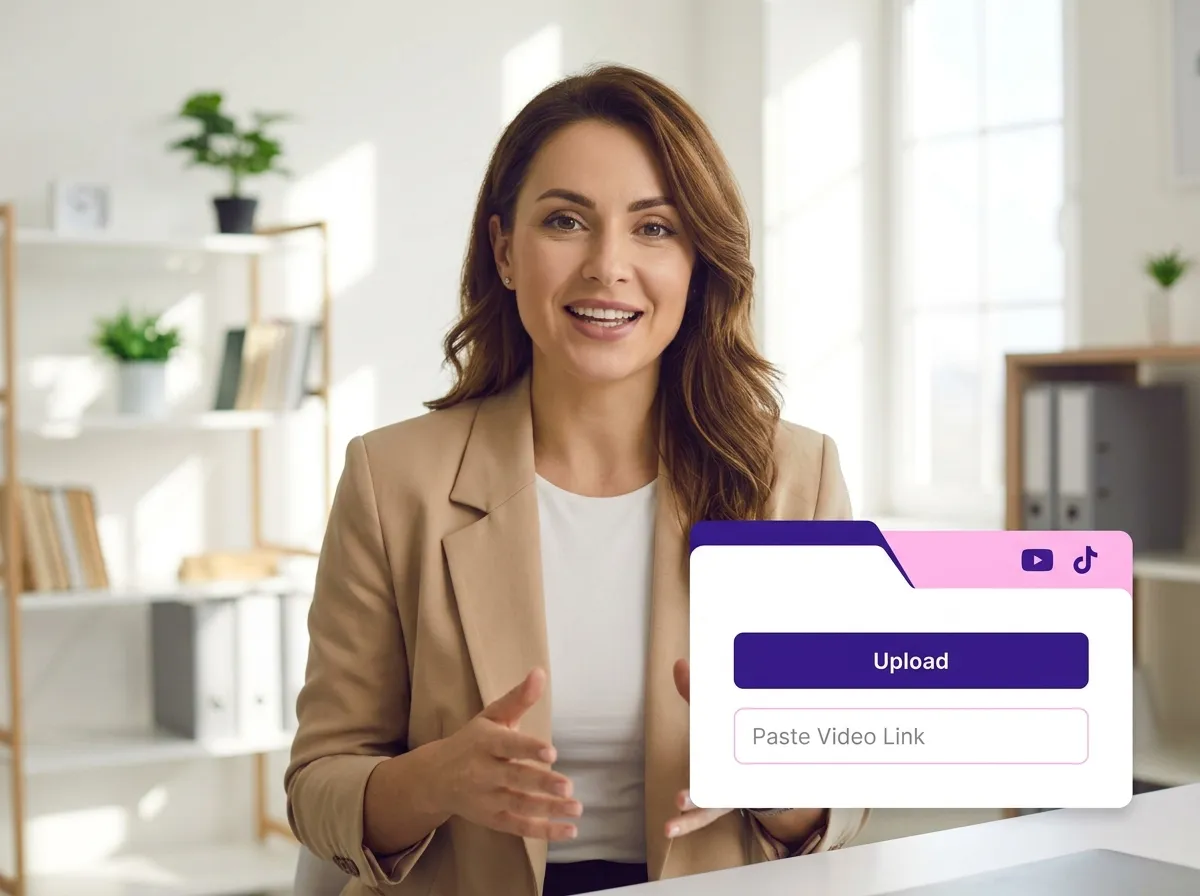
Start by uploading your video file—whether it's a webinar, interview, meeting, or podcast recording. You can also simply paste a video link from YouTube or other platforms to get started instantly.
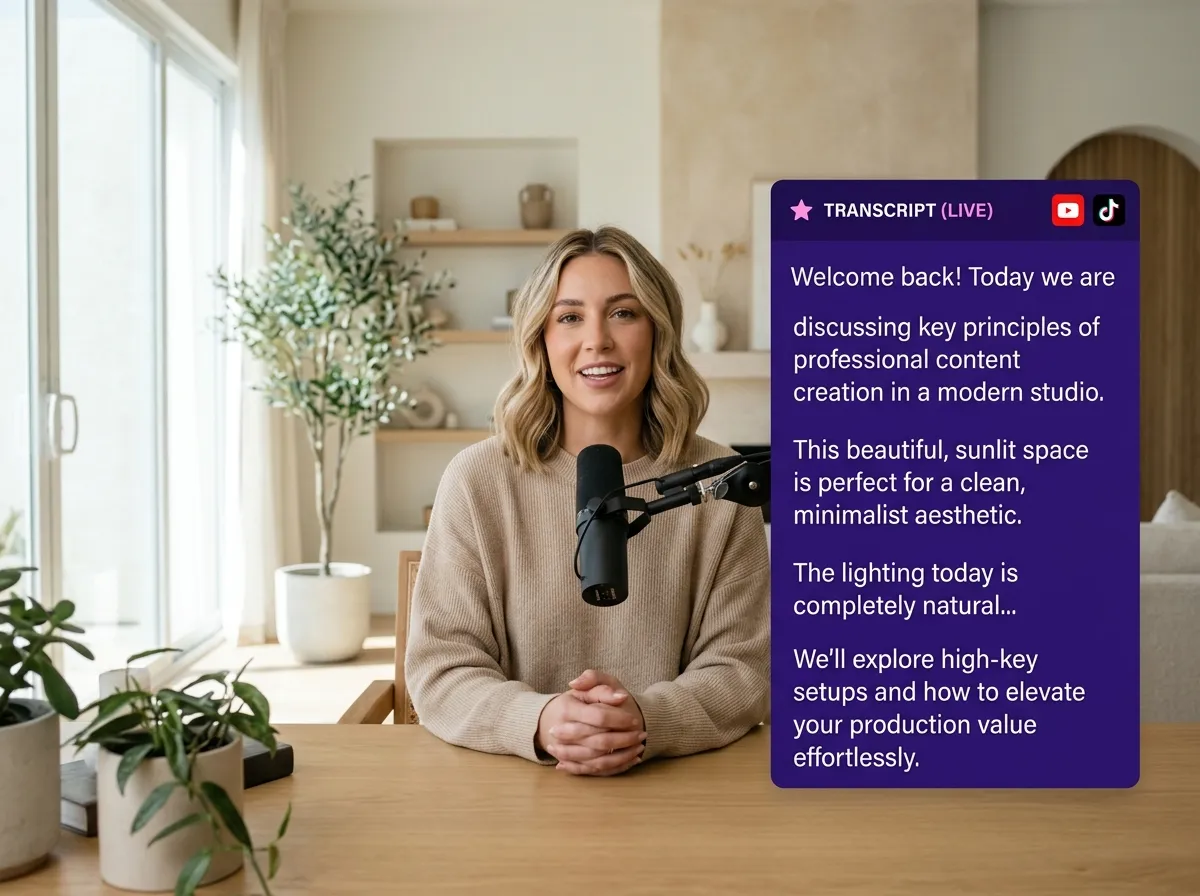
Once uploaded, Vizard's AI-powered engine automatically transcribes your video with high accuracy. In just a few minutes, you'll have a full text version of your content ready for editing.
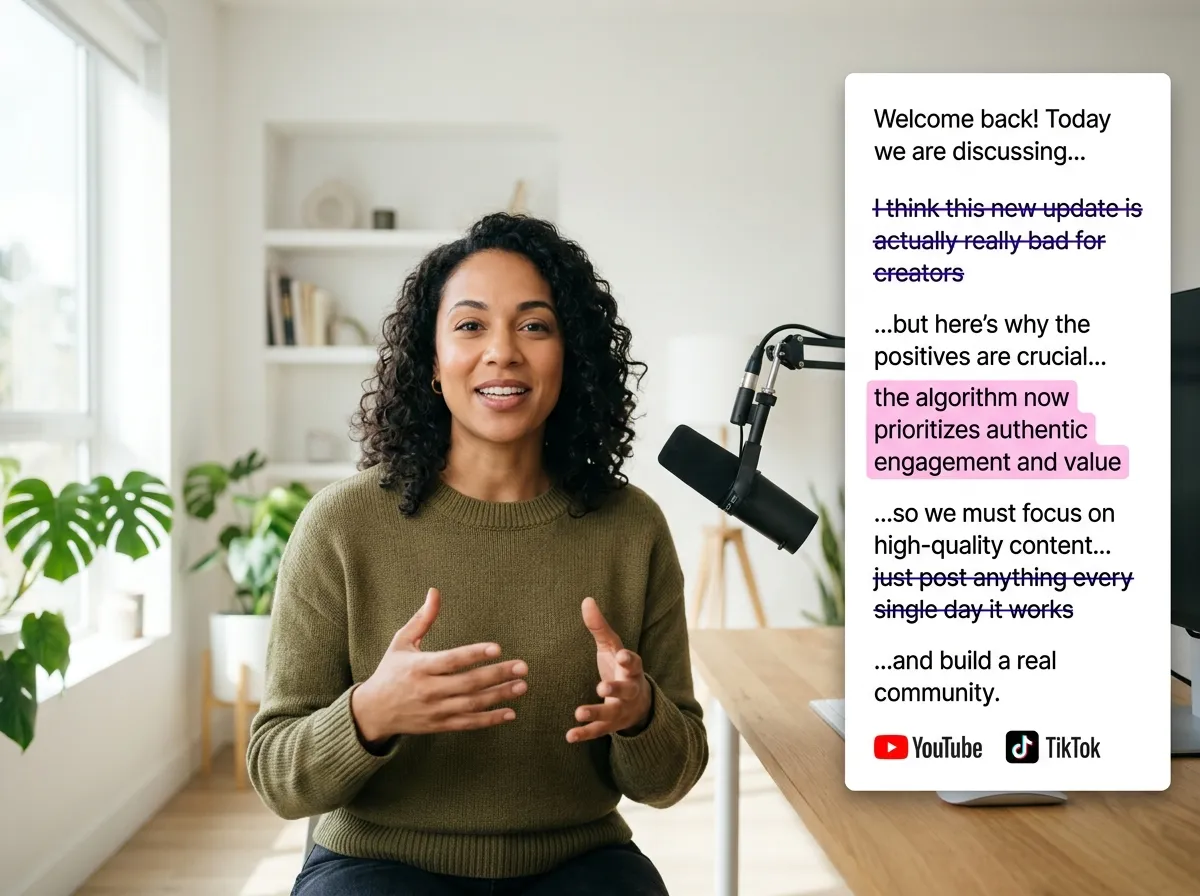
Edit your video as easily as a Word document. Delete sentences to trim clips, cut out bad takes, or remove awkward silences instantly. Every change you make to the text is reflected in the video timeline automatically.
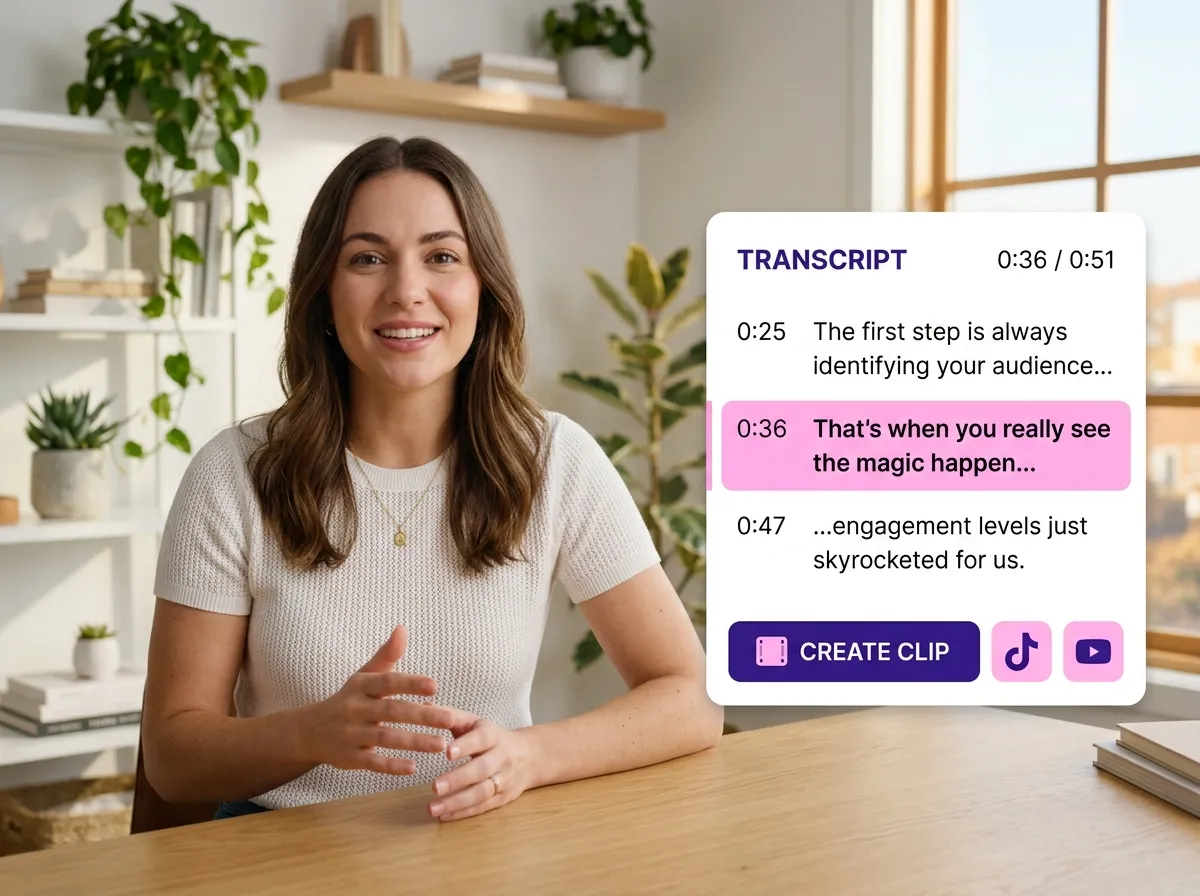
Identify your most engaging moments by highlighting specific sections of the transcript. With one click, Vizard turns these segments into standalone short clips, perfect for social media sharing.
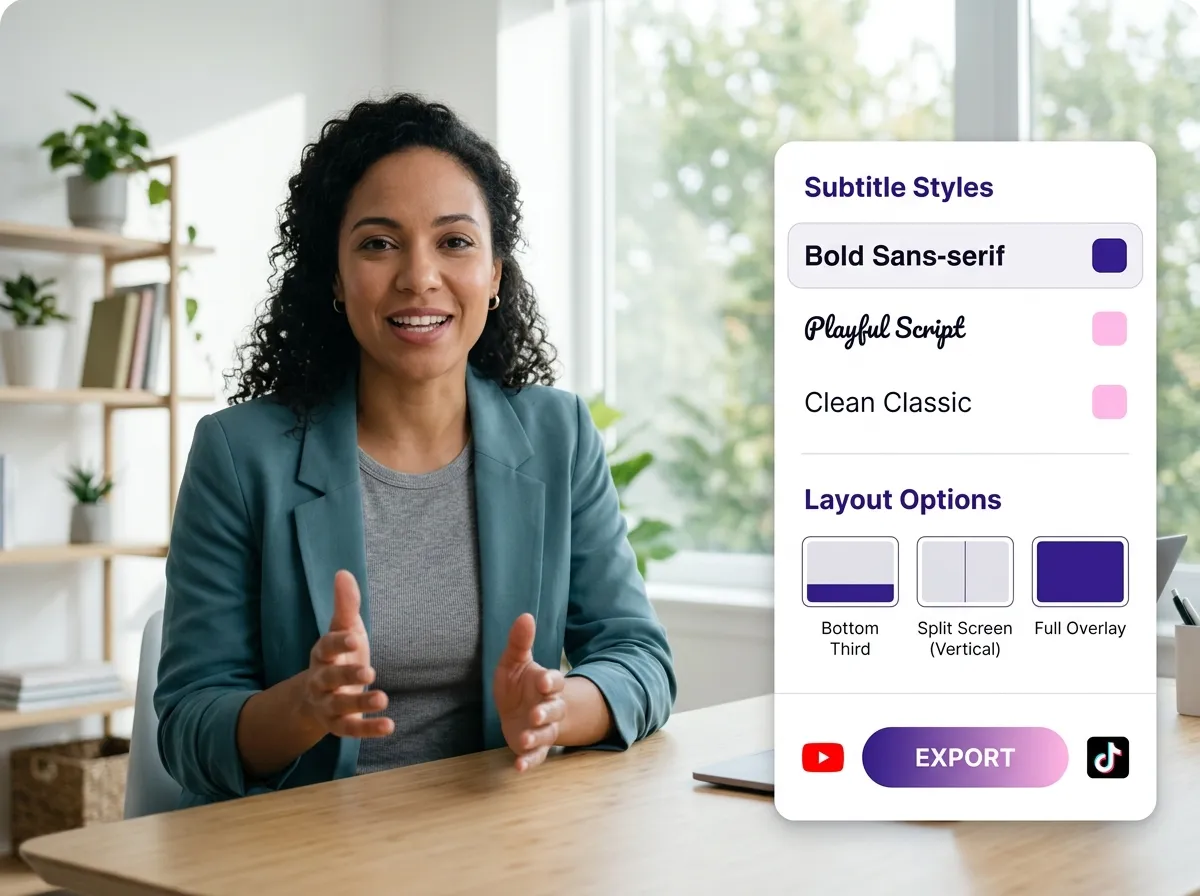
Finalize your content by styling the automatically generated captions. Adjust fonts, colors, and layouts to match your brand, then export your polished video or clips in high quality.
Turn one video into 10+ Instagram Reels with AI.
With just a few clicks, you can download or share your videos with your friends or team members with a link.
Turn your videos and audios into Reels, Stories, posts, and more in one click.
Effortlessly plan, schedule, and auto-generate engaging AI-driven posts, and publish your Instagram Reels along with the perfect captions.
Add dynamic subtitles for your videos automatically, all in the browser.
Bring your team together by inviting collaborators to work on your projects, in one workspace.
Effortlessly translate your video content into 130+ languages, expanding your global reach with just a few clicks.
Enhance your video's visual appeal and brand identity with ease by adding logos, images, outros, and custom fonts to your videos.


What is transcript-based video editing and how does it work?
Can I automatically remove silences and filler words?
How do I create short clips for social media using the transcript?
What languages are supported for transcription and captions?
Do I need professional video editing skills to use this tool?
What types of videos are best suited for transcript-based editing?
What is transcript-based video editing and how does it work?
Can I automatically remove silences and filler words?
How do I create short clips for social media using the transcript?
What languages are supported for transcription and captions?
Do I need professional video editing skills to use this tool?
What types of videos are best suited for transcript-based editing?

 Yao Wang

Yao Wang
Yao Wang
Yao Wang

Yao Wang


















