

NEW
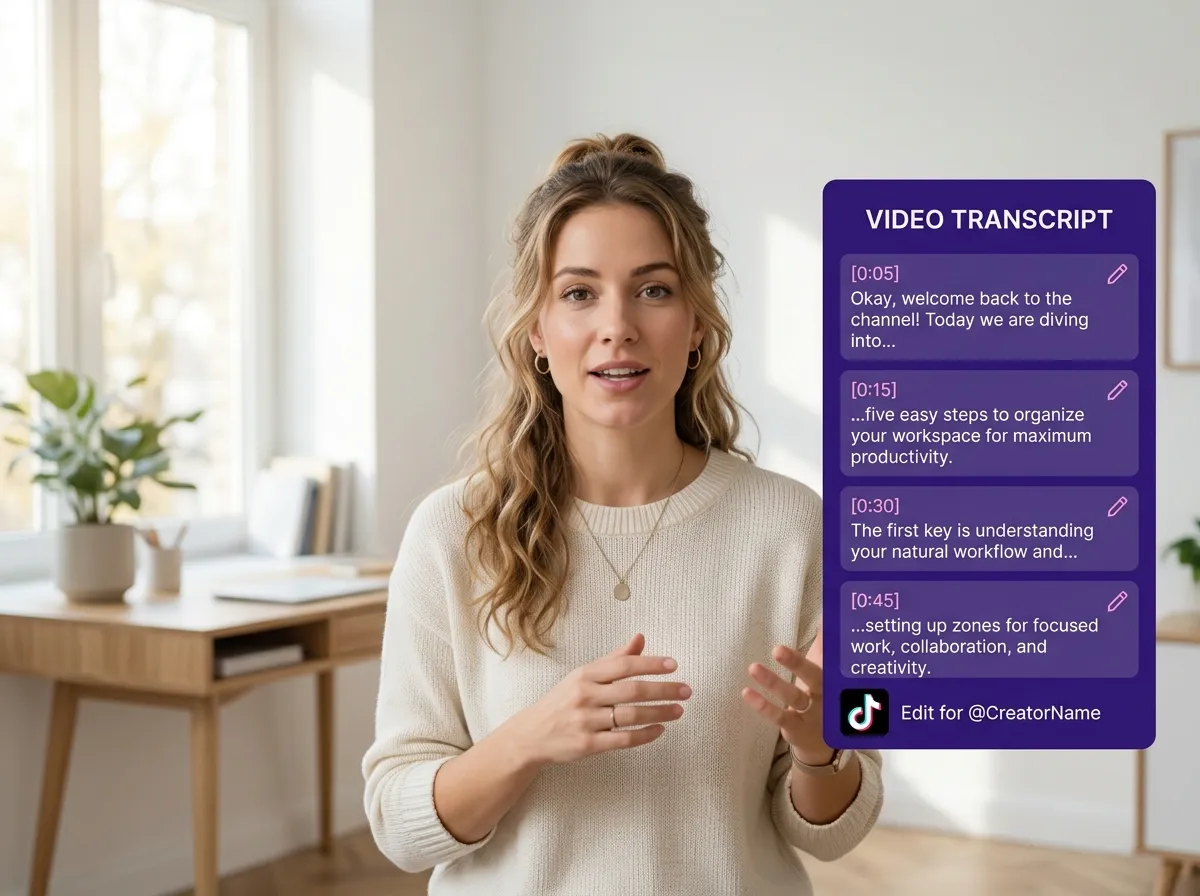



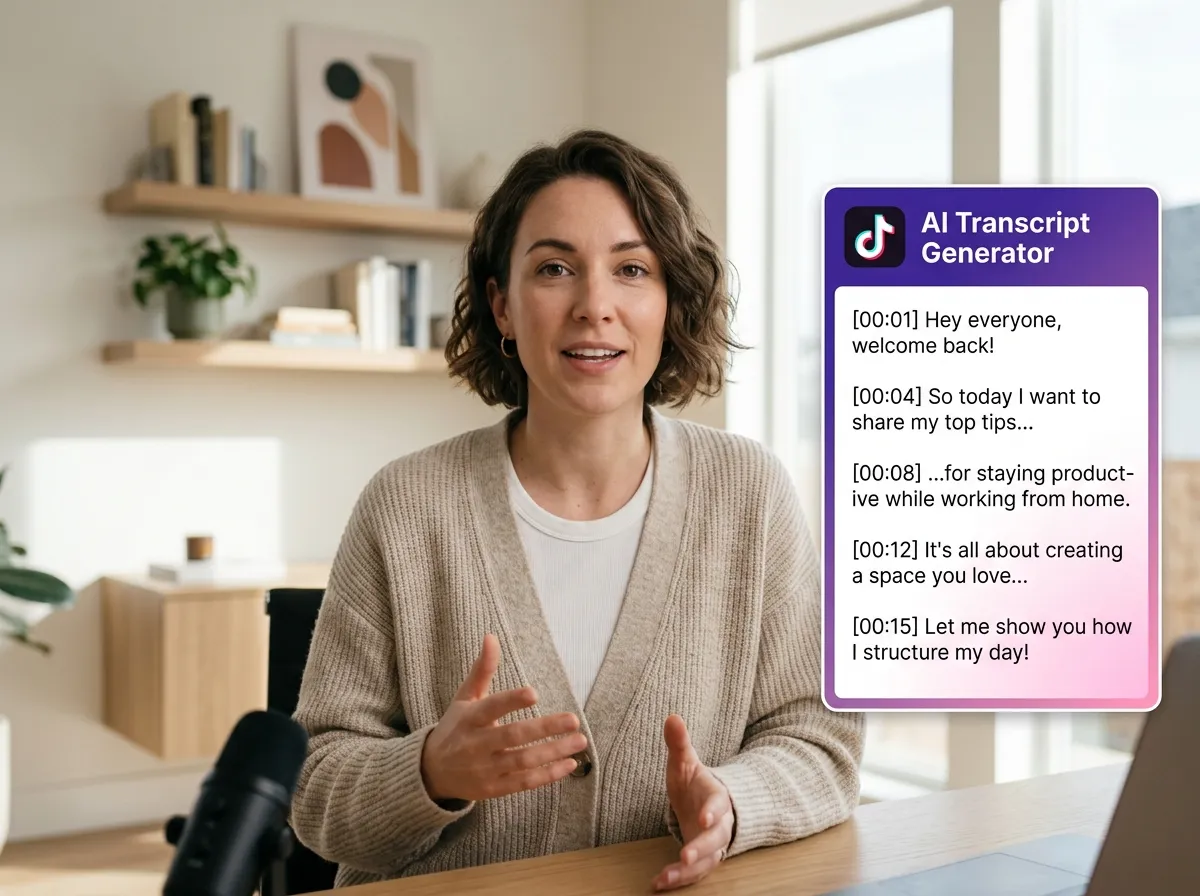
Experience seamless content creation with Vizard’s AI TikTok Transcript Generator. This powerful tool leverages advanced speech recognition and content analysis to automatically generate highly accurate transcripts from any TikTok video. By eliminating the need for manual typing, Vizard empowers creators and social media managers to focus on strategy rather than transcription. Whether you're capturing viral trends or documenting interviews, our AI ensures every spoken word is captured precisely. This feature is a game-changer for digital marketers looking to streamline their video production pipeline while maintaining high content quality across global platforms.
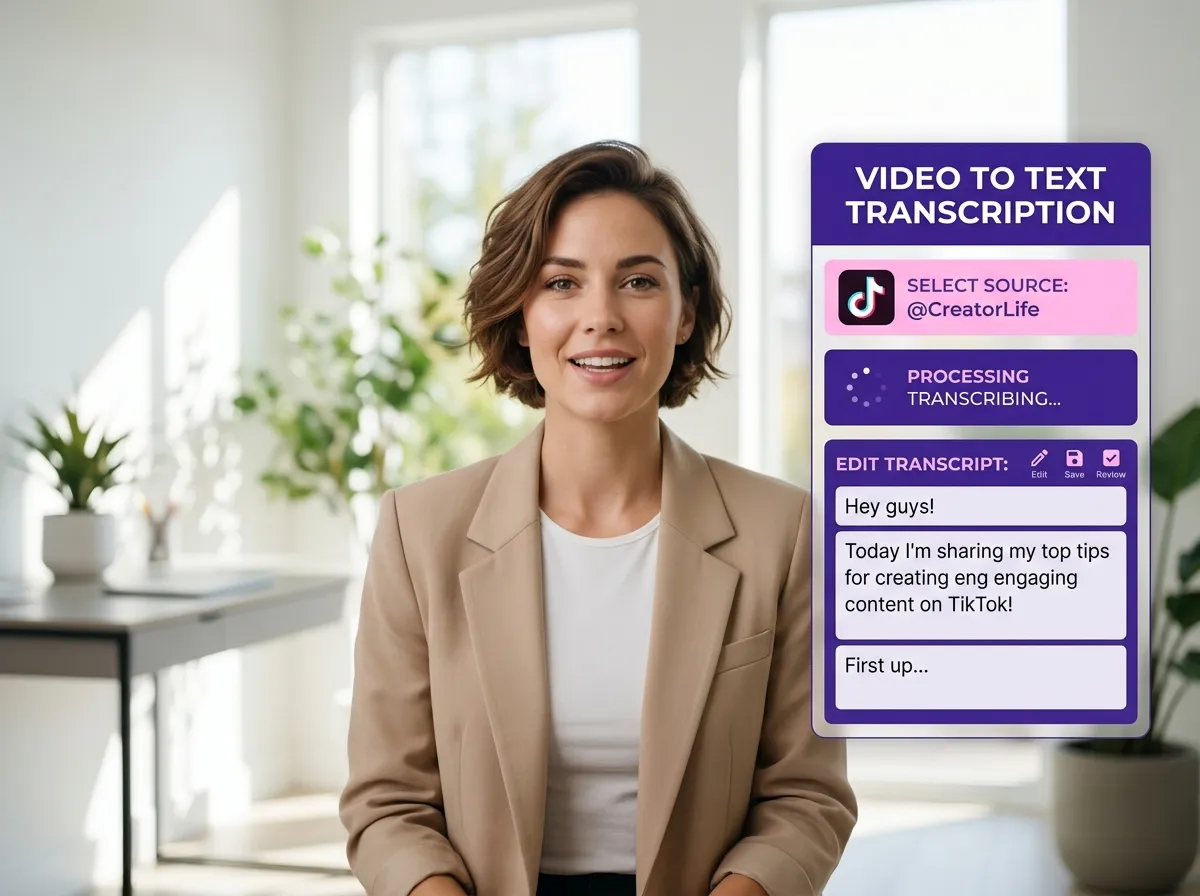
Transform your short-form content into versatile assets with Vizard’s TikTok Video to Text Conversion. Easily convert spoken TikTok dialogue into editable text formats, making it perfect for creating blog posts, detailed documentation, or searchable archives. Vizard simplifies the repurposing process, allowing you to turn a 60-second video into a comprehensive text-based resource in seconds. E-commerce owners and influencers can use this to build a content library that boosts SEO and improves accessibility. It’s the ultimate solution for anyone needing to bridge the gap between dynamic video content and professional written workflows.
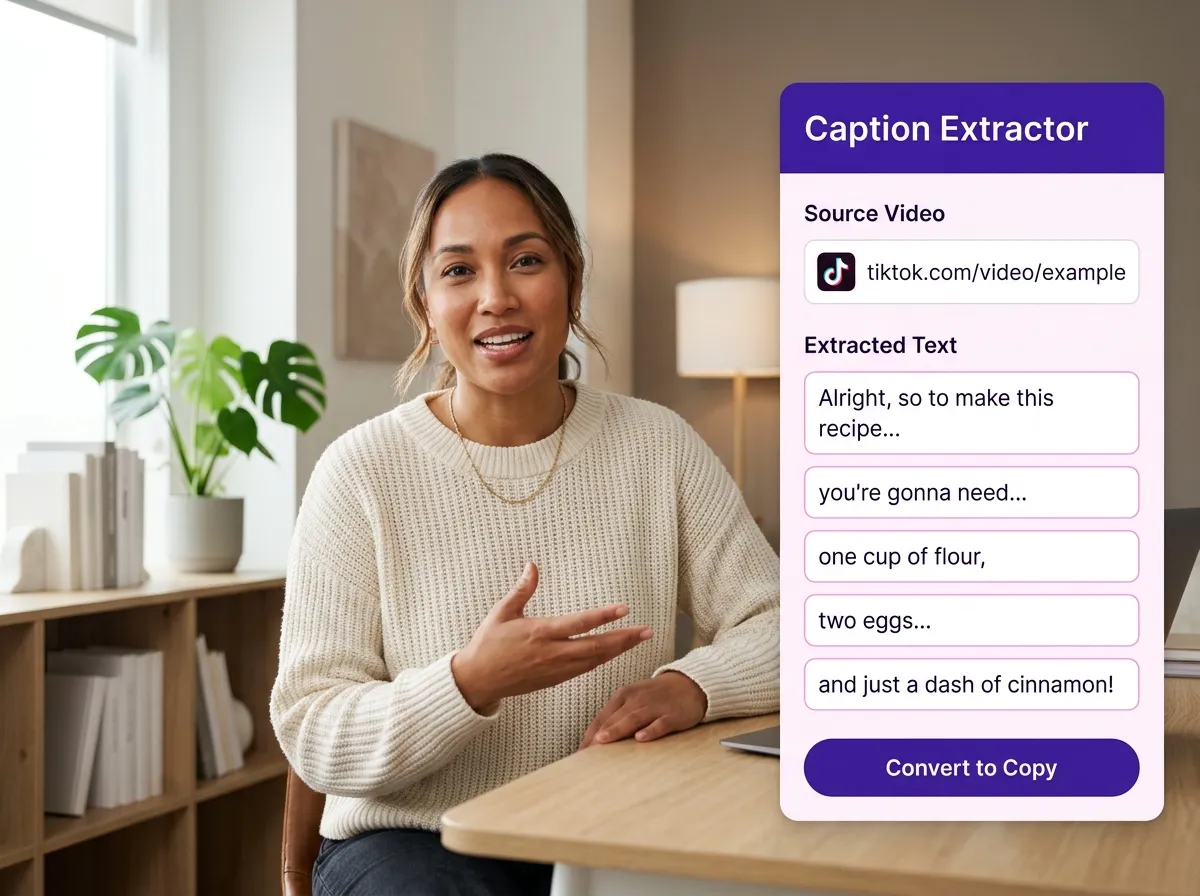
Boost engagement and accessibility using Vizard’s Auto Subtitle & Caption Extraction feature. This tool intelligently extracts spoken dialogue and existing subtitles from TikTok videos, providing you with reusable text for social media copy and captions. With Vizard, you can quickly generate captions that resonate with your audience without starting from scratch. It is ideal for agencies managing multiple accounts who need to maintain a consistent voice across TikTok, Instagram, and YouTube. By streamlining the captioning process, you ensure your videos are accessible to all viewers, increasing your reach and interaction rates effectively.
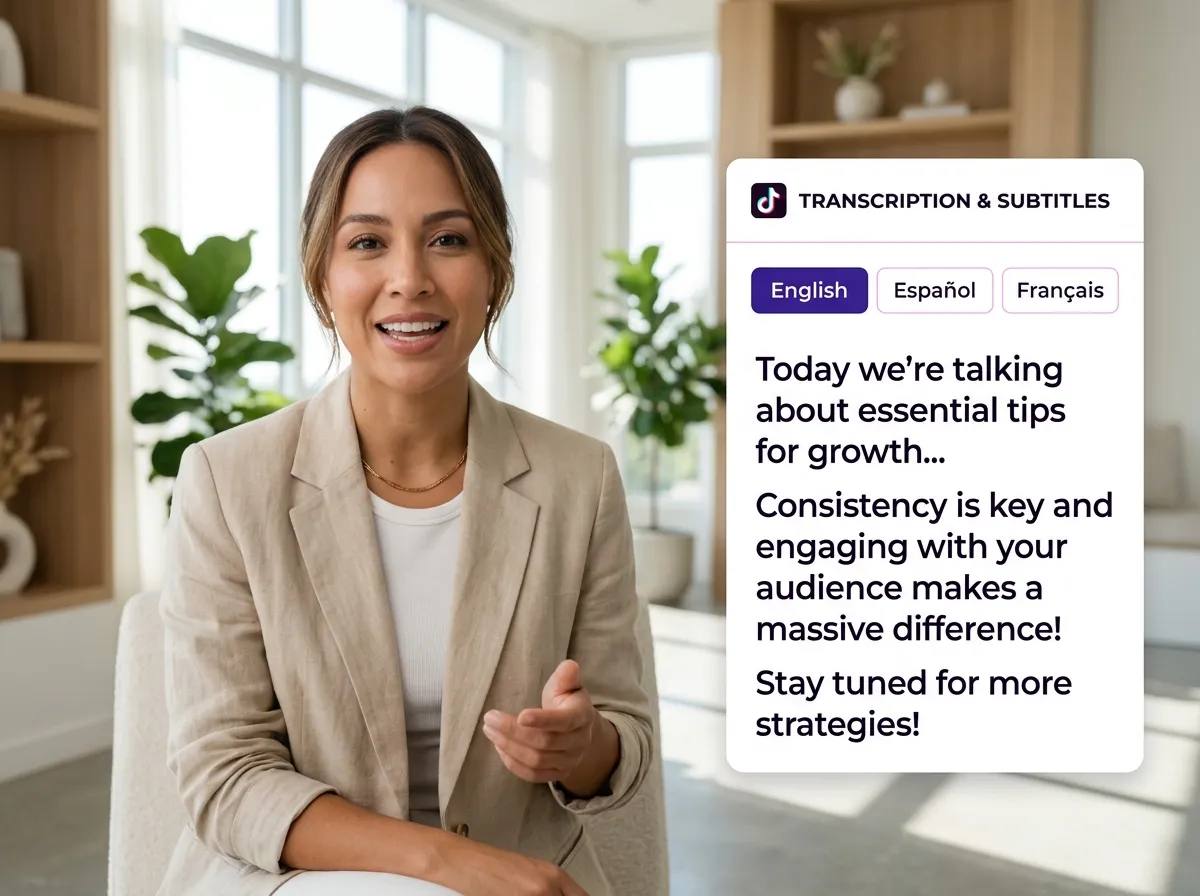
Go global with Vizard’s Multi-Language TikTok Transcription tool. This feature supports transcription and subtitle generation across dozens of languages, offering seamless translation options for international workflows. Vizard makes it easy for global brands to localize their TikTok content, ensuring their message hits home in every market. Whether you're a content creator reaching out to a diverse audience or a marketer running international campaigns, this tool provides the linguistic flexibility you need. Break down language barriers and expand your digital footprint by turning localized video insights into actionable text assets across the globe.
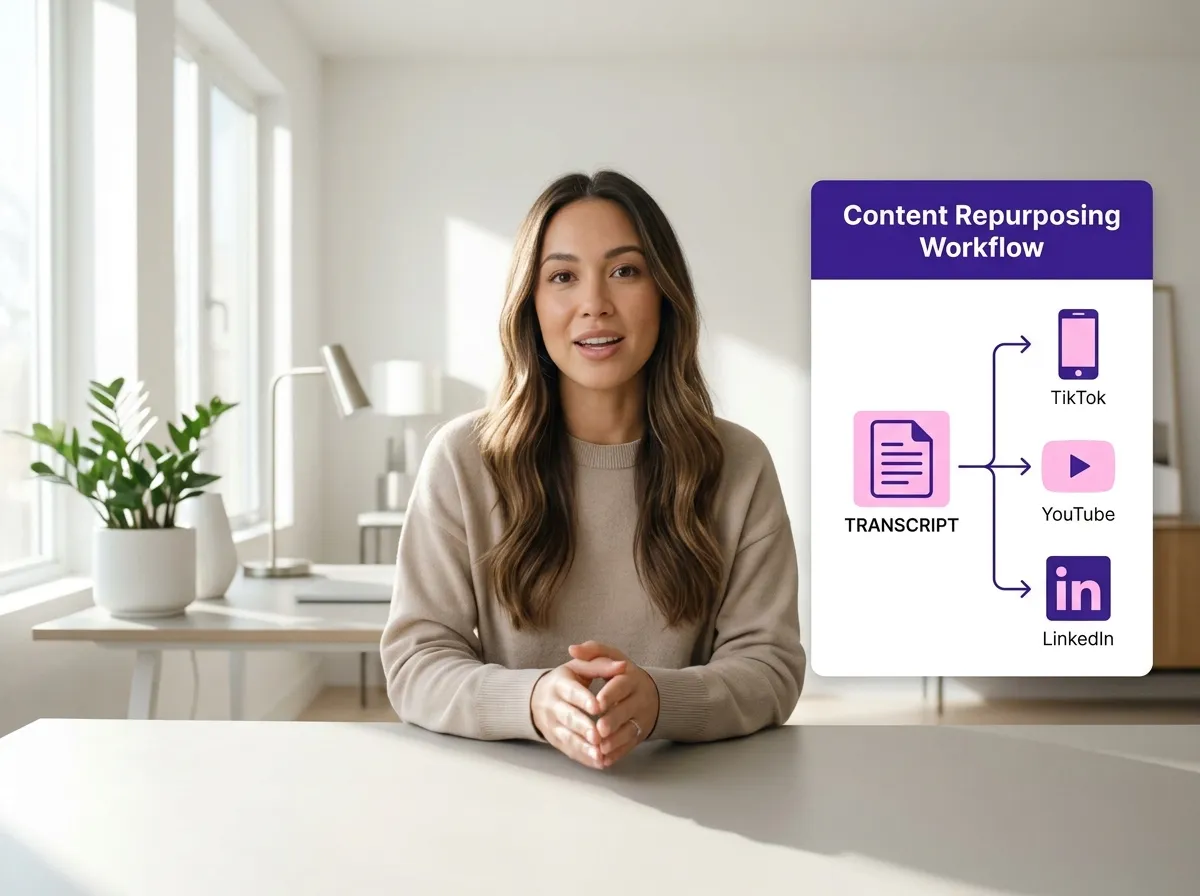
Maximize the value of every video with the TikTok Content Repurposing Workflow on Vizard. This comprehensive feature allows you to use TikTok transcripts to instantly generate blog posts, LinkedIn updates, YouTube descriptions, and newsletters. Vizard transforms a single TikTok video into a multi-platform content engine, saving you hours of manual work. It is the perfect tool for social media teams and solopreneurs who want to scale their online presence efficiently. By converting video insights into diverse formats, you ensure your content reaches its full potential across all your marketing channels.
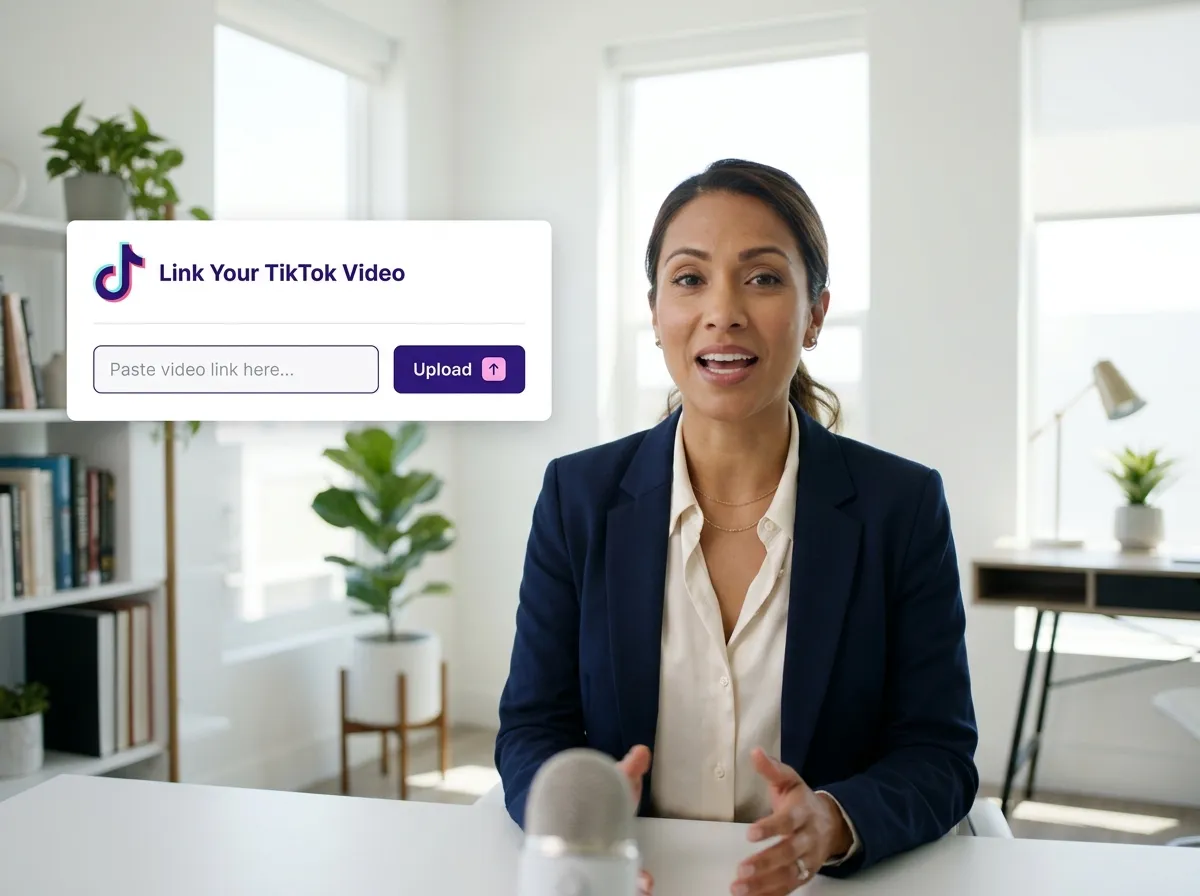
Start by uploading your TikTok video file directly or simply paste the TikTok video link into Vizard's intuitive interface.
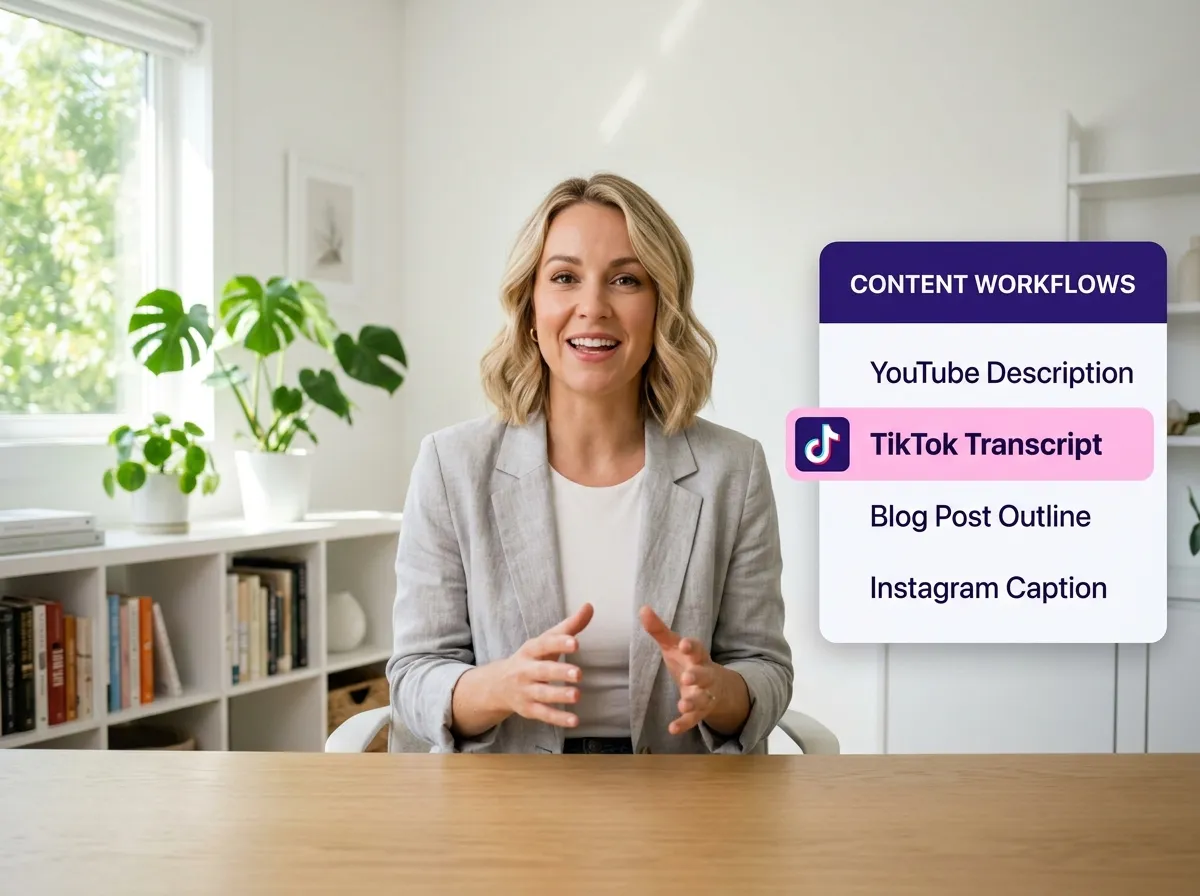
Select the specialized "TikTok Transcript" workflow from our menu to initiate the AI-powered transcription process.
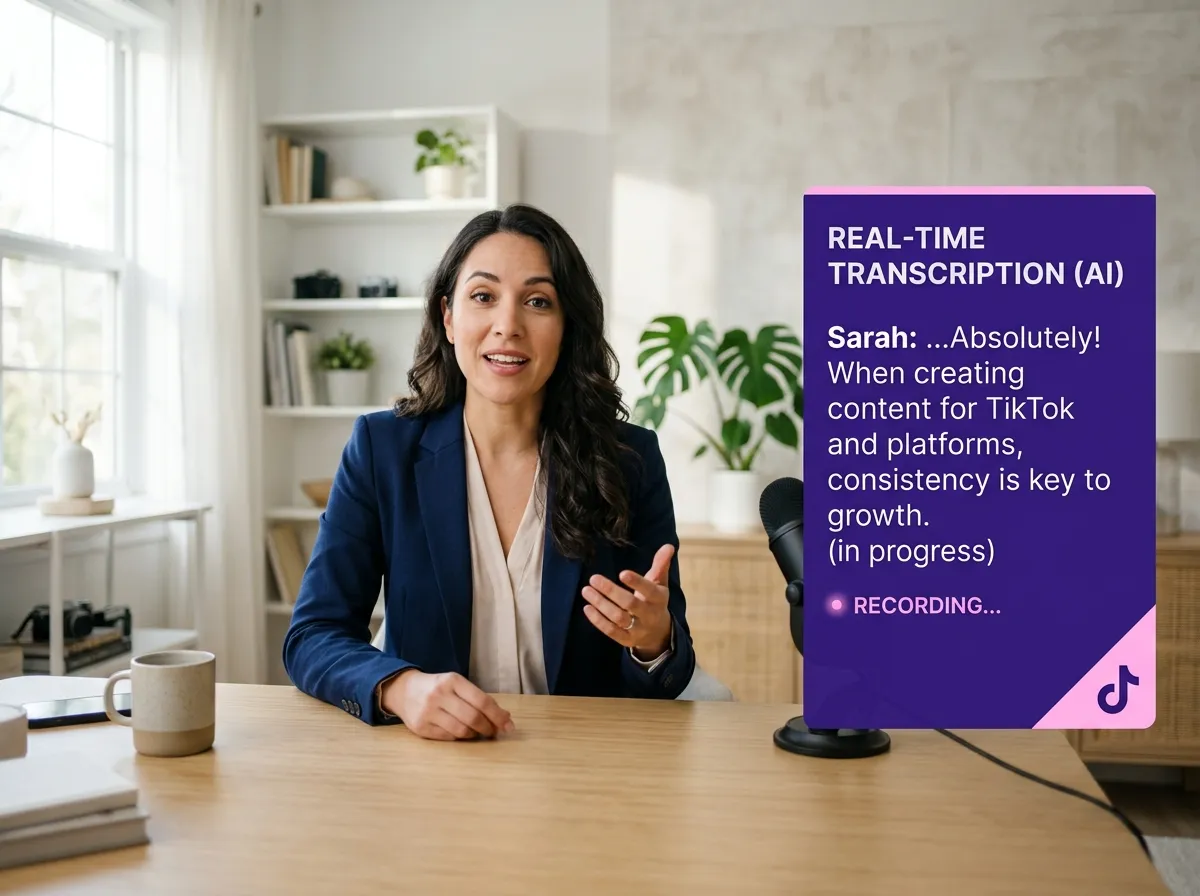
Sit back as Vizard’s advanced AI analyzes the audio and automatically generates a highly accurate transcript from your TikTok content in seconds.
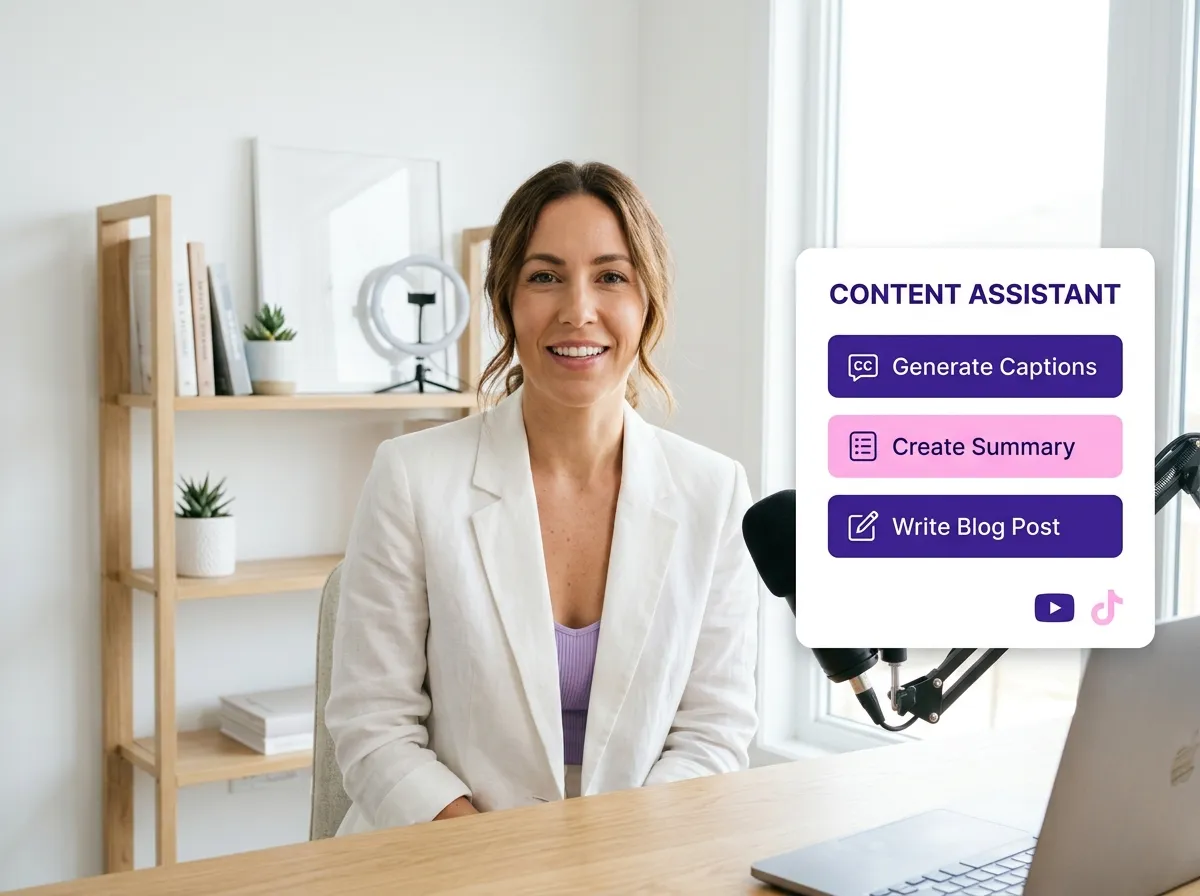
Easily review the generated text, make any necessary edits, or instantly transform the transcript into captions, summaries, or blog posts.
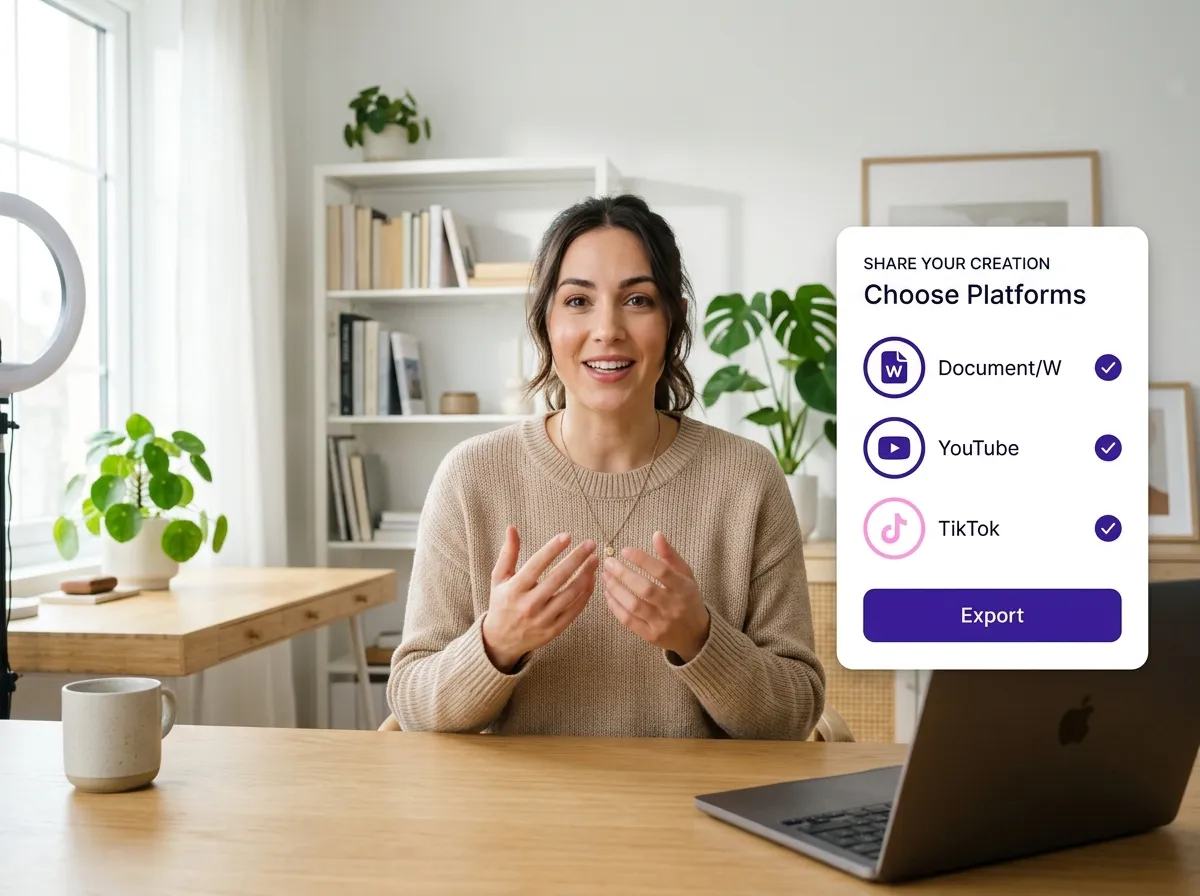
Export your transcript in your preferred format or directly use it to create SEO-friendly blogs, social media posts, and multi-platform content assets.
Turn one video into 10+ Instagram Reels with AI.
With just a few clicks, you can download or share your videos with your friends or team members with a link.
Turn your videos and audios into Reels, Stories, posts, and more in one click.
Effortlessly plan, schedule, and auto-generate engaging AI-driven posts, and publish your Instagram Reels along with the perfect captions.
Add dynamic subtitles for your videos automatically, all in the browser.
Bring your team together by inviting collaborators to work on your projects, in one workspace.
Effortlessly translate your video content into 130+ languages, expanding your global reach with just a few clicks.
Enhance your video's visual appeal and brand identity with ease by adding logos, images, outros, and custom fonts to your videos.


How do I transcribe a TikTok video using Vizard?
How accurate is Vizard’s TikTok transcription?
Can I translate my TikTok transcripts into other languages?
How can I use TikTok transcripts for content repurposing?
Can I export the TikTok transcript in different formats?
Do I need to download the TikTok video before transcribing?
How do I transcribe a TikTok video using Vizard?
How accurate is Vizard’s TikTok transcription?
Can I translate my TikTok transcripts into other languages?
How can I use TikTok transcripts for content repurposing?
Can I export the TikTok transcript in different formats?
Do I need to download the TikTok video before transcribing?

 Yao Wang

Yao Wang
Yao Wang

Yao Wang

Yao Wang


















