

NEW
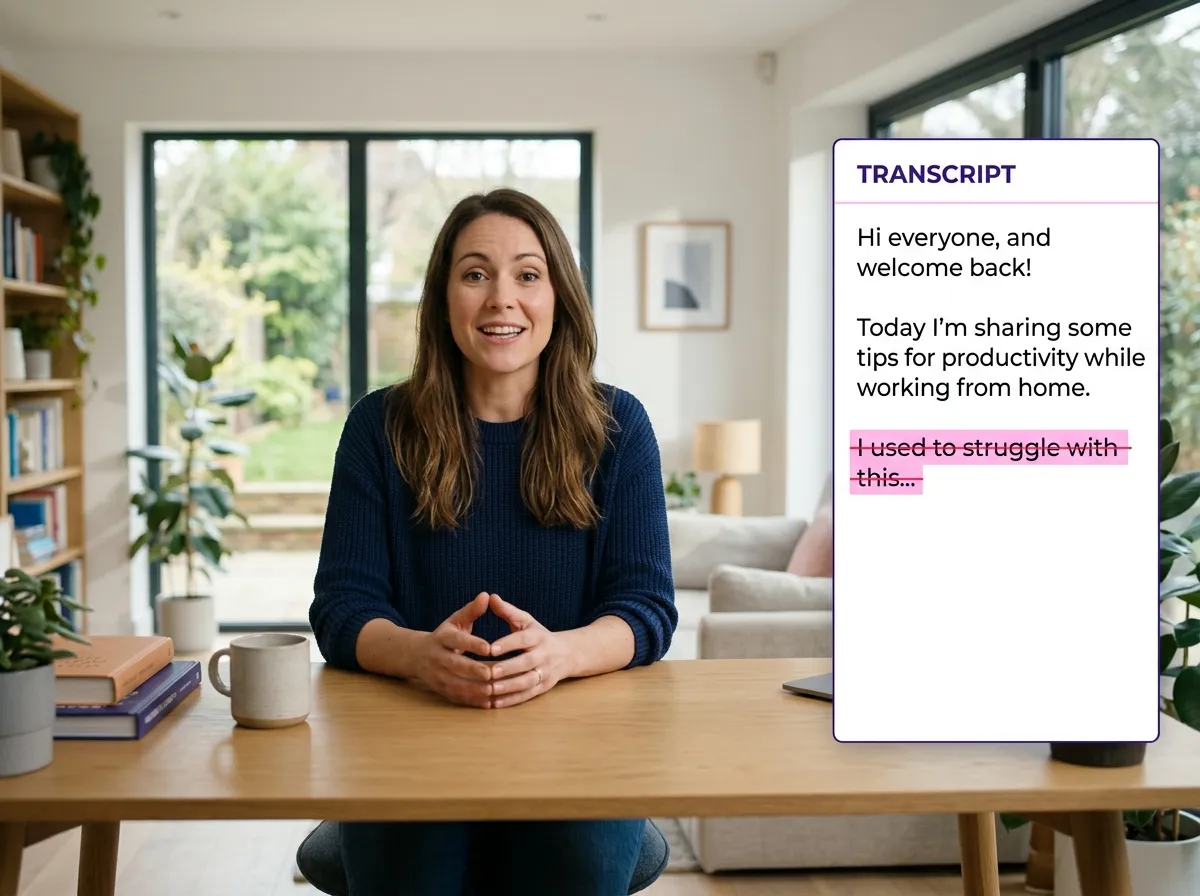



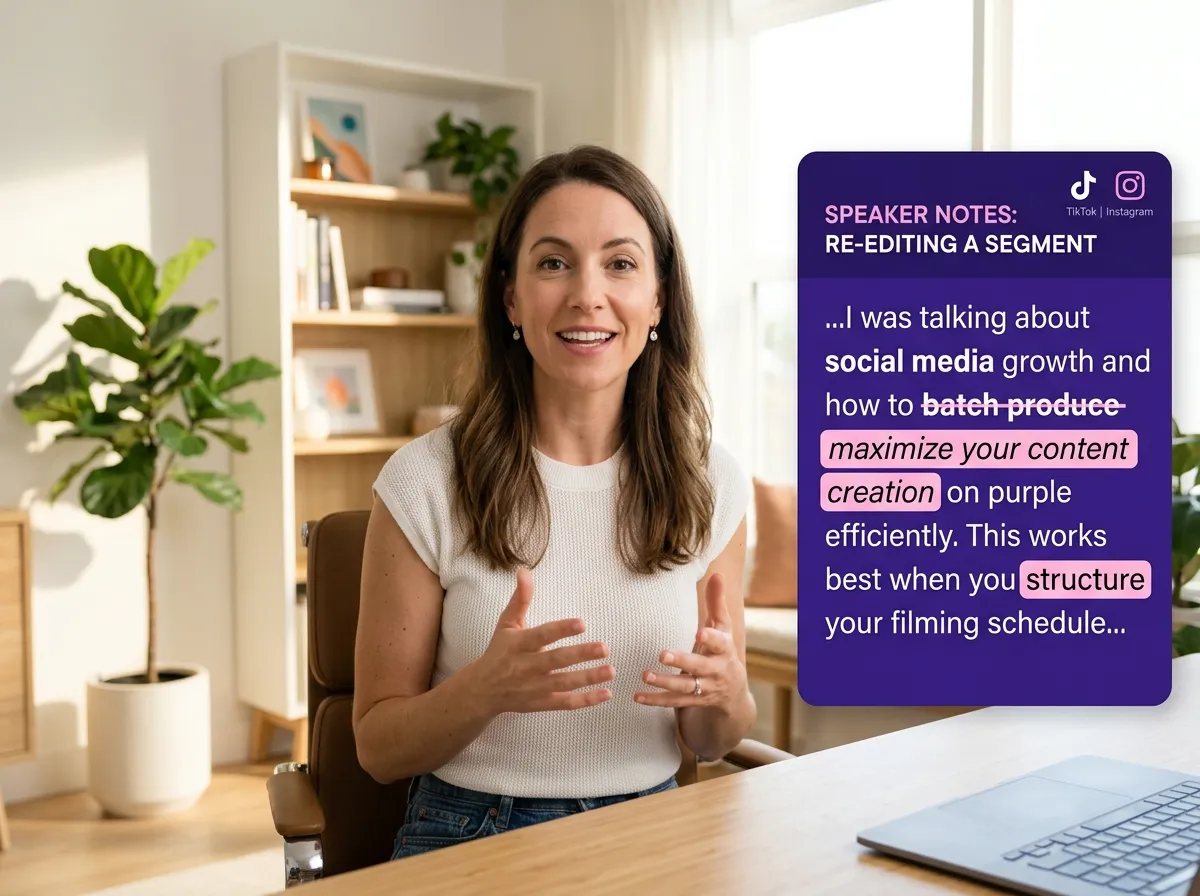
Edit video as easily as a Word document with Vizard. This tool allows creators to refine spoken content by simply deleting text from automatically generated transcripts. Ideal for podcasters and interviewers, it eliminates the need for complex timeline editing. Quickly cut mistakes or filler sections to create polished videos for TikTok and Instagram Reels, saving hours of effort while maintaining narrative flow.
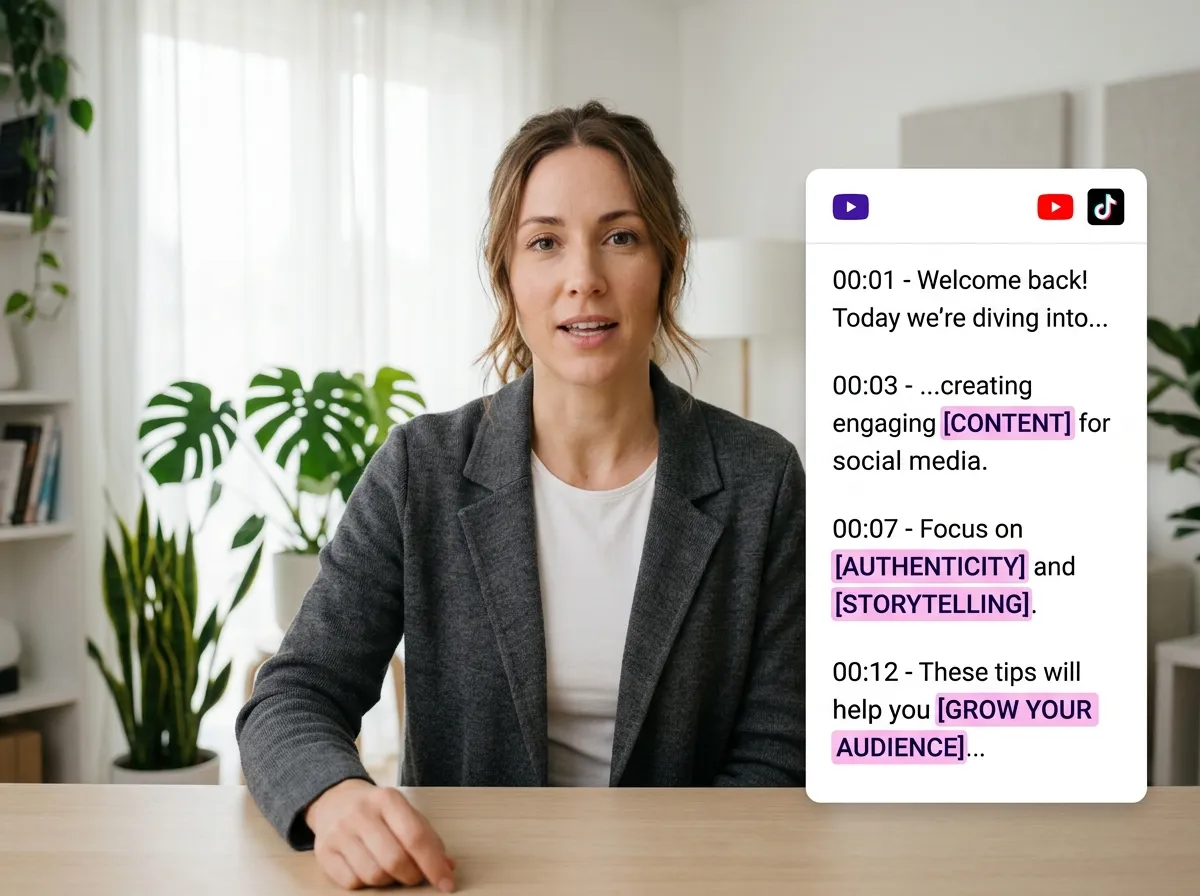
Vizard’s advanced AI automatically transcribes your video and audio into editable text, creating a seamless document-style workflow. For marketers managing webinars or long-form YouTube content, this feature makes it easy to scan through hours of footage and manage edits directly. Transform lengthy recordings into professional assets by identifying key talking points, ensuring your message is clear and engaging for a global audience.
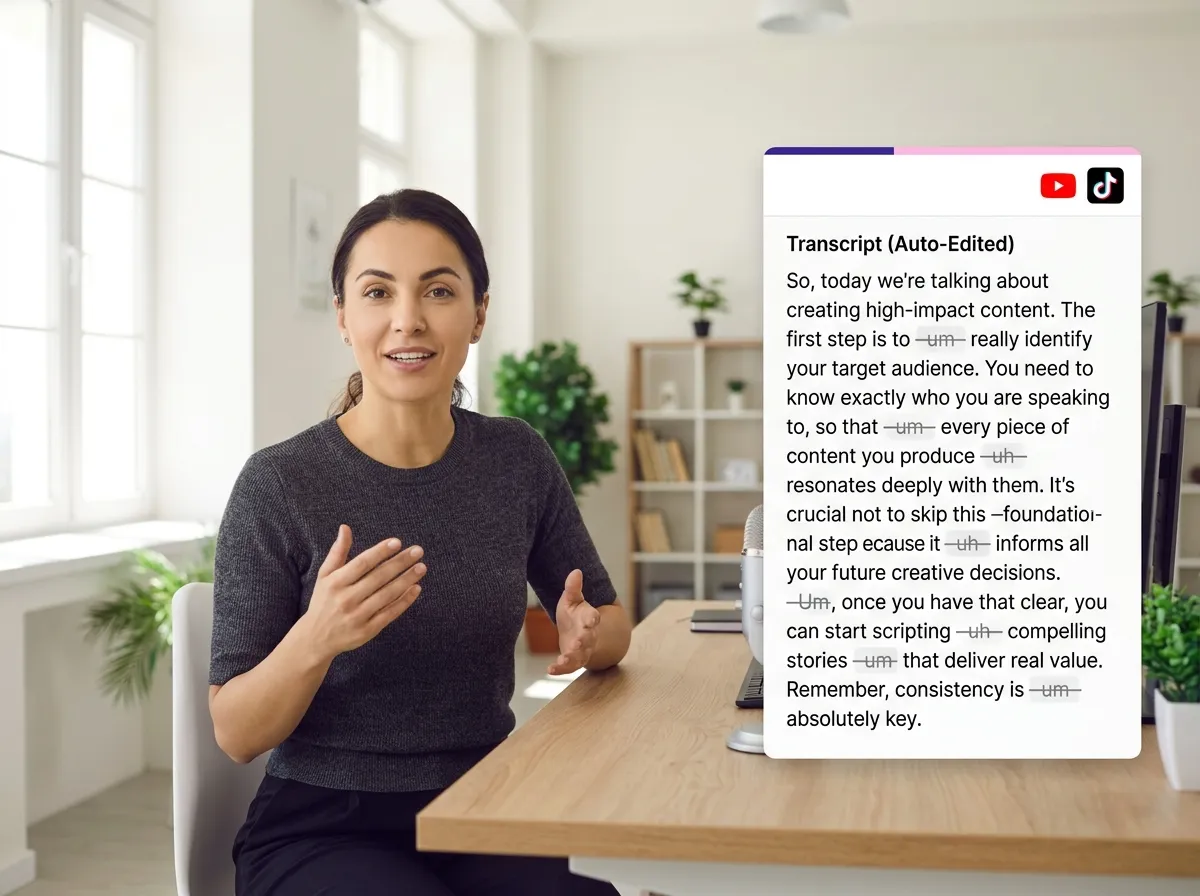
Accelerate post-production with Vizard’s fast editing for podcasts, meetings, and tutorials. By removing filler words and unnecessary sections directly from the transcript, you can condense raw footage into high-impact content. This tool is perfect for educators and business professionals looking to repurpose long-form videos into concise, value-driven segments for YouTube Shorts and LinkedIn without any technical hurdles.
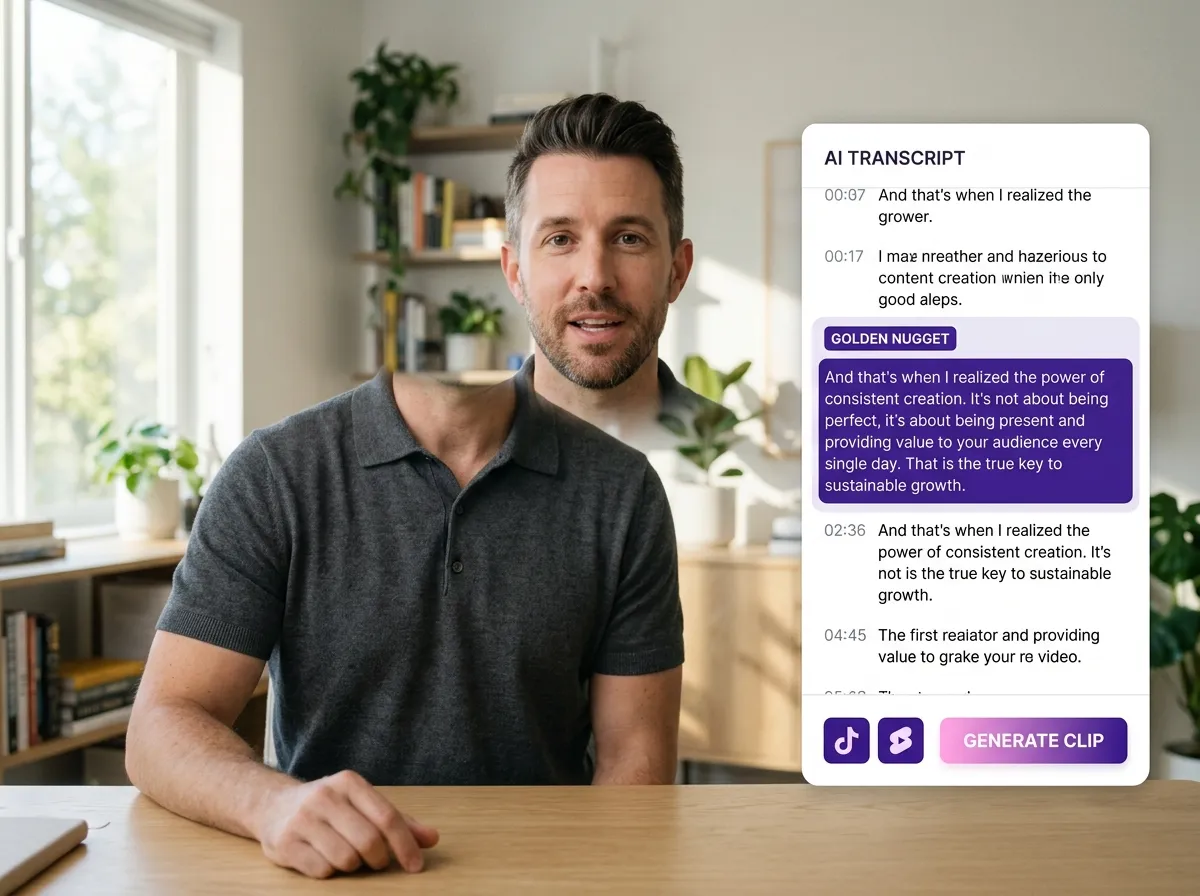
Instantly generate viral-ready clips by highlighting specific transcript sections within Vizard. This "text selection" feature is a game-changer for social media managers needing to extract "golden nuggets" for TikTok, Reels, and YouTube Shorts. By selecting key insights from interviews or webinars, you can drive engagement and growth across platforms with minimal effort, effectively turning one long video into multiple high-performing posts.
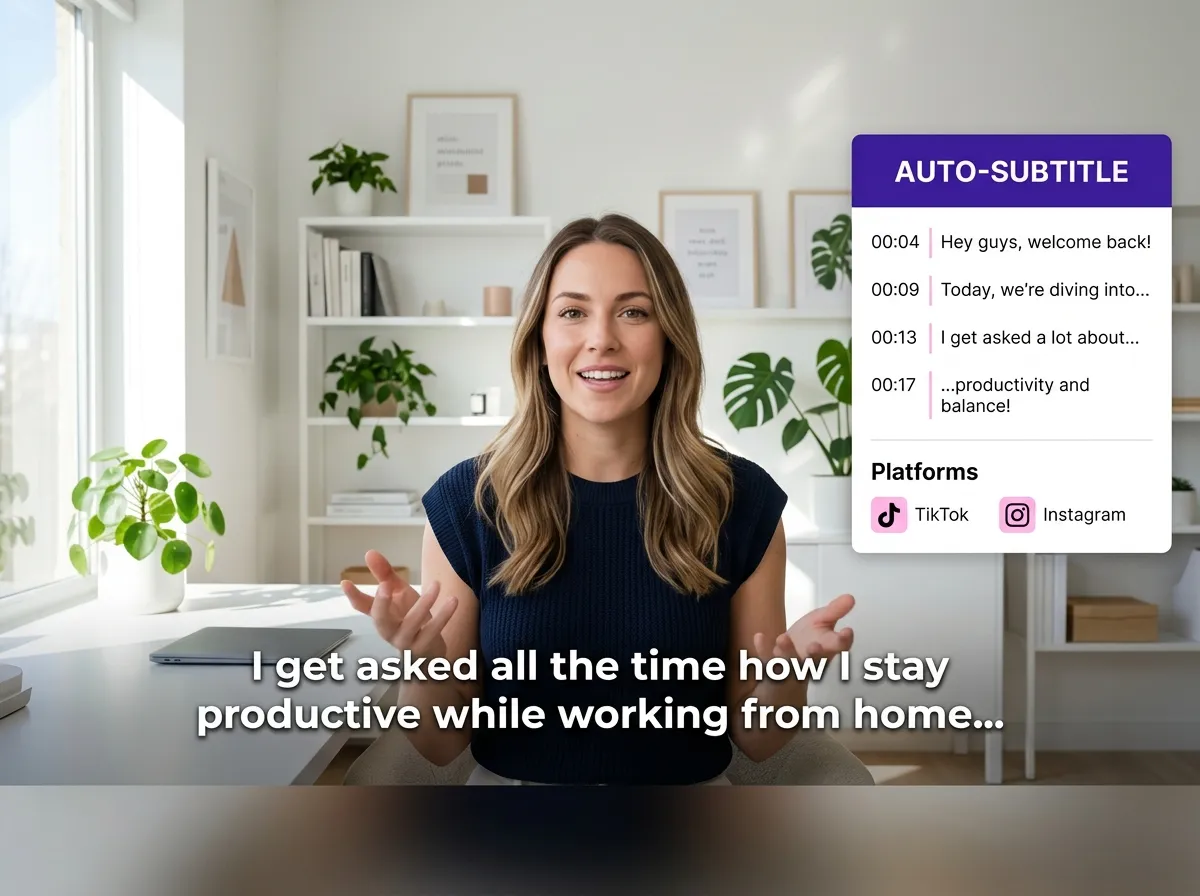
Vizard’s auto-subtitle and caption synchronization keeps captions perfectly aligned with every cut. As you edit your video through the text-based workflow, captions update automatically to match visual changes. This is essential for creators targeting Instagram and TikTok, where sound-off viewing is common. Professional, synchronized subtitles increase viewer retention and ensure your content stands out in crowded social media feeds effortlessly.
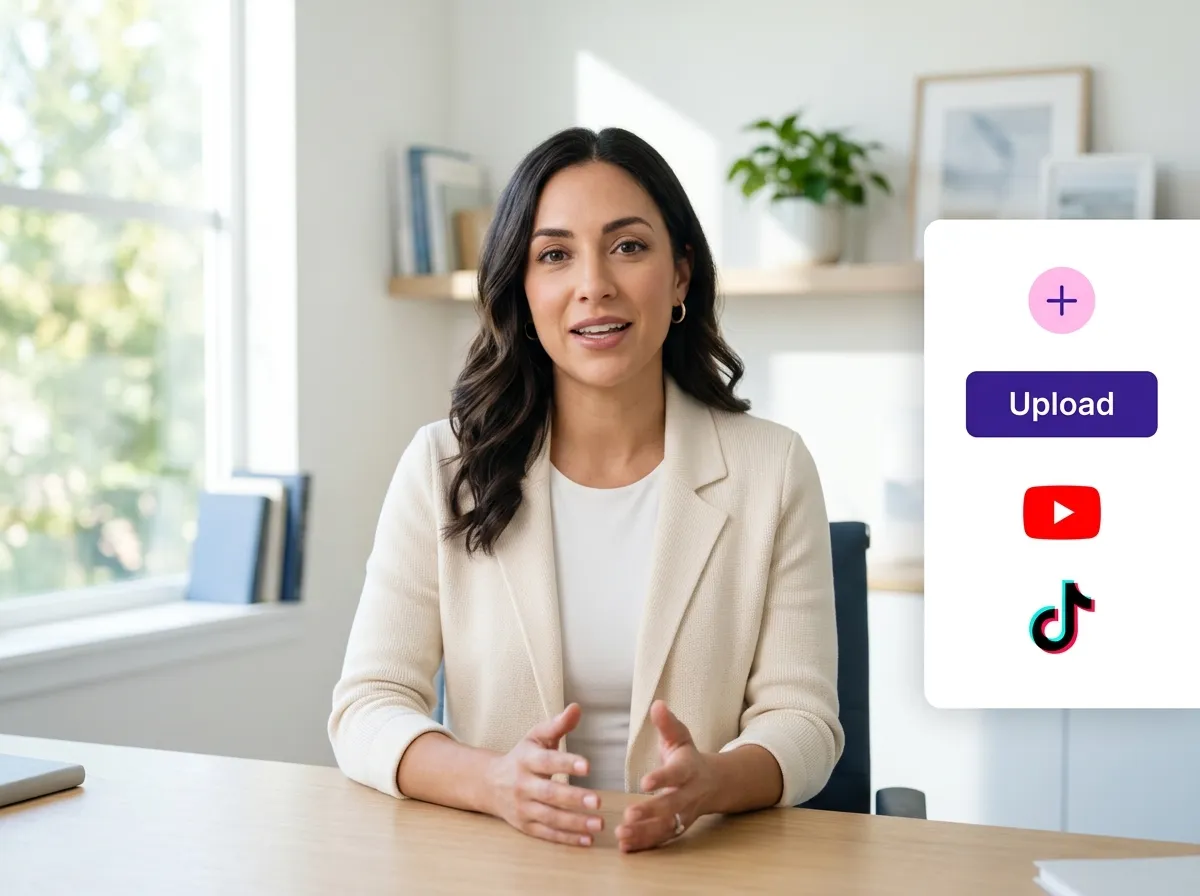
Start by uploading your video or audio file to Vizard. Our platform supports various formats, ensuring a seamless start to your editing journey.
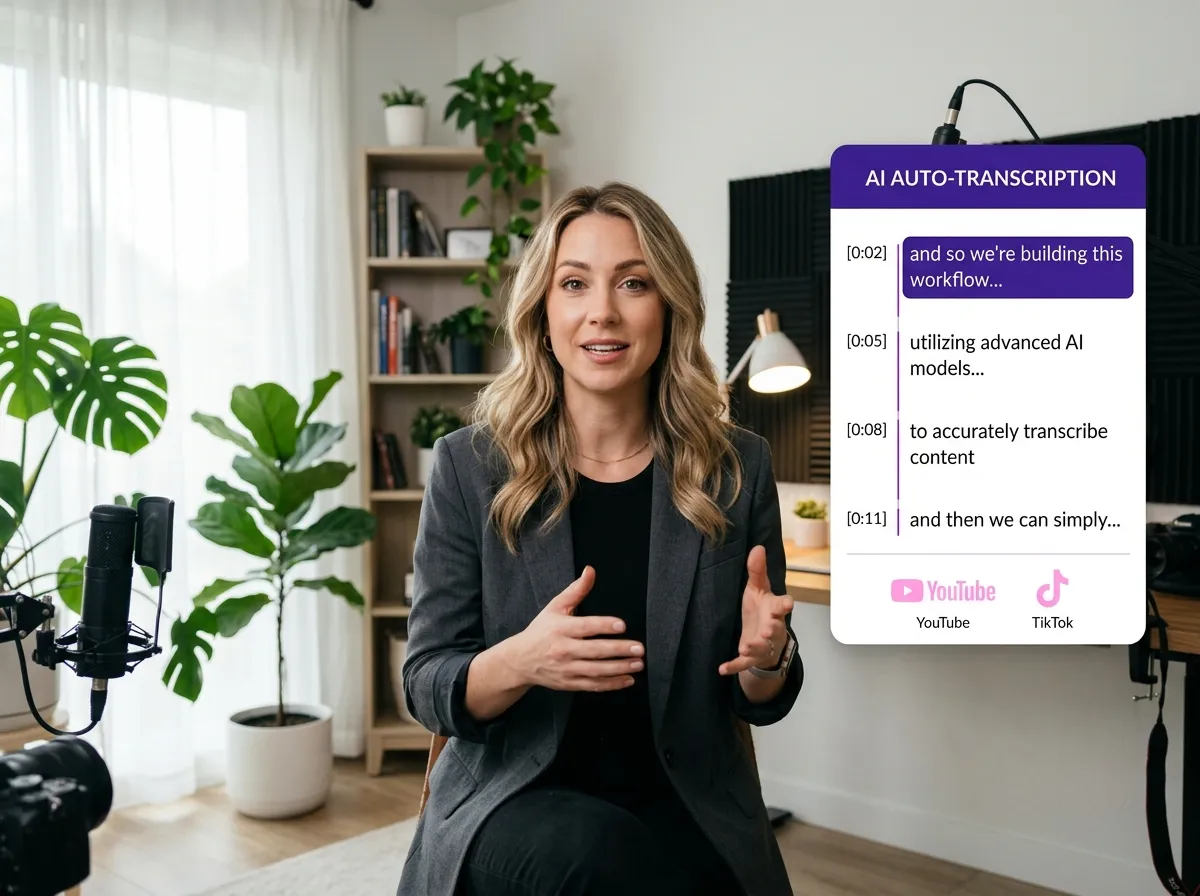
Let Vizard's powerful AI engine transcribe your spoken content in seconds. You'll get a highly accurate text version of your video, ready for instant editing.
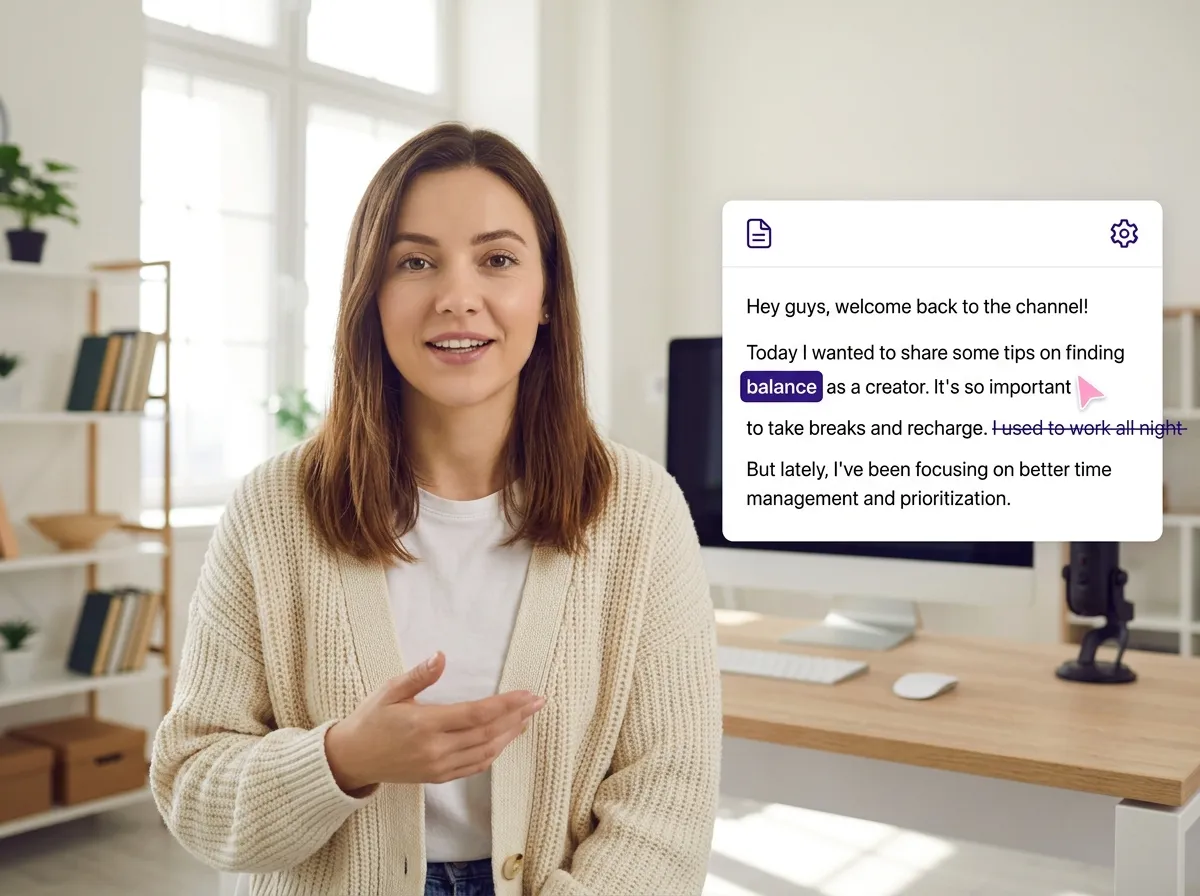
Simply highlight and delete words or sentences in the transcript to cut the video. It’s a faster, more intuitive way to remove mistakes and filler words without a timeline.
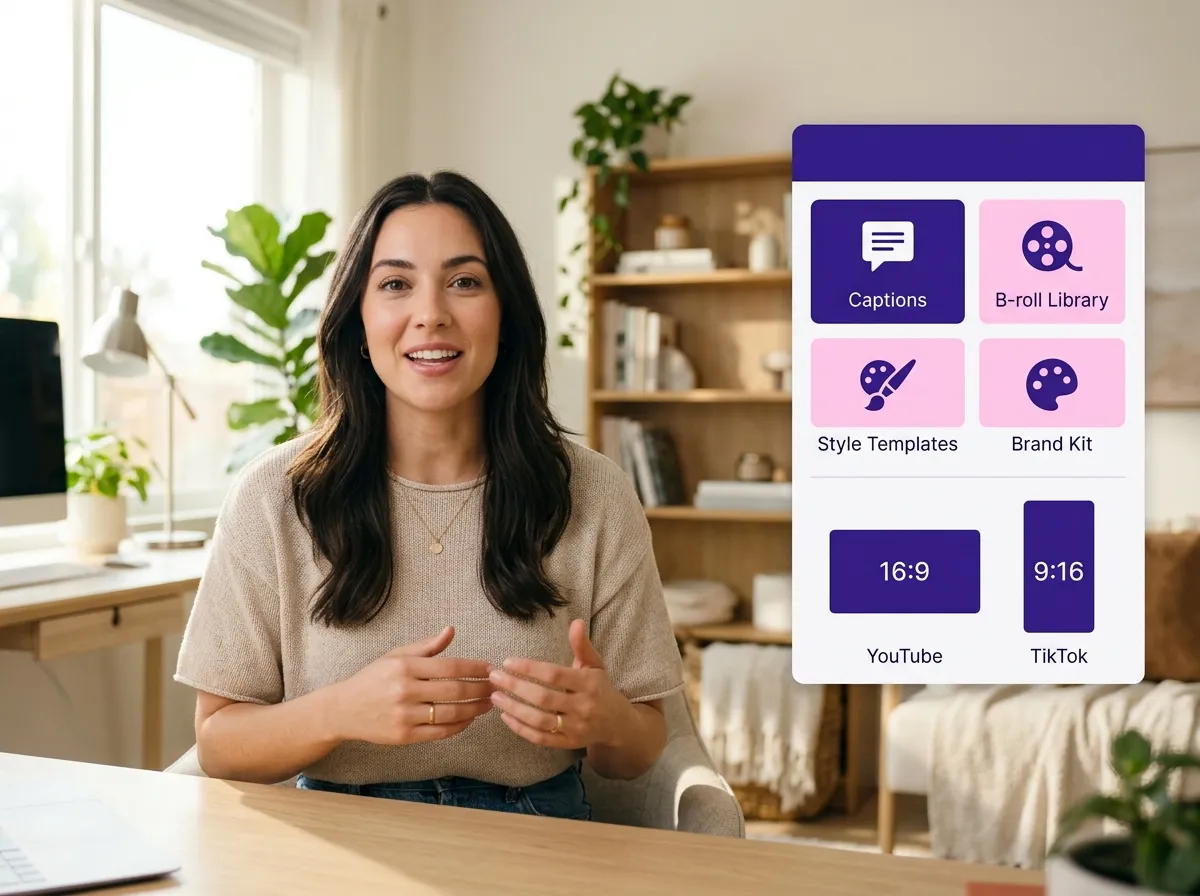
Add professional touches like auto-captions, dynamic B-roll, and your own branding. Use our templates to instantly format your video for any social platform.
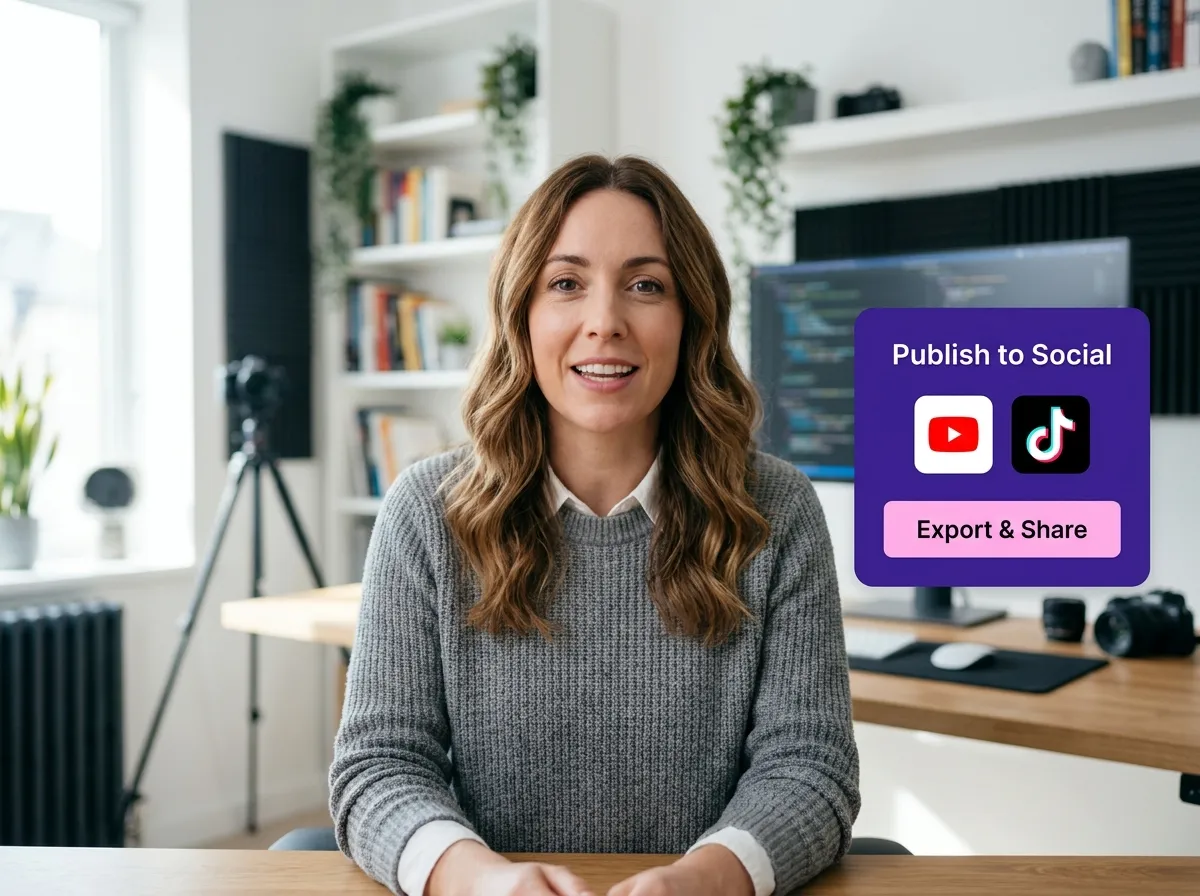
Download your polished masterpiece or share it directly to TikTok, Instagram, and YouTube. Reaching your audience has never been easier.
Turn one video into 10+ Instagram Reels with AI.
With just a few clicks, you can download or share your videos with your friends or team members with a link.
Turn your videos and audios into Reels, Stories, posts, and more in one click.
Effortlessly plan, schedule, and auto-generate engaging AI-driven posts, and publish your Instagram Reels along with the perfect captions.
Add dynamic subtitles for your videos automatically, all in the browser.
Bring your team together by inviting collaborators to work on your projects, in one workspace.
Effortlessly translate your video content into 130+ languages, expanding your global reach with just a few clicks.
Enhance your video's visual appeal and brand identity with ease by adding logos, images, outros, and custom fonts to your videos.


What is text-based video editing and how does it benefit me?
How do I edit my video using the transcript in Vizard?
Can Vizard help me turn long-form videos into short clips for social media?
Do the subtitles stay synced when I edit the text?
What types of videos are best suited for text-based editing?
Do I need any previous video editing experience to use Vizard?
What is text-based video editing and how does it benefit me?
How do I edit my video using the transcript in Vizard?
Can Vizard help me turn long-form videos into short clips for social media?
Do the subtitles stay synced when I edit the text?
What types of videos are best suited for text-based editing?
Do I need any previous video editing experience to use Vizard?

 Yao Wang

Yao Wang
Yao Wang
Yao Wang

Yao Wang


















