

NEW
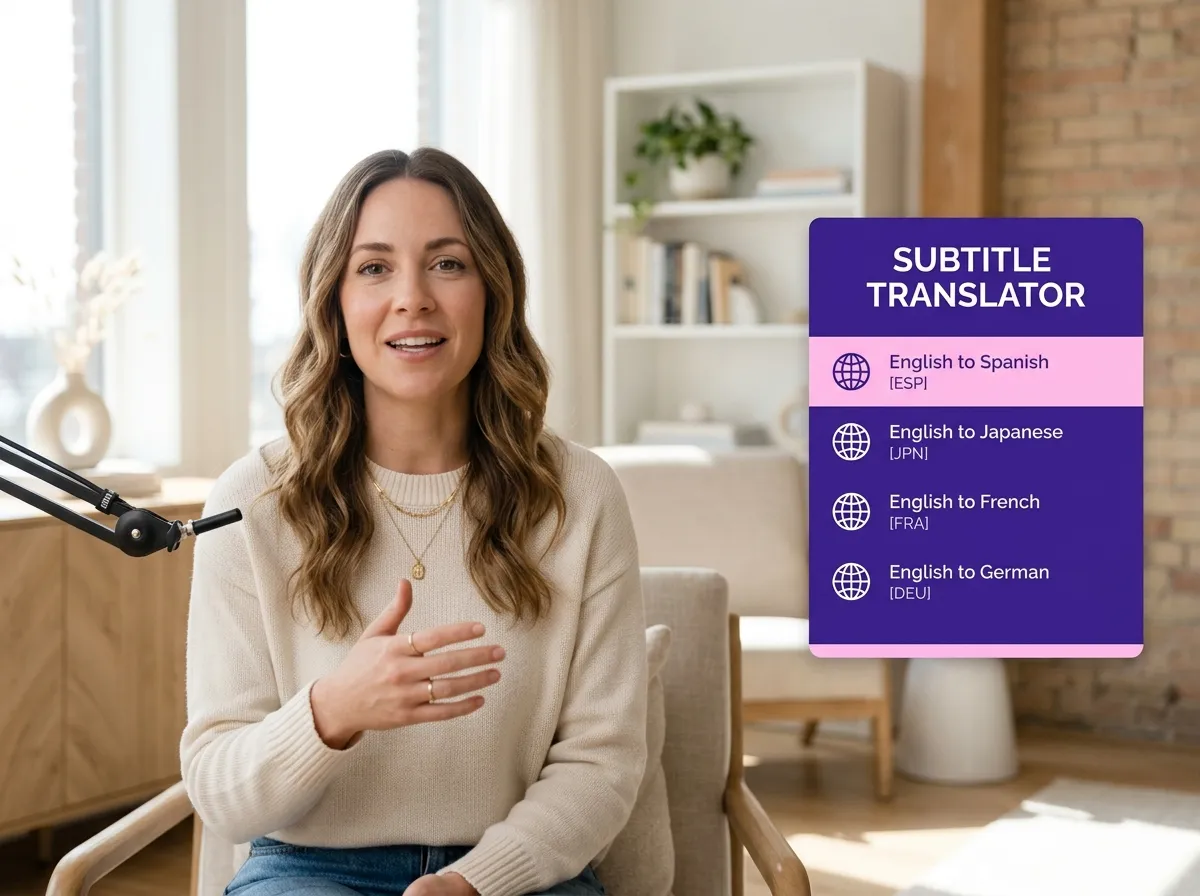



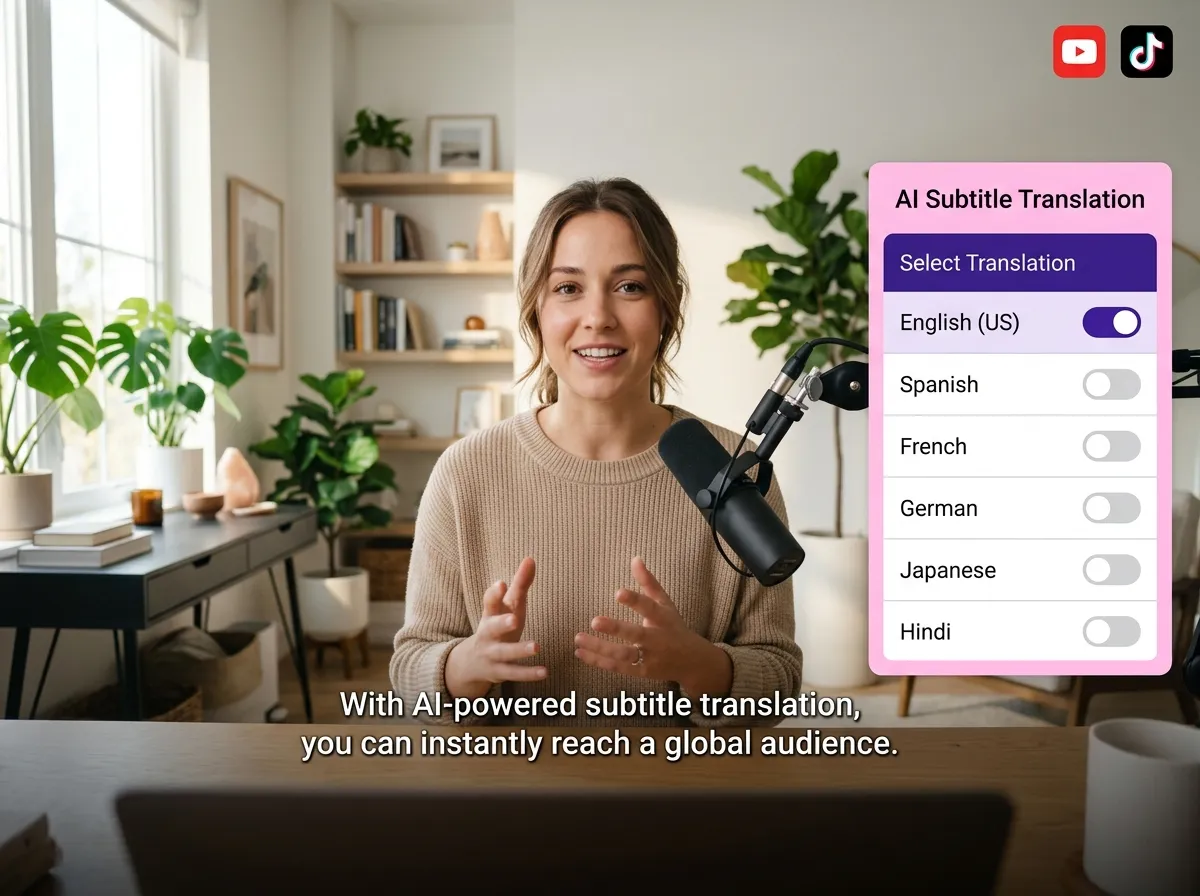
Vizard’s AI Subtitle Translation instantly converts captions into dozens of languages while preserving original meaning. Eliminate manual translation costs and reach global audiences on TikTok and YouTube effortlessly.
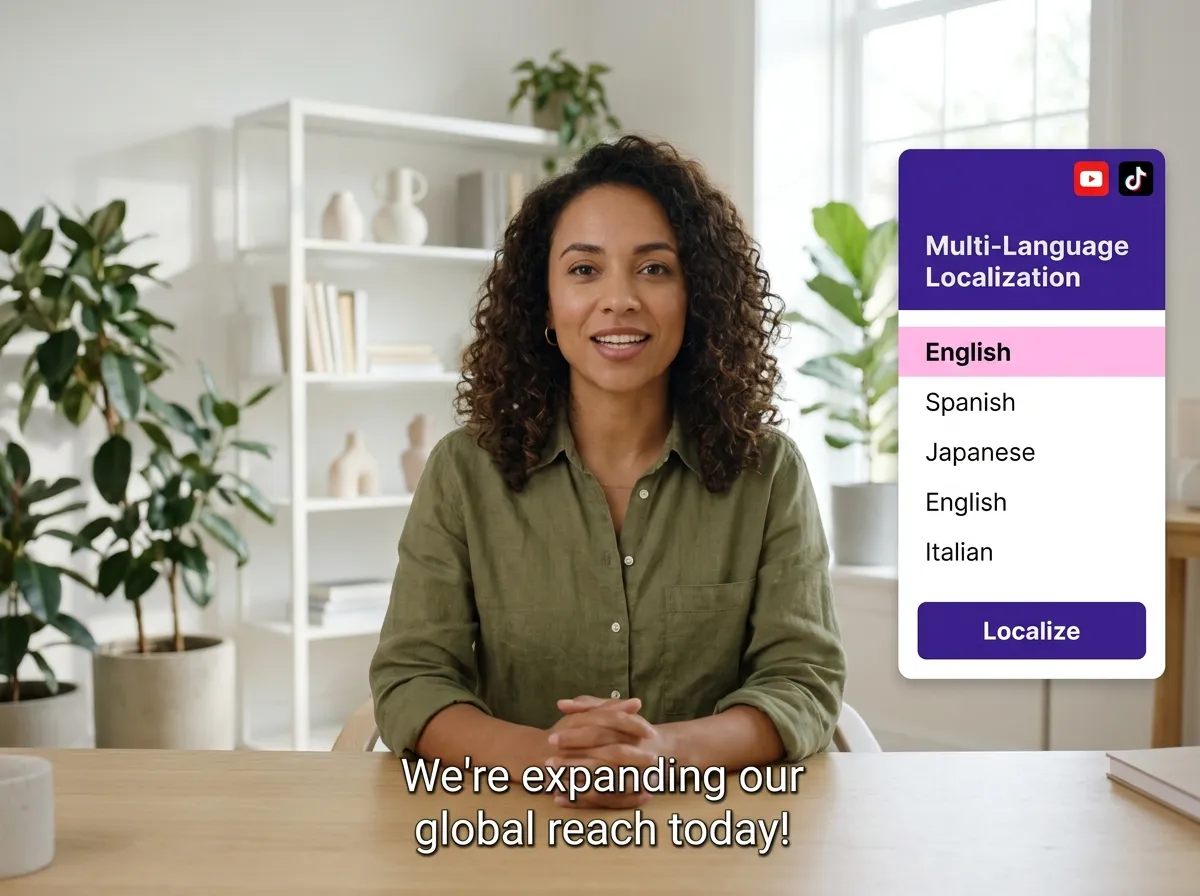
Boost engagement with Vizard’s Multi-Language Localization. Easily convert captions into region-specific languages for YouTube Shorts and Instagram Reels, making your content feel native to every viewer worldwide.
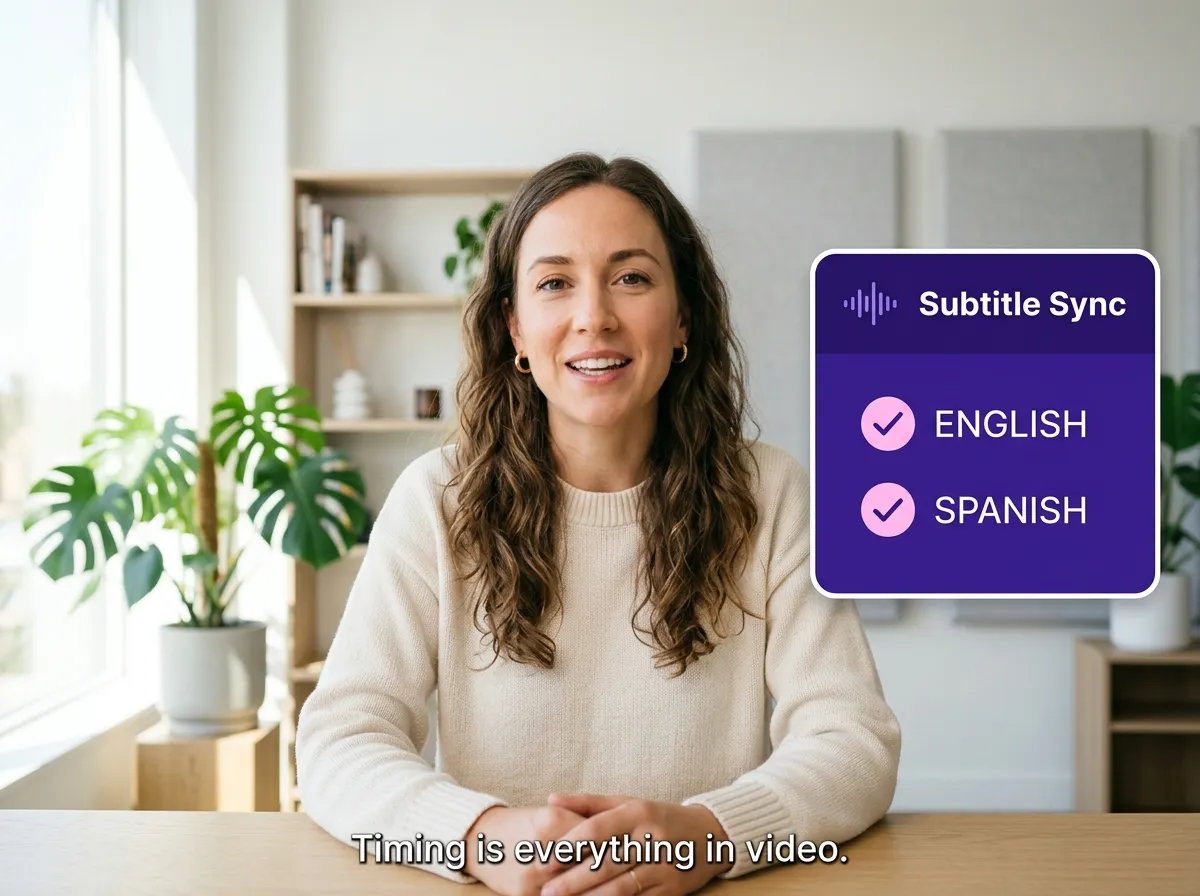
Ensure translated captions stay perfectly aligned with original speech flow. Vizard’s Subtitle Sync Preservation handles technical timing automatically, delivering a seamless, professional viewing experience without manual adjustments.
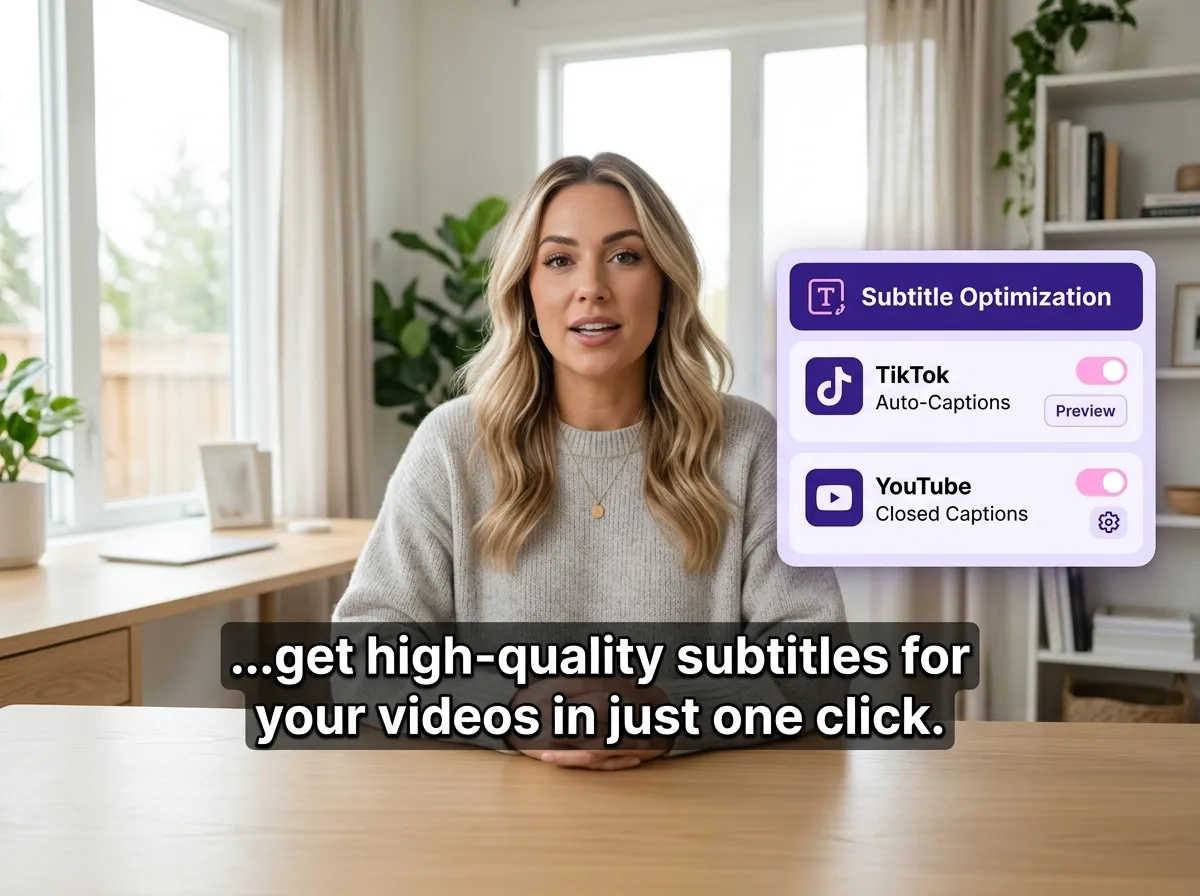
Maximize virality on TikTok and Reels. Vizard optimizes translated subtitles for vertical viewing, adjusting font size and placement for readability. Quickly adapt top-performing content for international social media audiences.
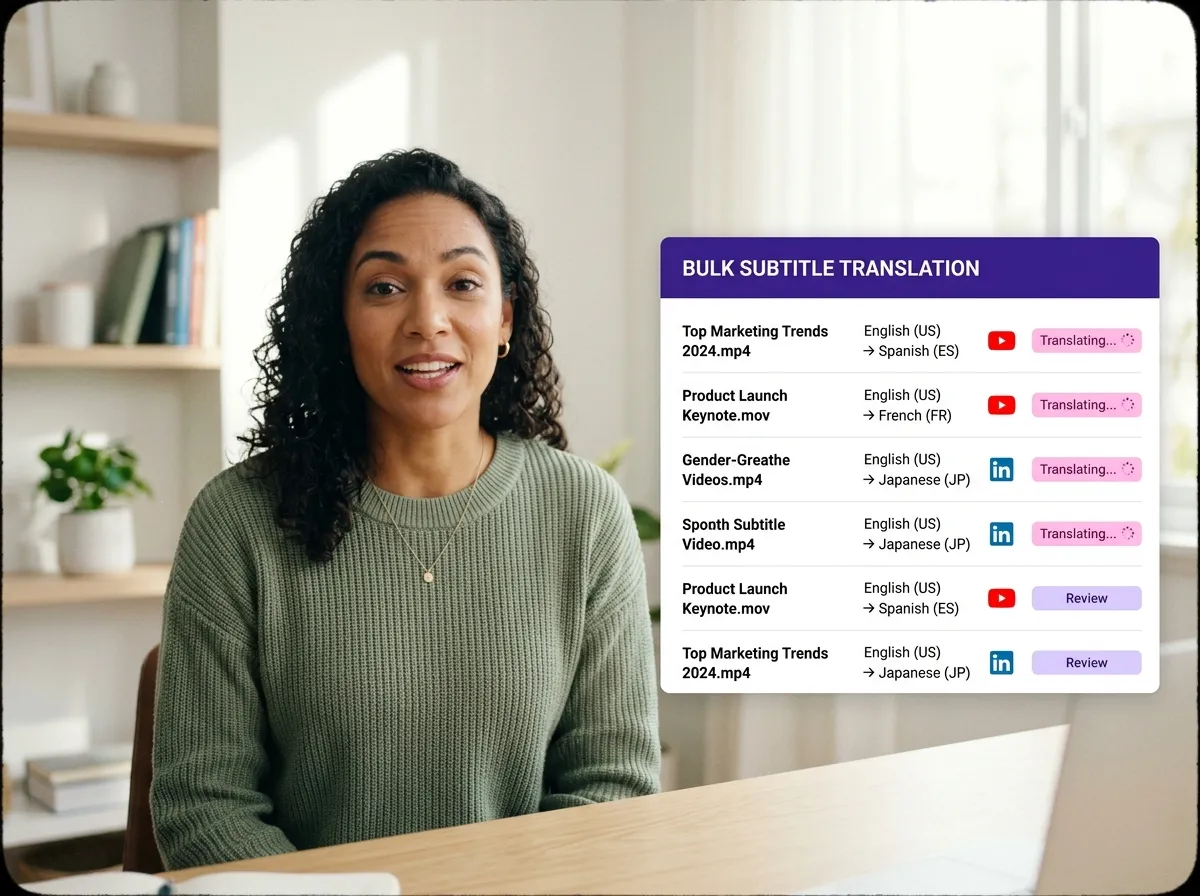
Scale production with Vizard’s Bulk Translation Workflow. Batch process multiple videos simultaneously to localize your entire library. Streamline your pipeline and reach millions of new viewers across YouTube and LinkedIn.
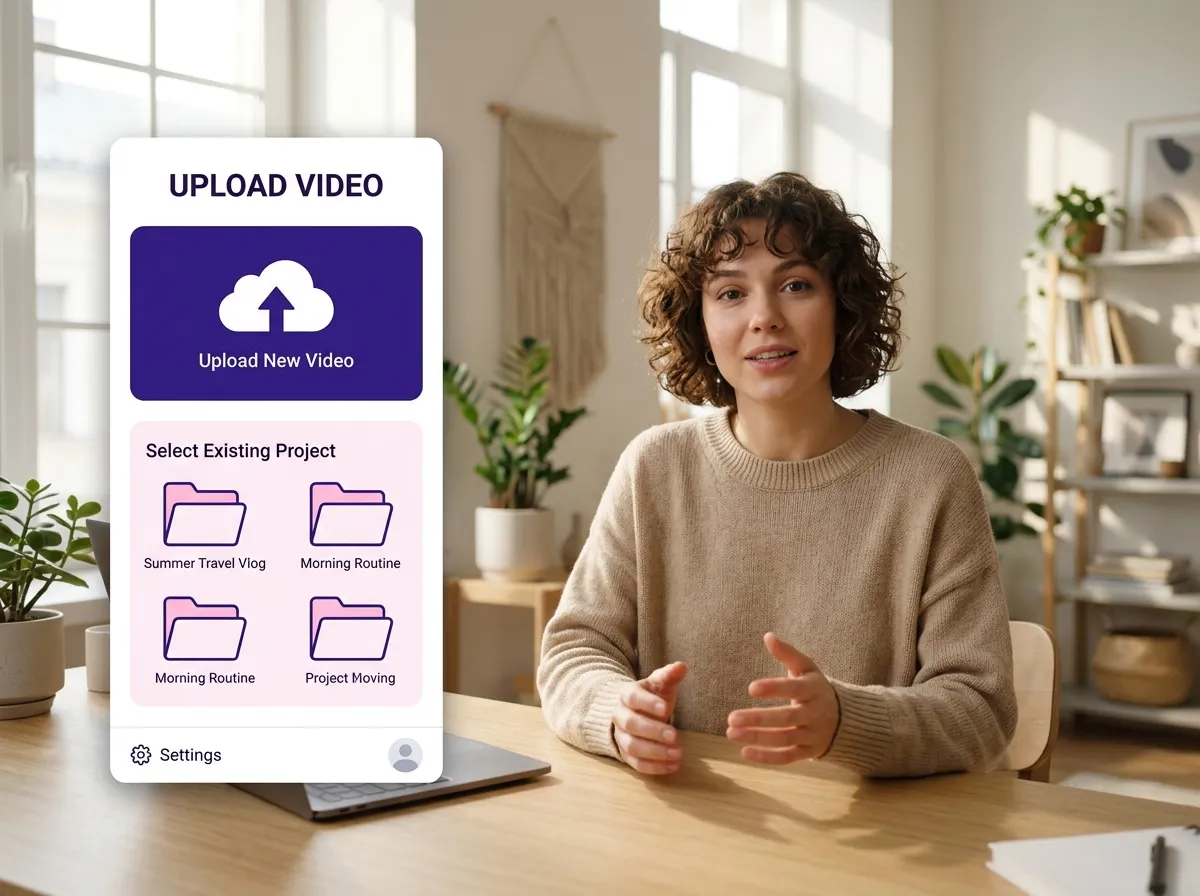
Start by uploading your video file directly to Vizard or selecting an existing project from your dashboard. Our platform handles the heavy lifting, preparing your content for instant AI translation.
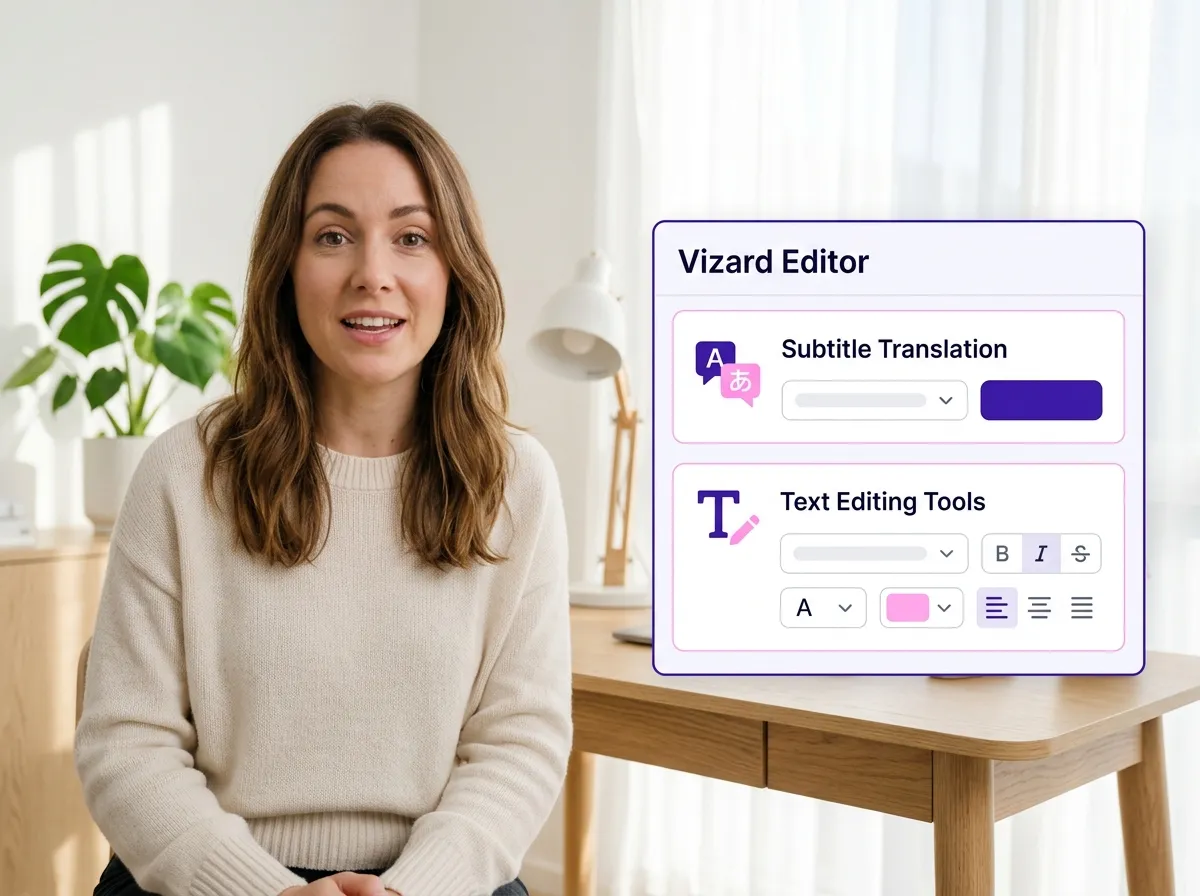
Once your video is uploaded, enter the Vizard Editor workspace. This is where you can access advanced subtitle features, AI clipping tools, and everything you need to optimize your video for a global audience.
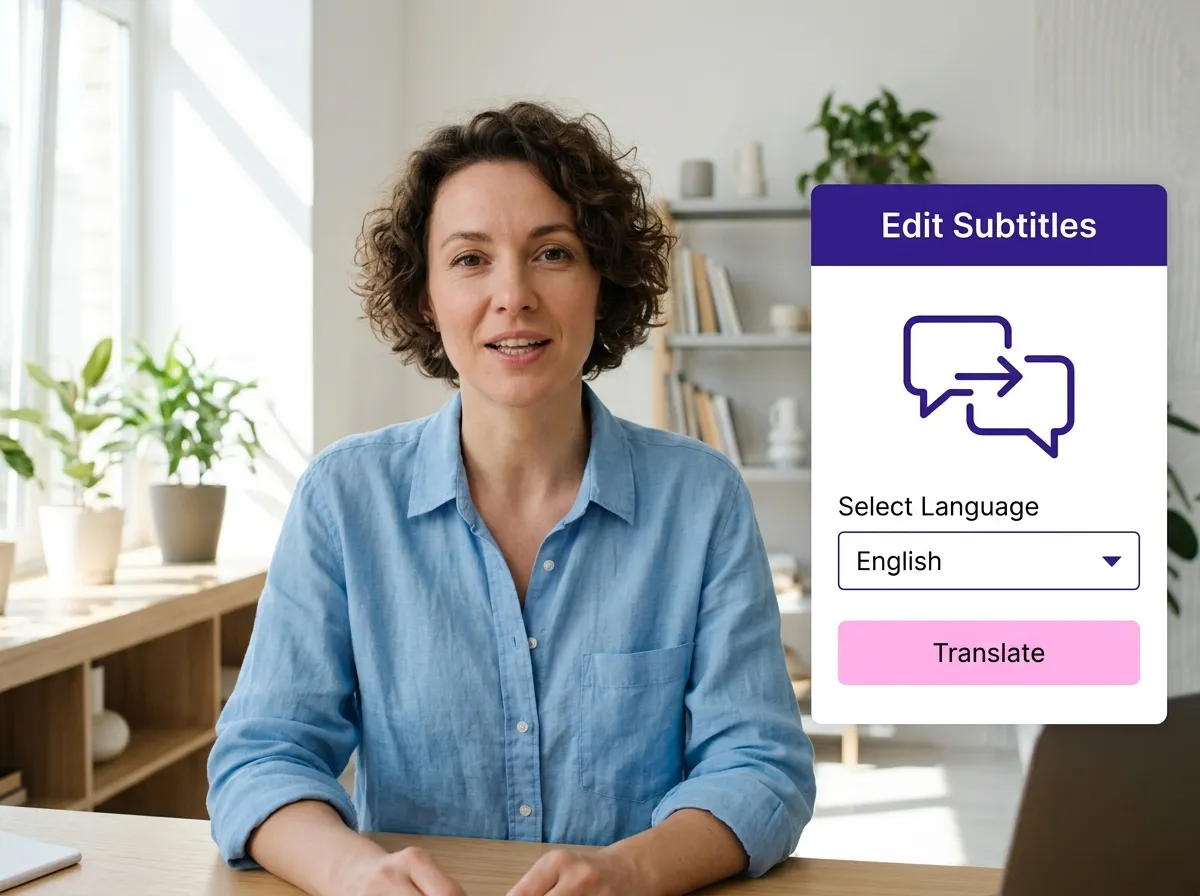
Click 'Edit Subtitles' on the left side of the editor, then select the Translation Icon. Simply choose your desired target language and hit 'Translate' to automatically generate accurate, perfectly timed subtitles in seconds.
Turn one video into 10+ Instagram Reels with AI.
With just a few clicks, you can download or share your videos with your friends or team members with a link.
Turn your videos and audios into Reels, Stories, posts, and more in one click.
Effortlessly plan, schedule, and auto-generate engaging AI-driven posts, and publish your Instagram Reels along with the perfect captions.
Add dynamic subtitles for your videos automatically, all in the browser.
Bring your team together by inviting collaborators to work on your projects, in one workspace.
Effortlessly translate your video content into 130+ languages, expanding your global reach with just a few clicks.
Enhance your video's visual appeal and brand identity with ease by adding logos, images, outros, and custom fonts to your videos.


How does Vizard's AI subtitle translator work?
Which languages can I translate my subtitles into?
Will the translated subtitles stay in sync with my video?
Is this tool suitable for social media like TikTok and Instagram Reels?
Can I translate subtitles for multiple videos at once?
How accurate is the AI subtitle translation?
How do I start translating subtitles with Vizard?
How does Vizard's AI subtitle translator work?
Which languages can I translate my subtitles into?
Will the translated subtitles stay in sync with my video?
Is this tool suitable for social media like TikTok and Instagram Reels?
Can I translate subtitles for multiple videos at once?
How accurate is the AI subtitle translation?
How do I start translating subtitles with Vizard?
 Yao Wang

Yao Wang
Yao Wang

Yao Wang
Yao Wang


















