

NEW
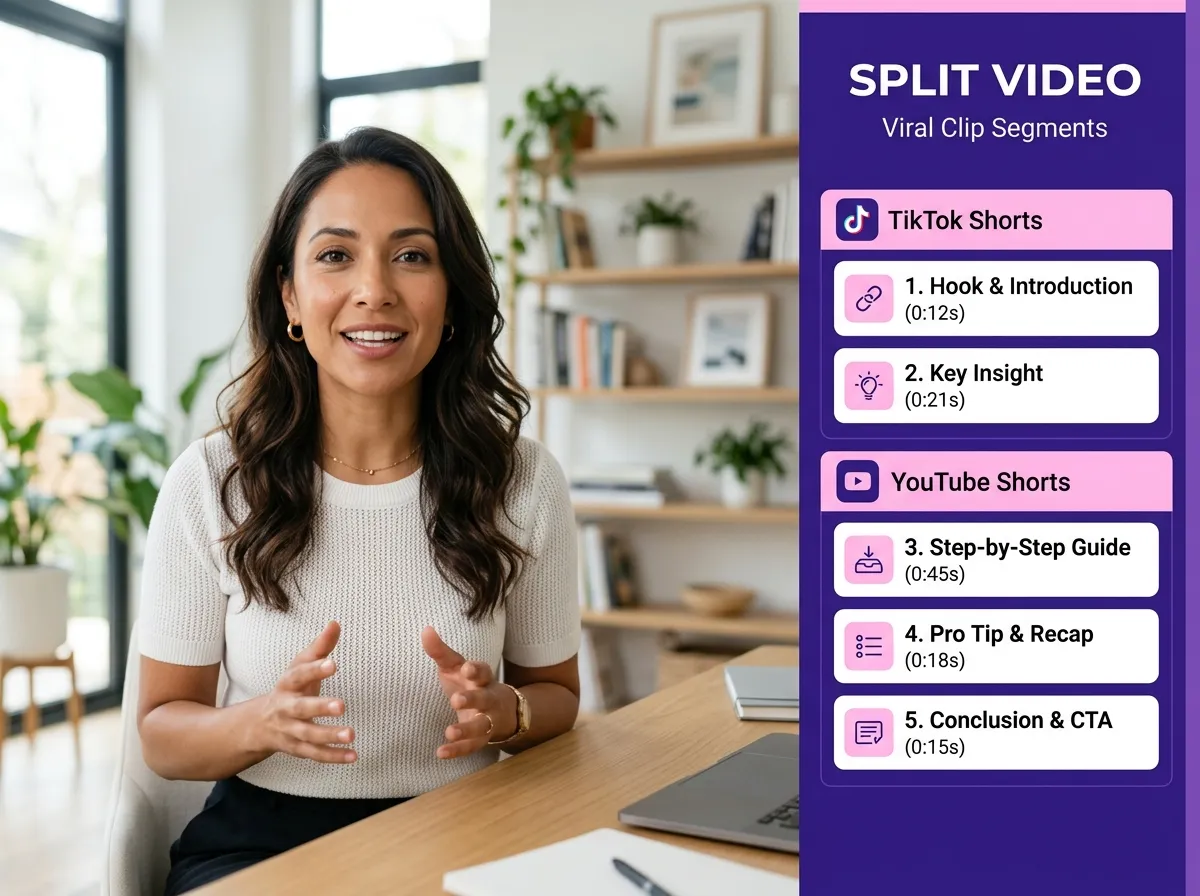



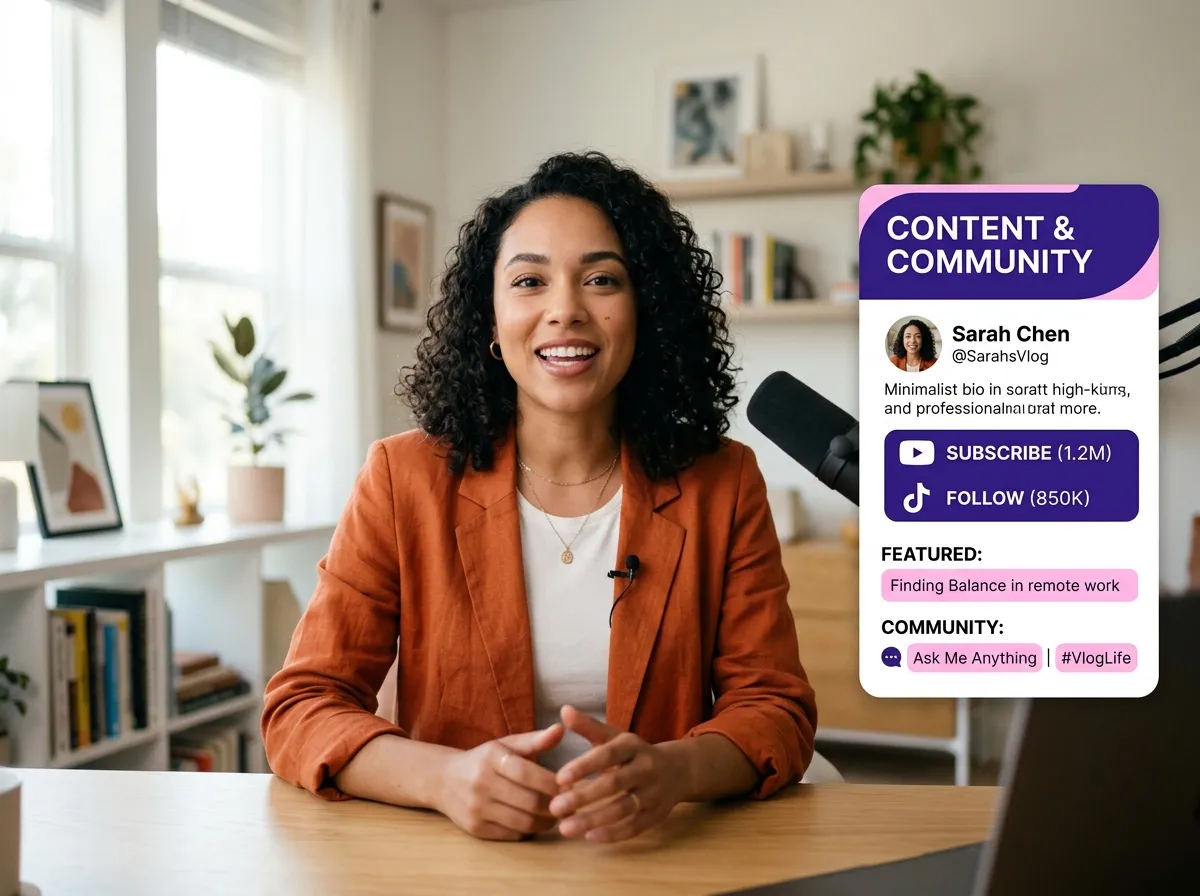
Vizard's Split Video tool provides a seamless, browser-based experience to cut footage without heavy software. As a free online video splitter, Vizard lets you upload files or paste links to start editing instantly. Perfect for social media managers and YouTubers, it quickly isolates highlights from long-form content. Using Vizard saves time and storage while ensuring clips are ready for enhancement. Whether removing unwanted segments or creating teasers, our intuitive interface makes splitting effortless and efficient for every creator.
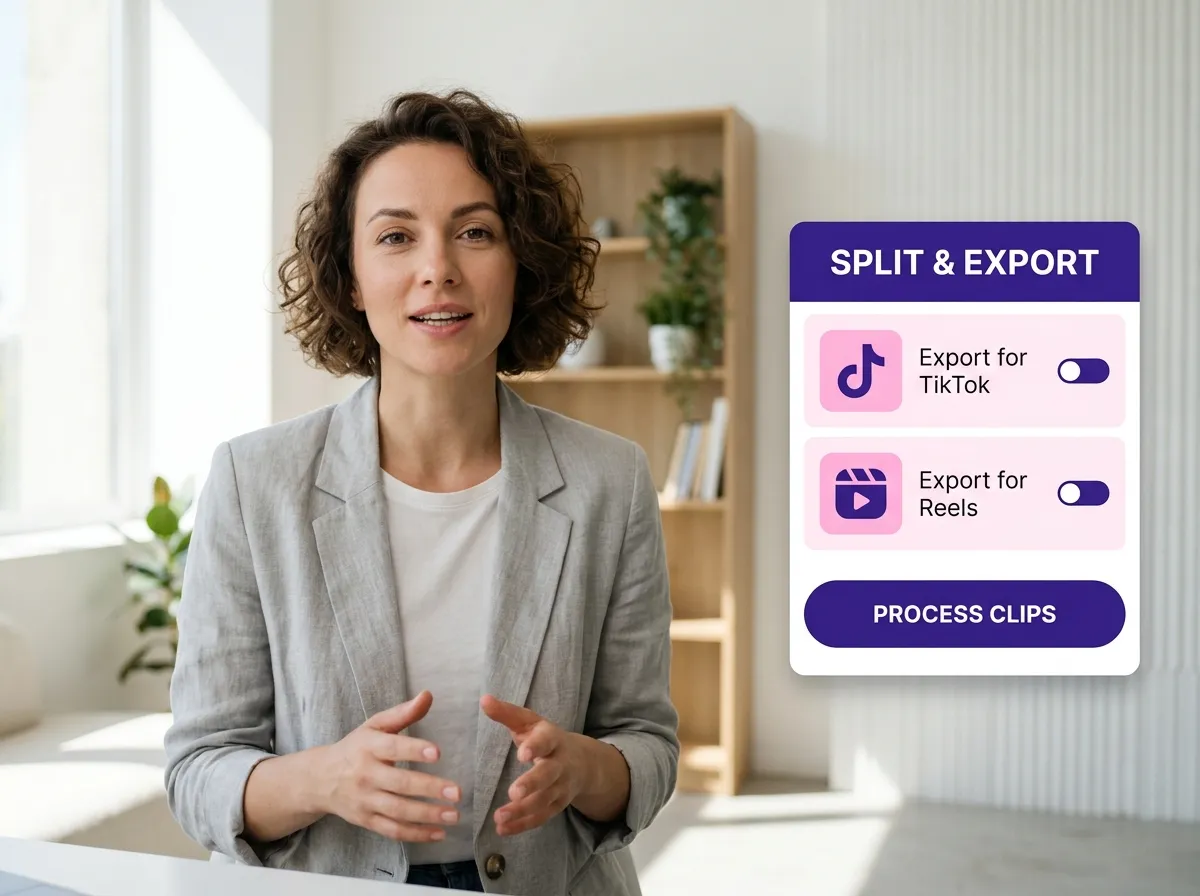
Achieve frame-perfect accuracy with Vizard’s precision timeline. Simply drag the playhead and click to split your video instantly. This feature is ideal for podcasters and webinar hosts trimming long recordings into viral segments for TikTok or Instagram Reels. Vizard removes the complexity of traditional software, offering a straightforward way to break down large files. With our cloud-based platform, you can edit from anywhere, ensuring an uninterrupted workflow. Experience professional-grade splitting tools combined with the simplicity of a web app to streamline your content creation process.
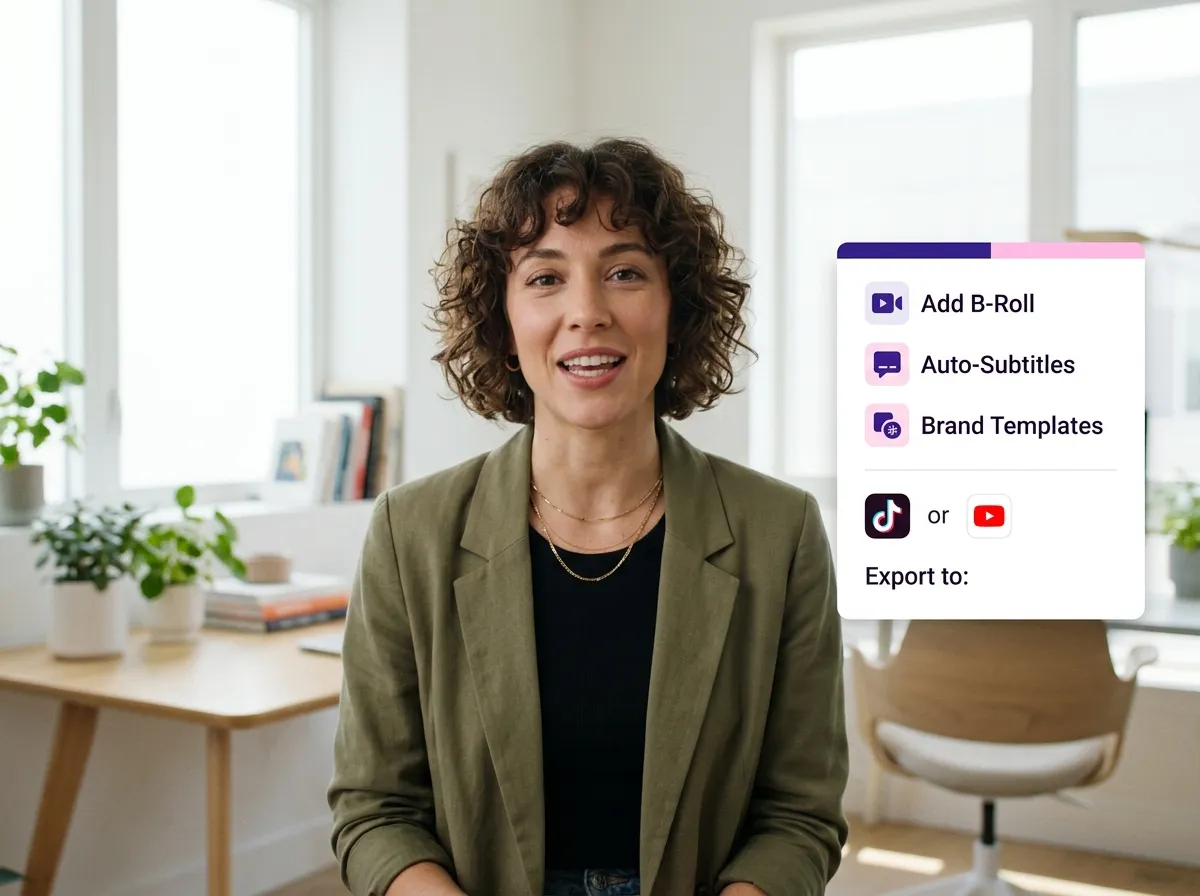
Splitting is just the start with Vizard’s all-in-one AI video editor. After cutting your footage, immediately enhance clips with transitions, b-rolls, and creative assets in one project. This end-to-end workflow is perfect for digital marketers producing high-quality social media videos quickly. Vizard transforms raw footage into polished, platform-ready content that captures attention. From adding subtitles to applying brand templates, our suite of tools ensures your split videos are optimized for maximum reach and engagement across all digital platforms.
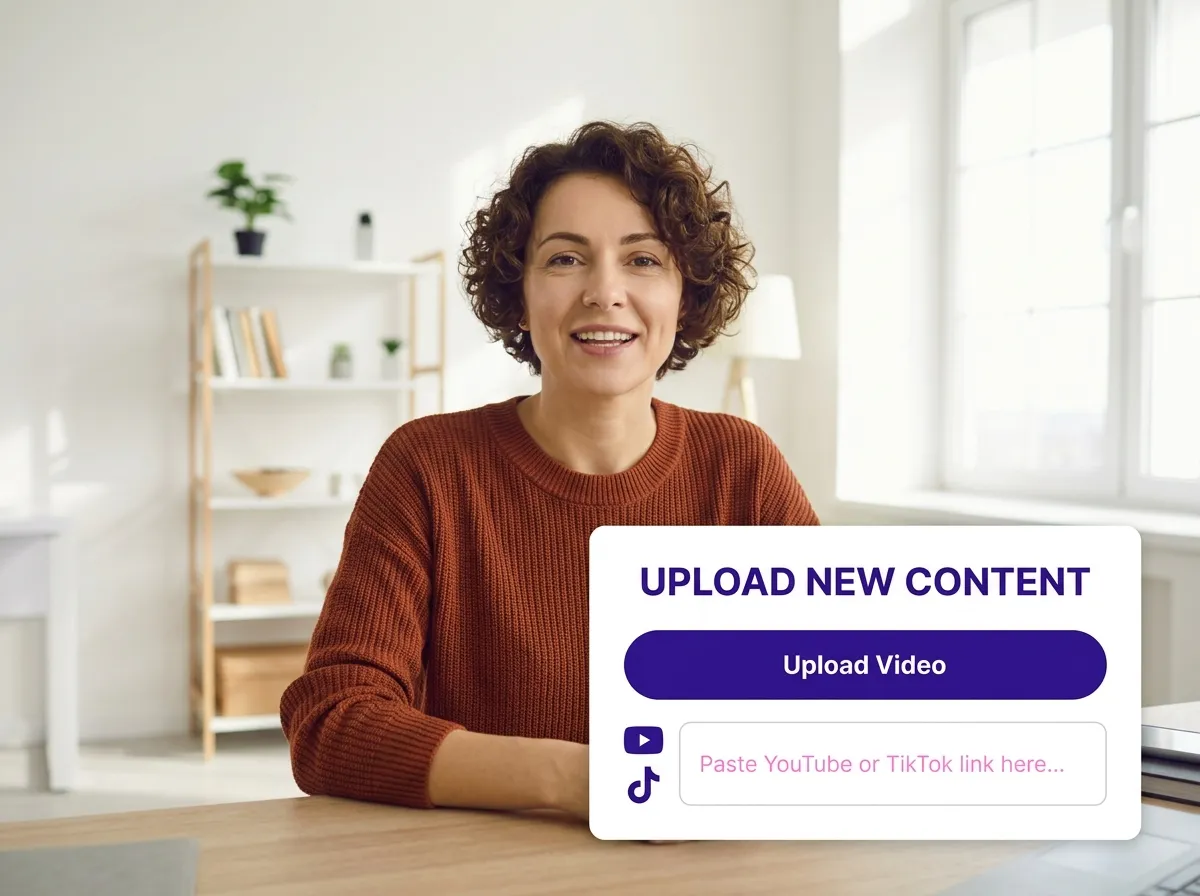
Start by uploading your video file directly from your device or simply paste a video link. Vizard supports a wide range of formats, making it easy to bring your content into the editor from anywhere.
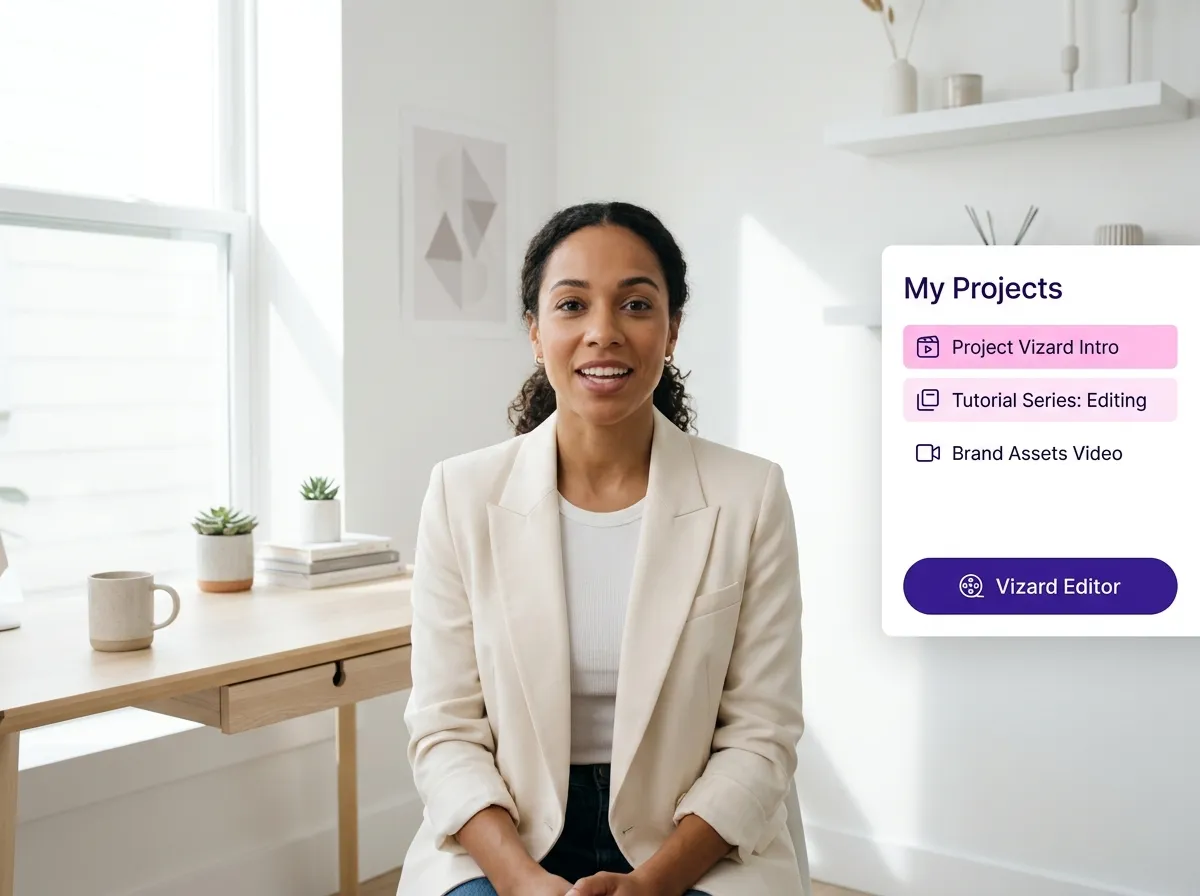
Once your video is uploaded, select your project and enter the Vizard Editor. This is where you'll find all the professional-grade tools needed to refine and edit your footage with ease.
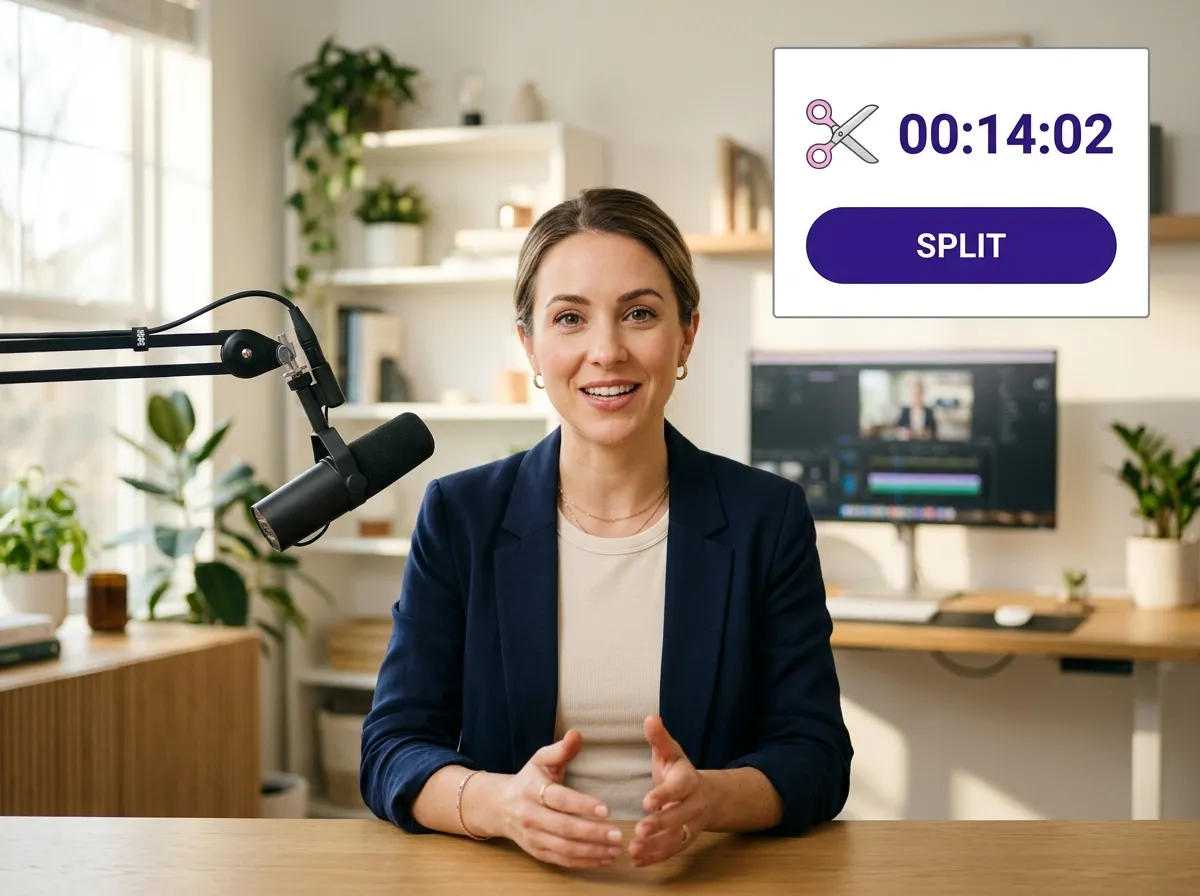
Navigate to the timeline at the bottom of the screen. Drag the playhead to the exact moment where you want to split your video. Vizard's frame-accurate timeline ensures precise cutting every time.
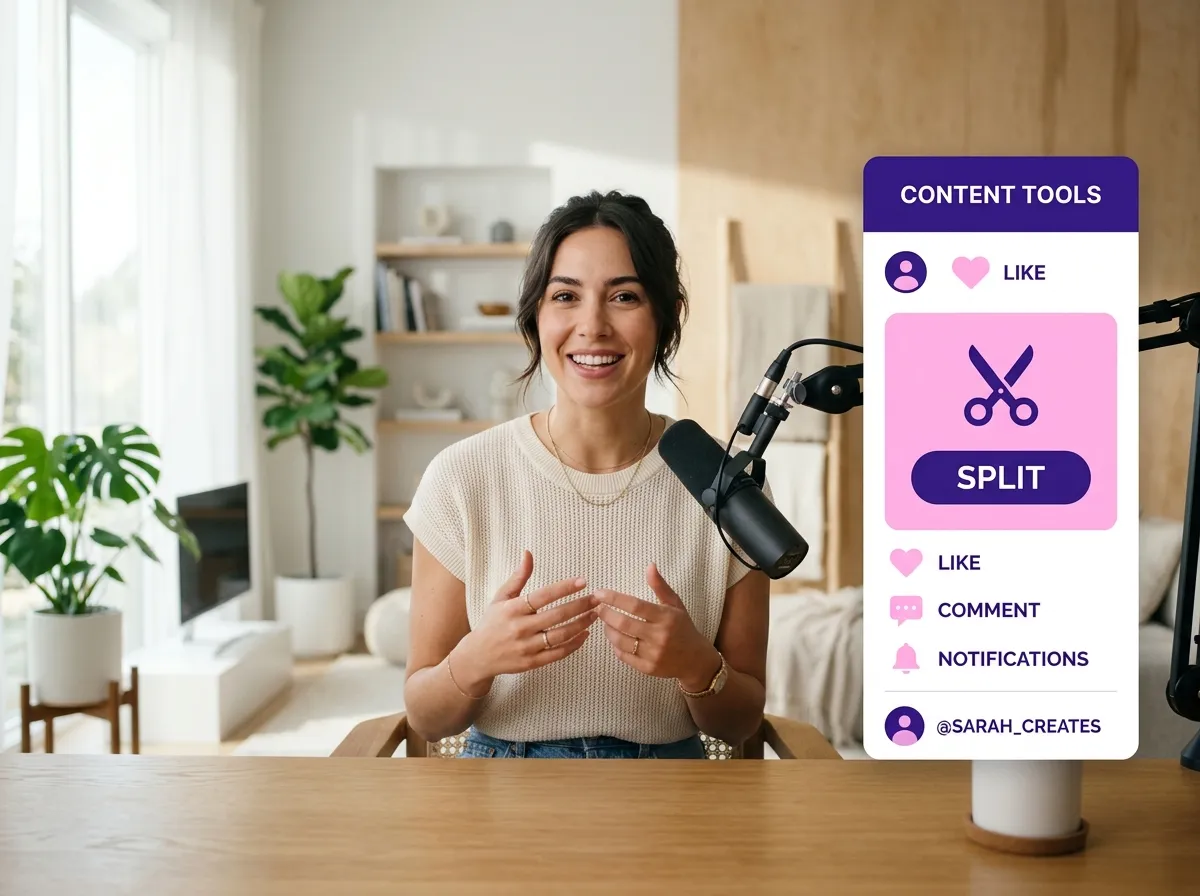
Click the "Split" button, and your video will be instantly divided into segments. You can then edit each part separately, add smooth transitions, or remove unwanted sections to create the perfect clip.
Turn one video into 10+ Instagram Reels with AI.
With just a few clicks, you can download or share your videos with your friends or team members with a link.
Turn your videos and audios into Reels, Stories, posts, and more in one click.
Effortlessly plan, schedule, and auto-generate engaging AI-driven posts, and publish your Instagram Reels along with the perfect captions.
Add dynamic subtitles for your videos automatically, all in the browser.
Bring your team together by inviting collaborators to work on your projects, in one workspace.
Effortlessly translate your video content into 130+ languages, expanding your global reach with just a few clicks.
Enhance your video's visual appeal and brand identity with ease by adding logos, images, outros, and custom fonts to your videos.


How do I split a video online using Vizard?
Is Vizard’s video splitter free to use?
Do I need to download any software to split my videos?
Can I add transitions or other effects after splitting a video?
What video formats does Vizard support for splitting?
How can splitting a video help with my social media strategy?
How do I split a video online using Vizard?
Is Vizard’s video splitter free to use?
Do I need to download any software to split my videos?
Can I add transitions or other effects after splitting a video?
What video formats does Vizard support for splitting?
How can splitting a video help with my social media strategy?
 Yao Wang
Yao Wang

Yao Wang
Yao Wang
Yao Wang


















