

NEW
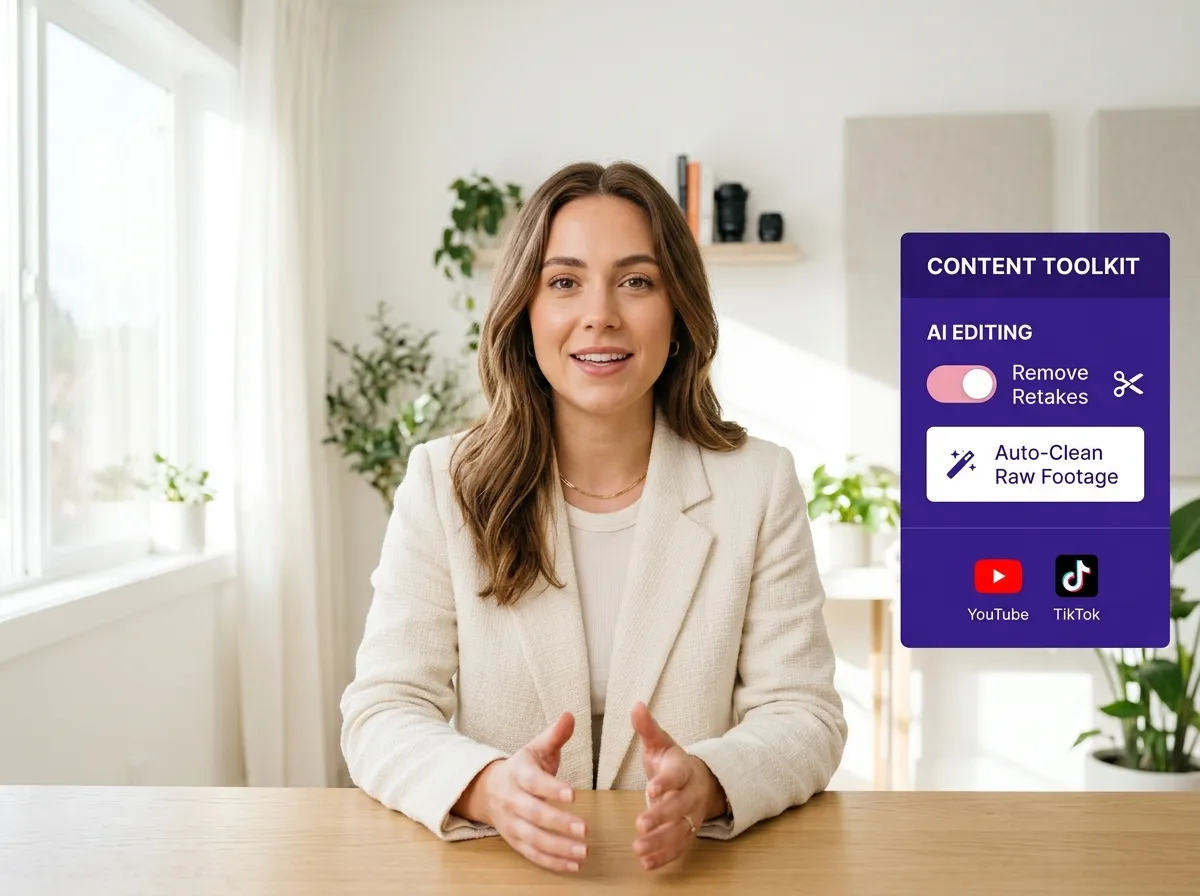



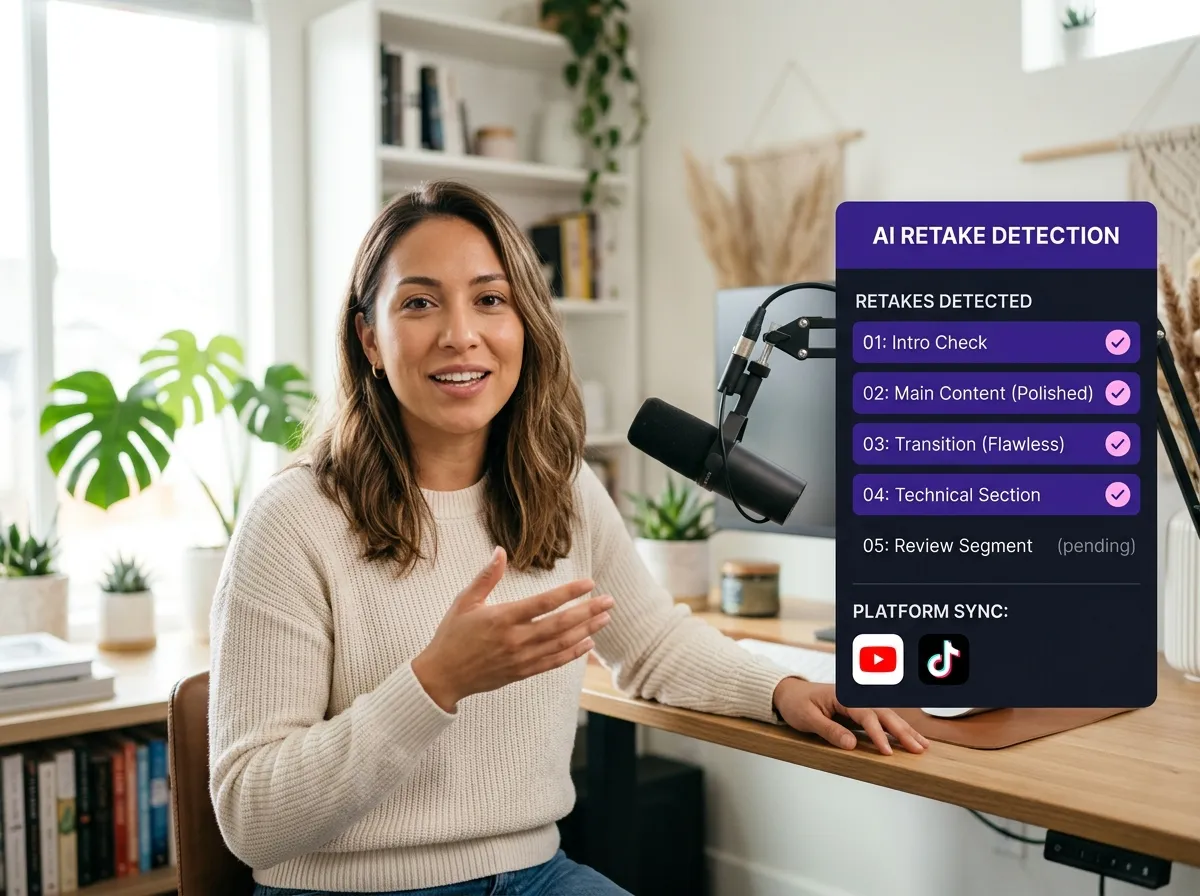
Vizard’s AI Retake Detection automatically scans raw footage to identify repetitive takes, such as when you restart a sentence after a stumble or repeat a hook to get the perfect energy. Instead of manually scrubbing through hours of video, Vizard pinpointed the best performance while filtering out redundant attempts where you stuttered or looked away. This is perfect for talking head creators who often film multiple versions of the same line. Save hours in post-production by letting AI isolate your strongest moments, ensuring a polished final result without the manual effort.
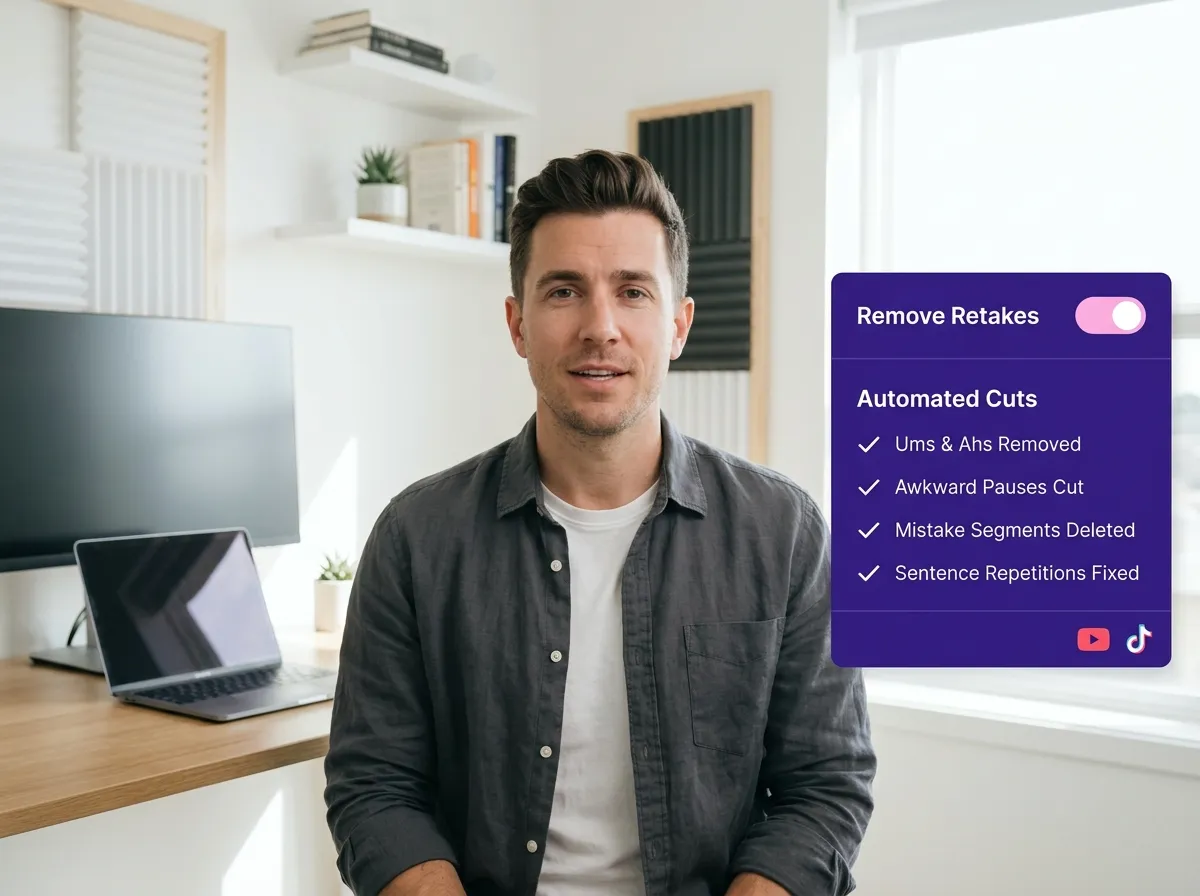
Effortlessly eliminate common recording mishaps like awkward long silences, mid-sentence restarts, and verbal slips with Vizard’s Seamless Mistake Removal. The tool intelligently identifies and cuts out "bad takes"—including those moments where you sneezed, coughed, or forgot your next line—keeping only the most fluent segments. Ideal for YouTubers and marketers, it ensures professional pacing by removing "ums," "ahs," and filler words. Transform messy raw recordings into smooth, audience-ready content in seconds, letting Vizard handle the tedious cleanup for you.
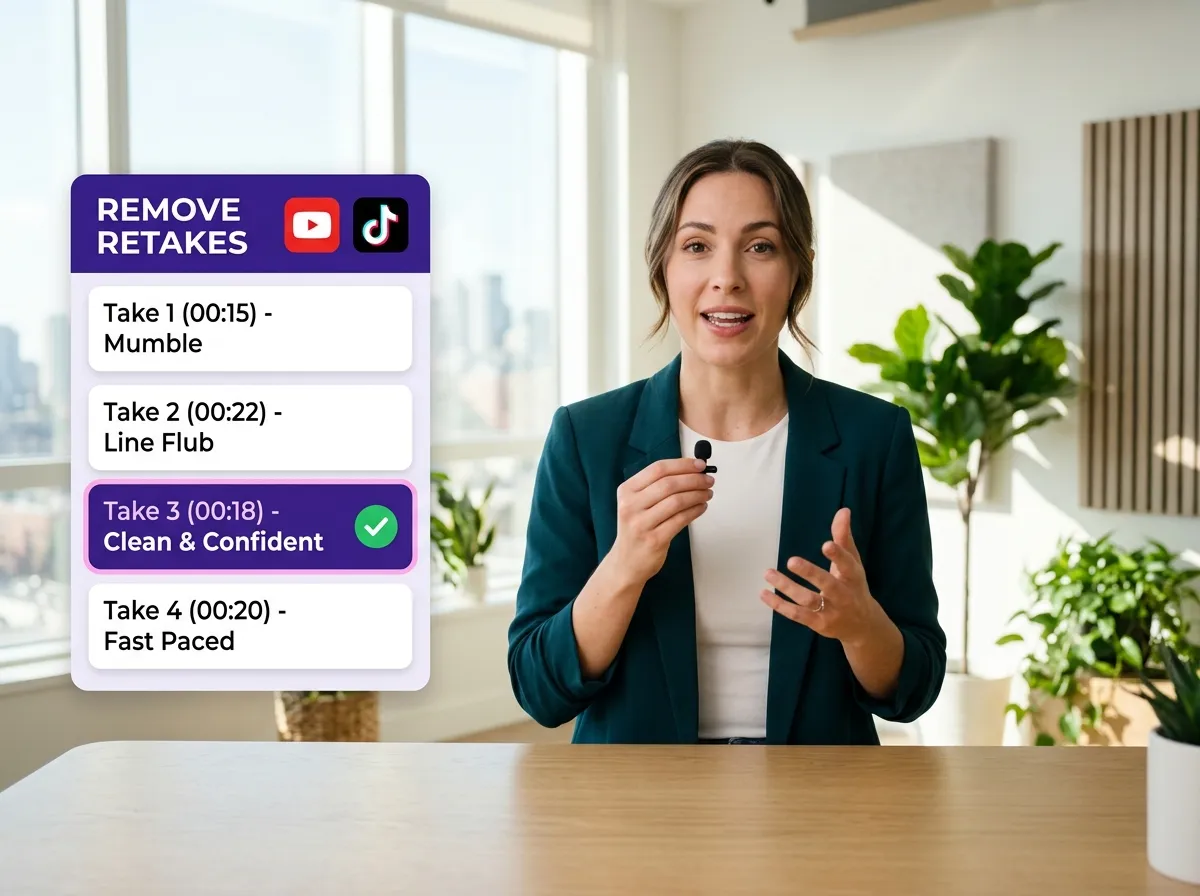
Vizard ensures a natural conversational rhythm by comparing multiple versions of the same script segment and selecting the most articulate take. Whether you had a false start, lost your train of thought, or just wanted to try a different tone, Vizard’s Smart Segment Continuity maintains flow by skipping over the failed attempts. This is essential for educators and podcasters who often record several retries to nail complex explanations. By automatically bridging the best parts, Vizard delivers a flawless, single-take feel that enhances your brand’s credibility and keeps viewers engaged.
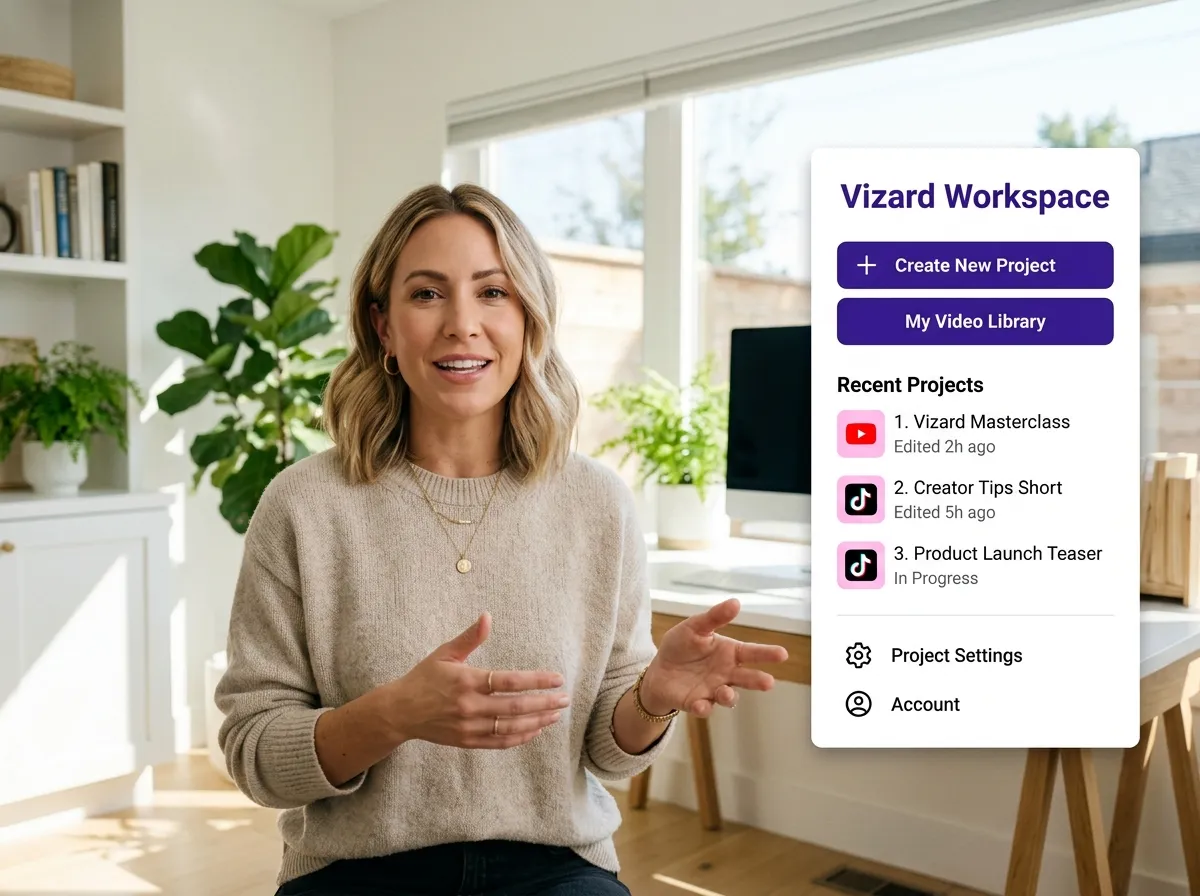
Sign in to your Vizard account and access your personal workspace to start your project.
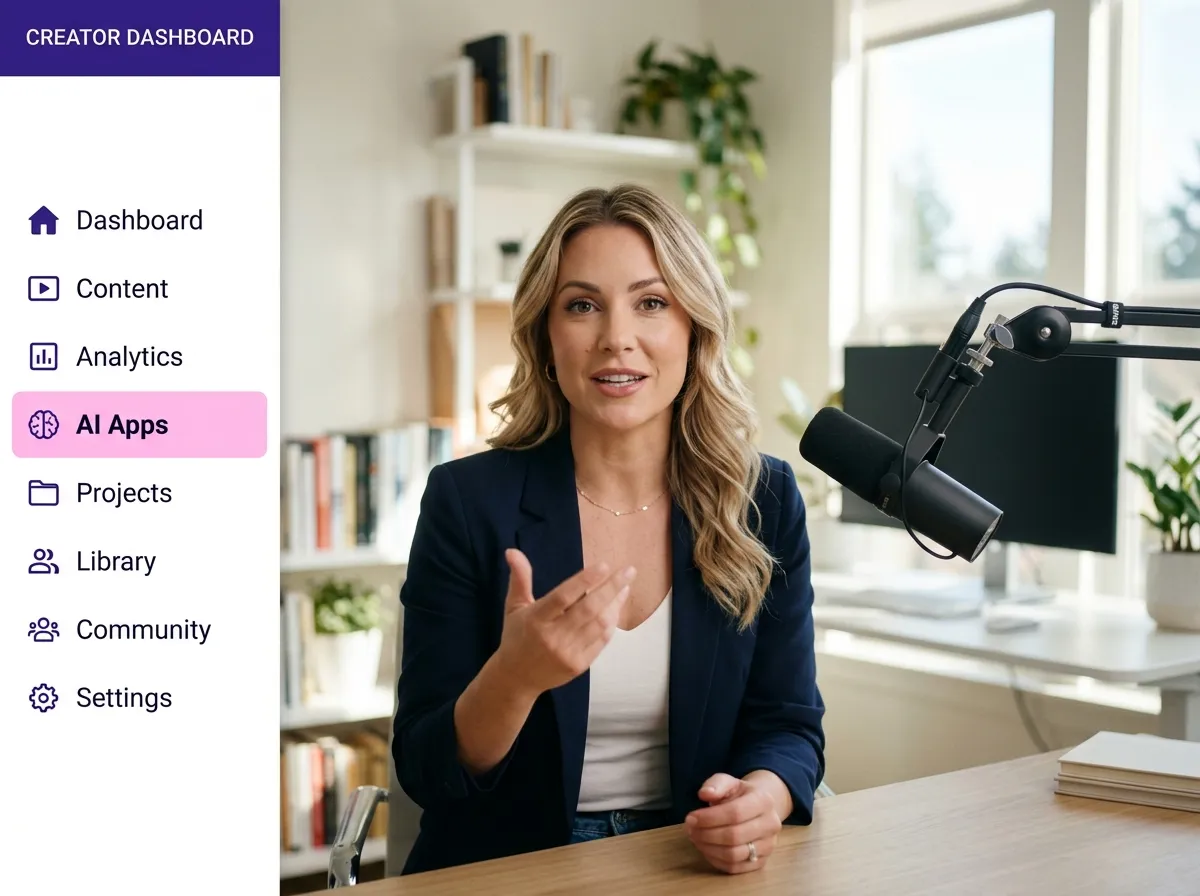
Locate the "AI Apps" tab in the side menu to find specialized AI-powered tools.
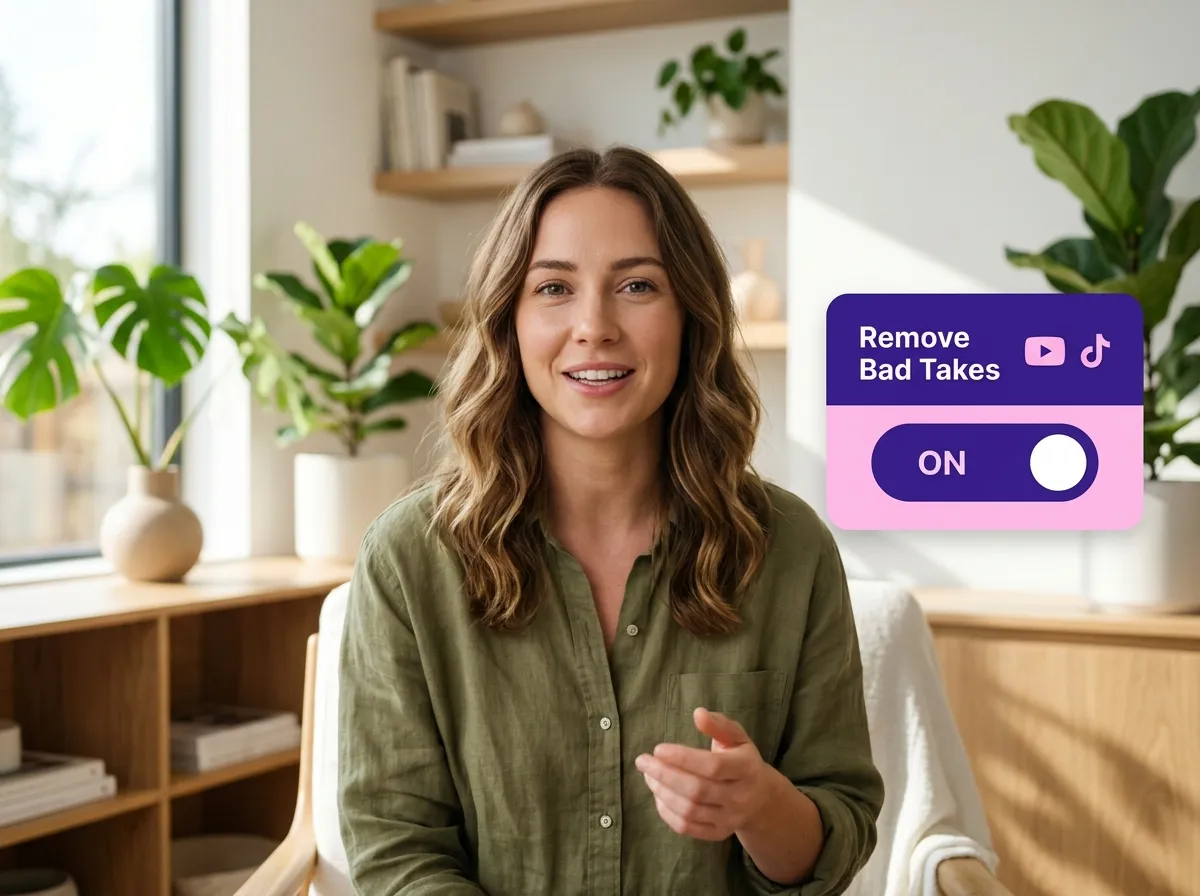
Find and click on the "Remove Bad Takes" tool to launch the automated editor.
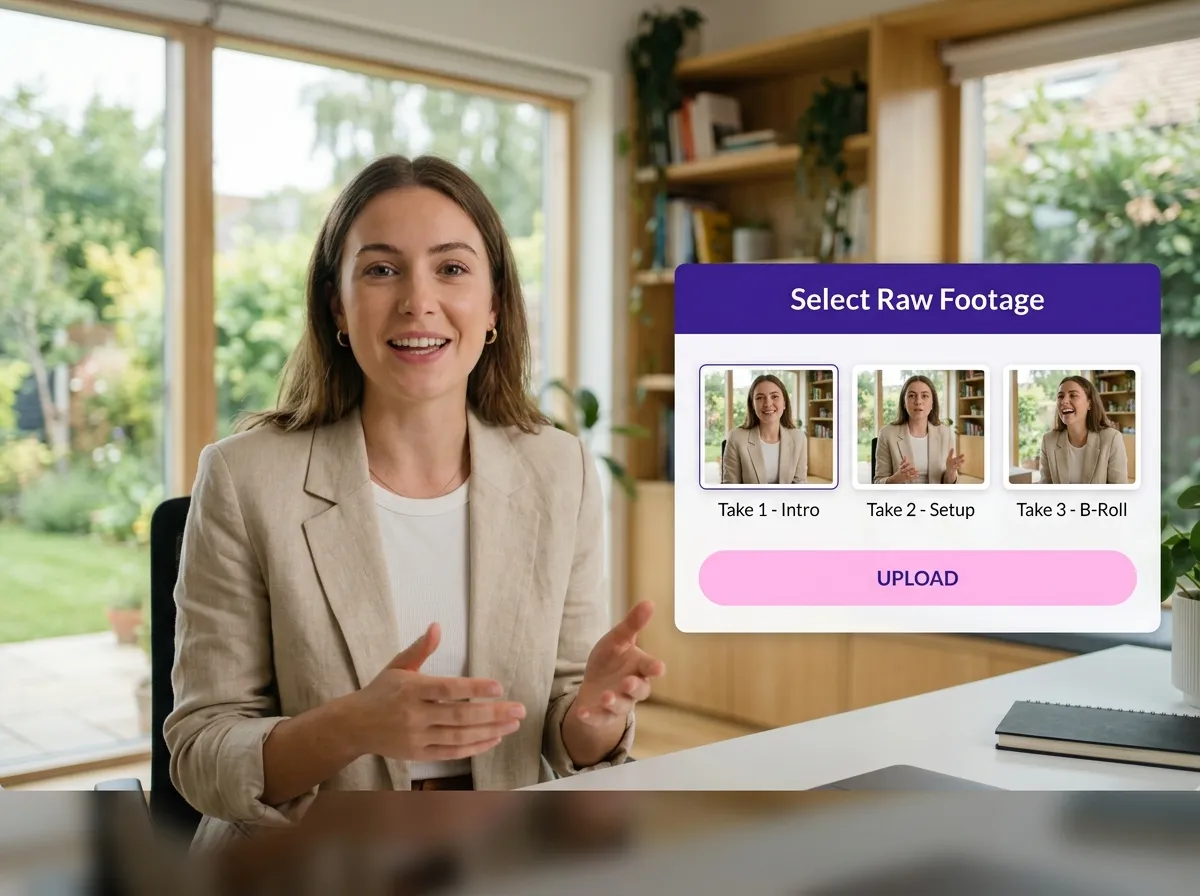
Drag and drop your long-form video or select a file from your library that contains multiple retakes.
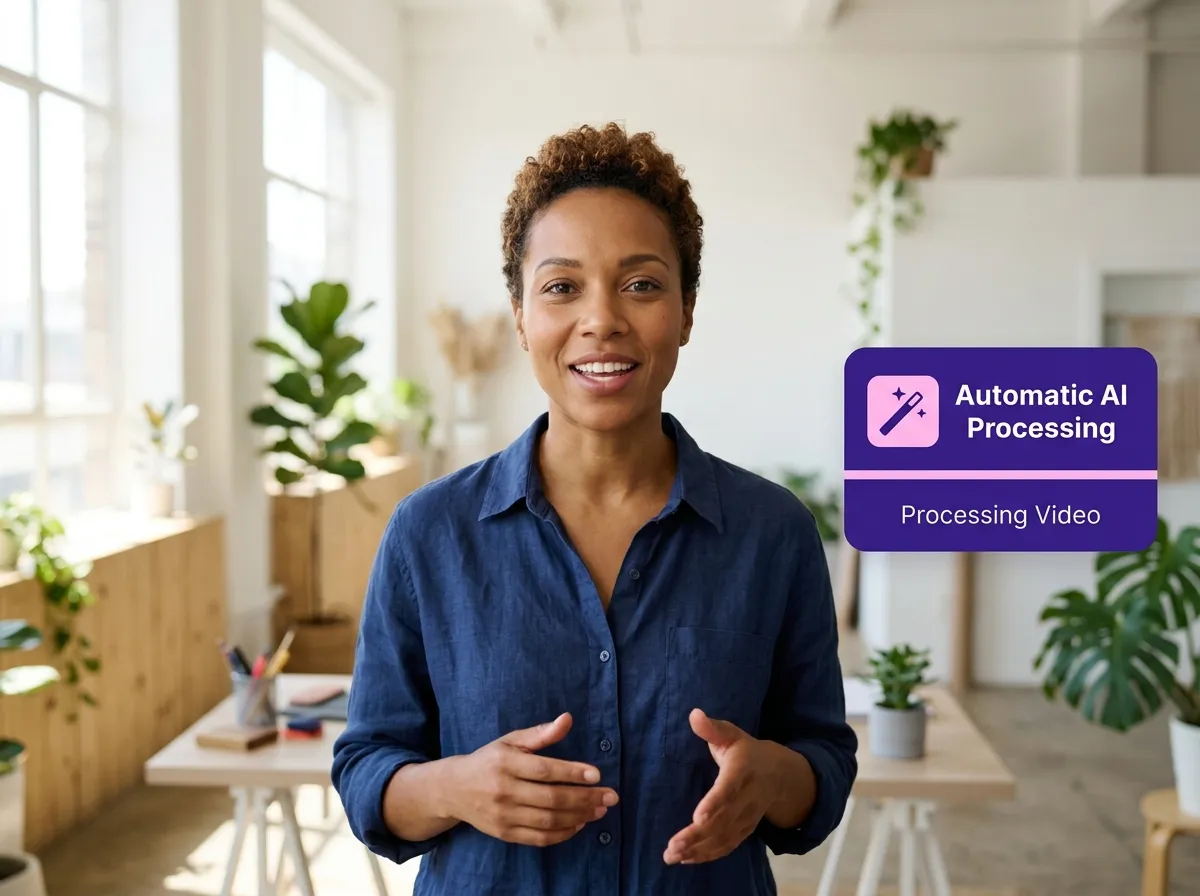
Sit back while Vizard's AI analyzes your footage, identifies errors, and selects the best takes for a seamless cut.
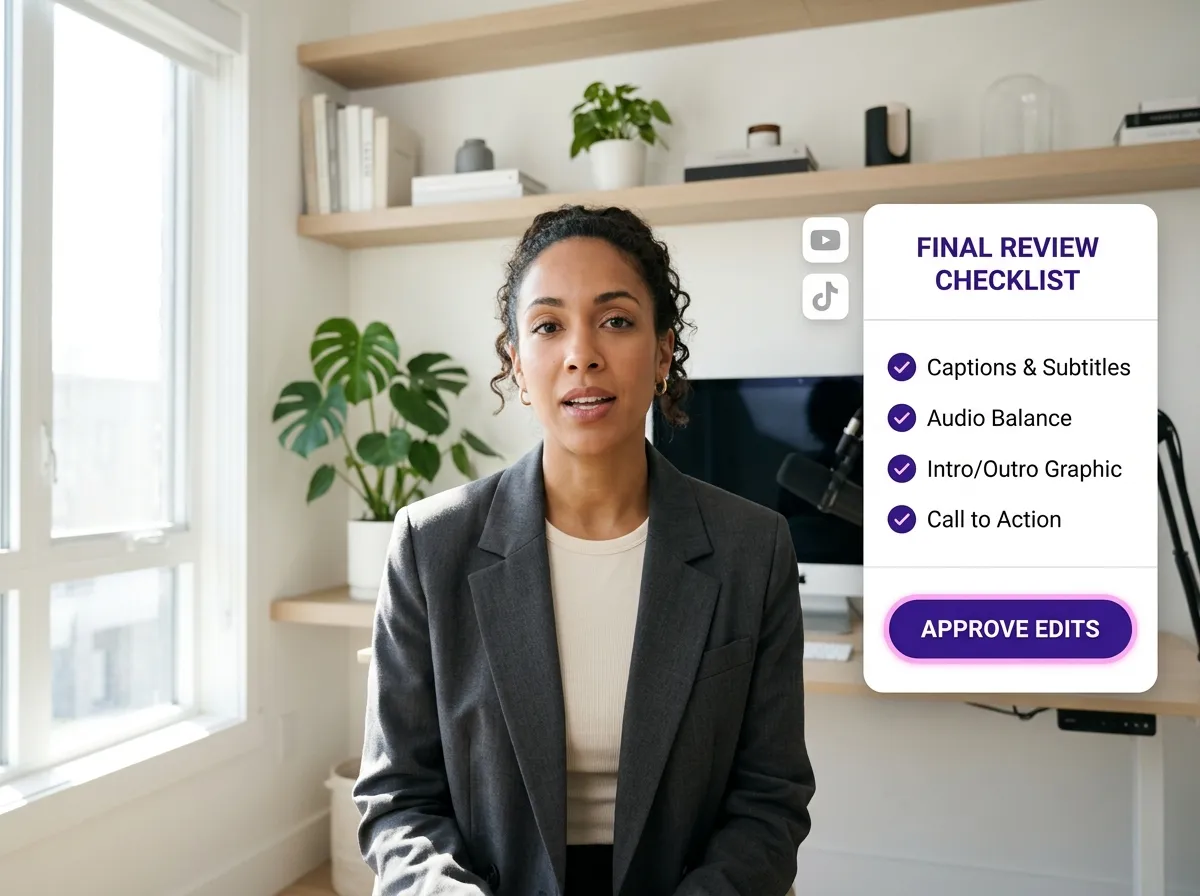
Preview the cleaned-up video. You can make manual adjustments or use Vizard's text-based editor for final touches.
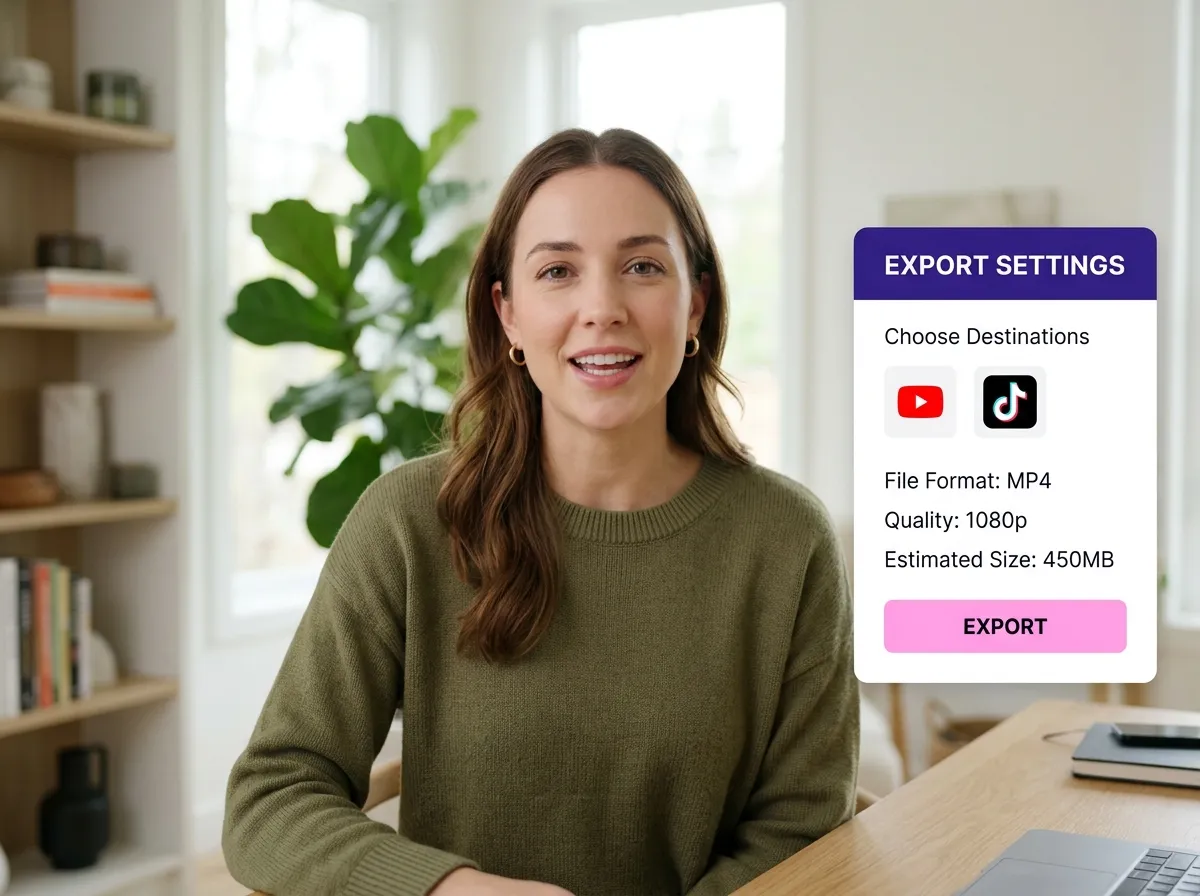
Once satisfied, hit export to download your high-quality, mistake-free video ready for sharing.
Turn one video into 10+ Instagram Reels with AI.
With just a few clicks, you can download or share your videos with your friends or team members with a link.
Turn your videos and audios into Reels, Stories, posts, and more in one click.
Effortlessly plan, schedule, and auto-generate engaging AI-driven posts, and publish your Instagram Reels along with the perfect captions.
Add dynamic subtitles for your videos automatically, all in the browser.
Bring your team together by inviting collaborators to work on your projects, in one workspace.
Effortlessly translate your video content into 130+ languages, expanding your global reach with just a few clicks.
Enhance your video's visual appeal and brand identity with ease by adding logos, images, outros, and custom fonts to your videos.


What is Vizard's Remove Retakes tool?
How does the AI determine which take is the "best"?
What types of videos work best with Remove Retakes?
Can I review and edit the video after the tool has processed it?
Does the tool maintain the natural pacing of my speech?
How do I get started with removing retakes in Vizard?
What is Vizard's Remove Retakes tool?
How does the AI determine which take is the "best"?
What types of videos work best with Remove Retakes?
Can I review and edit the video after the tool has processed it?
Does the tool maintain the natural pacing of my speech?
How do I get started with removing retakes in Vizard?

 Yao Wang
Yao Wang
Yao Wang
Yao Wang

Yao Wang


















