

NEW
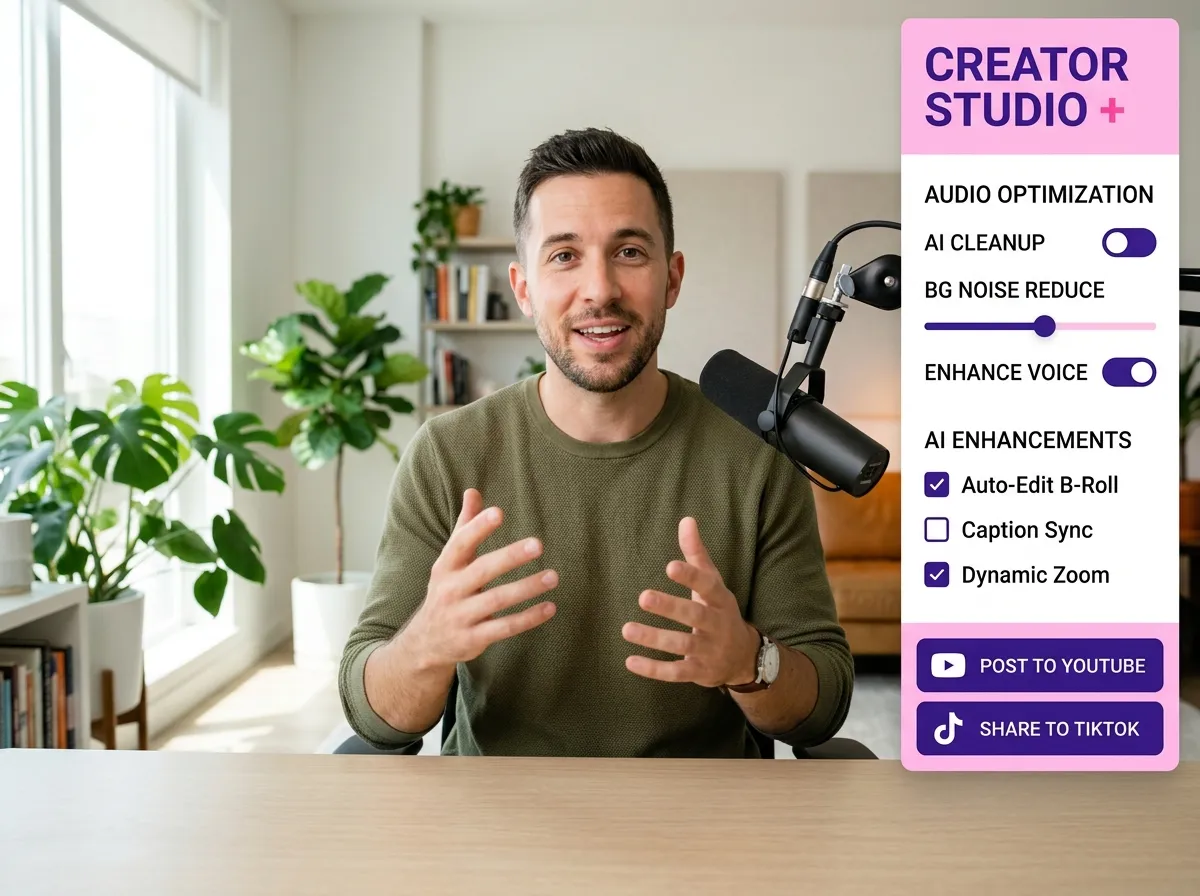



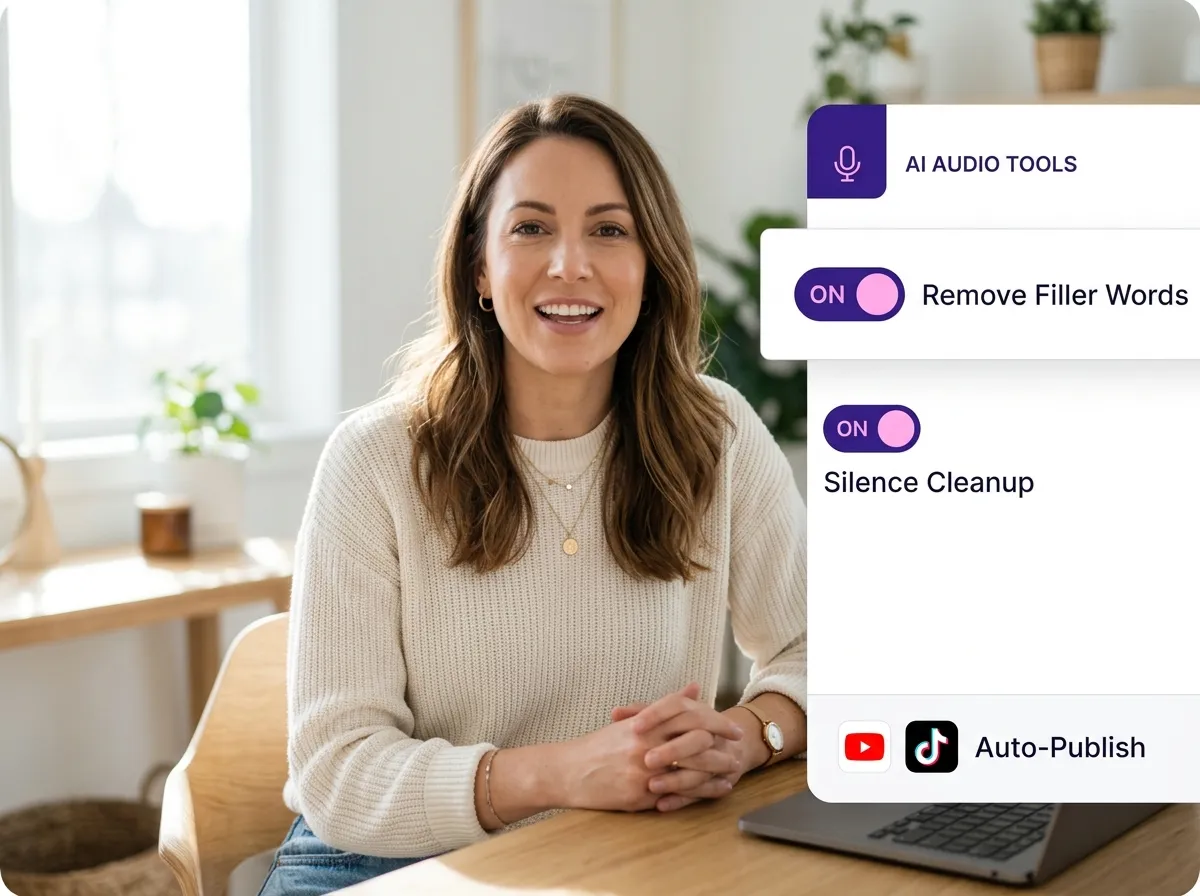
Vizard’s AI Podcast Editing & Cleanup feature streamlines the post-production process by automatically removing silence, filler words, and background noise. Using advanced AI algorithms, Vizard ensures your audio and video podcasts maintain a professional pace and crystal-clear sound quality without manual cutting. This tool is perfect for solo podcasters or marketing teams who want to polish their recordings in minutes. By optimizing the pacing and clarity of every episode, you save hours of tedious editing time while delivering a high-quality listening experience that keeps your audience engaged from start to finish.
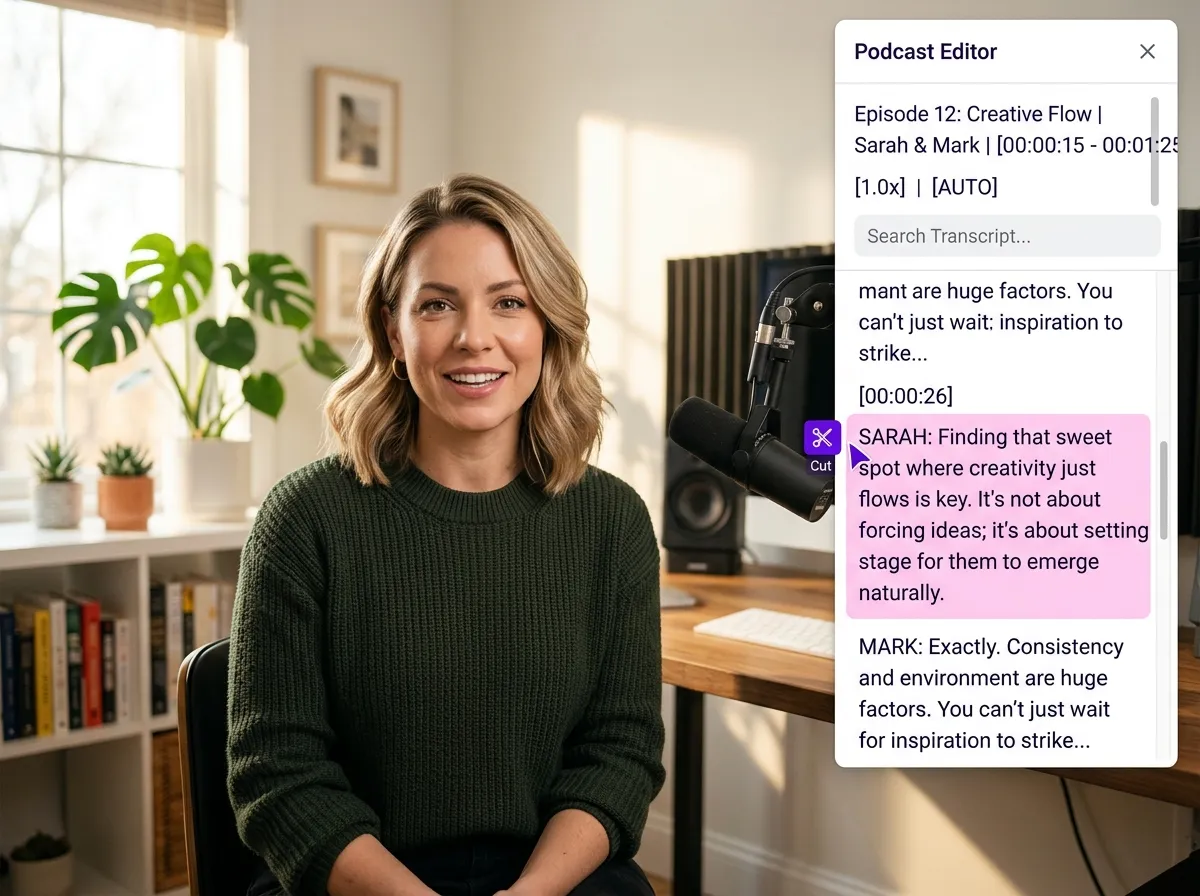
With Vizard, editing your podcast is as simple as editing a Word document. Our Text-Based Podcast Editing feature generates an instant transcript, allowing you to cut or rearrange content by simply deleting or moving text blocks. This revolutionary workflow eliminates the need to scrub through complex timelines, making it ideal for educators and webinar hosts who need to refine long-form conversations quickly. Whether you're removing a tangent or restructuring an interview, Vizard’s intuitive interface ensures your final video or audio file is perfectly synced, saving you significant effort while maintaining narrative flow.
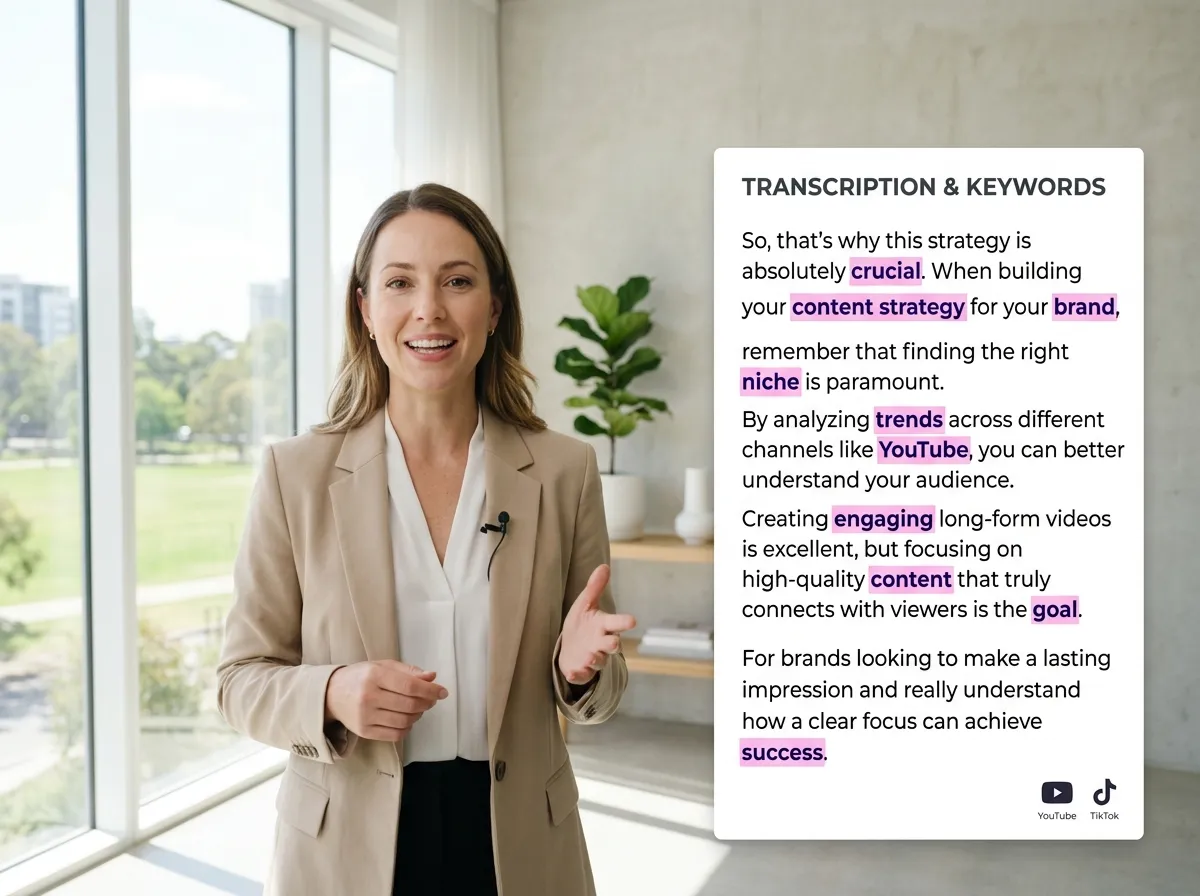
Boost your podcast’s accessibility and SEO with Vizard’s Podcast Transcription & Caption Generation tool. Vizard automatically transcribes your recordings with high accuracy, supporting multiple languages and specialized terminology. You can easily generate stylish, on-brand captions with keyword highlighting to grab attention on social media. This feature is a game-changer for content creators looking to reach global audiences and deaf or hard-of-hearing viewers. By providing searchable transcripts and engaging subtitles, you enhance your content’s discoverability on platforms like YouTube and improve overall viewer retention through clear, visual communication.
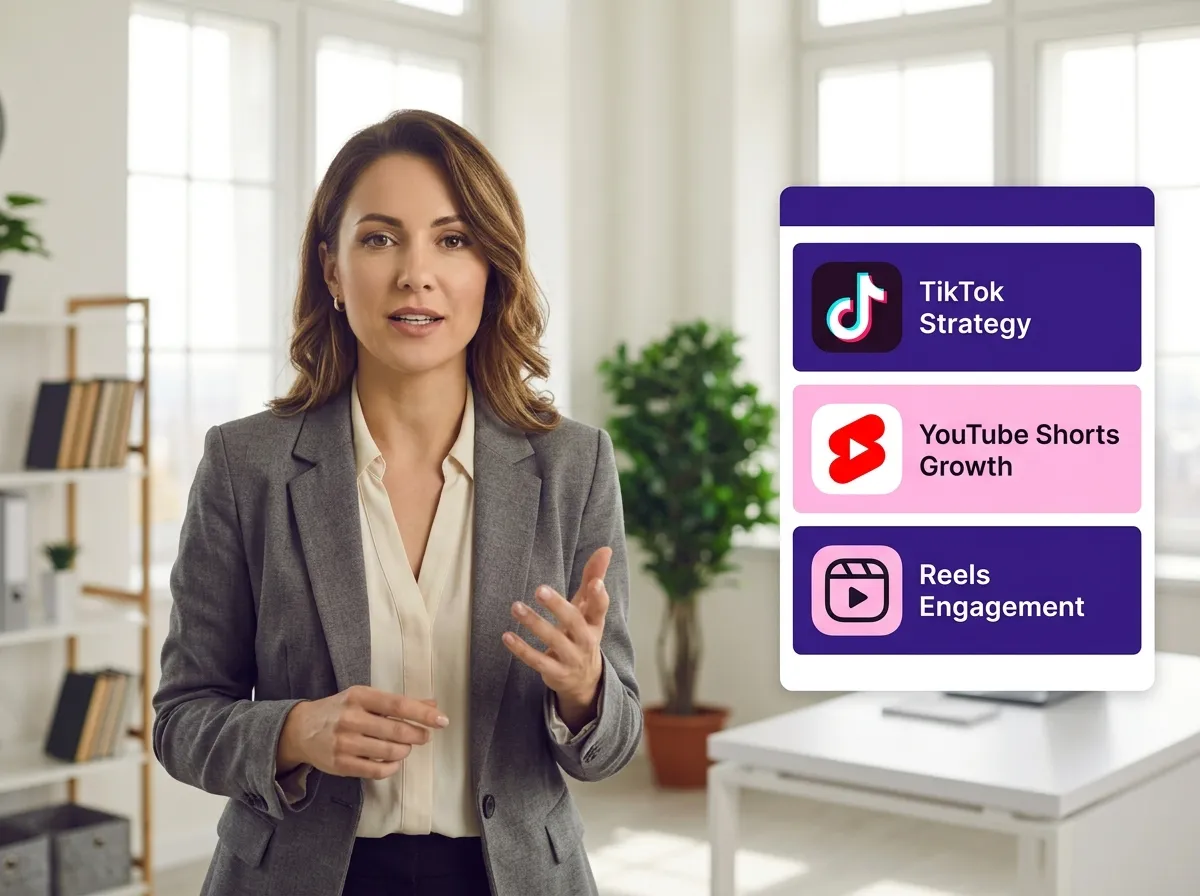
Maximize your content's reach using Vizard’s Podcast Repurposing for Social Media feature. Vizard identifies the most highlight-worthy moments in your long-form episodes and automatically converts them into viral, short-form clips optimized for TikTok, Instagram Reels, and YouTube Shorts. This tool is essential for social media managers and influencers who need to maintain a consistent posting schedule across multiple platforms. By turning one podcast into dozens of bite-sized assets, Vizard helps you drive traffic back to your main show, increase engagement, and grow your digital presence with minimal additional effort.
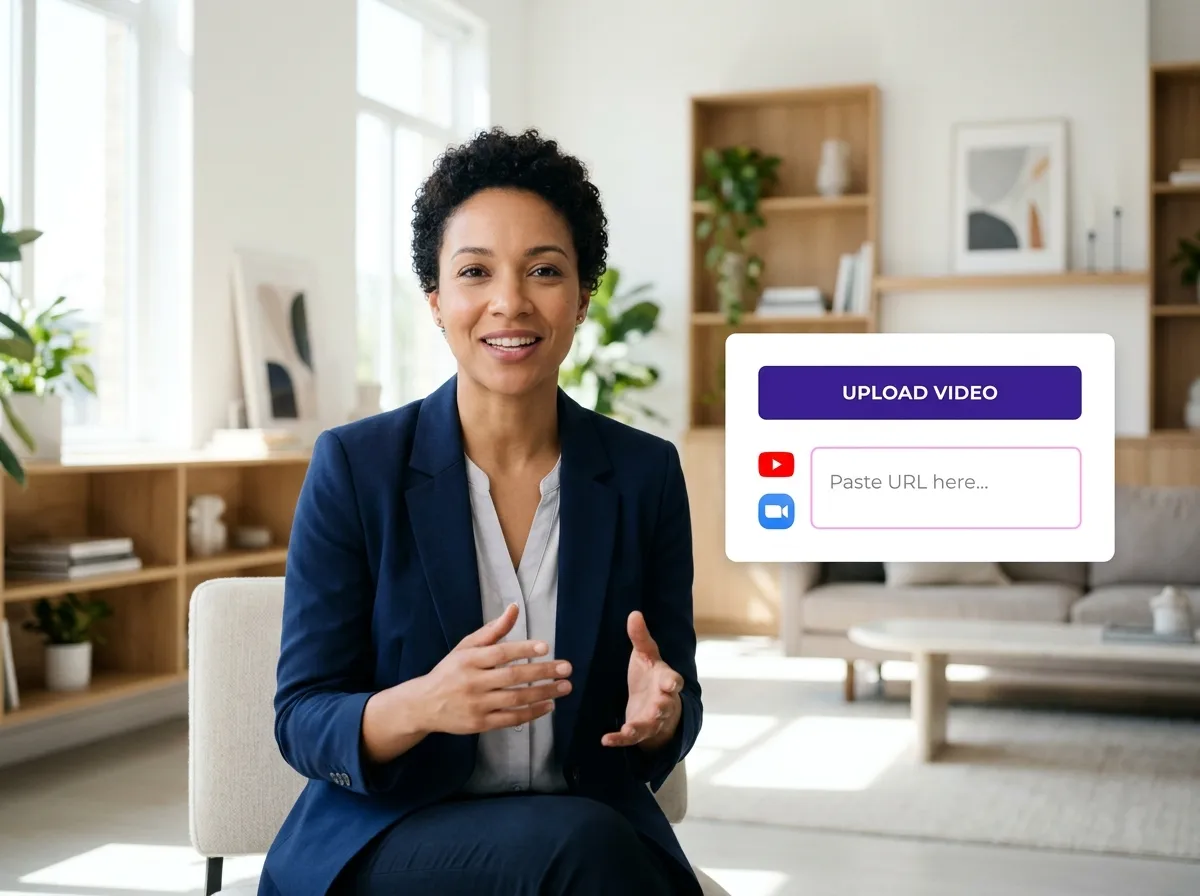
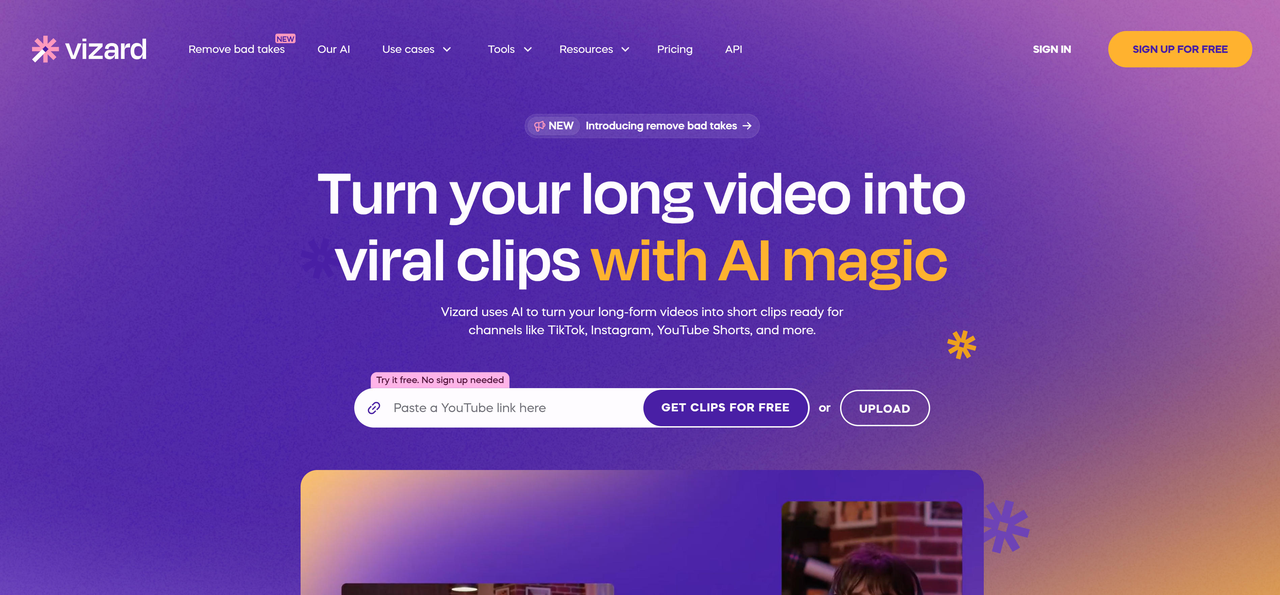
Start by uploading your podcast audio or video file directly to Vizard. You can also paste a link from YouTube, Zoom, or other podcast hosting platforms to import your content instantly.
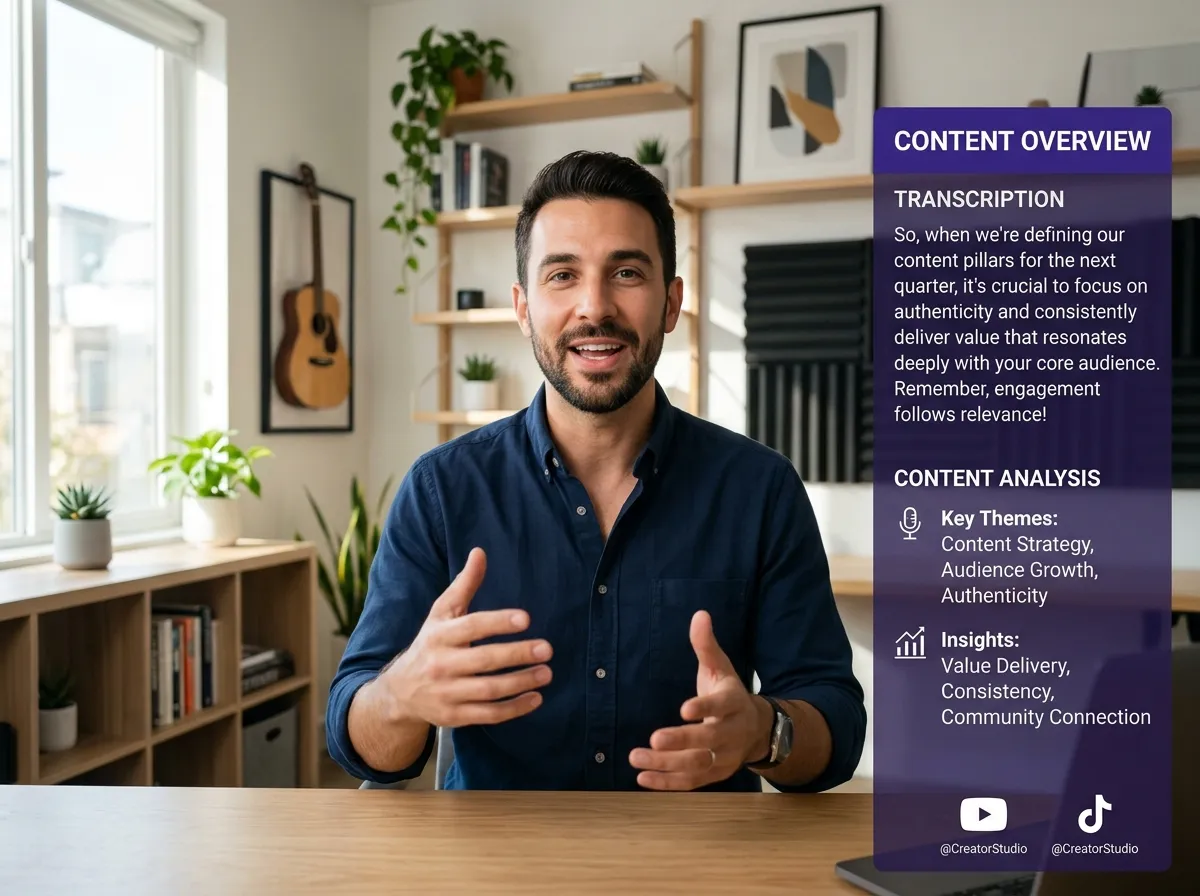
Once uploaded, Vizard’s AI takes over. It automatically transcribes your podcast and analyzes the content to identify key moments, speakers, and segments for easy editing.
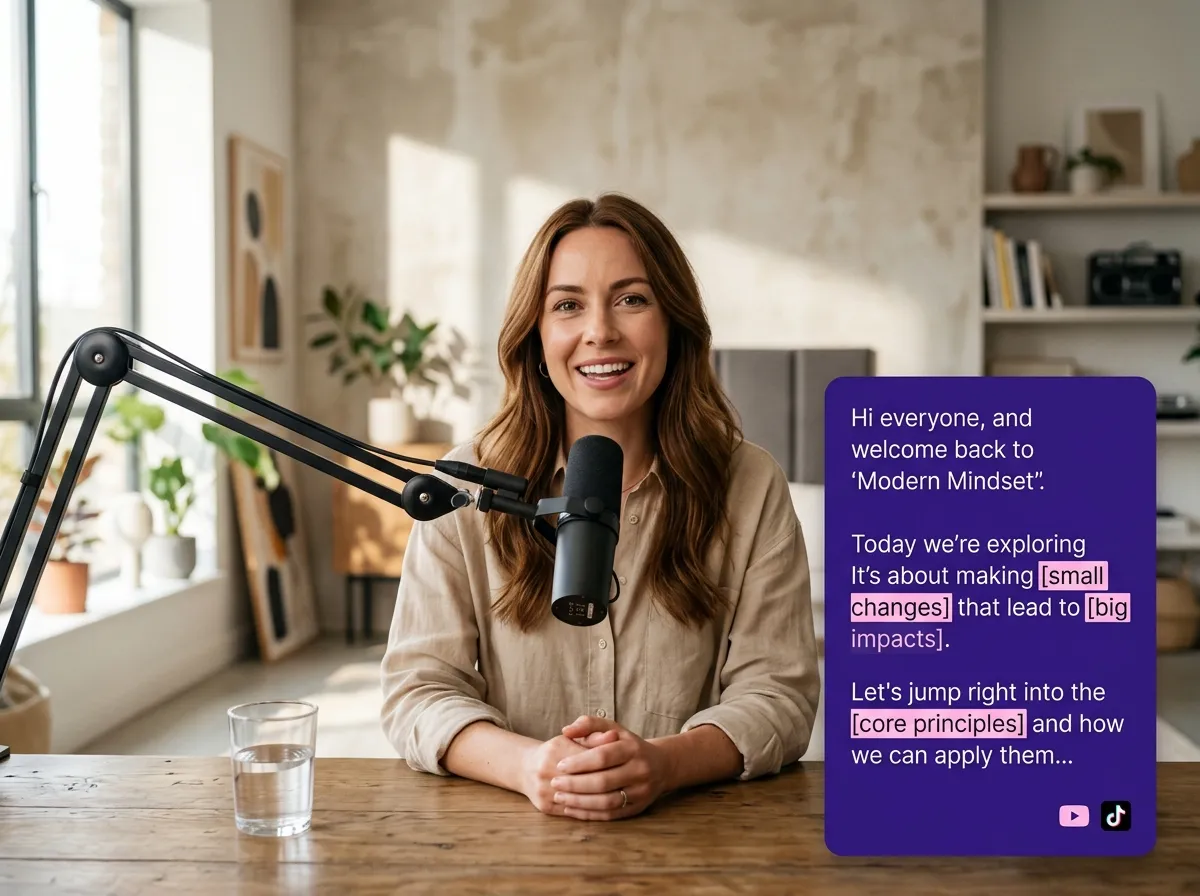
Use our intuitive text-based editor to cut and rearrange your podcast by simply editing the transcript. Alternatively, use traditional timeline-based trimming tools to fine-tune your audio and video.
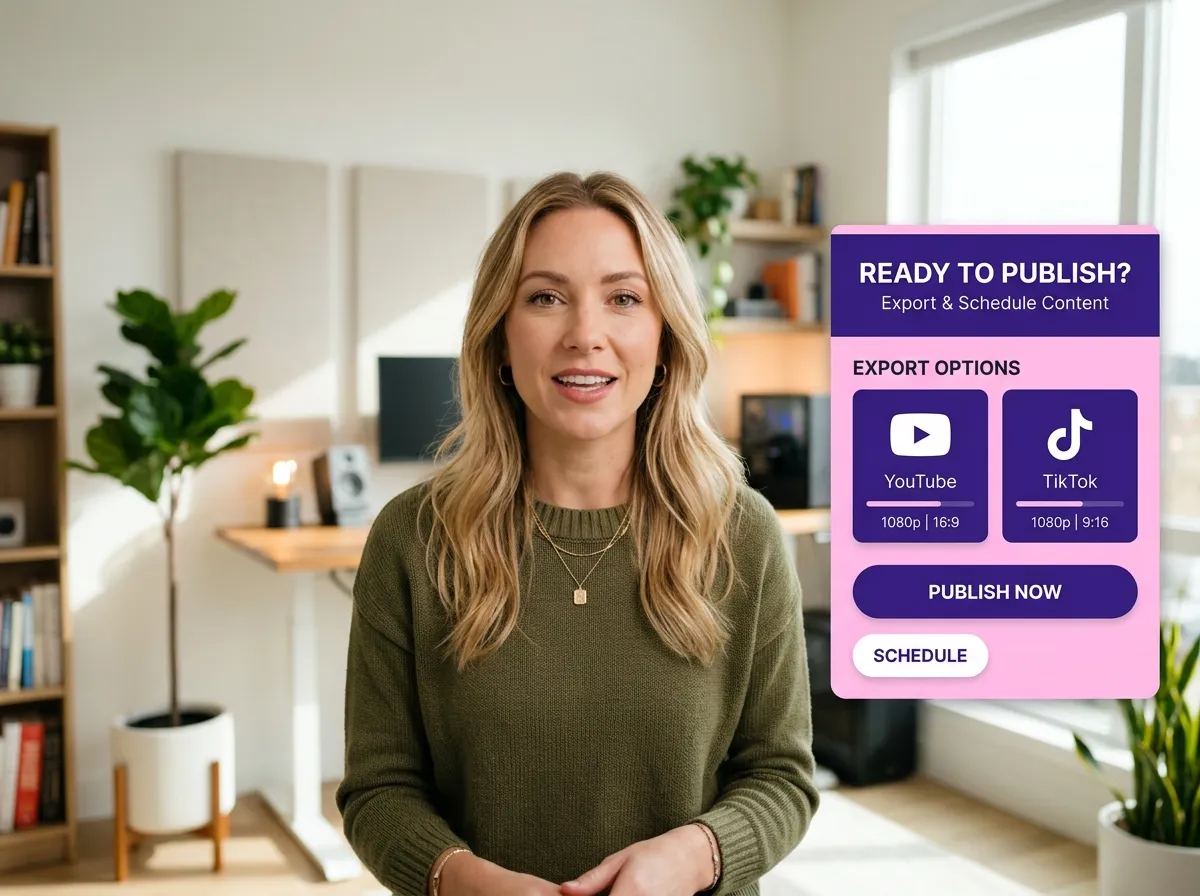
Generate polished full episodes or create viral short clips optimized for social media. Export your final files or publish them directly to TikTok, Instagram, and YouTube with a single click.
Turn one video into 10+ Instagram Reels with AI.
With just a few clicks, you can download or share your videos with your friends or team members with a link.
Turn your videos and audios into Reels, Stories, posts, and more in one click.
Effortlessly plan, schedule, and auto-generate engaging AI-driven posts, and publish your Instagram Reels along with the perfect captions.
Add dynamic subtitles for your videos automatically, all in the browser.
Bring your team together by inviting collaborators to work on your projects, in one workspace.
Effortlessly translate your video content into 130+ languages, expanding your global reach with just a few clicks.
Enhance your video's visual appeal and brand identity with ease by adding logos, images, outros, and custom fonts to your videos.


What is the best podcast editing software for beginners?
Can I edit my podcast by editing the text transcript?
How does Vizard help with podcast repurposing for social media?
Can Vizard automatically remove filler words and silence from my podcast?
Does Vizard support both video and audio podcast files?
How long does it take to transcribe and edit a podcast episode with Vizard?
What is the best podcast editing software for beginners?
Can I edit my podcast by editing the text transcript?
How does Vizard help with podcast repurposing for social media?
Can Vizard automatically remove filler words and silence from my podcast?
Does Vizard support both video and audio podcast files?
How long does it take to transcribe and edit a podcast episode with Vizard?
 Yao Wang
Yao Wang
Yao Wang
Yao Wang

Yao Wang


















