

NEW



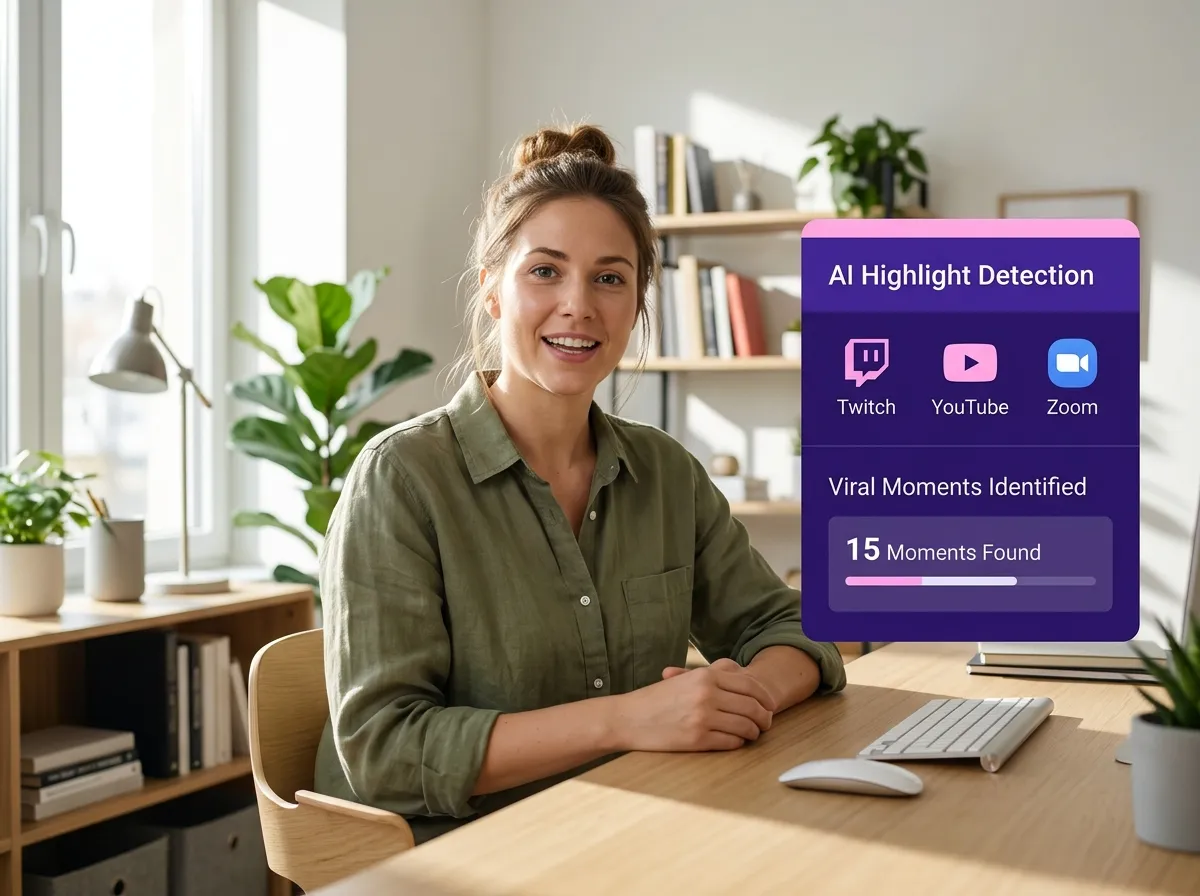
Vizard’s Livestream Clip Maker automates highlight detection for YouTube Live, Twitch, and Zoom. Instead of manual editing, our AI identifies high-energy moments and key announcements in minutes. Ideal for creators and marketers, Vizard turns long recordings into viral-worthy short clips for social media, saving you hours of tedious work.
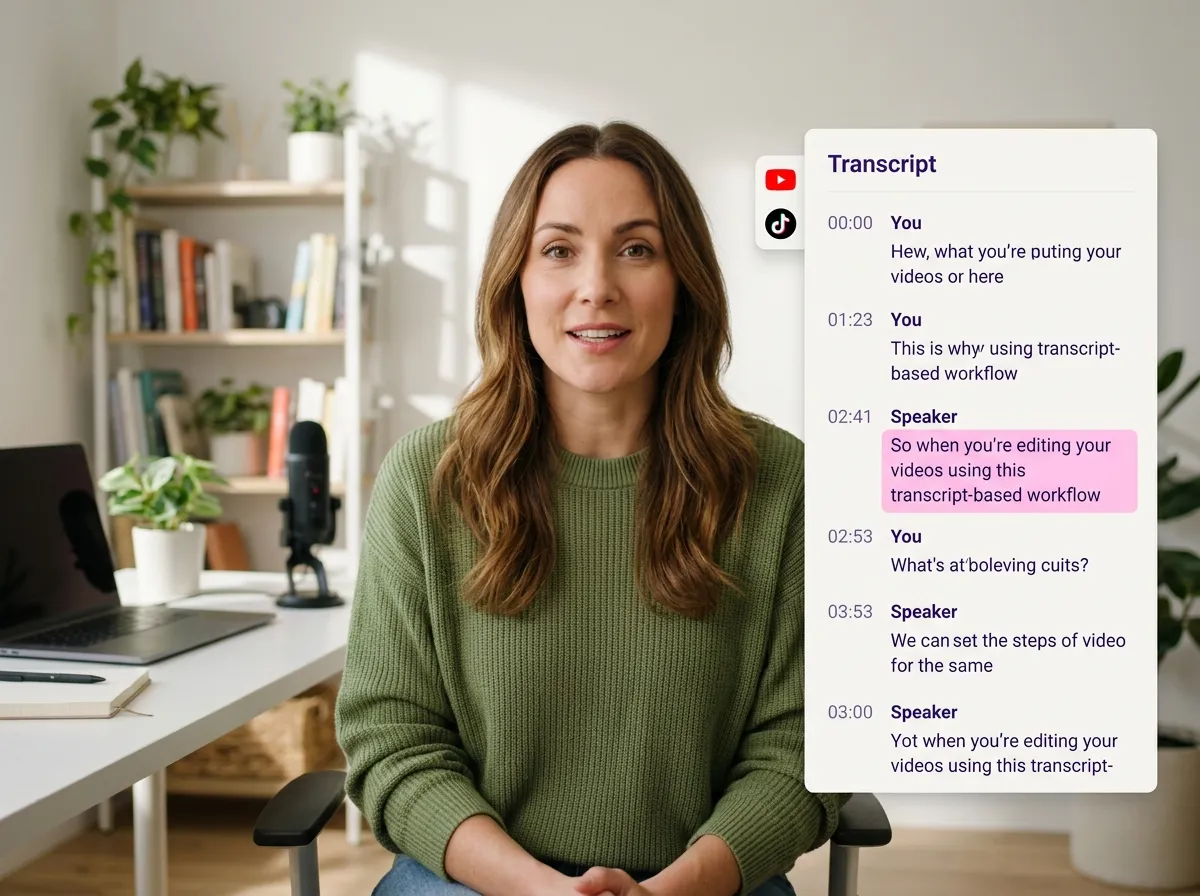
Vizard’s transcript-based interface simplifies editing for podcasts and interviews. Our Livestream Clip Maker generates accurate transcripts, letting you edit video by highlighting text. Effortlessly remove silences from YouTube Live or Zoom recordings. It’s the perfect way for creators to produce clean, punchy clips for LinkedIn and Instagram without a complex timeline.
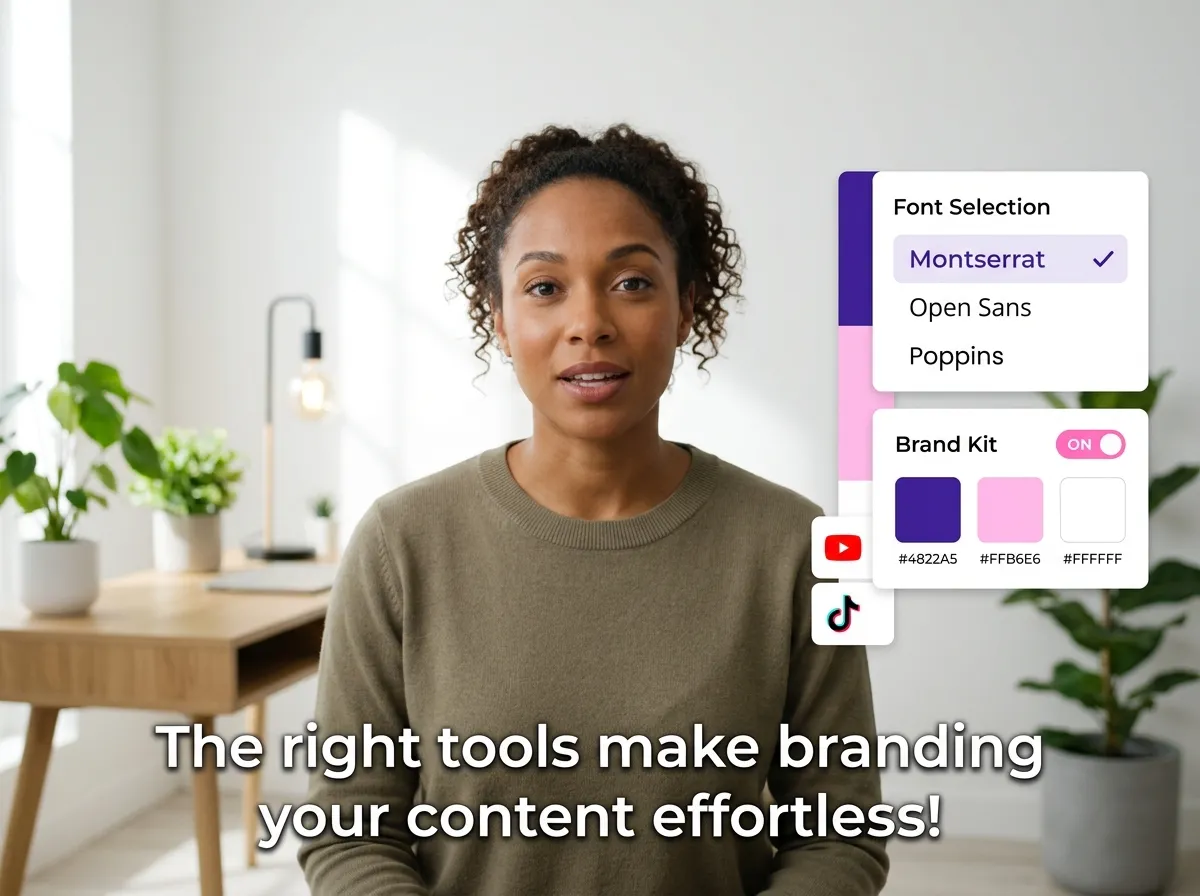
Boost engagement on TikTok and Reels with Vizard’s auto-captions. Our Livestream Clip Maker adds accurate subtitles to Twitch highlights and webinars instantly, making content accessible for viewers on mute. Customize clips with your branding—logos, fonts, and colors—to ensure your livestream highlights are always professional and recognizable.
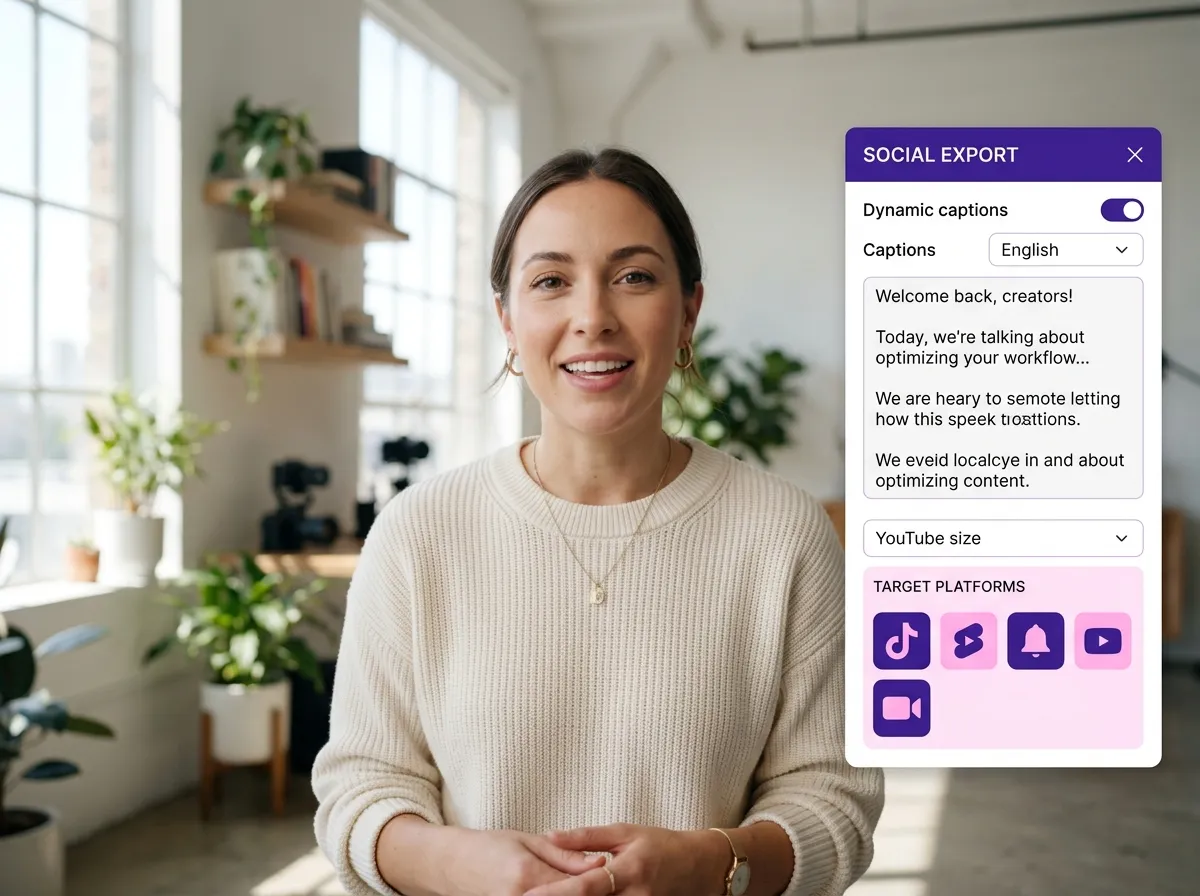
Transform long streams into social media success. Vizard’s Livestream Clip Maker resizes YouTube Live and Zoom recordings into vertical 9:16 formats for TikTok and Shorts. With AI-generated captions and hashtags, publishing to LinkedIn or Instagram is seamless. Frame your gaming reactions or product launches perfectly and maximize your reach with minimal effort.
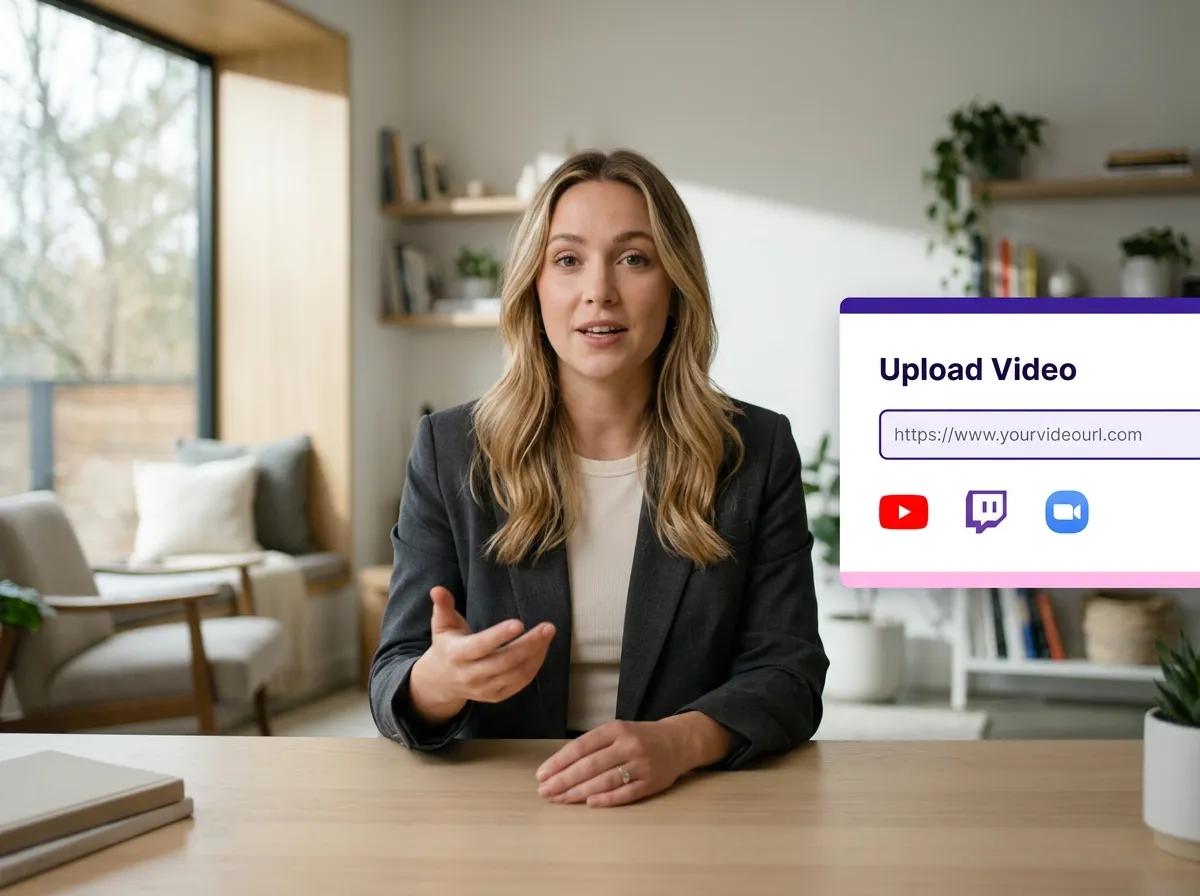
Start by uploading your livestream video files directly or paste a URL from YouTube, Twitch, or Zoom. Vizard makes it easy to import long-form recordings so you can begin the repurposing process in seconds.
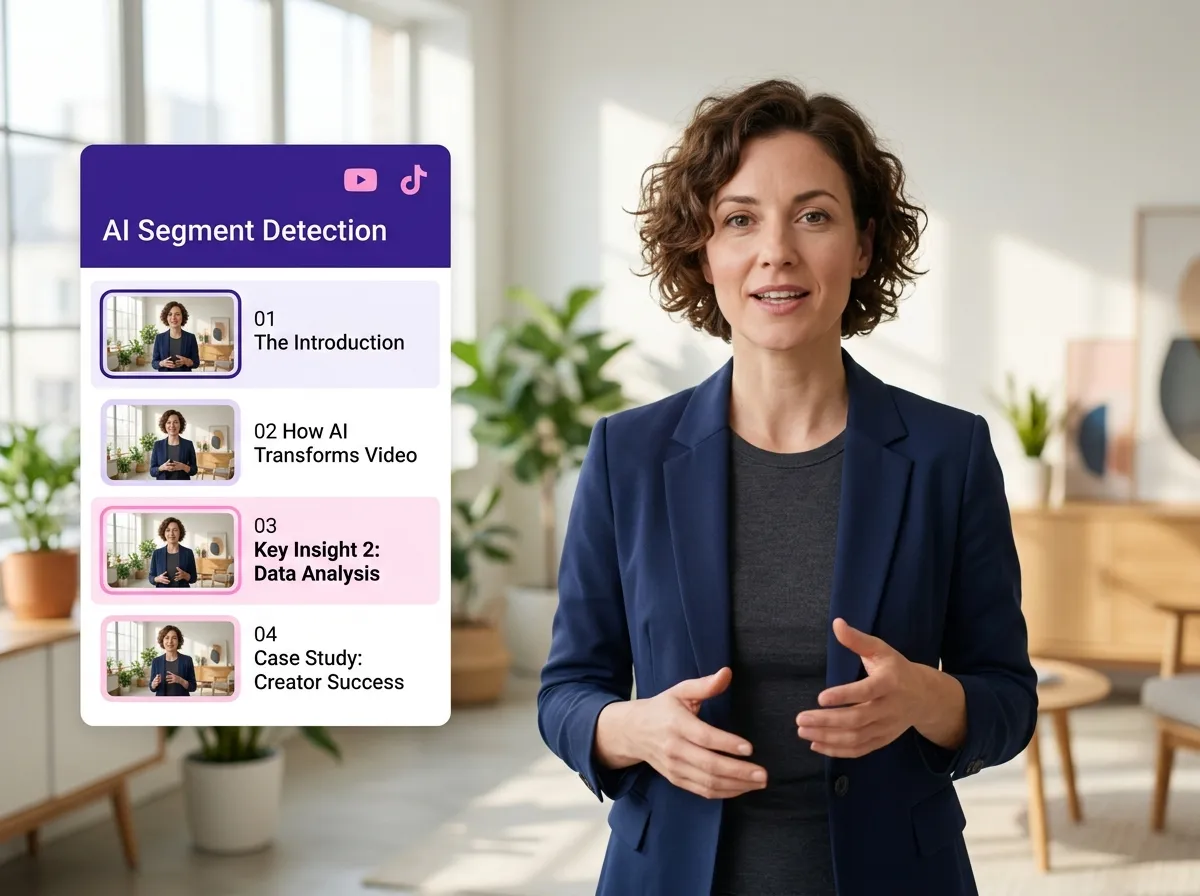
Sit back while Vizard’s AI analyzes your recording. It automatically detects the most engaging moments, key reactions, and important segments, ensuring you never miss a viral highlight from your livestream.
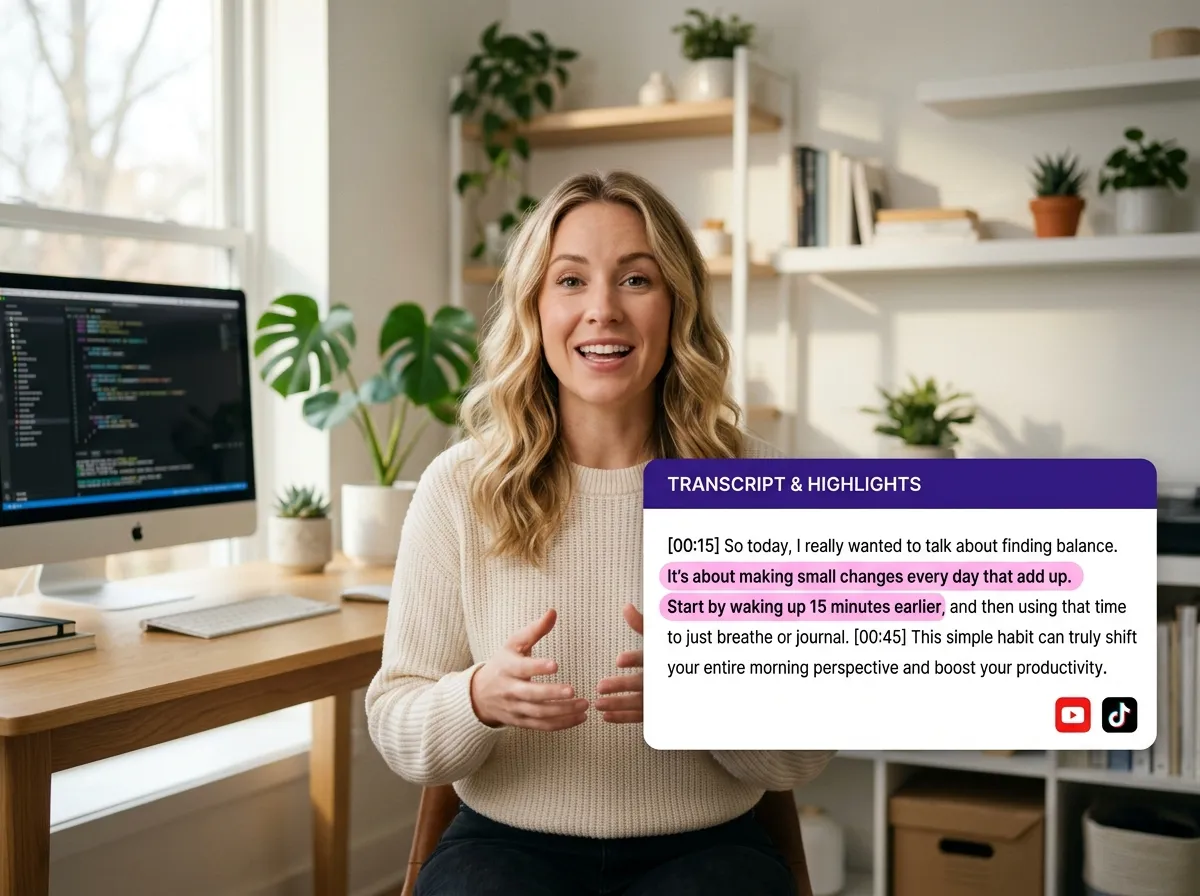
Use Vizard’s intuitive transcript-based editor to select your favorite moments. Instead of scrubbing through a timeline, simply highlight the text you want to keep. This makes clipping your livestream as easy as editing a text document.
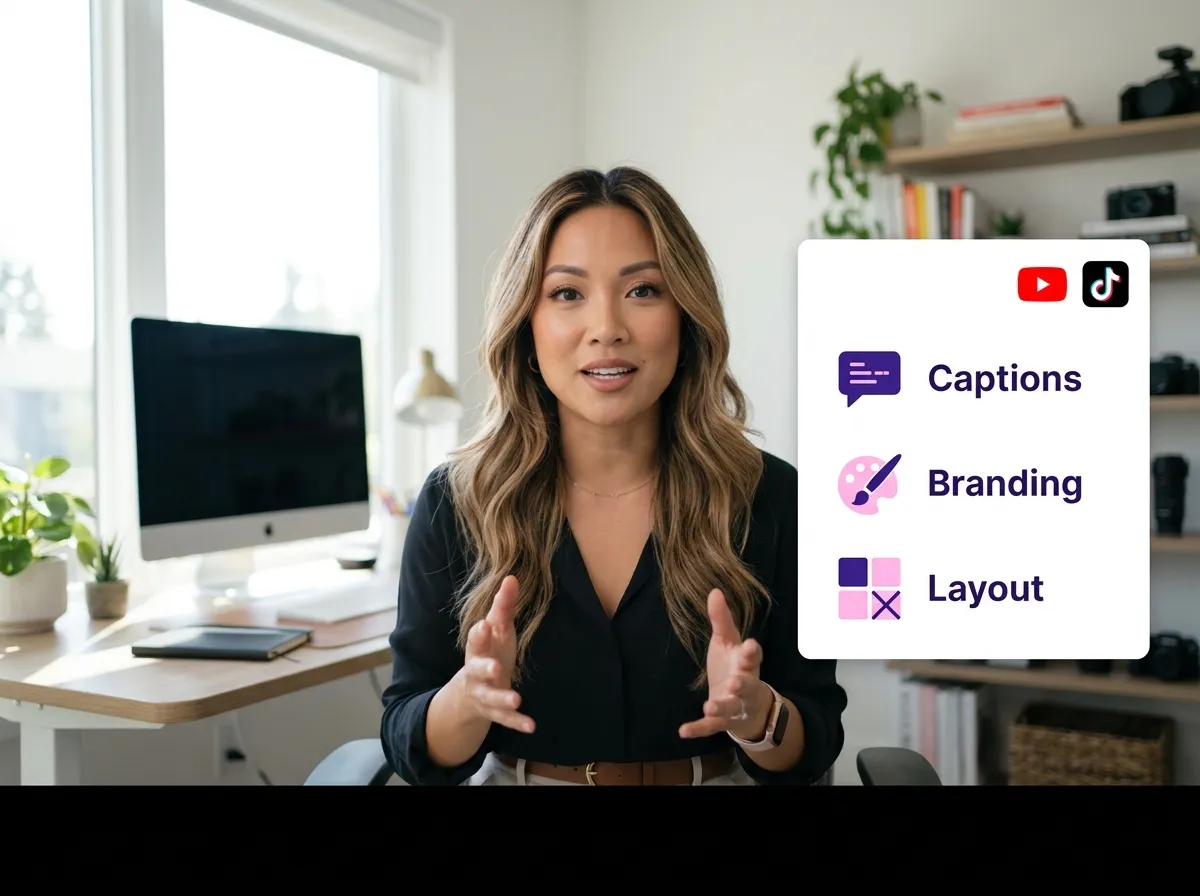
Enhance your clips with auto-captions, brand logos, and custom colors. Adjust the aspect ratio to 9:16 for TikTok and Reels, ensuring your livestream highlights look professional and ready for mobile viewers.
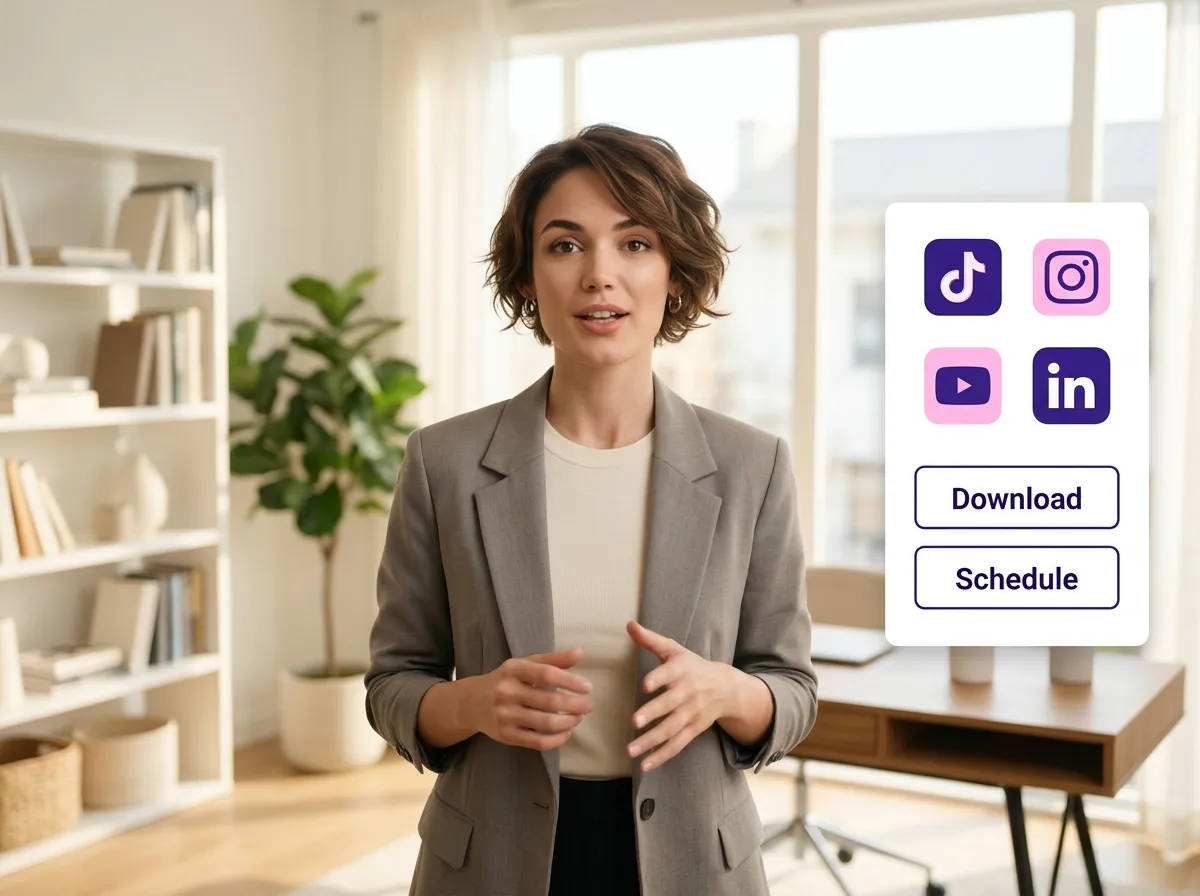
Export your finished clips in high definition or publish them directly to your favorite social media platforms. Reach a wider audience on TikTok, Instagram, and YouTube Shorts without leaving the Vizard platform.
Turn one video into 10+ Instagram Reels with AI.
With just a few clicks, you can download or share your videos with your friends or team members with a link.
Turn your videos and audios into Reels, Stories, posts, and more in one click.
Effortlessly plan, schedule, and auto-generate engaging AI-driven posts, and publish your Instagram Reels along with the perfect captions.
Add dynamic subtitles for your videos automatically, all in the browser.
Bring your team together by inviting collaborators to work on your projects, in one workspace.
Effortlessly translate your video content into 130+ languages, expanding your global reach with just a few clicks.
Enhance your video's visual appeal and brand identity with ease by adding logos, images, outros, and custom fonts to your videos.


How does Vizard's Livestream Clip Maker work?
Can I turn YouTube Live or Twitch recordings into shorts?
Do I need video editing experience to use the livestream highlight maker?
Does the tool automatically generate captions for my livestream clips?
Can I use this for Zoom webinars and online events?
How many clips can I create from one livestream recording?
How does Vizard's Livestream Clip Maker work?
Can I turn YouTube Live or Twitch recordings into shorts?
Do I need video editing experience to use the livestream highlight maker?
Does the tool automatically generate captions for my livestream clips?
Can I use this for Zoom webinars and online events?
How many clips can I create from one livestream recording?
 Yao Wang
Yao Wang
Yao Wang

Yao Wang

Yao Wang


















