

NEW
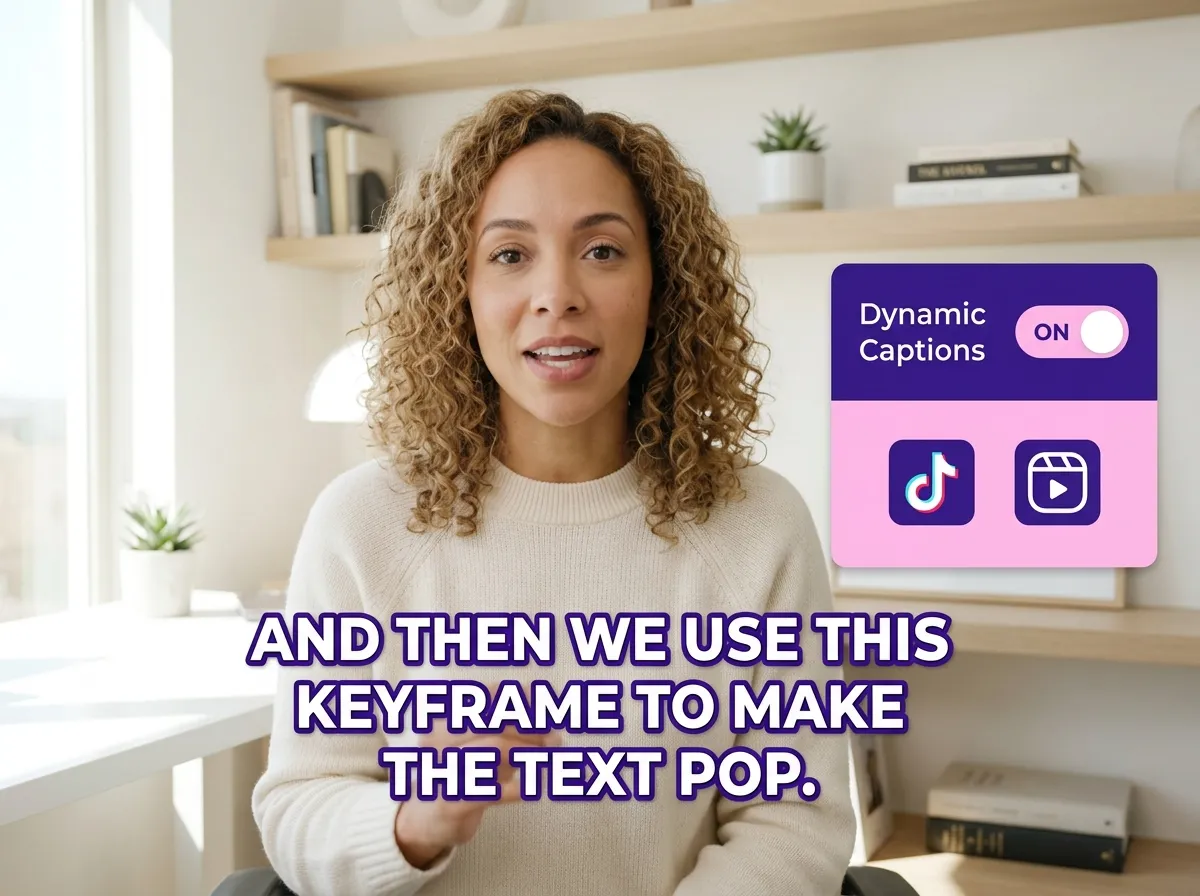



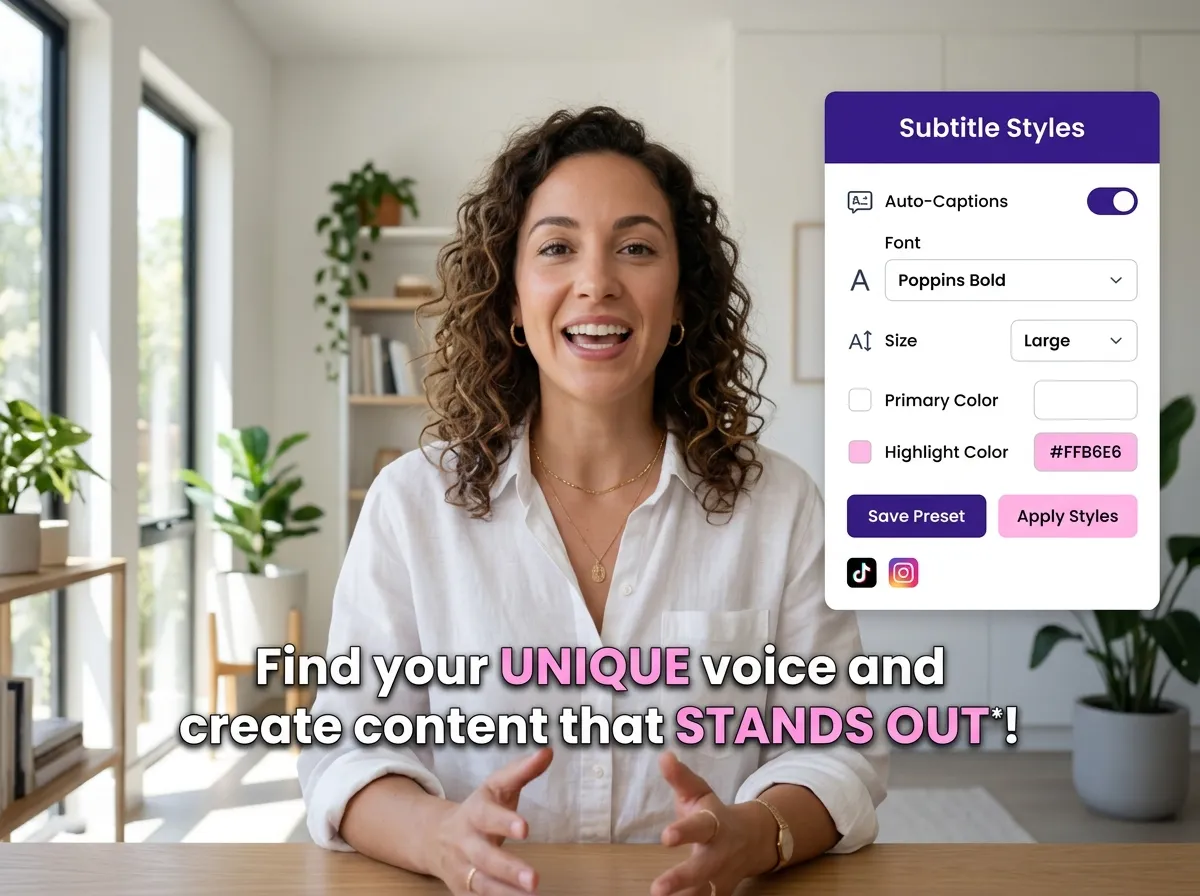
Elevate your video content with Vizard's AI Dynamic Subtitle Generator, the ultimate solution for creators seeking to boost engagement. This powerful tool automatically transcribes your videos with synchronized timing, transforming spoken words into animated text that captures attention instantly. Vizard uses advanced AI to ensure every caption is social-media-optimized, making it perfect for creators who want to stand out on platforms like TikTok and Instagram. By automating the tedious task of manual subtitling, you save hours of editing while ensuring high accuracy. Whether you're a podcaster or a digital marketer, these dynamic subtitles make your content more accessible and engaging, even when viewed without sound, ensuring your message lands every time.
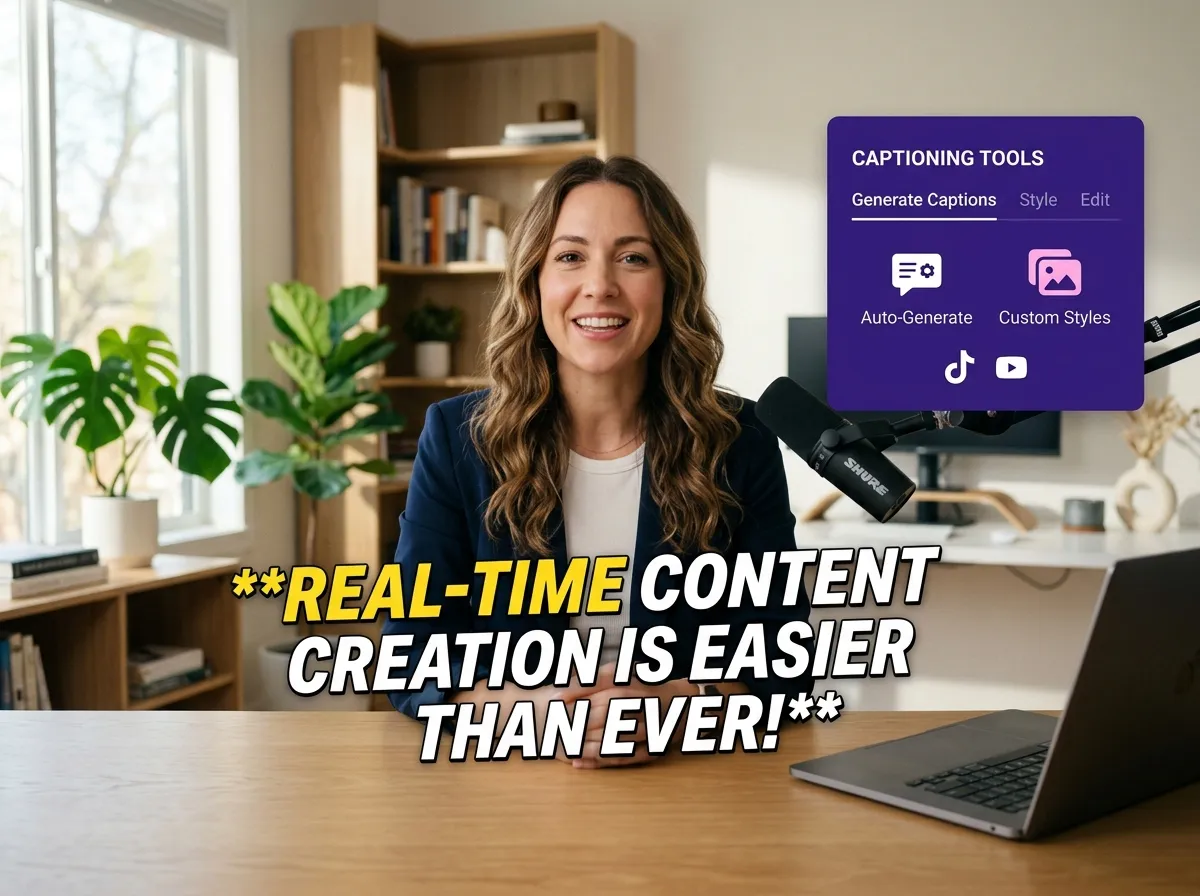
Capture the essence of viral content with Vizard’s animated captions, specifically designed for the fast-paced world of short-form video. Our tool allows you to create TikTok-style animated subtitles that are proven to improve watch time and viewer retention. By adding movement and style to your text, you keep your audience's eyes glued to the screen on platforms like YouTube Shorts and Instagram Reels. This feature is a game-changer for social media managers looking to increase engagement rates and build a consistent brand voice. Vizard simplifies the process of creating professional, eye-catching captions, allowing you to focus on storytelling while the AI handles the visual flair that drives social media performance.
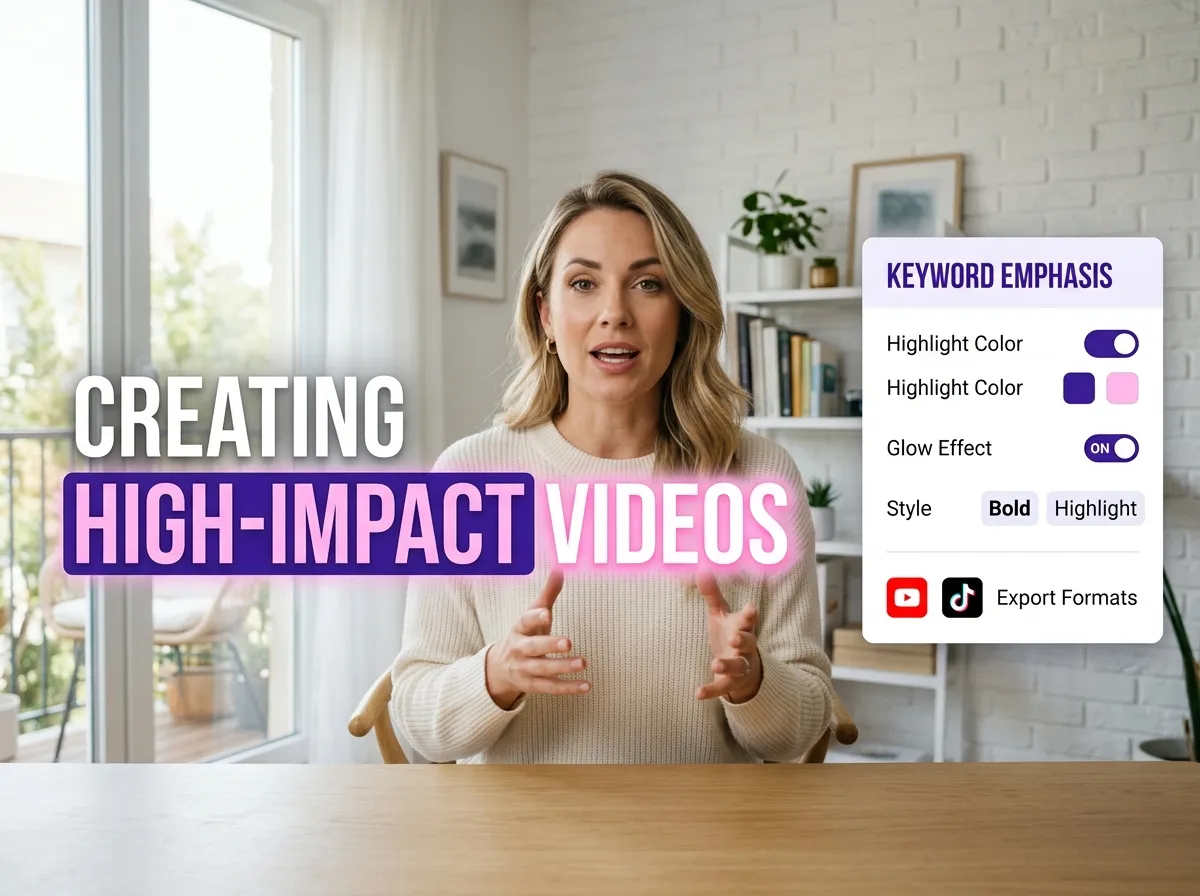
Make your message pop with Vizard's intelligent keyword highlighting and emphasis effects. Our AI automatically identifies the most important words and phrases in your video, applying unique styling, animations, or color emphasis to make them stand out. This visual hierarchy guides the viewer's attention and makes complex information easier to digest, which is ideal for educational content, LinkedIn thought leadership videos, or sales pitches. By emphasizing key takeaways, you ensure your audience remembers the core of your message. Vizard empowers creators to produce high-impact videos that look like they were edited by a professional studio, all with just a few clicks and zero technical expertise required, maximizing your content's visual impact.
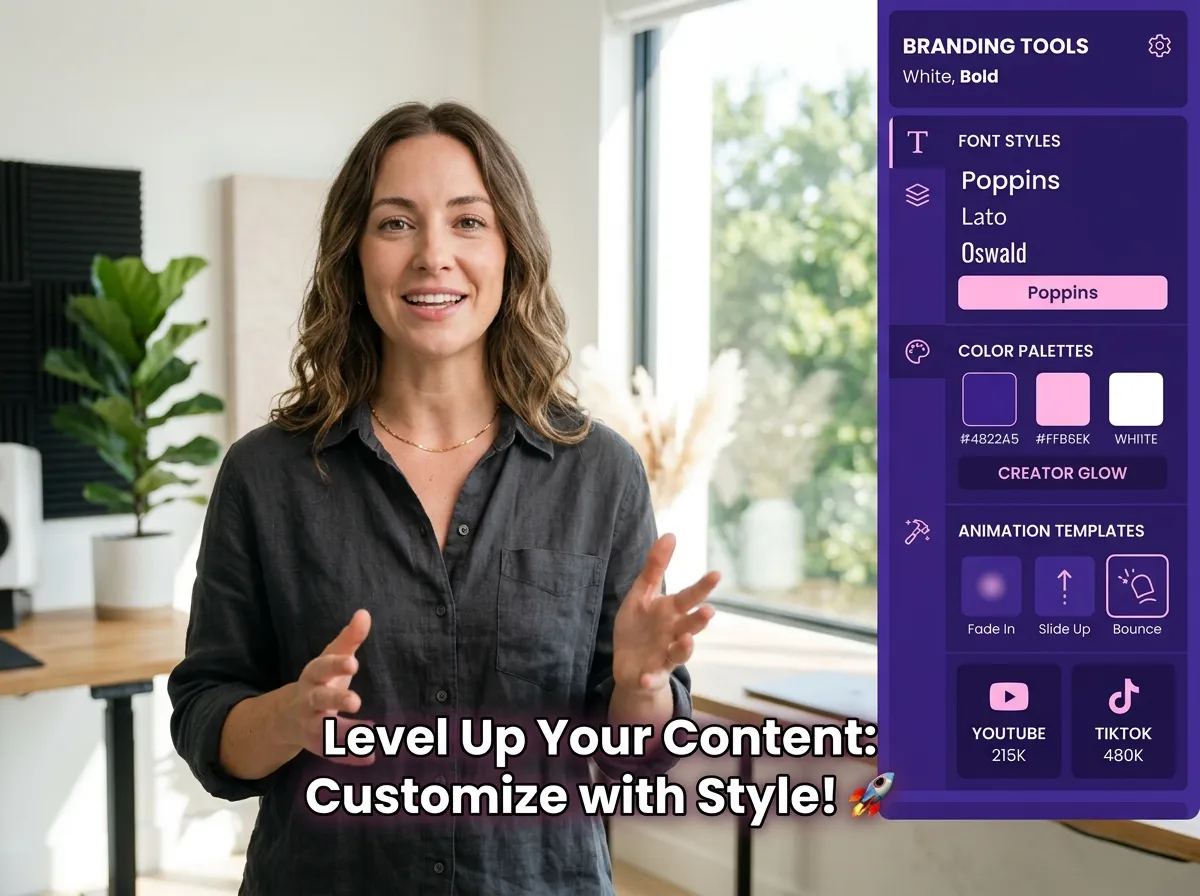
Maintain total creative control and brand consistency with Vizard’s custom subtitle styles. You can easily customize fonts, layouts, colors, and animations to match your unique brand identity or specific platform aesthetics. Vizard offers a wide range of templates and branding options, ensuring your dynamic subtitles look professional and cohesive across all your social media channels. This feature is perfect for agencies and influencers who need to maintain a recognizable look while producing high volumes of content. With Vizard, you don’t have to settle for generic captions; instead, you can create a signature visual style that resonates with your audience, strengthens your brand presence, and ensures every video you publish is perfectly on-brand.
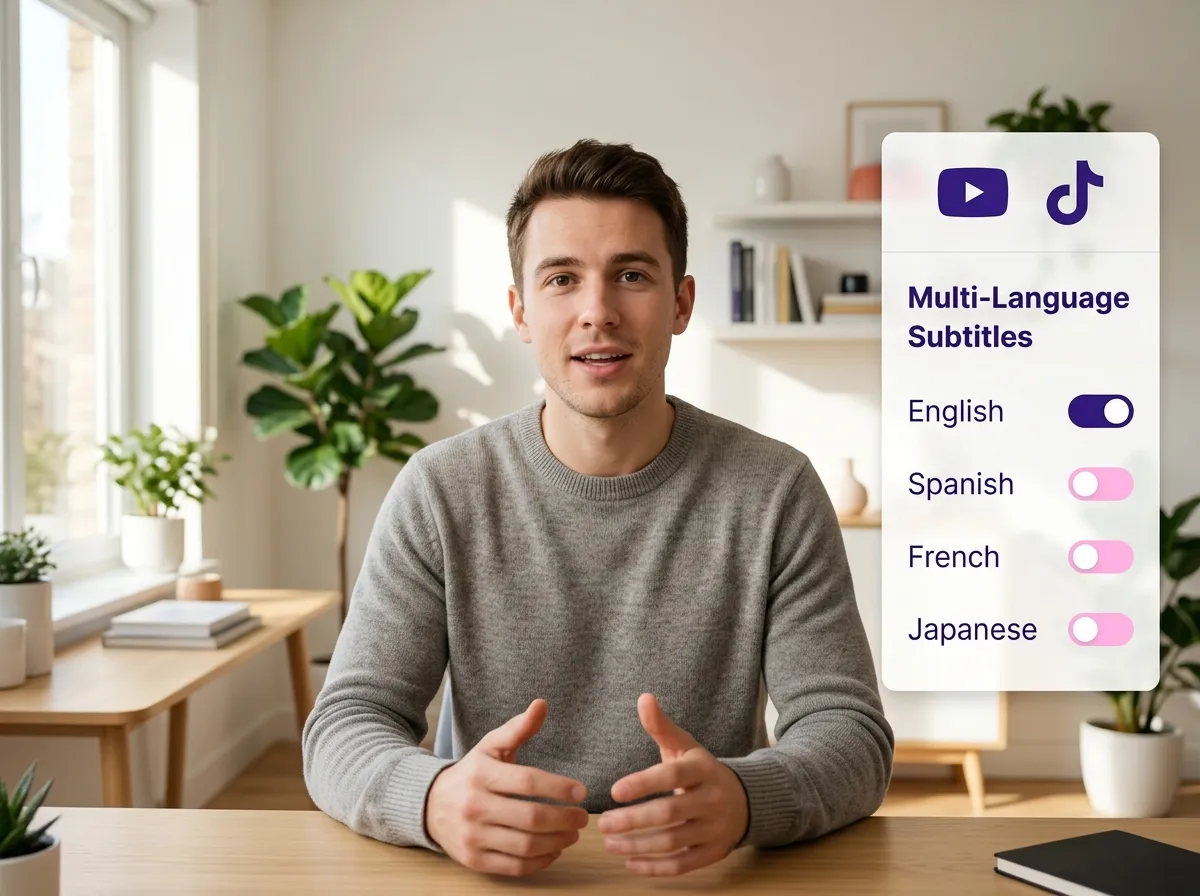
Reach a global audience effortlessly using Vizard’s multi-language subtitle support and translation features. Our AI-driven tool can generate subtitles in dozens of languages, allowing you to translate your content and connect with viewers worldwide. This is essential for creators looking to expand their reach and for businesses targeting international markets. Vizard makes multilingual content distribution simple, ensuring your message is understood regardless of the viewer's native tongue. By providing accurate, synchronized translations, you improve accessibility and inclusivity for your videos. Whether you're sharing a webinar on YouTube or a tutorial on LinkedIn, Vizard helps you break down language barriers, grow your international community, and scale your content's impact across the globe.
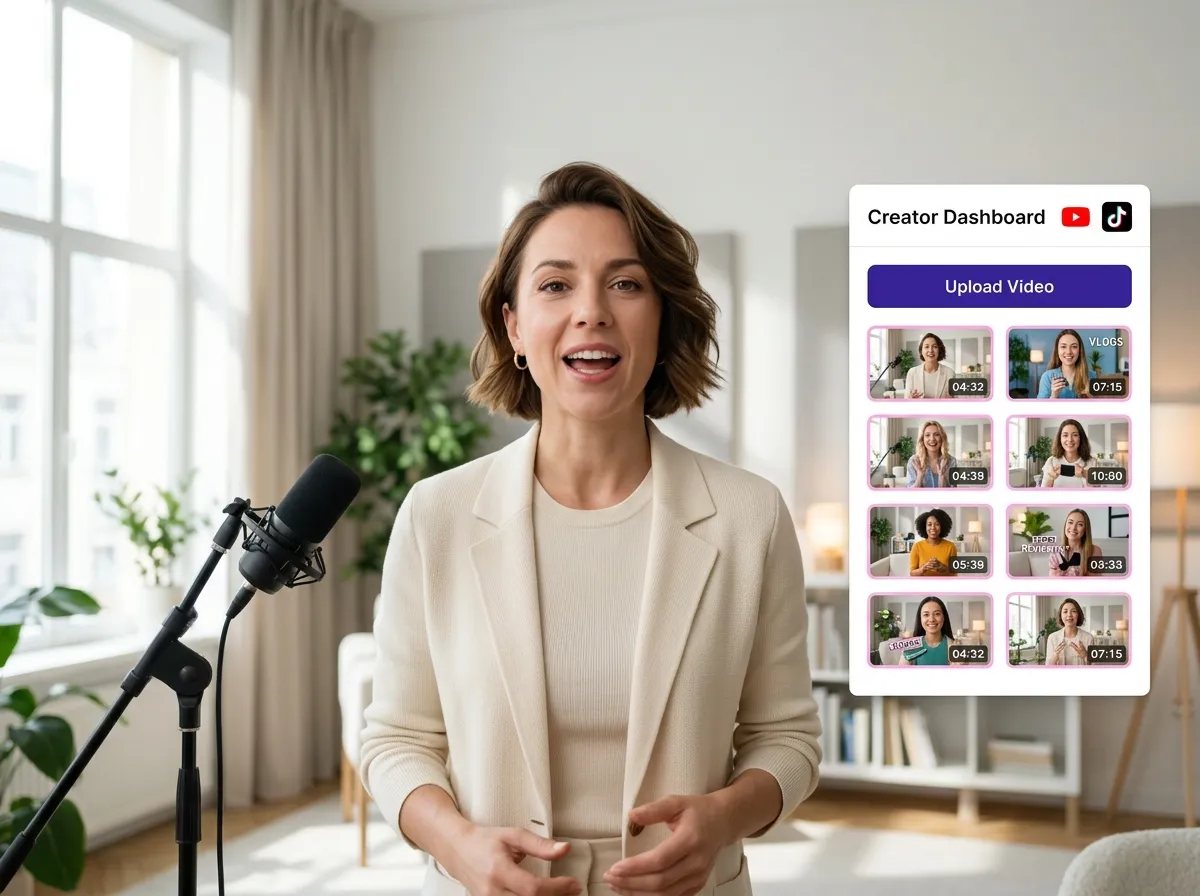
Start by uploading your video file directly to Vizard or selecting an existing clip from your media library to begin the subtitle animation process.
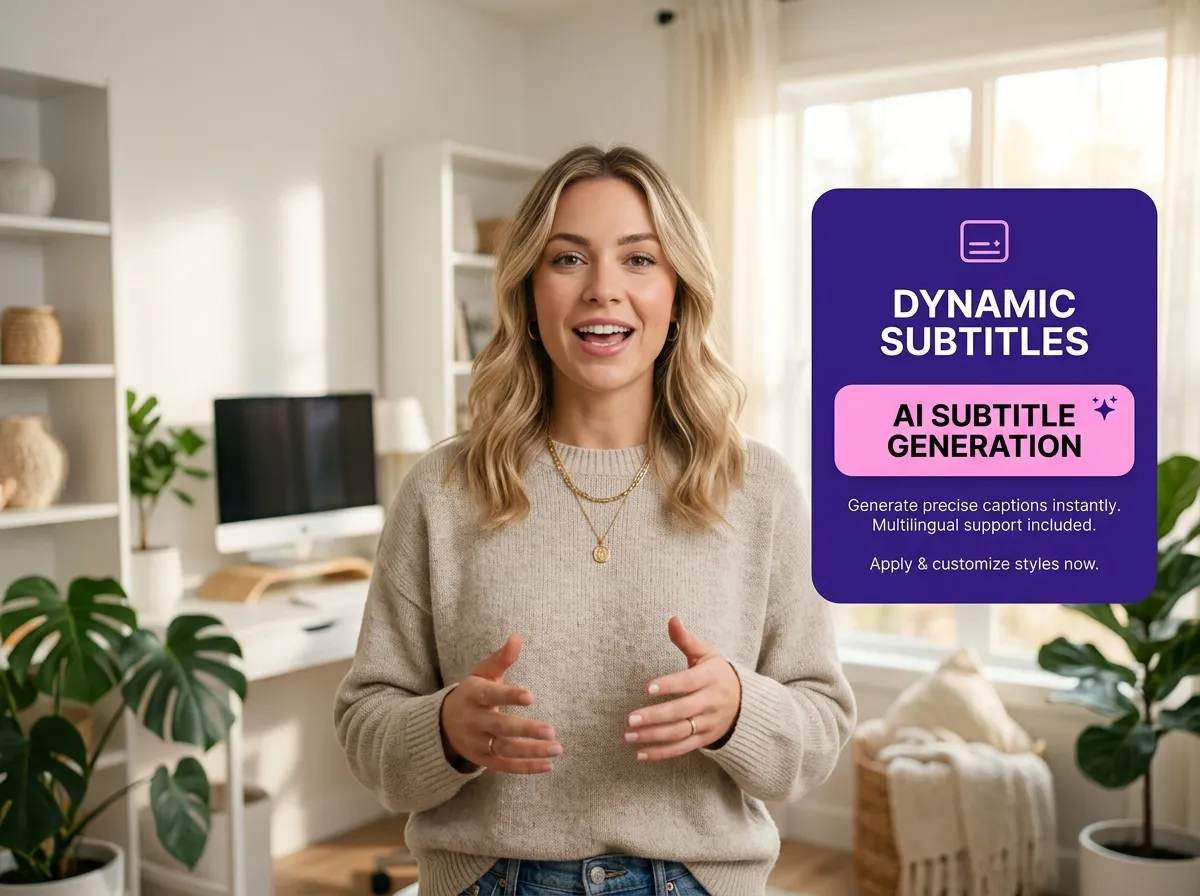
Navigate to the editing workflow and select the "Dynamic Subtitles" feature. Vizard's AI will prepare to analyze your audio and generate eye-catching captions.
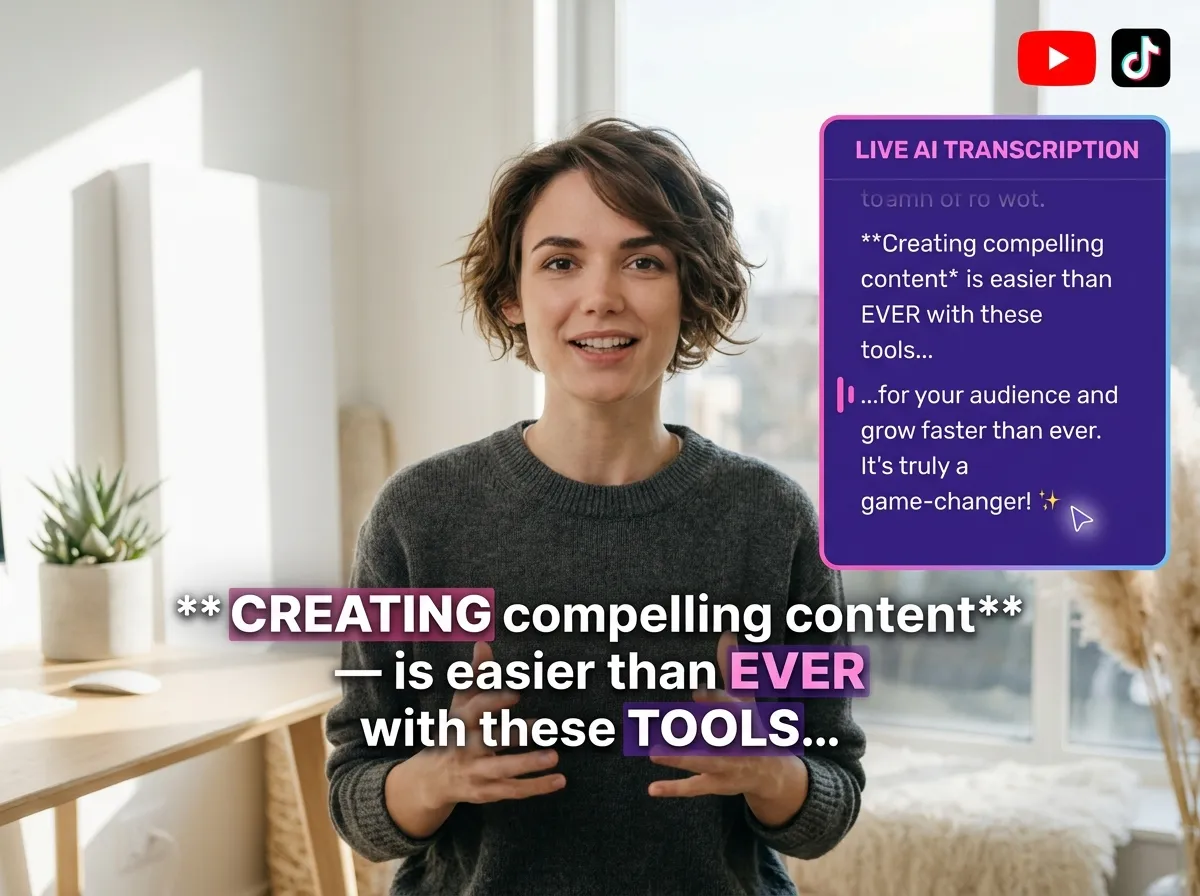
Let Vizard's powerful AI automatically transcribe your video with high accuracy and sync animated subtitles perfectly with your speech in seconds.
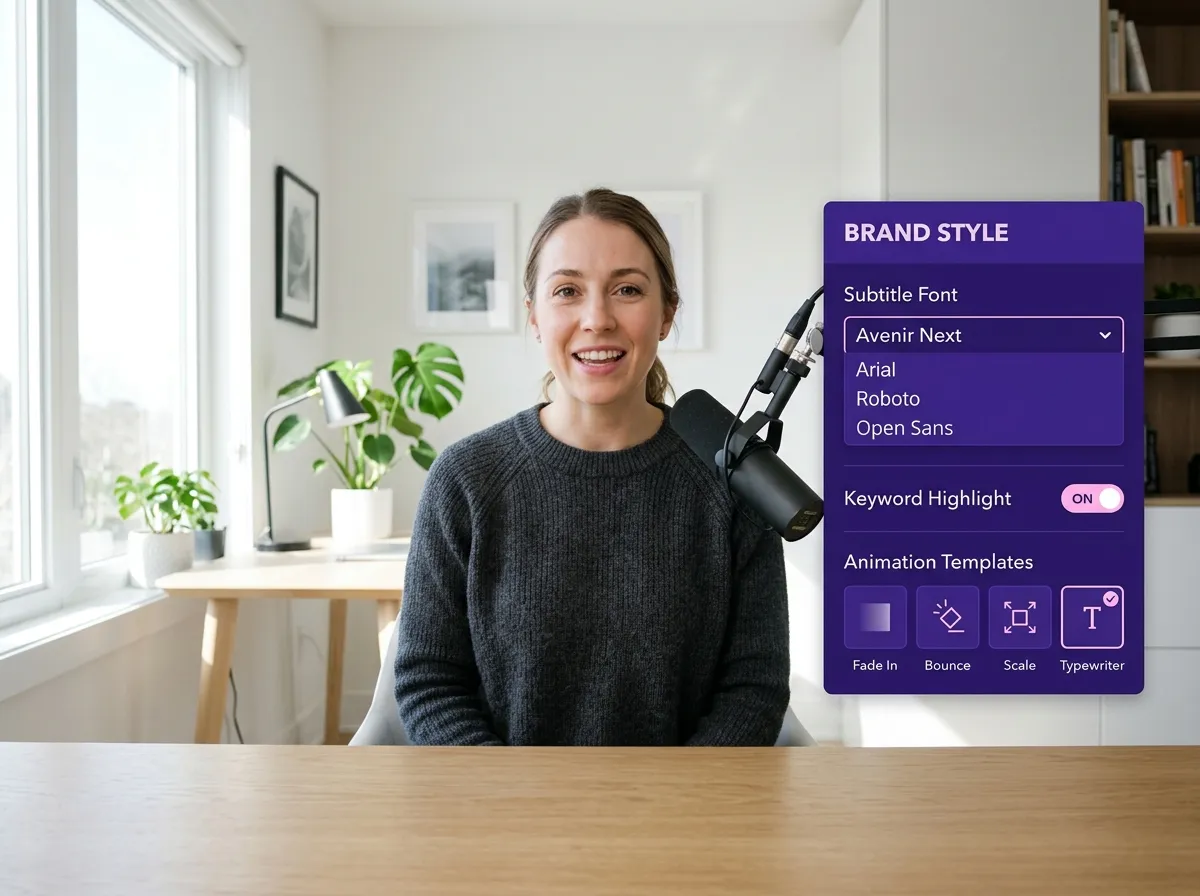
Personalize your captions by choosing from various templates, highlighting key phrases, adjusting colors, and adding animations that match your brand's unique aesthetic.
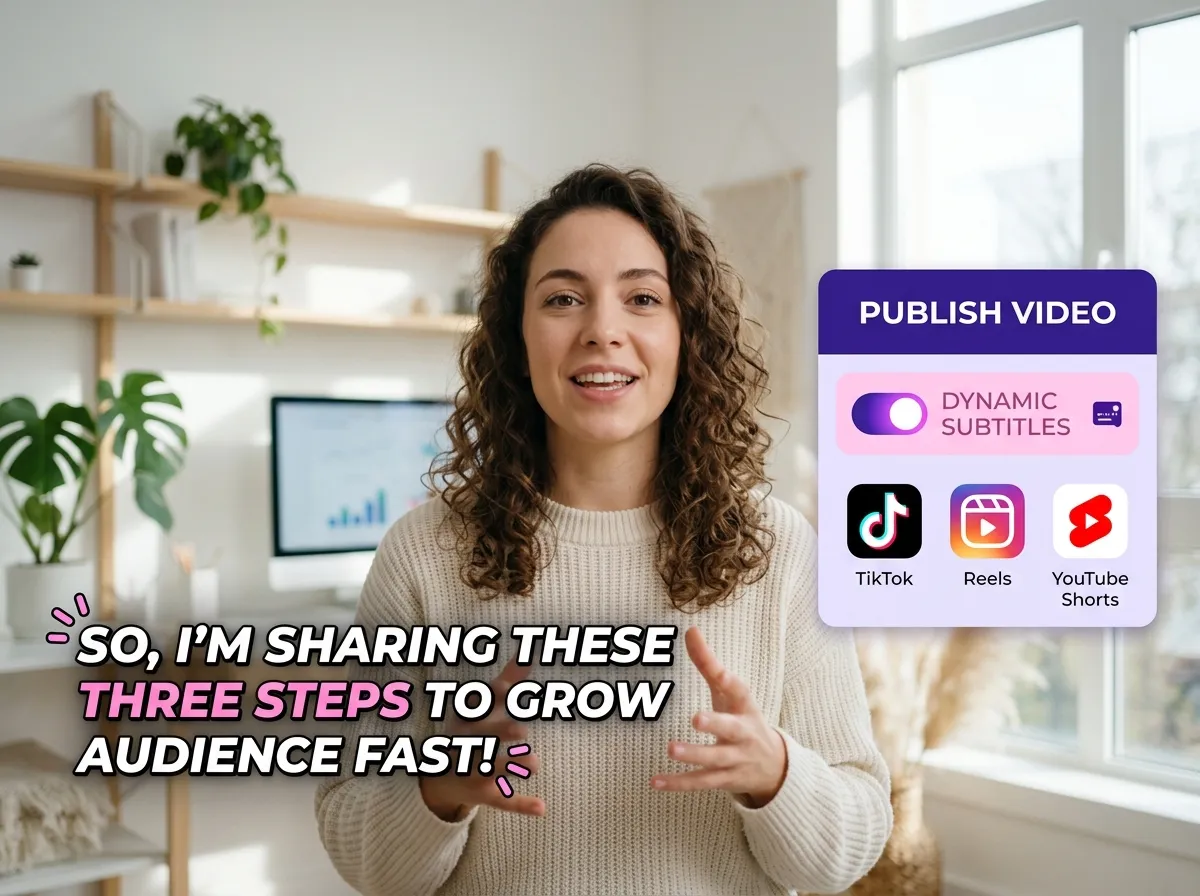
Preview your masterpiece and export the video in high resolution. Your content is now optimized and ready to go viral on TikTok, Reels, and Shorts.
Turn one video into 10+ Instagram Reels with AI.
With just a few clicks, you can download or share your videos with your friends or team members with a link.
Turn your videos and audios into Reels, Stories, posts, and more in one click.
Effortlessly plan, schedule, and auto-generate engaging AI-driven posts, and publish your Instagram Reels along with the perfect captions.
Add dynamic subtitles for your videos automatically, all in the browser.
Bring your team together by inviting collaborators to work on your projects, in one workspace.
Effortlessly translate your video content into 130+ languages, expanding your global reach with just a few clicks.
Enhance your video's visual appeal and brand identity with ease by adding logos, images, outros, and custom fonts to your videos.


What are dynamic subtitles and how do they differ from regular captions?
How does Vizard's AI generate dynamic subtitles?
Can I customize the style and animation of my subtitles?
Does Vizard support multi-language subtitles and translation?
What social media platforms are these dynamic subtitles optimized for?
How do dynamic subtitles improve video performance?
Is it possible to highlight specific keywords automatically?
Do I need video editing experience to use Vizard’s Dynamic Subtitles?
What are dynamic subtitles and how do they differ from regular captions?
How does Vizard's AI generate dynamic subtitles?
Can I customize the style and animation of my subtitles?
Does Vizard support multi-language subtitles and translation?
What social media platforms are these dynamic subtitles optimized for?
How do dynamic subtitles improve video performance?
Is it possible to highlight specific keywords automatically?
Do I need video editing experience to use Vizard’s Dynamic Subtitles?

 Yao Wang

Yao Wang

Yao Wang
Yao Wang

Yao Wang


















