

NEW
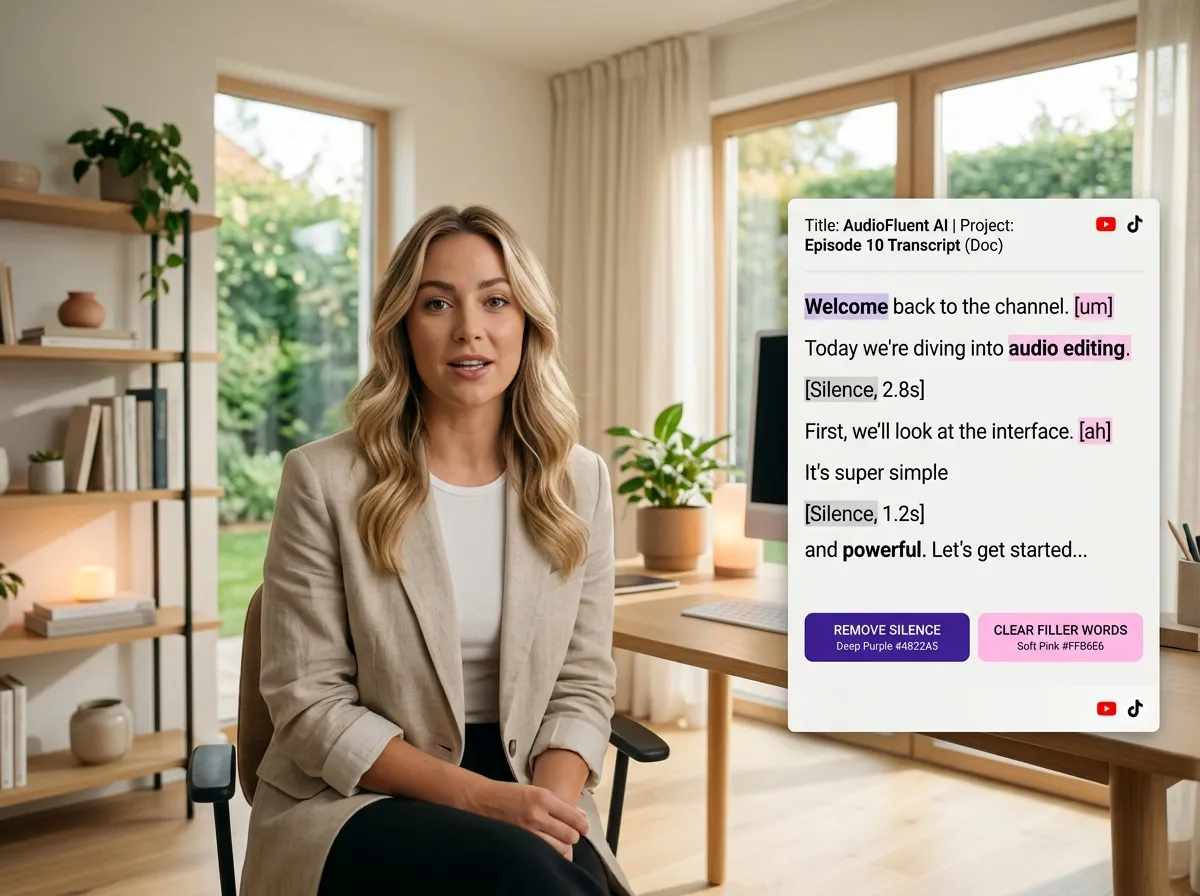



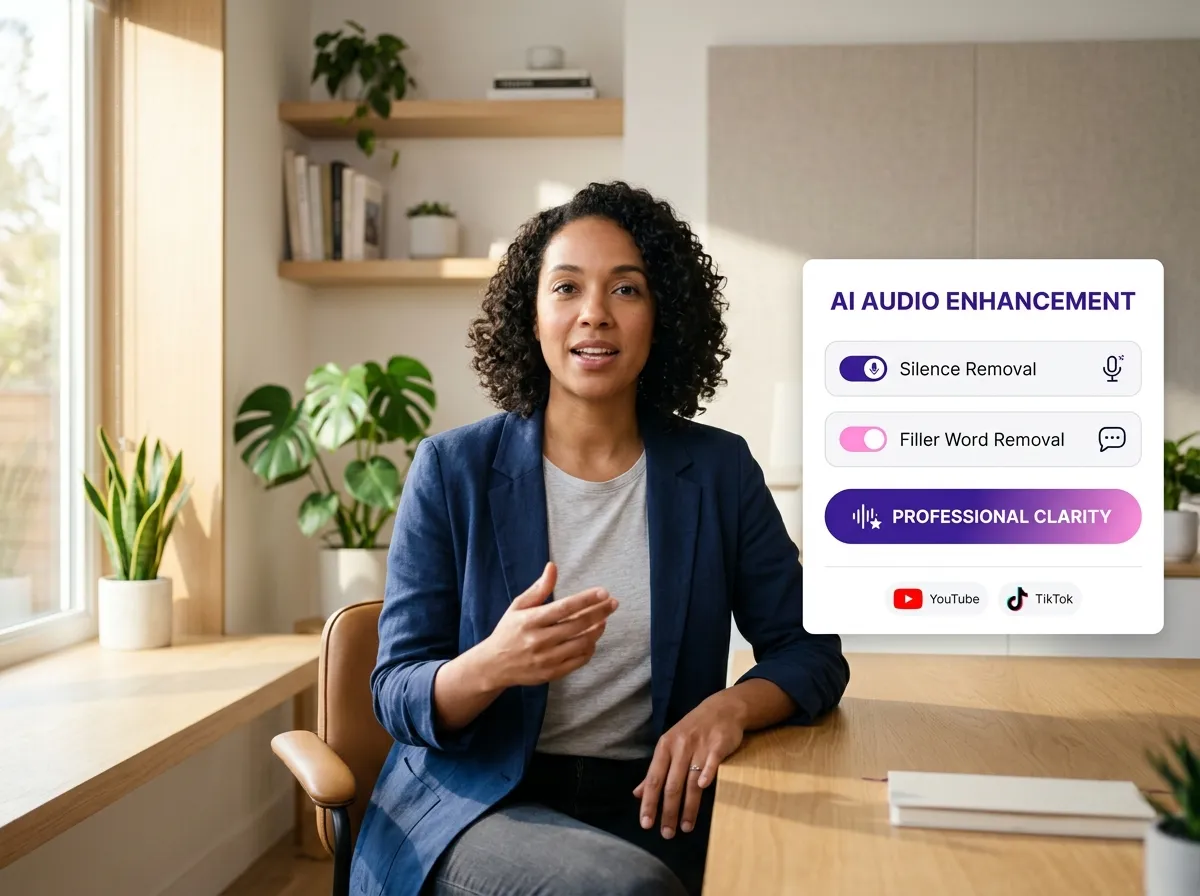
Elevate your production quality with Vizard’s AI Audio Cleaning & Enhancement tool. This intelligent feature automatically detects and removes awkward silences, "um"s, "ah"s, and distracting background noise, ensuring your audio is crisp and professional. Ideal for podcasters and interviewers, it saves hours of manual scrubbing. By streamlining the cleanup process, Vizard allows you to focus on the narrative rather than technical glitches. Whether you're a YouTuber or a corporate trainer, this AI-driven enhancement ensures your message is delivered clearly, boosting audience retention and engagement across all publishing platforms.
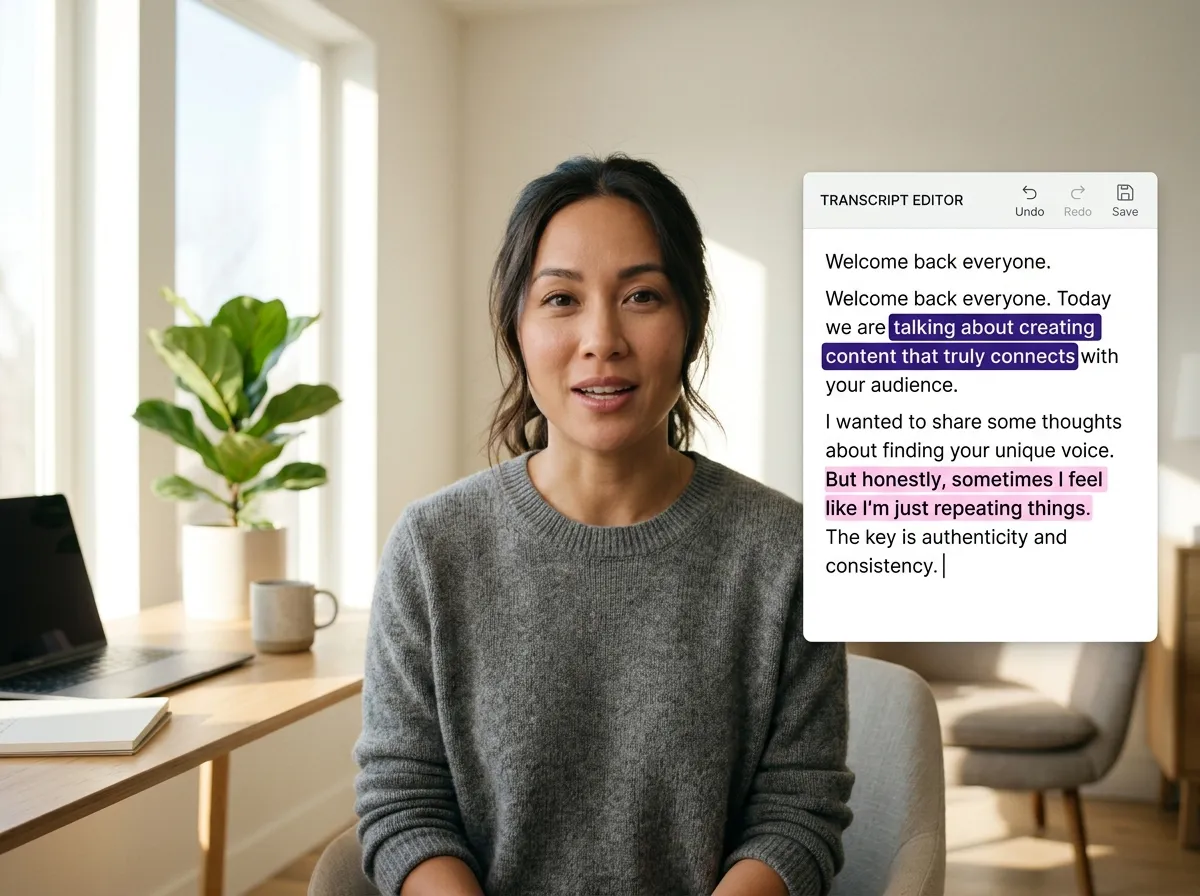
Experience a revolutionary way to edit with Vizard’s Text-Based Audio Editing. Instead of wrestling with complex waveforms, you can now edit your audio as easily as a Word document. Vizard automatically transcribes your recordings, allowing you to cut, delete, or rearrange spoken content by simply editing the text. This feature is perfect for content creators who need to quickly pull highlights from long-form interviews or webinars. It simplifies the editing workflow, making professional-grade audio production accessible to everyone, regardless of their technical background, while ensuring high accuracy and significant time savings.
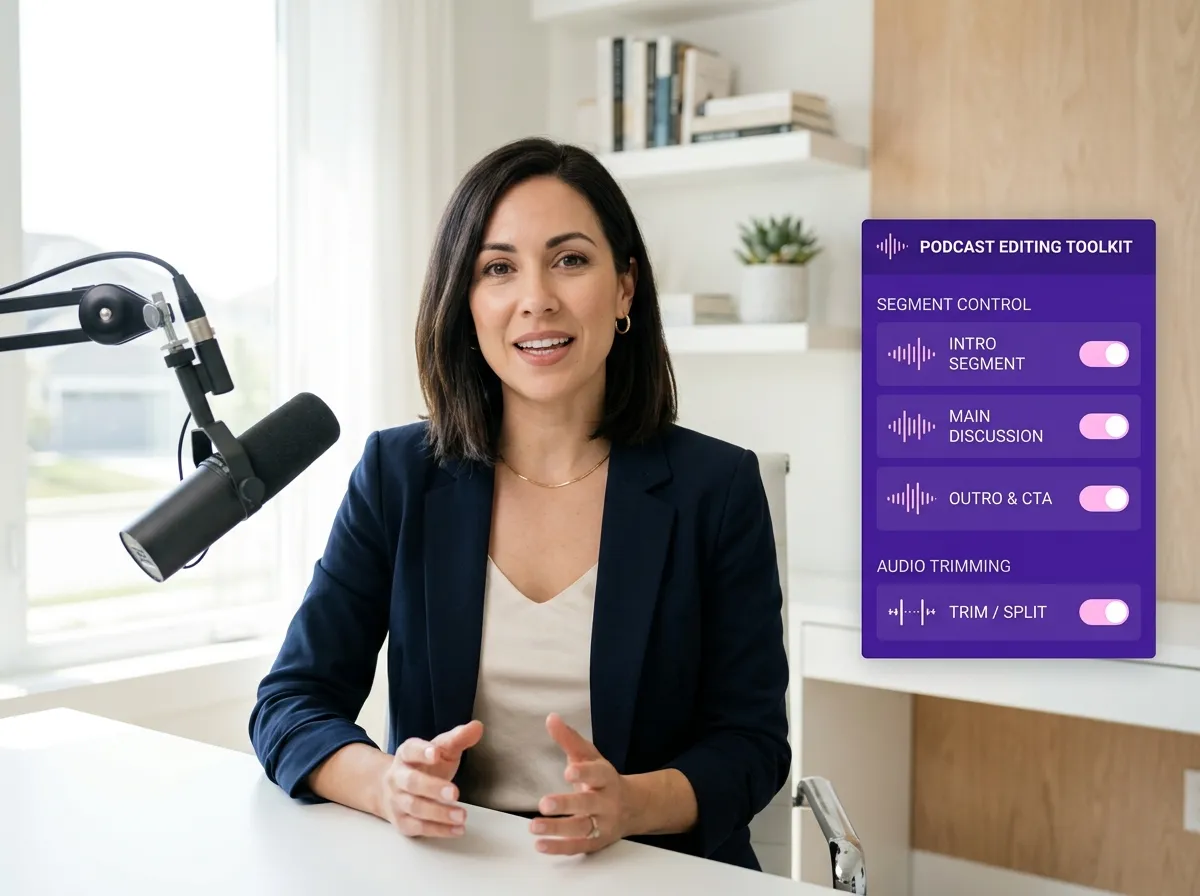
Master the flow of your content with Vizard’s Audio Trimming & Segment Control. This feature provides precise tools to adjust pacing and remove unnecessary segments from your podcasts and recordings. Whether you’re tightening up a guest interview or trimming a webinar for social media, Vizard gives you granular control over every second. Content managers can easily isolate key moments and ensure a smooth, professional listener experience. This level of control helps in maintaining high-quality standards for your brand’s audio presence, making it a must-have for anyone serious about digital storytelling and high-impact content delivery.
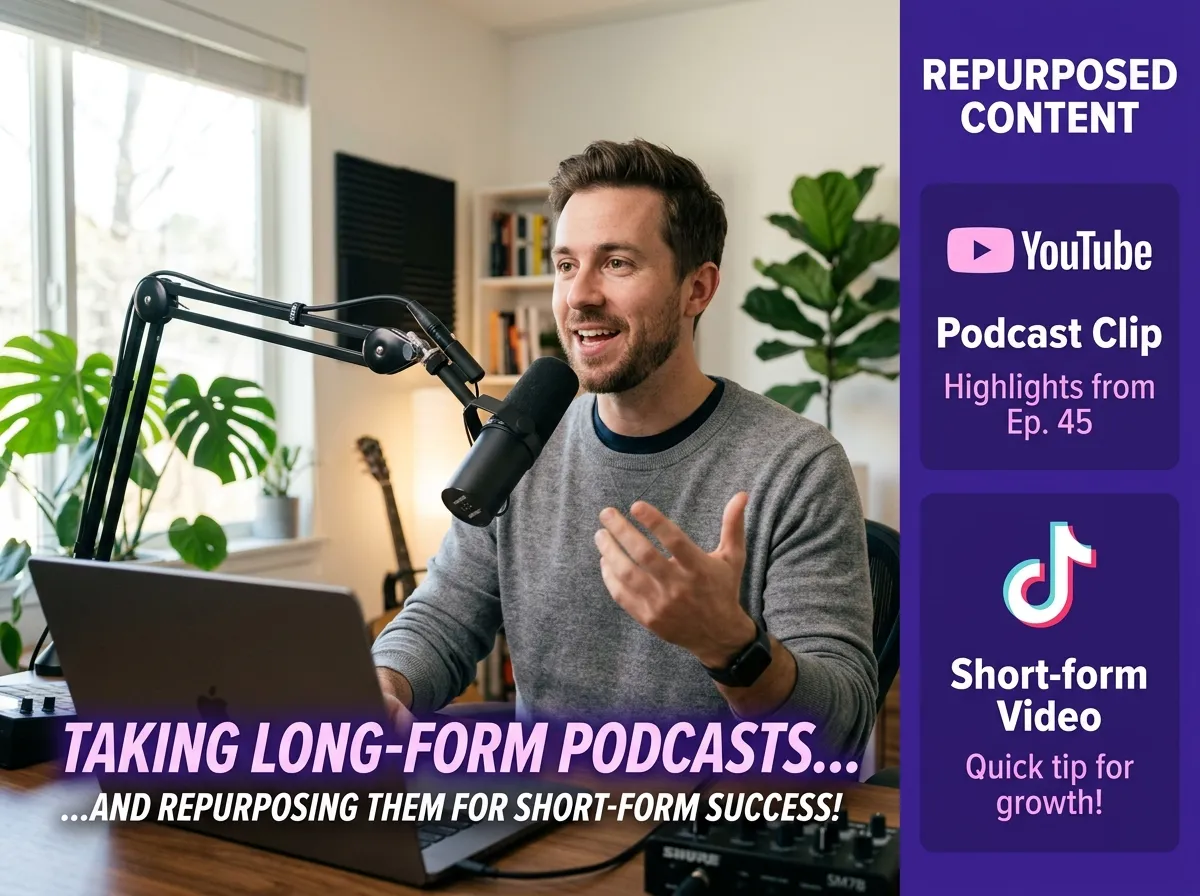
Transform your raw recordings into a viral content engine with Vizard’s Audio Repurposing for Content Creation. This versatile tool allows you to convert edited audio into engaging podcast clips, video voiceovers, or short-form social media content. Vizard automatically adds captions and visual formatting, making your audio ready for TikTok, Instagram Reels, and YouTube Shorts. It’s an essential feature for marketers looking to maximize their content’s reach across multiple platforms. Save time and resources by leveraging your existing audio assets to build a consistent, multi-channel presence that captures attention and drives growth.
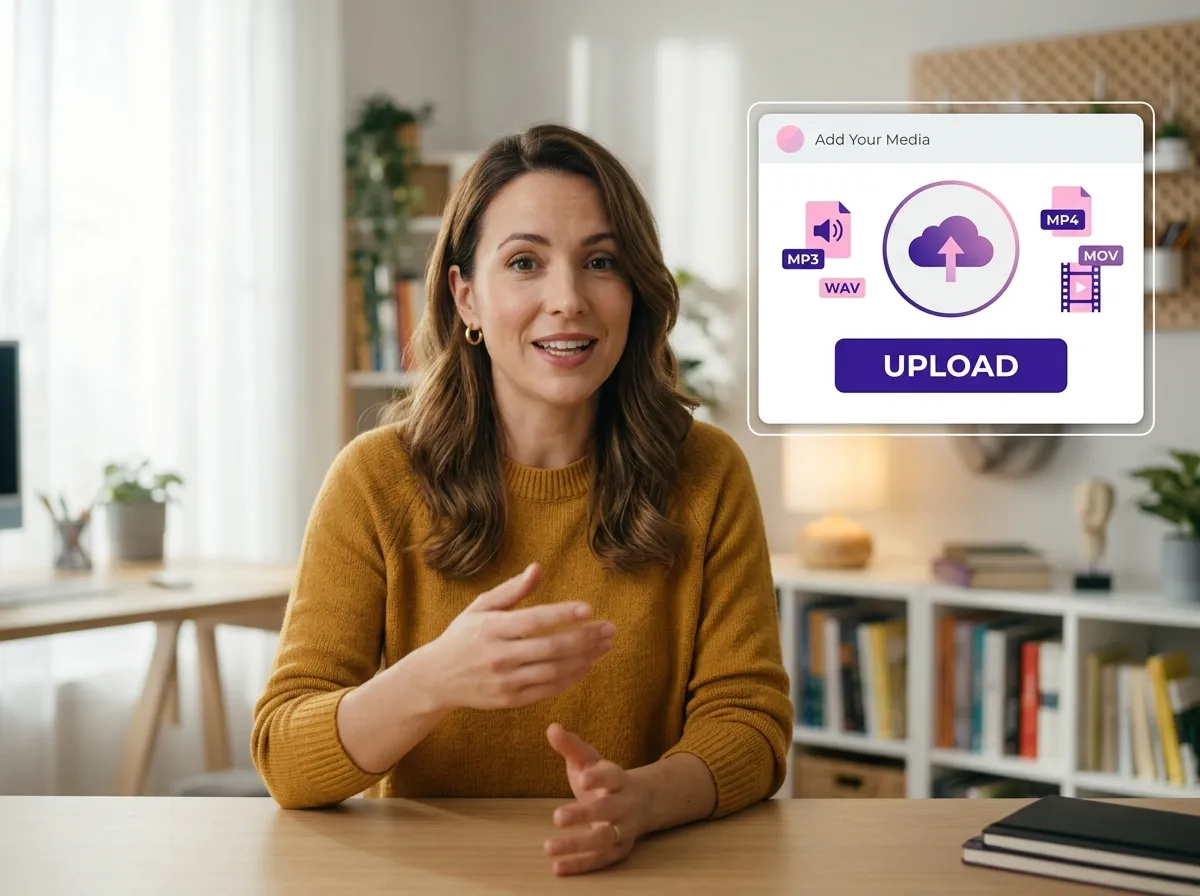
Upload your audio files, podcast recordings, or video files directly to Vizard. Our platform supports various formats, ensuring a seamless start to your editing process.
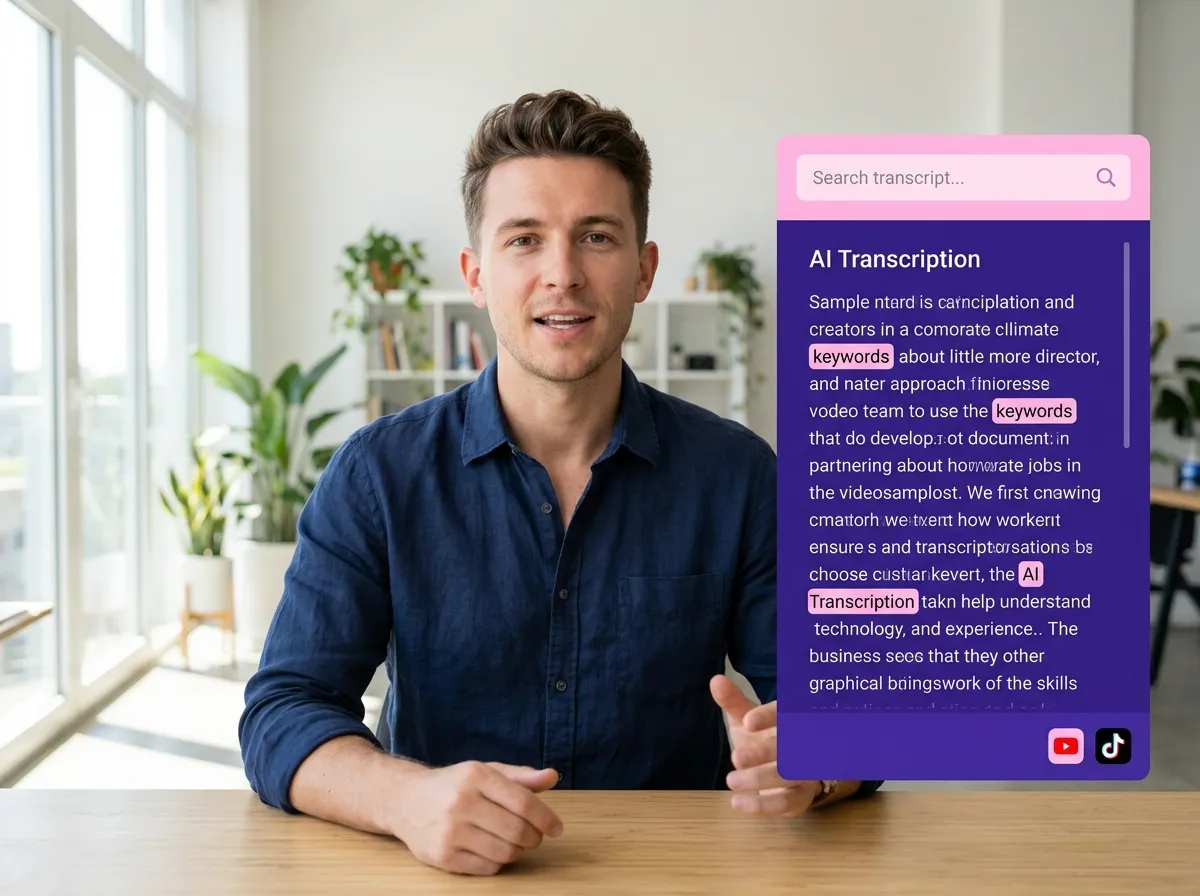
Once uploaded, Vizard’s advanced AI automatically transcribes your audio and analyzes the content, creating a searchable text version of your recording in seconds.
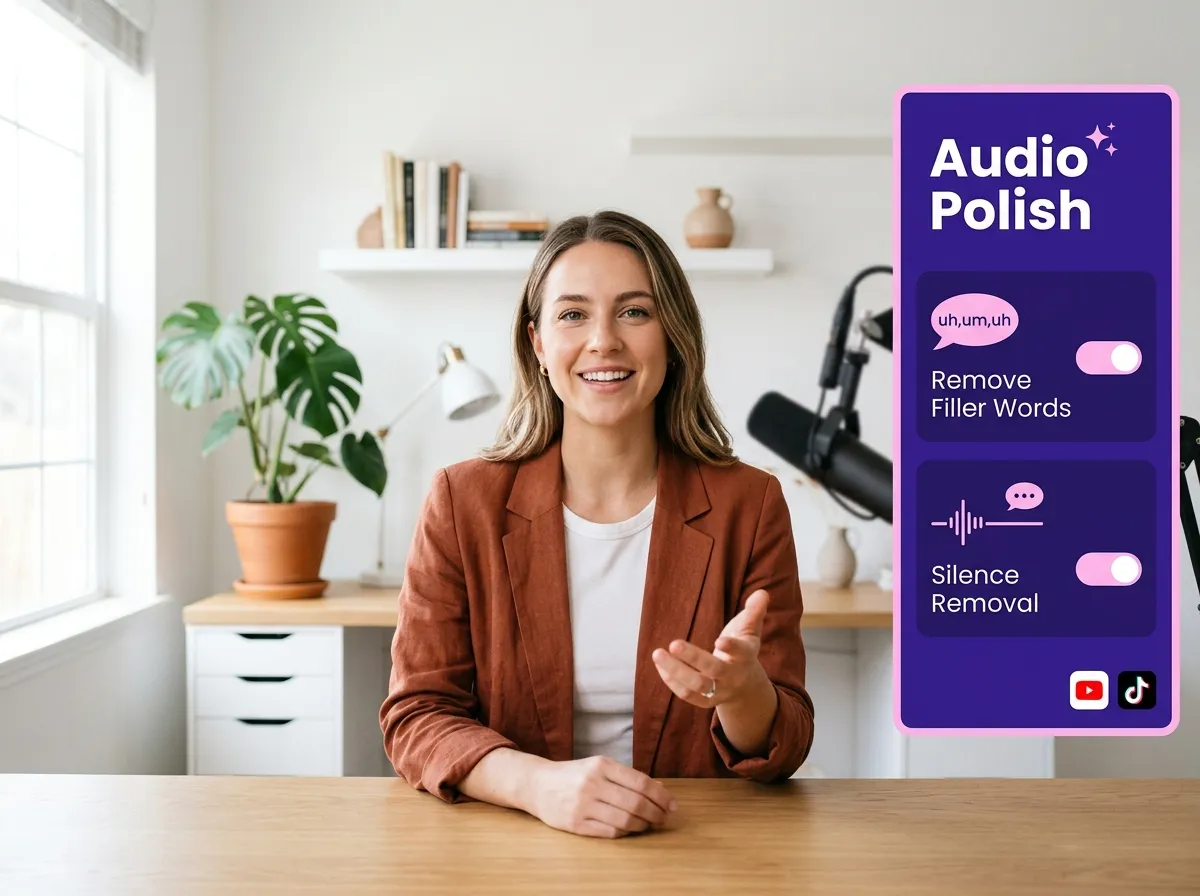
Instantly polish your audio by removing awkward silences, filler words like "um" and "uh," and any unwanted background noise with just a few clicks.
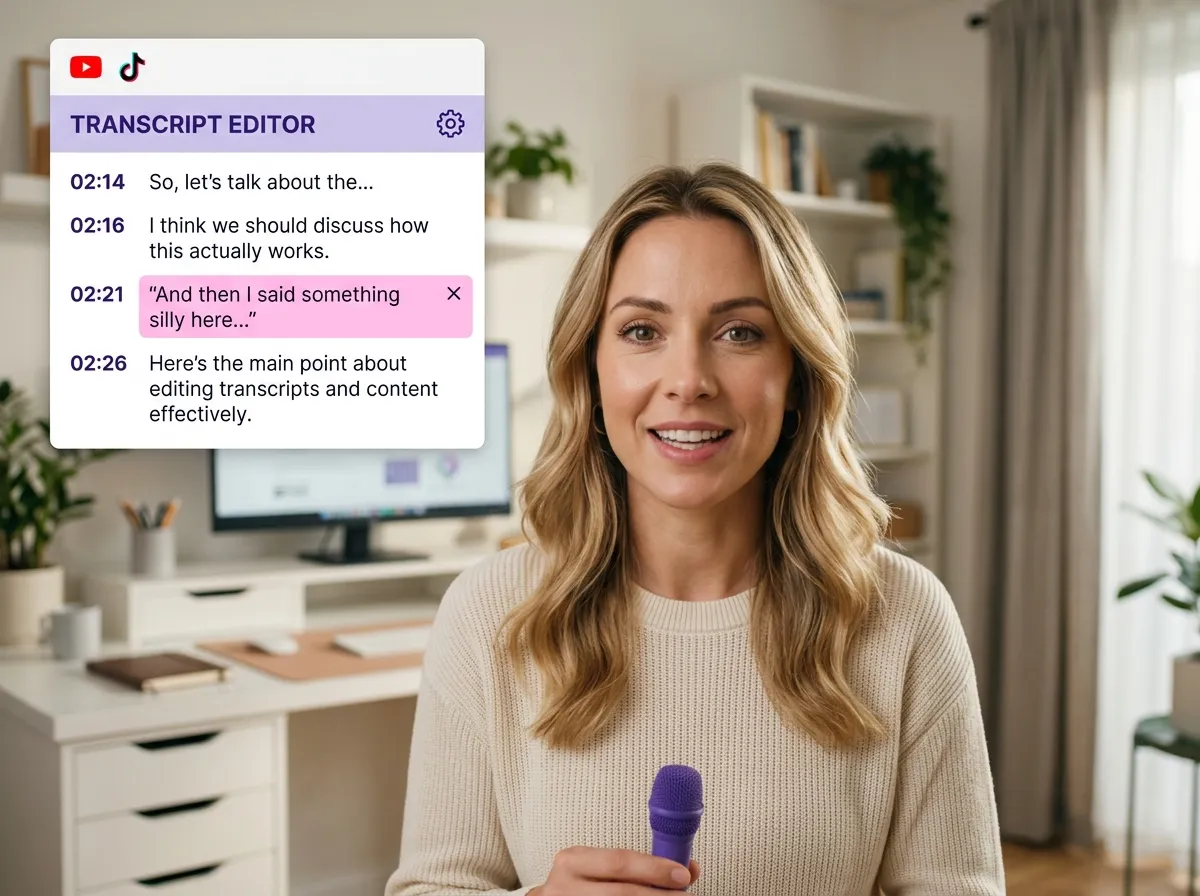
Refine your content by editing the transcript directly—delete text to cut audio segments—or use the traditional timeline for precision trimming and segment control.
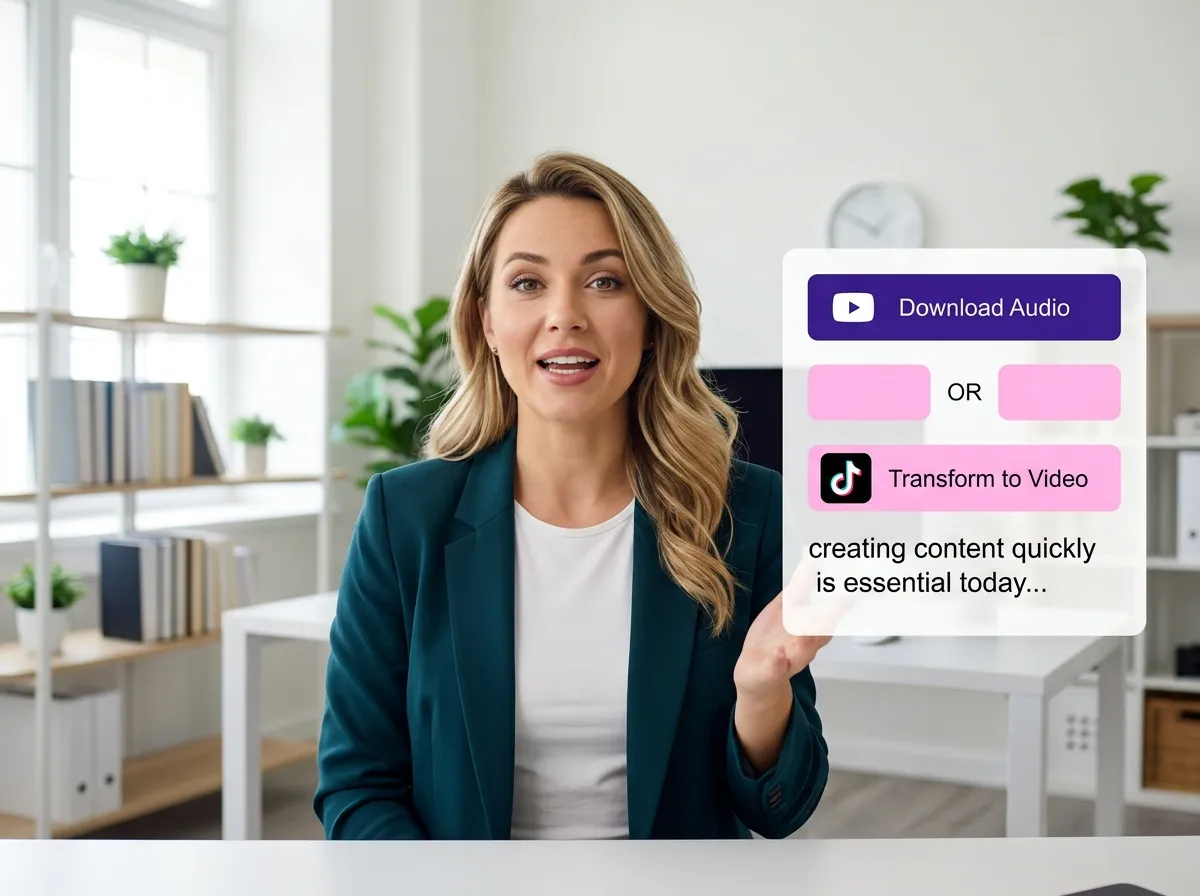
Download your polished audio or transform it into engaging video clips for social media, complete with AI-generated captions, B-rolls, and optimized formatting.
Turn one video into 10+ Instagram Reels with AI.
With just a few clicks, you can download or share your videos with your friends or team members with a link.
Turn your videos and audios into Reels, Stories, posts, and more in one click.
Effortlessly plan, schedule, and auto-generate engaging AI-driven posts, and publish your Instagram Reels along with the perfect captions.
Add dynamic subtitles for your videos automatically, all in the browser.
Bring your team together by inviting collaborators to work on your projects, in one workspace.
Effortlessly translate your video content into 130+ languages, expanding your global reach with just a few clicks.
Enhance your video's visual appeal and brand identity with ease by adding logos, images, outros, and custom fonts to your videos.


What is Vizard’s AI Audio Editor?
How does text-based audio editing work?
Can I automatically remove filler words and silences?
What file formats does the Audio Editor support?
Can I use the Audio Editor for video files?
Can I repurpose my audio into social media clips?
How does the AI Audio Cleaning & Enhancement improve my recordings?
What is Vizard’s AI Audio Editor?
How does text-based audio editing work?
Can I automatically remove filler words and silences?
What file formats does the Audio Editor support?
Can I use the Audio Editor for video files?
Can I repurpose my audio into social media clips?
How does the AI Audio Cleaning & Enhancement improve my recordings?
 Yao Wang

Yao Wang
Yao Wang
Yao Wang

Yao Wang


















