

NEW
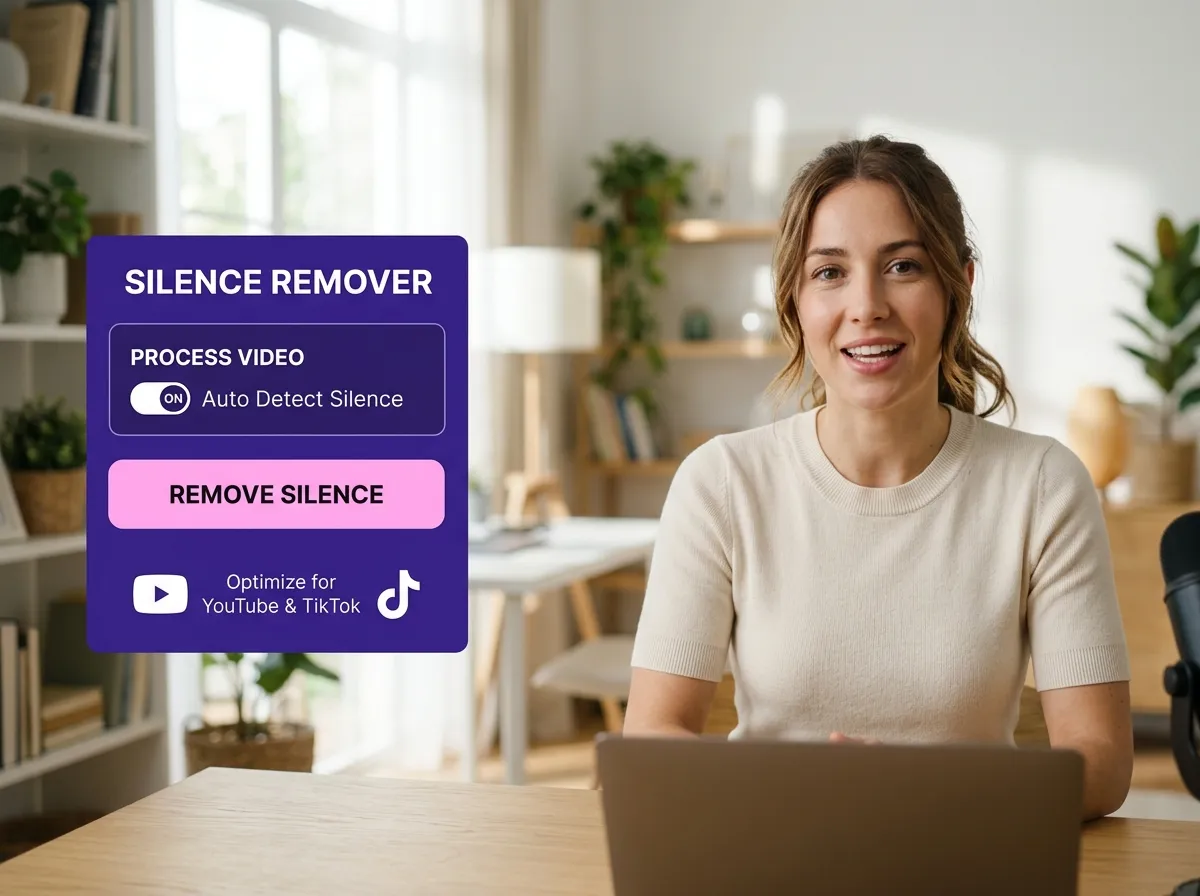



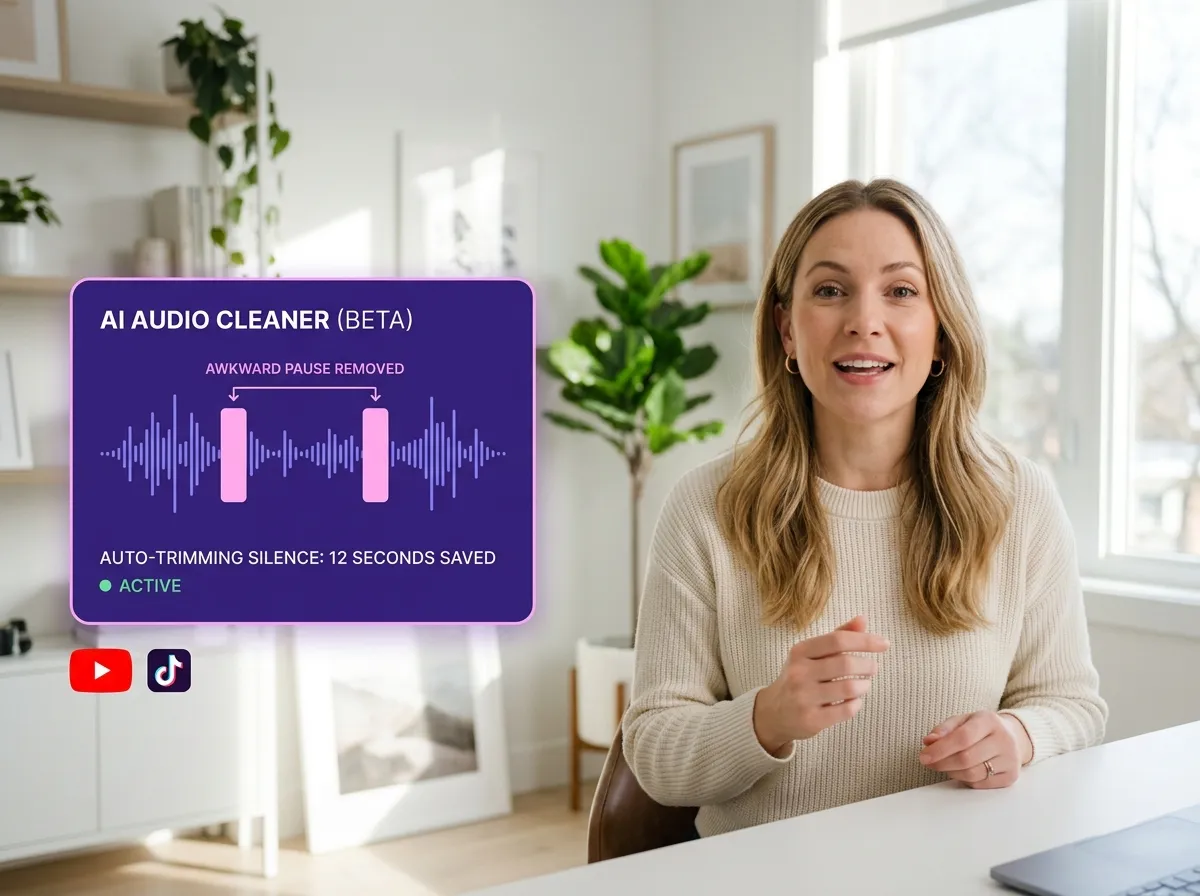
Vizard’s AI Silence Remover transforms the tedious task of manual editing into a seamless automated process. By scanning your footage, Vizard instantly identifies awkward pauses and dead air that disrupt the flow of your message. Whether you're an educator polishing a webinar or a podcaster cleaning up an interview, this tool ensures every moment of silence is accounted for. This intelligent detection saves hours of timeline scrubbing, allowing creators to focus on storytelling rather than technical trimming. Experience a more efficient workflow and produce professional-grade videos that keep your audience's attention from start to finish.
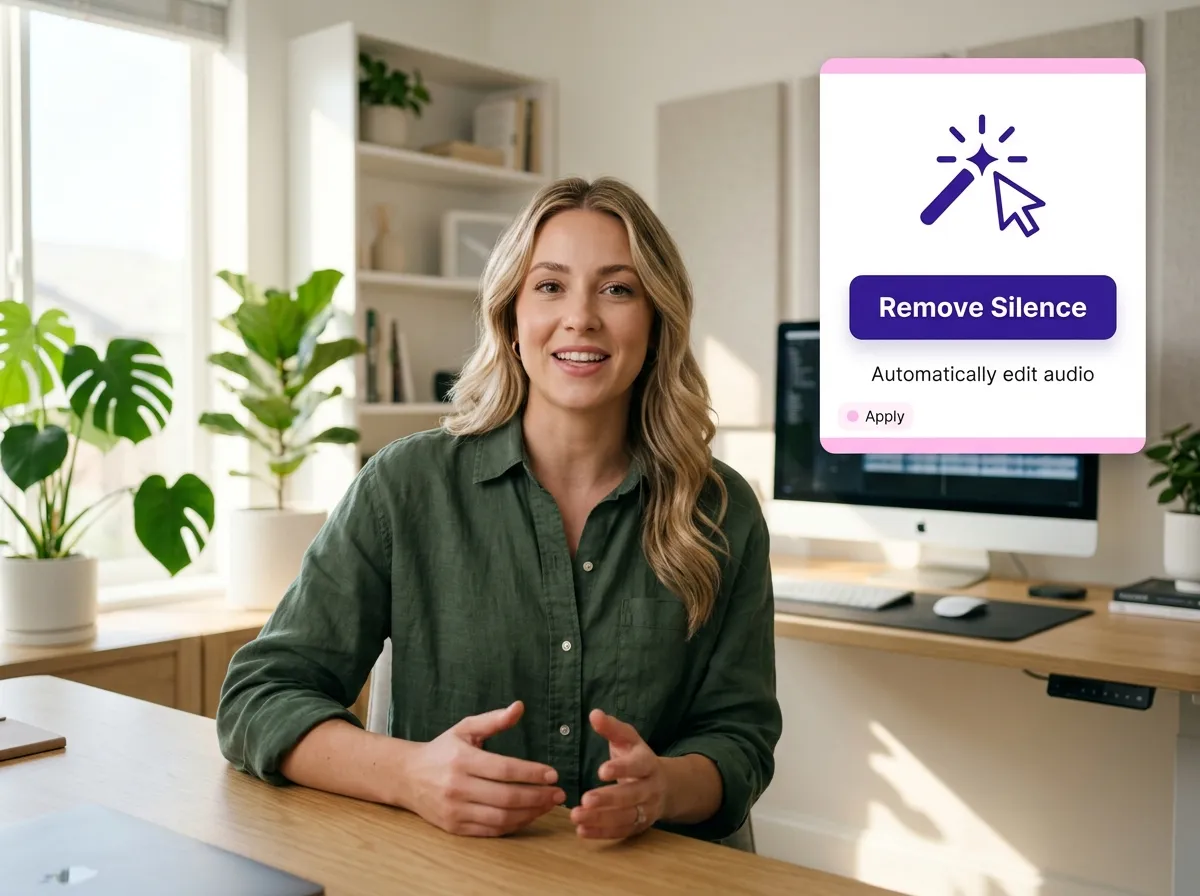
With Vizard, removing silence is as simple as a single click. Our AI Silence Remover eliminates the need for manual timeline trimming, instantly deleting detected silent segments across your entire video. This feature is a game-changer for content managers handling high volumes of talking-head videos or presentations. By automating the cleanup process, Vizard helps you maintain a tight, engaging pace without the frustration of frame-by-frame editing. It’s the ultimate solution for anyone looking to speed up their post-production phase while ensuring a high-quality, professional outcome for every project.
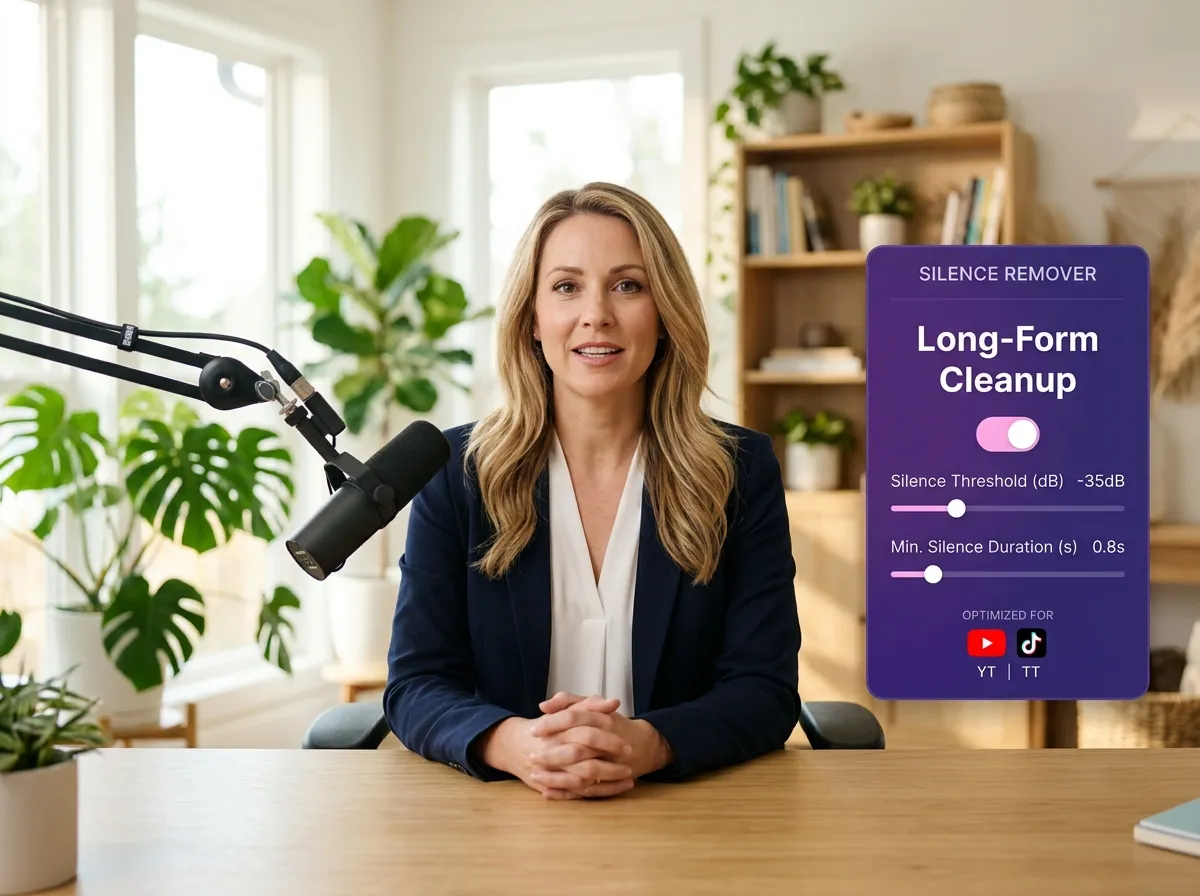
Speed up the editing of long recordings like meetings, webinars, and interviews with Vizard’s specialized AI Silence Remover. Managing hours of footage can be daunting, but our platform makes it easy to condense content without losing substance. By identifying and removing unnecessary pauses, you can significantly reduce the length of your videos while making them more impactful. This is ideal for corporate teams and marketers who need to produce digestible content from lengthy source material quickly. Vizard empowers you to create tighter, more focused videos that deliver value faster.
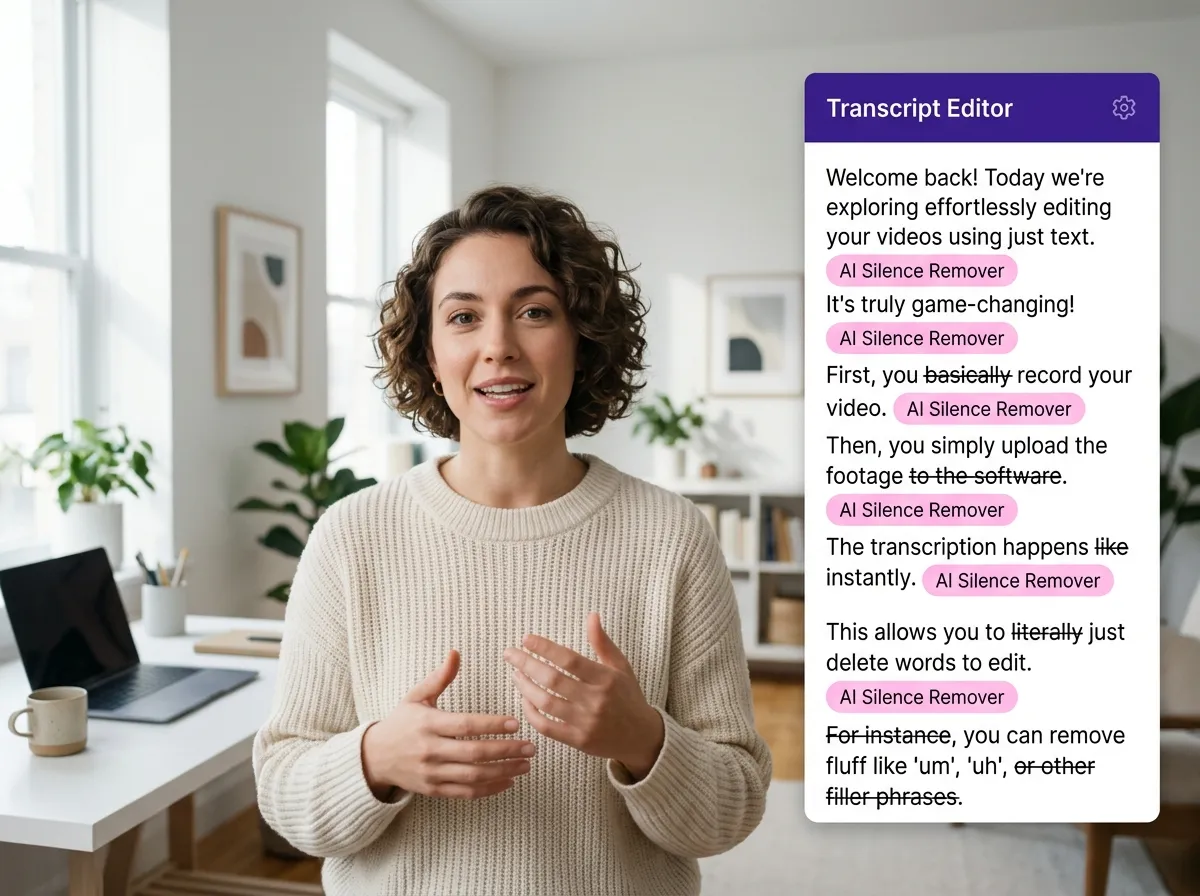
Vizard combines the power of AI Silence Remover with advanced transcript-based editing for unparalleled control. Not only does the tool remove silence automatically, but it also allows you to refine your edit by simply reading and deleting text. This dual approach is perfect for creators who want to ensure their natural speaking flow is preserved while cutting out fluff. By seeing exactly where pauses occur in the context of your dialogue, you can make informed decisions that enhance the overall quality of your podcast or video essay effortlessly.
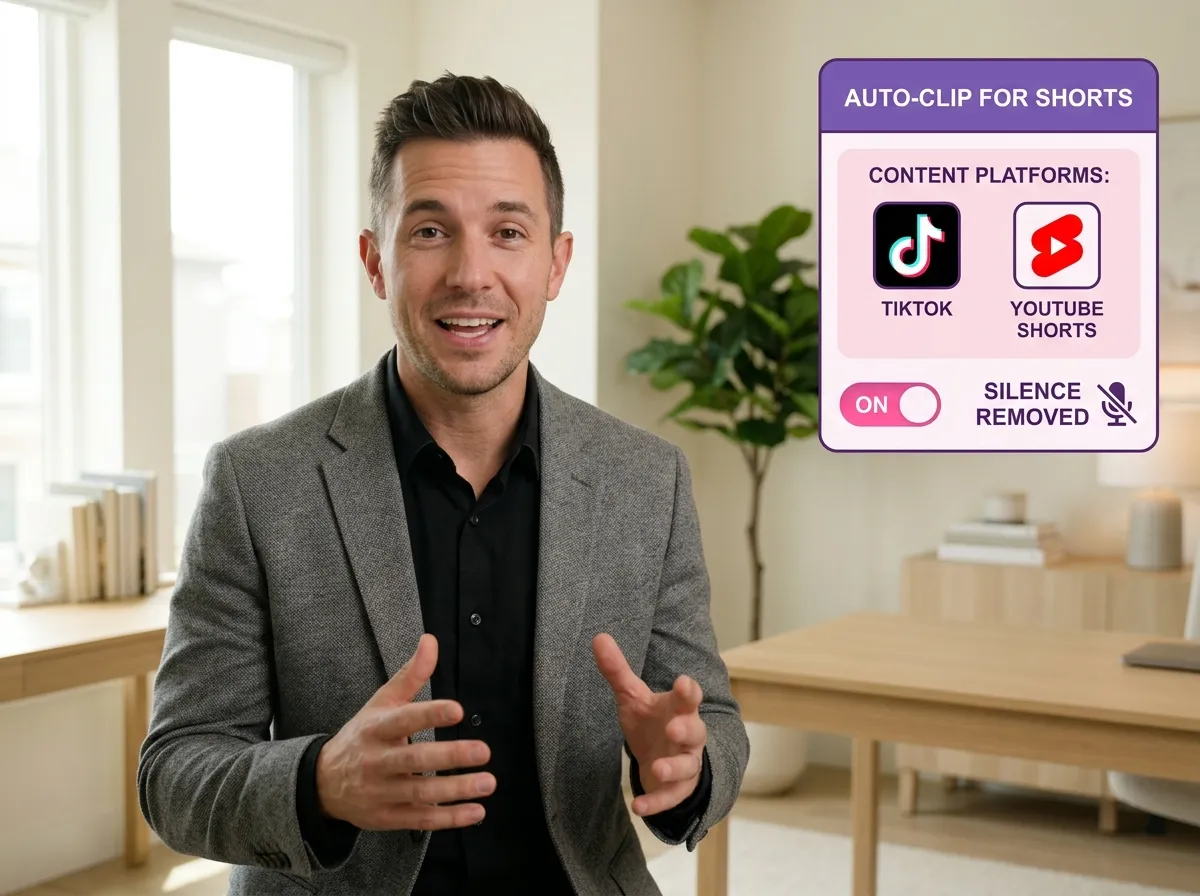
Prepare polished clips for TikTok, Instagram Reels, and YouTube Shorts using Vizard’s AI Silence Remover. Short-form content demands a high energy level and zero downtime. By removing silent gaps before exporting, Vizard ensures your clips are snappy and social-ready. This tool is essential for social media managers who repurpose long-form webinars or interviews into viral snippets. Capture your audience's interest immediately by delivering punchy, professional videos that highlight the most important parts of your content without any distracting pauses or dead air.
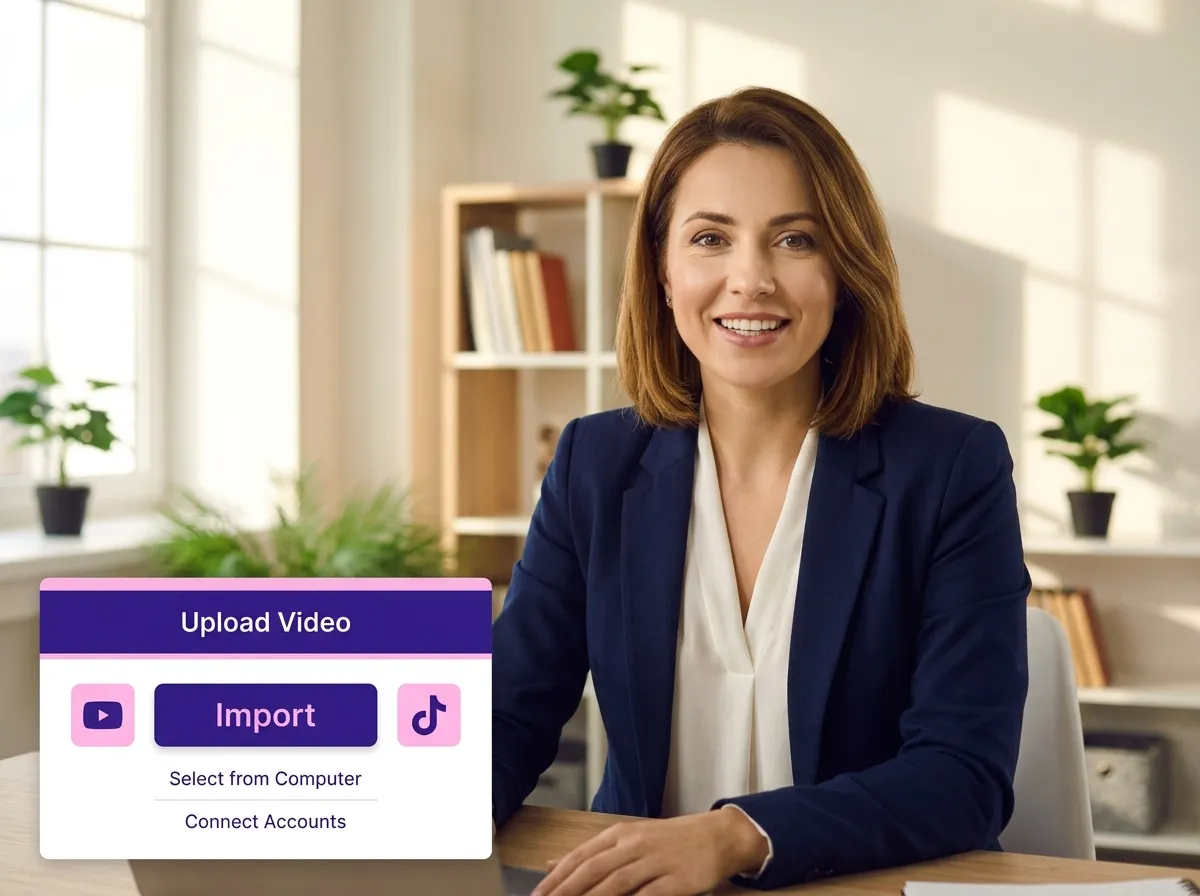
Start by uploading your video file to Vizard. You can import recordings, webinars, interviews, or talking-head footage directly from your device or cloud storage.
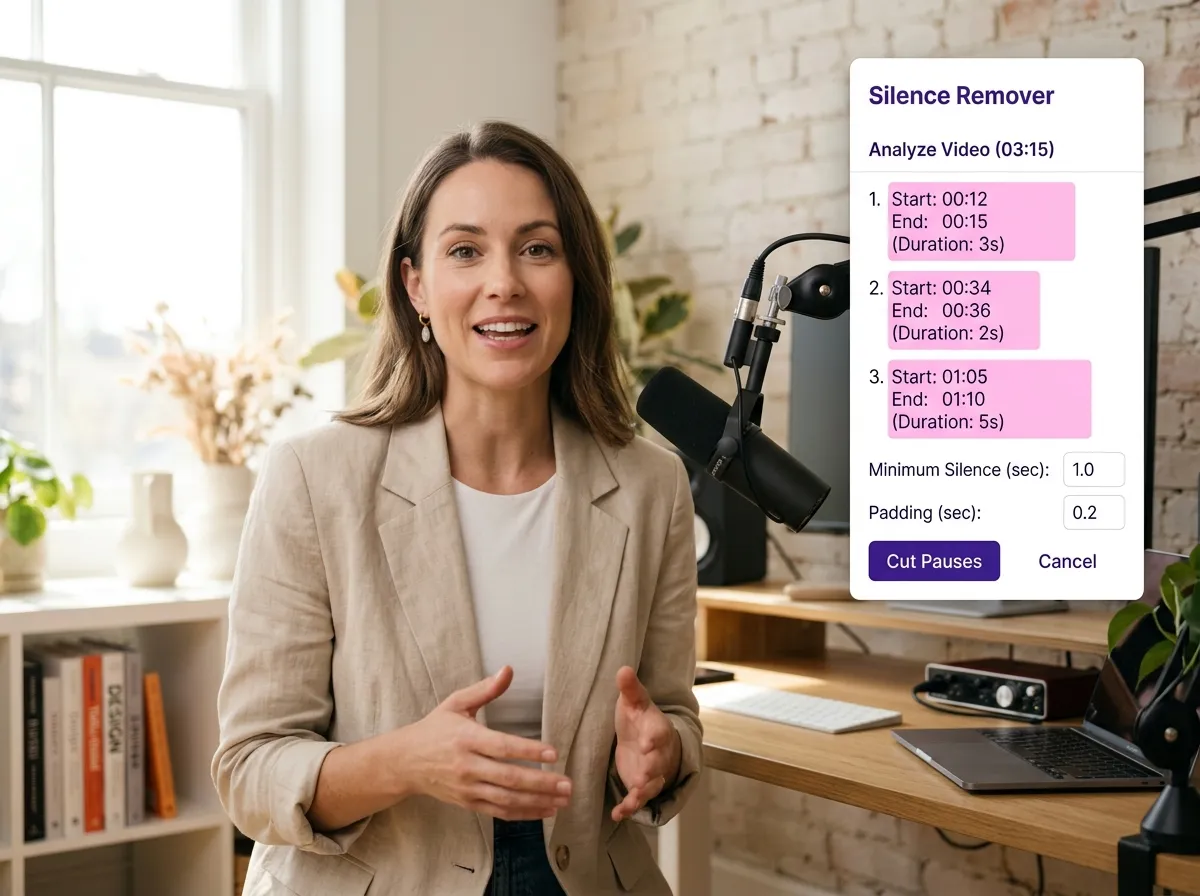
Vizard’s AI instantly scans your video to identify pauses, dead air, and unnecessary gaps, highlighting them on the timeline for you to see.
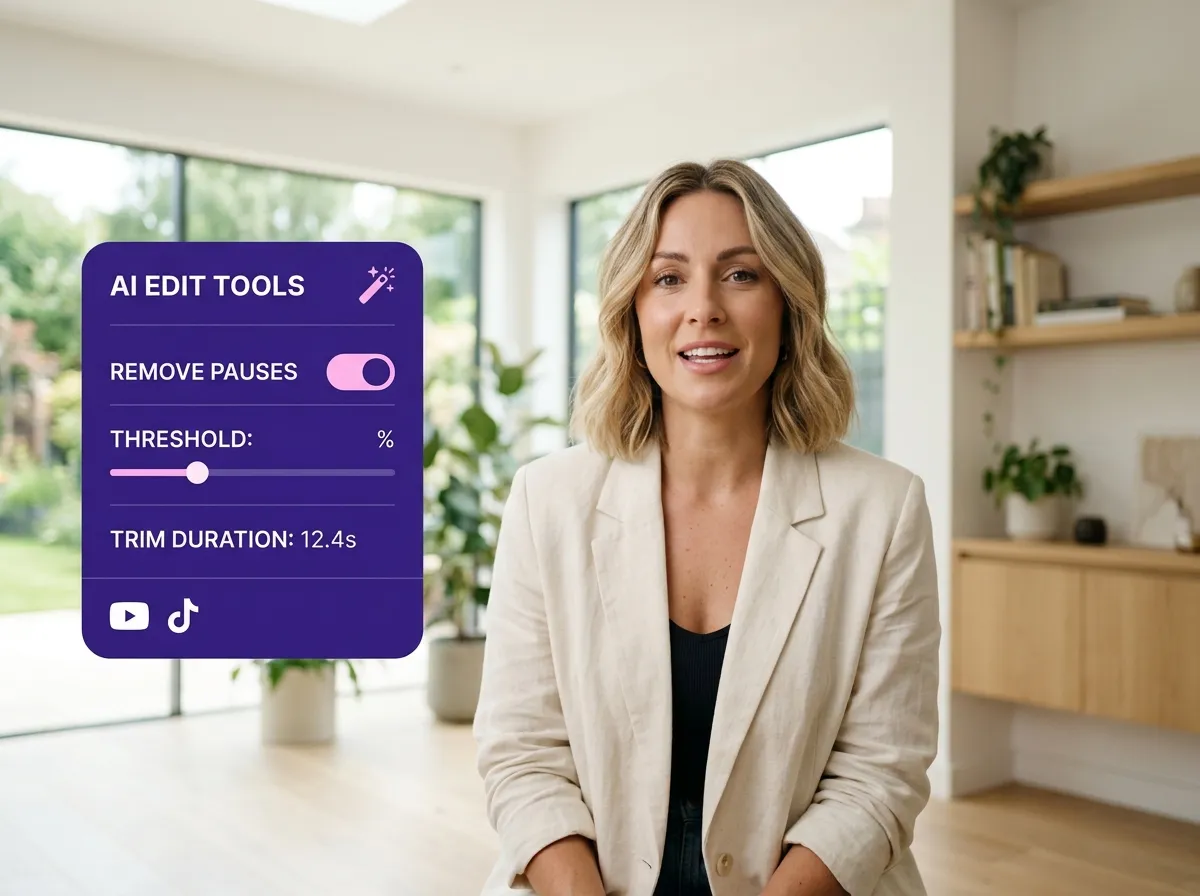
With a single click, remove all detected silent segments. This tightens your content, making it punchier and more engaging without any manual trimming.
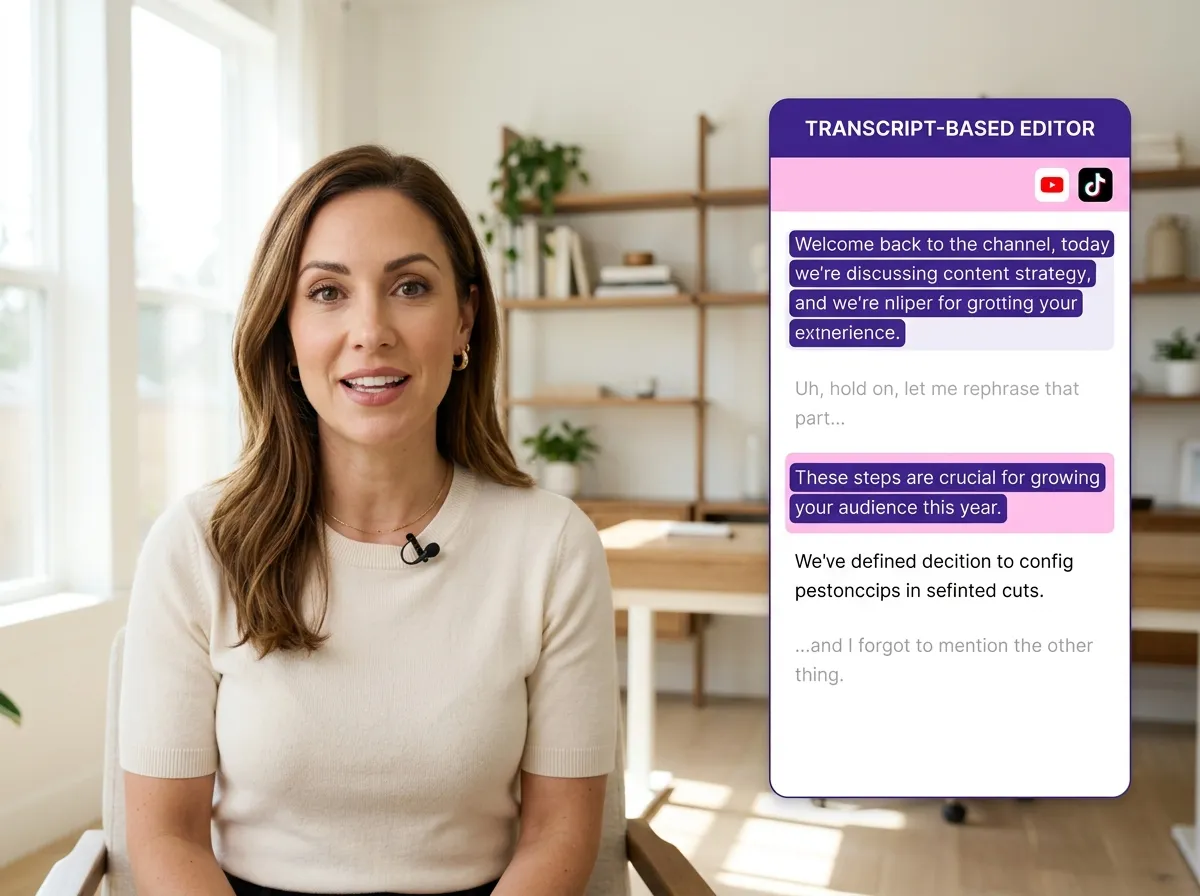
Use Vizard’s transcript-based editor or the timeline to fine-tune your cuts. You can easily adjust or restore any part to ensure a natural flow.
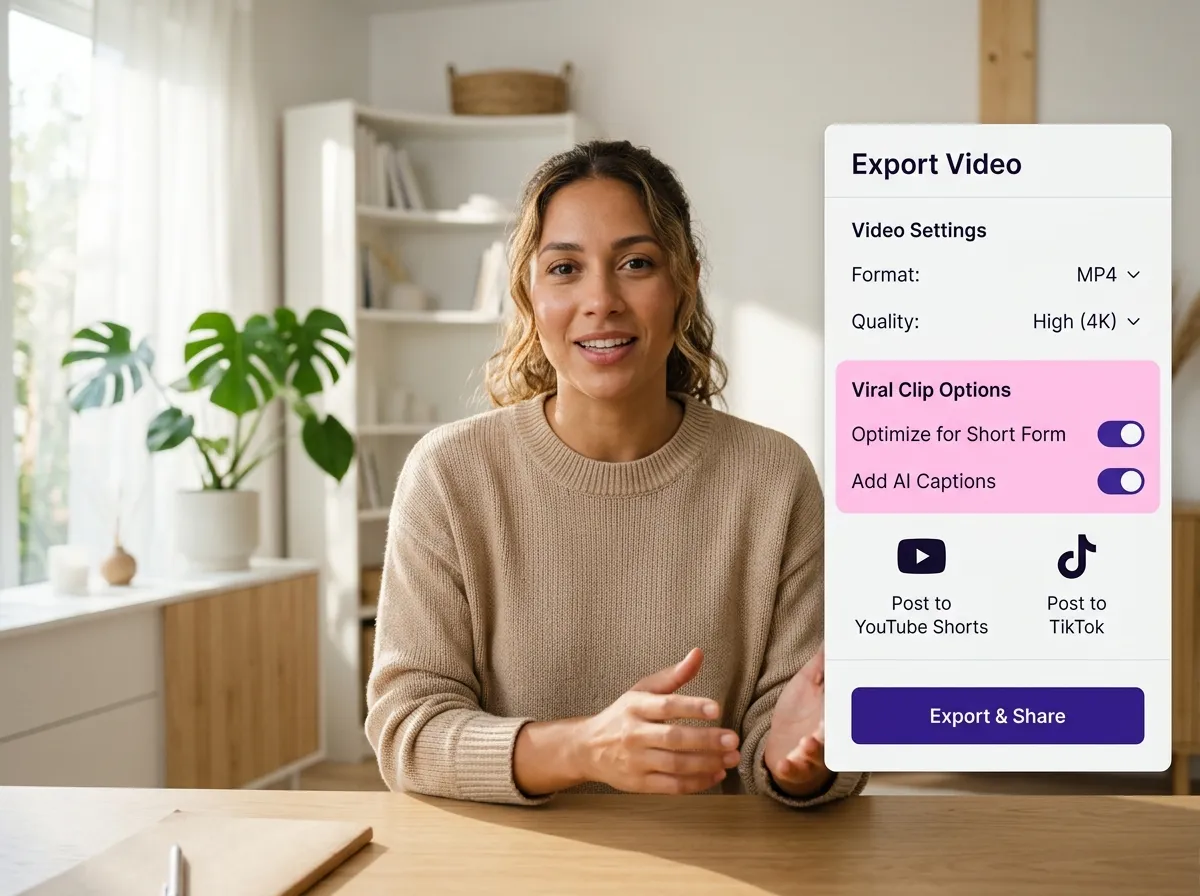
Once you’re satisfied, export your polished video in high quality or transform it into viral short clips ready for social media platforms.
Turn one video into 10+ Instagram Reels with AI.
With just a few clicks, you can download or share your videos with your friends or team members with a link.
Turn your videos and audios into Reels, Stories, posts, and more in one click.
Effortlessly plan, schedule, and auto-generate engaging AI-driven posts, and publish your Instagram Reels along with the perfect captions.
Add dynamic subtitles for your videos automatically, all in the browser.
Bring your team together by inviting collaborators to work on your projects, in one workspace.
Effortlessly translate your video content into 130+ languages, expanding your global reach with just a few clicks.
Enhance your video's visual appeal and brand identity with ease by adding logos, images, outros, and custom fonts to your videos.


How does Vizard's AI Silence Remover work?
Which video formats are supported?
Will the video still sound natural after removing silent parts?
Can I review the changes before exporting?
Is the AI Silence Remover suitable for beginners?
How does this tool help with creating content for social media?
Can I combine silence removal with other AI tools in Vizard?
How does Vizard's AI Silence Remover work?
Which video formats are supported?
Will the video still sound natural after removing silent parts?
Can I review the changes before exporting?
Is the AI Silence Remover suitable for beginners?
How does this tool help with creating content for social media?
Can I combine silence removal with other AI tools in Vizard?
 Yao Wang

Yao Wang

Yao Wang

Yao Wang

Yao Wang


















