

NEW
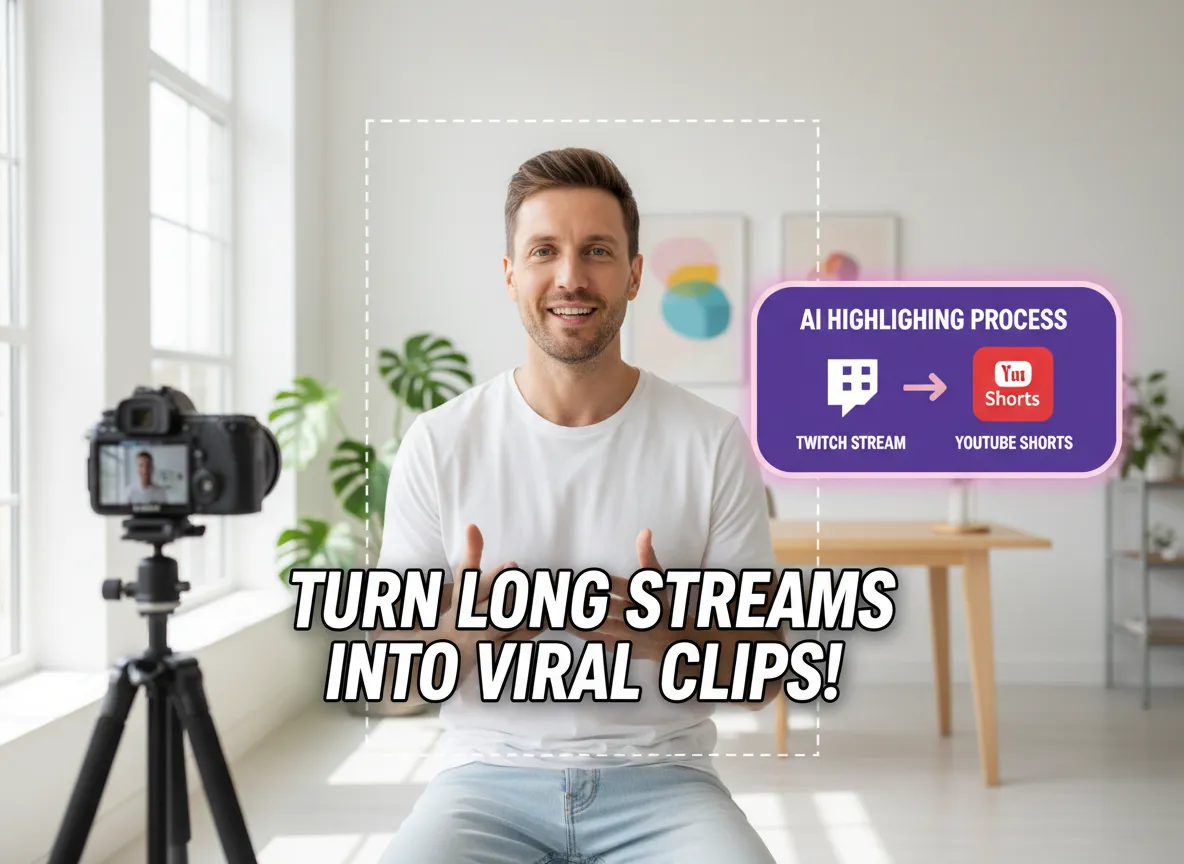



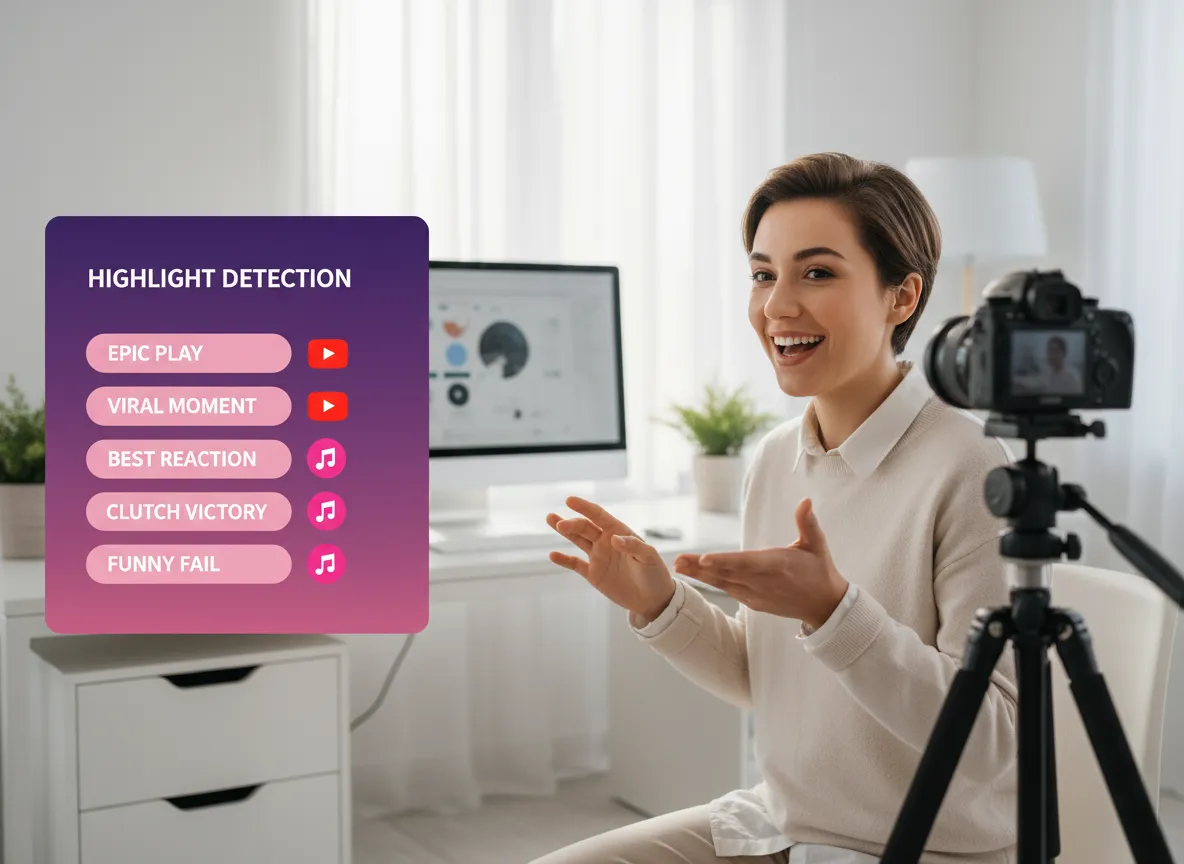
Analyser automatisk dine Twitch VOD'er for at identificere de mest spændende øjeblikke. Fra episke gaming-kills og banebrydende spil til morsomme udbrud og indsigtsfuld kommentar, vælger Vizards AI de segmenter med det højeste virale potentiale.
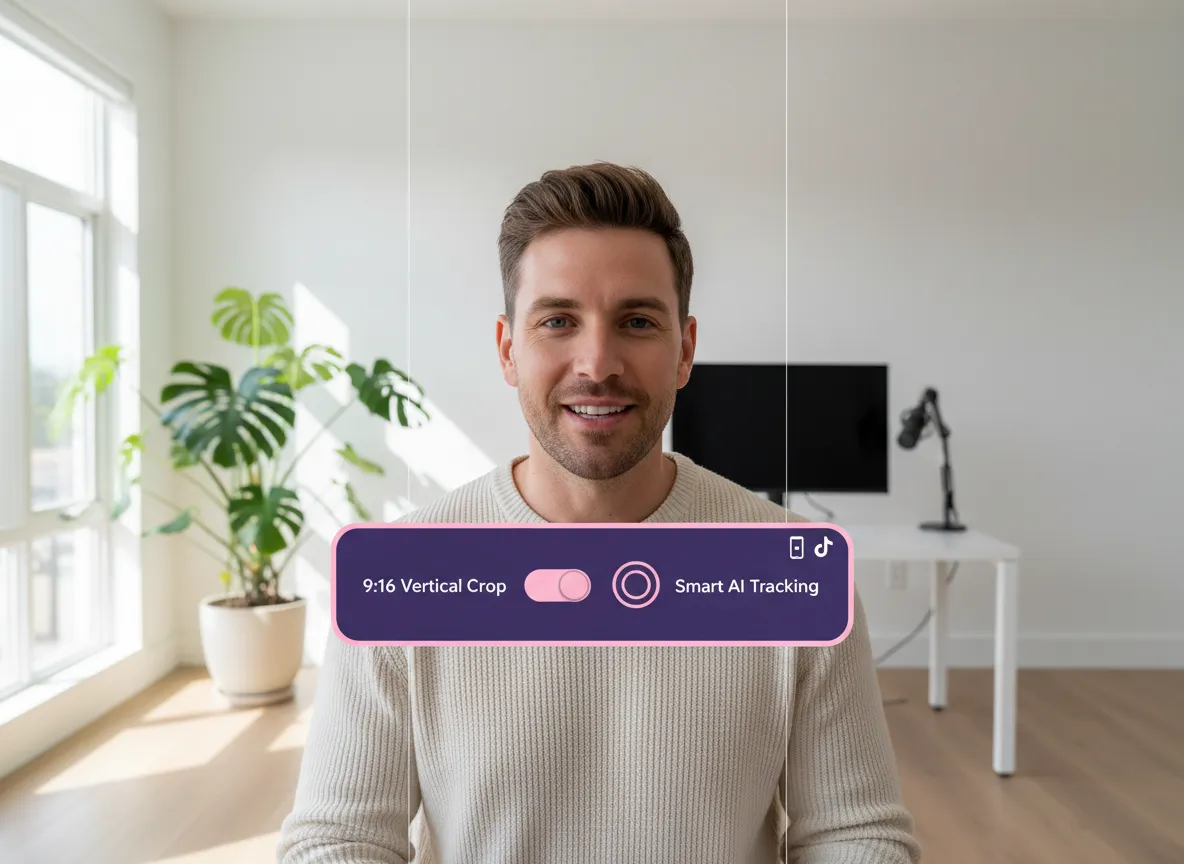
Forvandl øjeblikkeligt horisontale Twitch-streams til perfekte 9:16 vertikale videoer. Vores AI sikrer, at dit gameplay eller facecam forbliver i centrum af handlingen, klar til YouTube Shorts uden manuel tilpasning af størrelse.
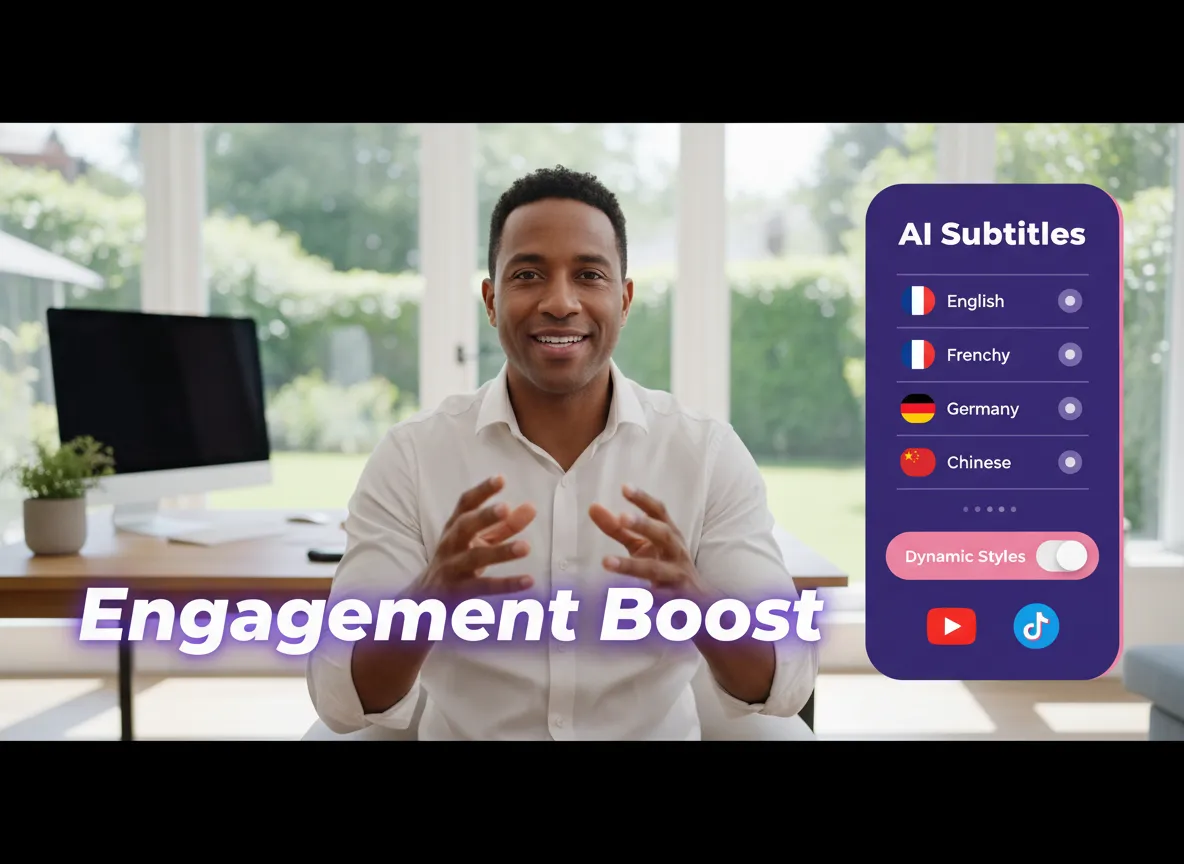
Øg engagementet med præcise, automatisk genererede undertekster, der understøtter over 35 sprog og mere end 150 oversættelser. Vælg mellem forskellige dynamiske billedtekststile, der fanger opmærksomheden og holder seerne engageret helt til slutningen.
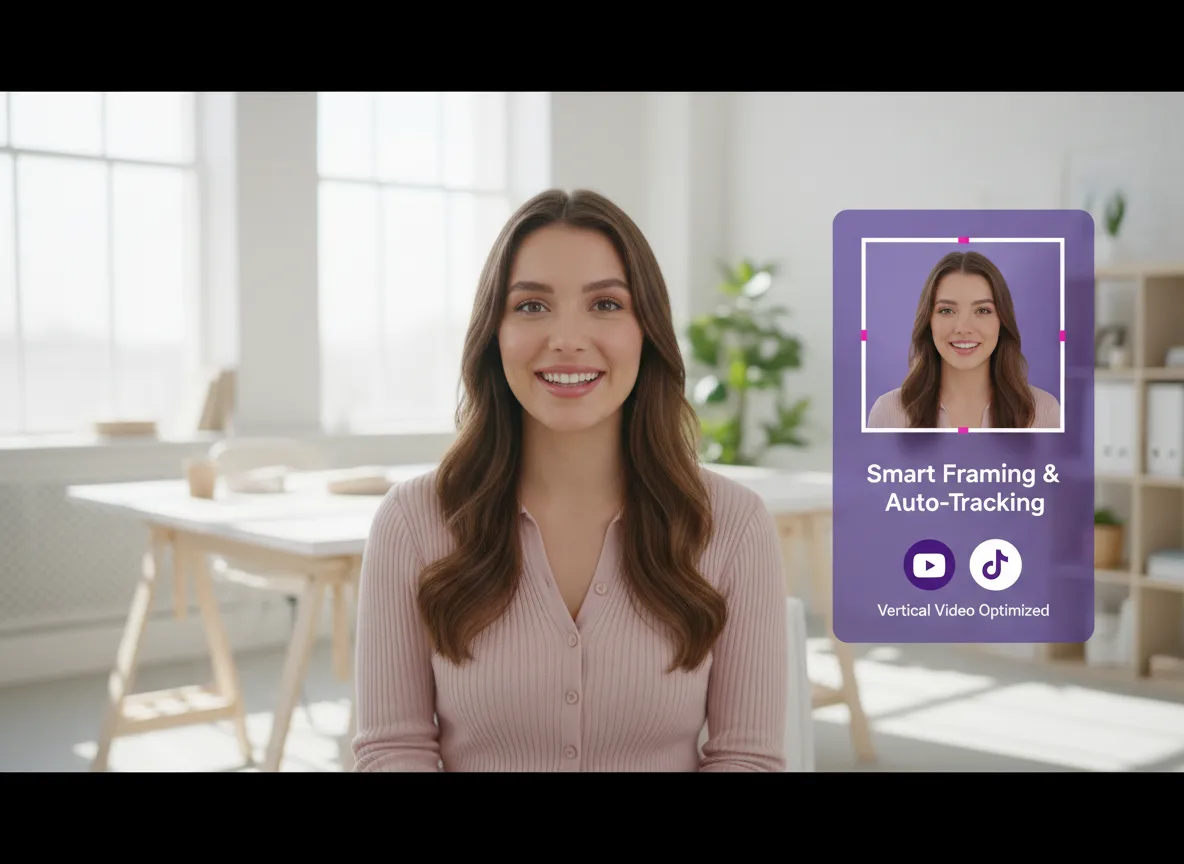
Hold fokus, hvor det hører hjemme. Vizard sporer intelligent streamere og vigtige spilelementer, omformulerer billedet og flytter fokuspunktet automatisk for at sikre, at intet vigtigt bliver afskåret under overgangen til vertikalt format.
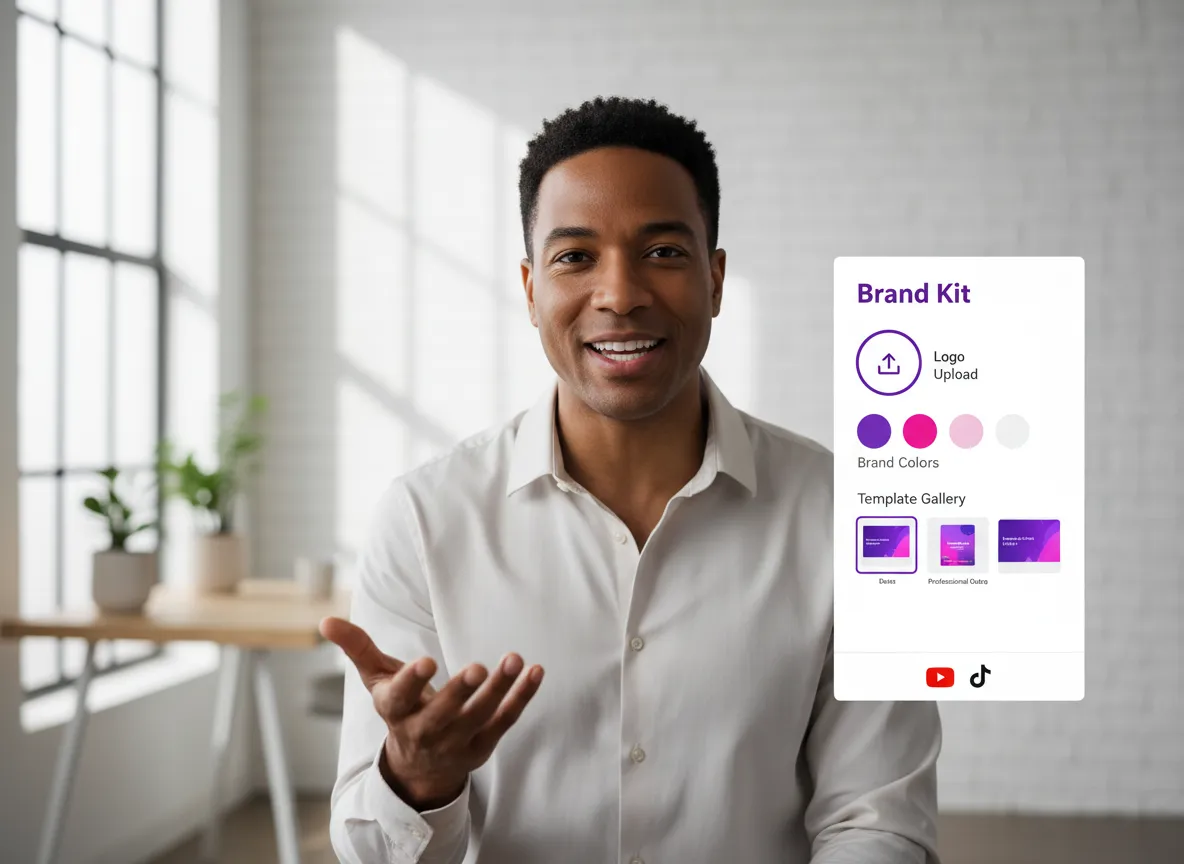
Oprethold en ensartet visuel identitet på tværs af alle dine Shorts. Anvend nemt dine egne logoer, vandmærker, brugerdefinerede skrifttyper og brandfarver. Brug færdige skabeloner og professionelle afslutninger for at få hvert klip til at ligne en højbudgetproduktion.
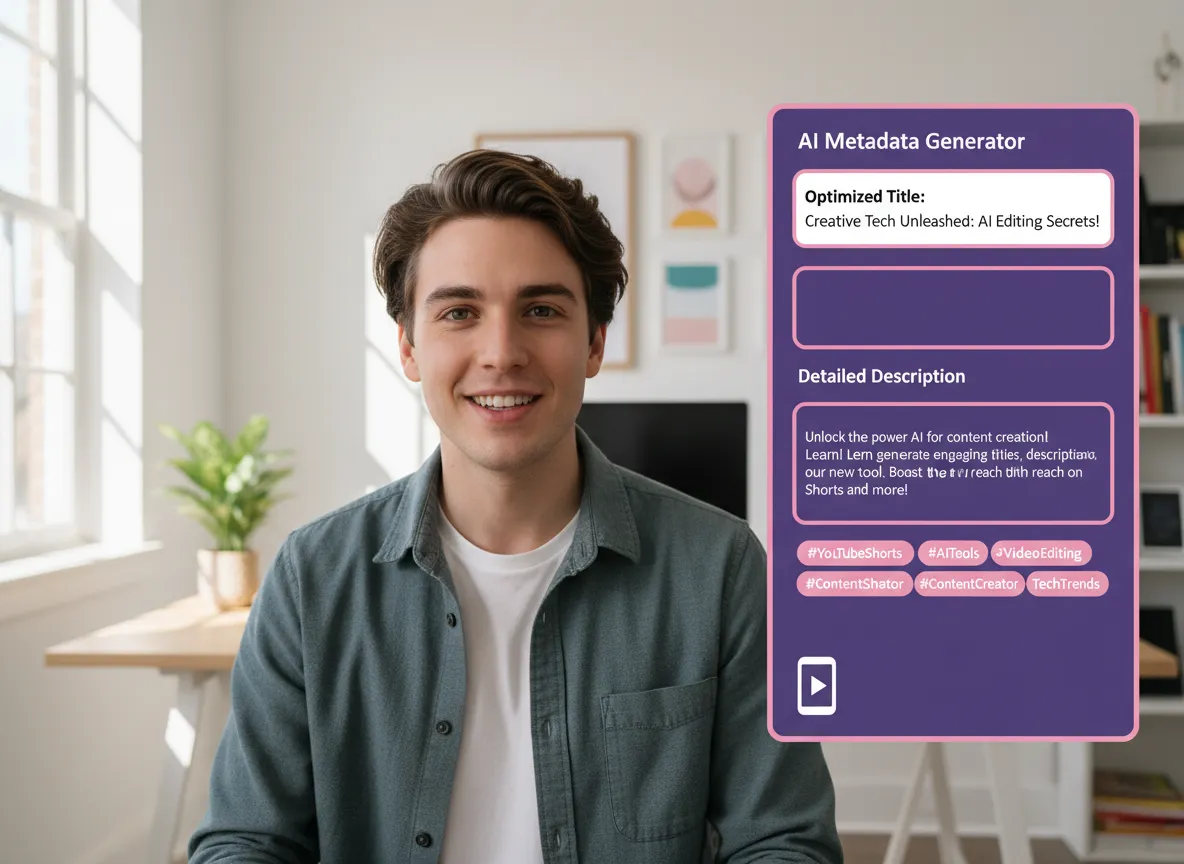
Maksimer din rækkevidde med AI-optimerede metadata. Vizard genererer fængende titler, detaljerede beskrivelser og populære tags til hver Short, der hjælper dig med at rangere højere i YouTubes algoritme og generere flere klik.
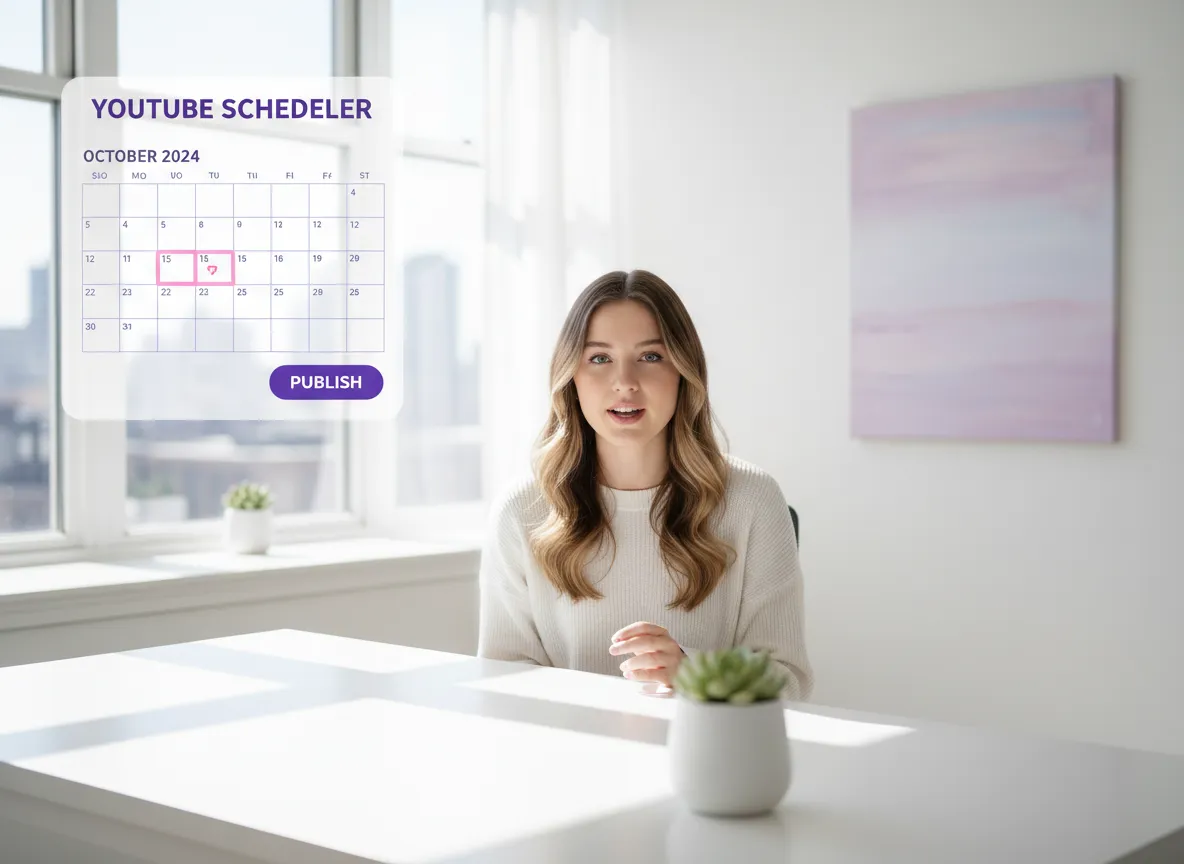
Strømlin din arbejdsgang ved at forbinde din YouTube-konto direkte. Udgiv dine Shorts med det samme eller brug Vizards indholdskalender til at masseplanlægge dine opslag for optimal timing på tværs af flere kanaler.
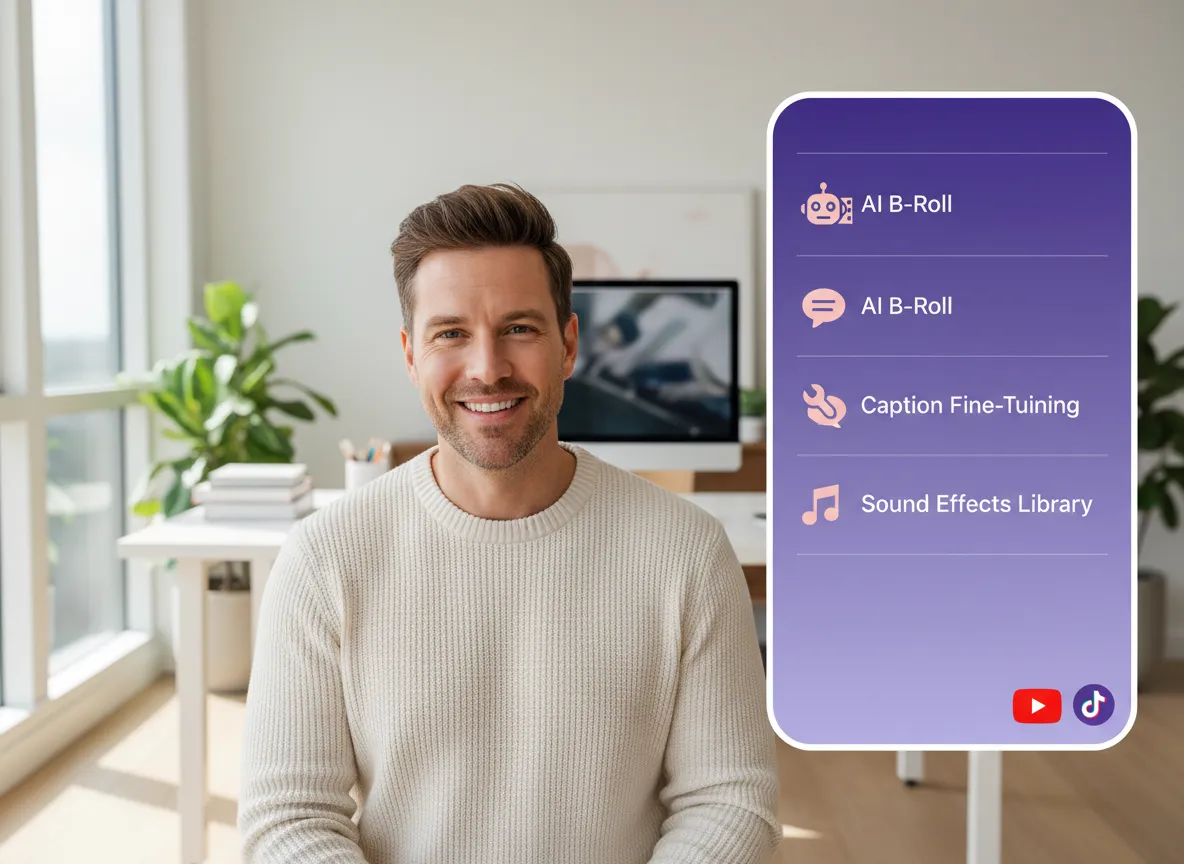
Gå ud over simple klip med vores omfattende videoredigeringsprogram. Finjuster dine undertekster, tilføj AI-genereret B-roll, integrer lydeffekter, eller brug avancerede AI Studio-modeller til at skabe unikt supplerende materiale.
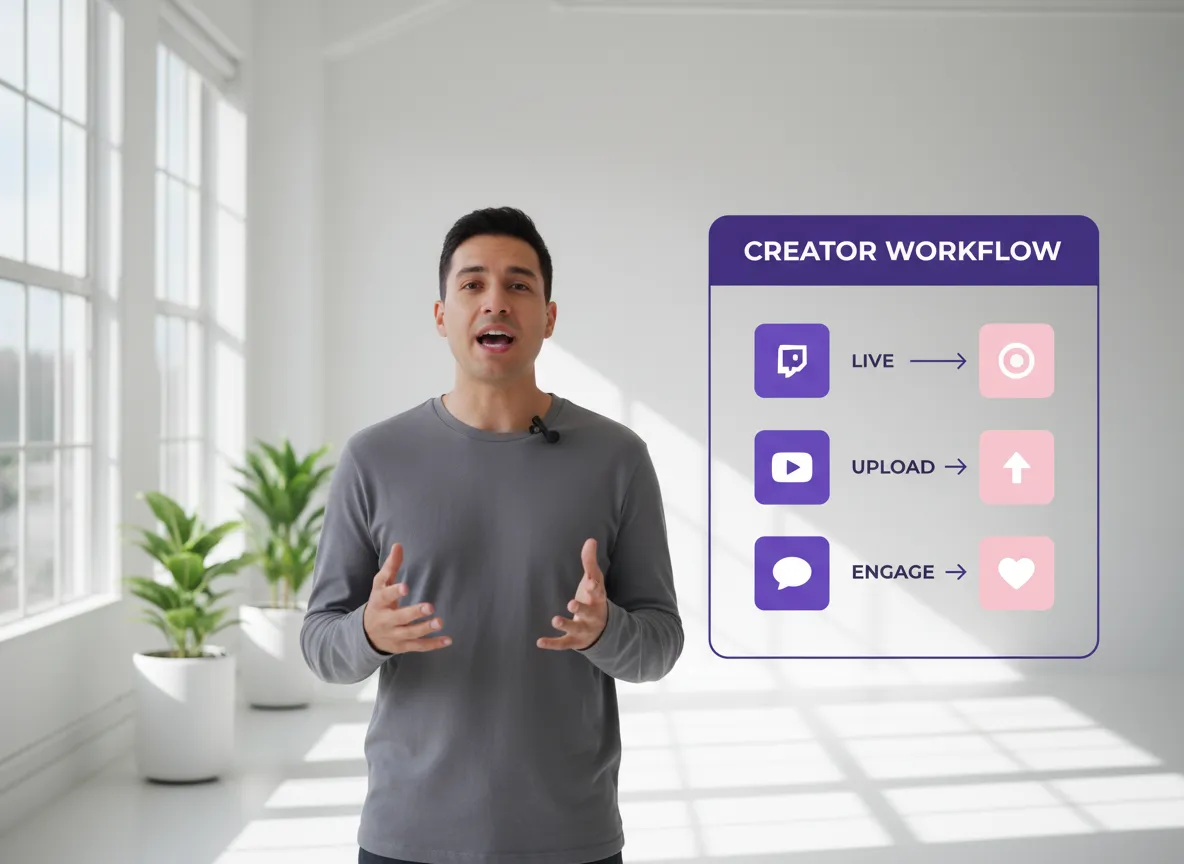
Oplev den ultimative effektivitet. Fra import af en massiv Twitch-stream til publicering af en velpoleret YouTube Short – komplet med undertekster, branding og SEO – håndteres hvert trin i én problemfri, AI-drevet platform.
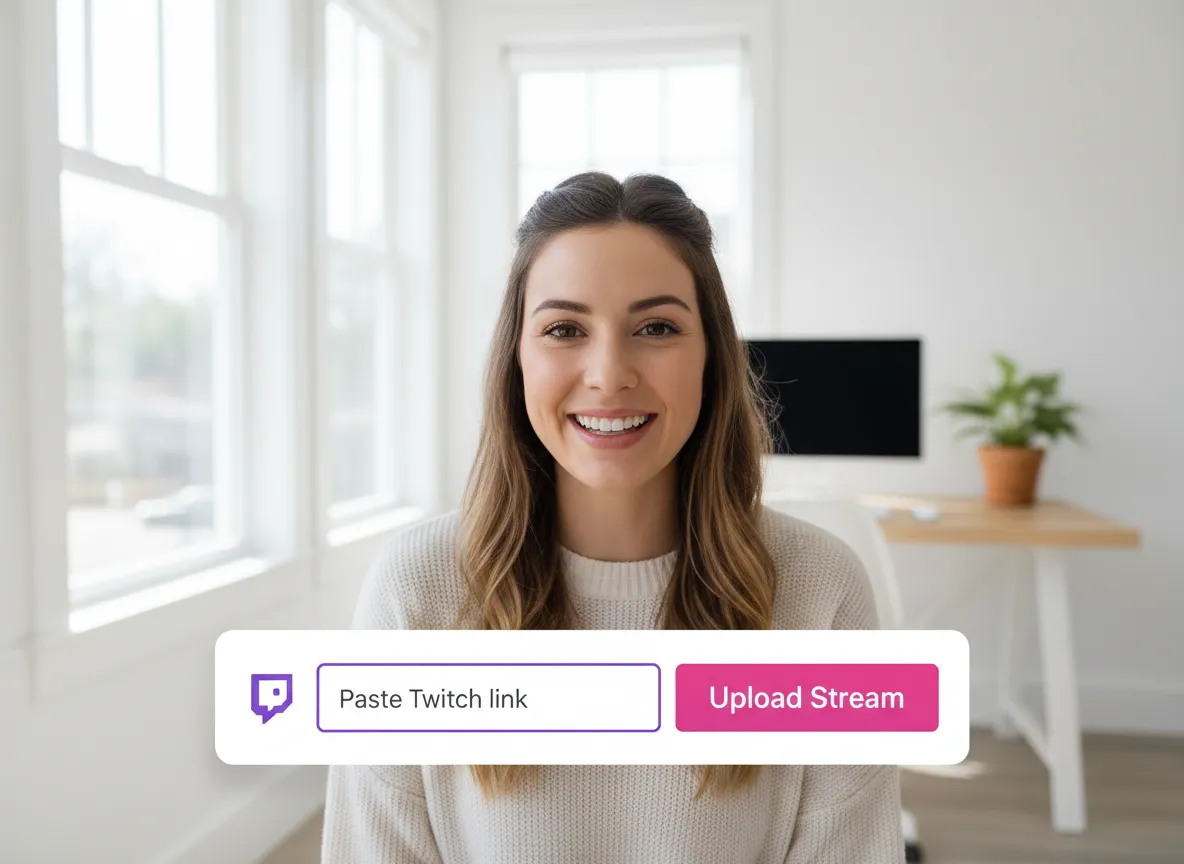
Log ind på dit Vizard Workspace og indsæt dit Twitch VOD-link eller upload en gemt streamfil direkte for at komme i gang.
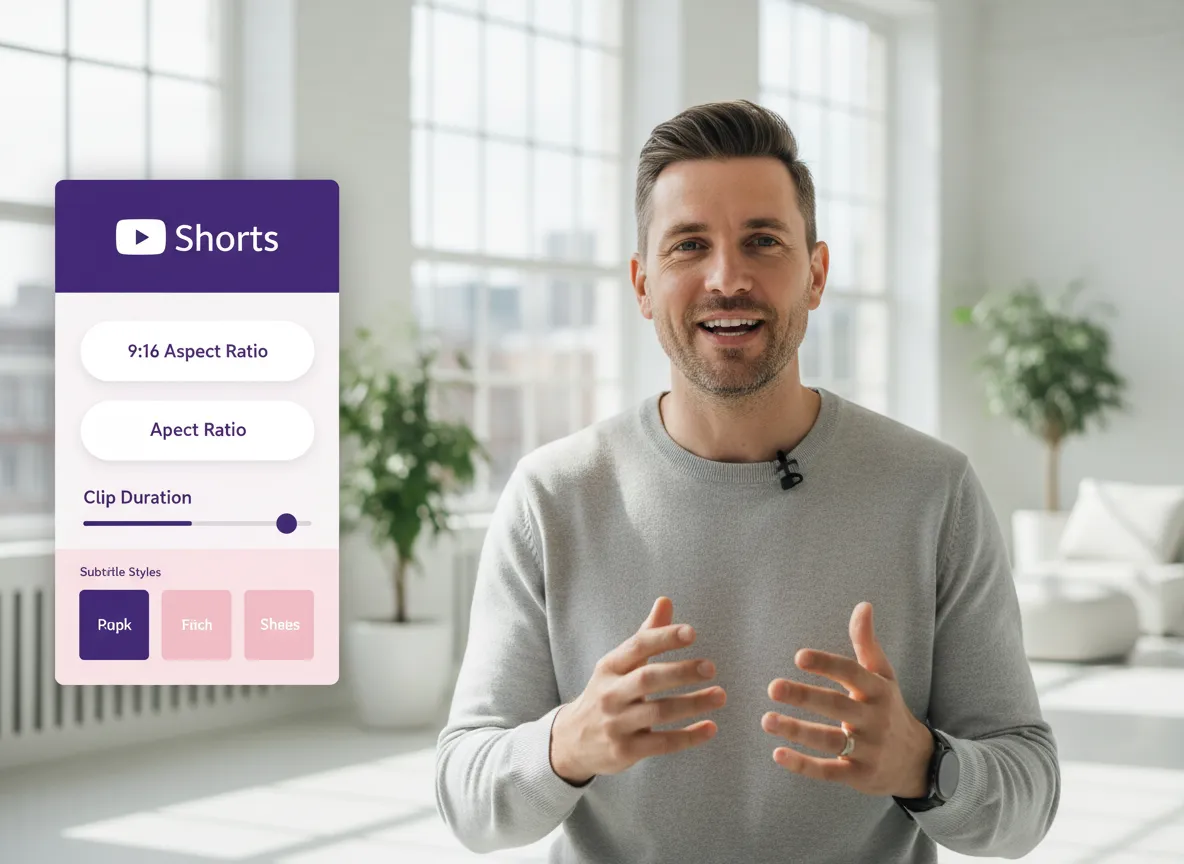
Vælg billedformatet 9:16 til YouTube Shorts. Indstil den ønskede klipvarighed, vælg en undertekststil, og slå AI B-roll eller brandskabeloner til/fra.
Klik på "Hent klip" og se Vizards AI øjeblikkeligt identificere og udtrække de mest virale øjeblikke med højt engagement fra din time-lange stream.
Brug den fulde Vizard Editor til at finjustere dine Shorts. Tilføj ekstra visuelle elementer, rediger billedtekster, eller udskift optagelser for et perfekt poleret resultat.
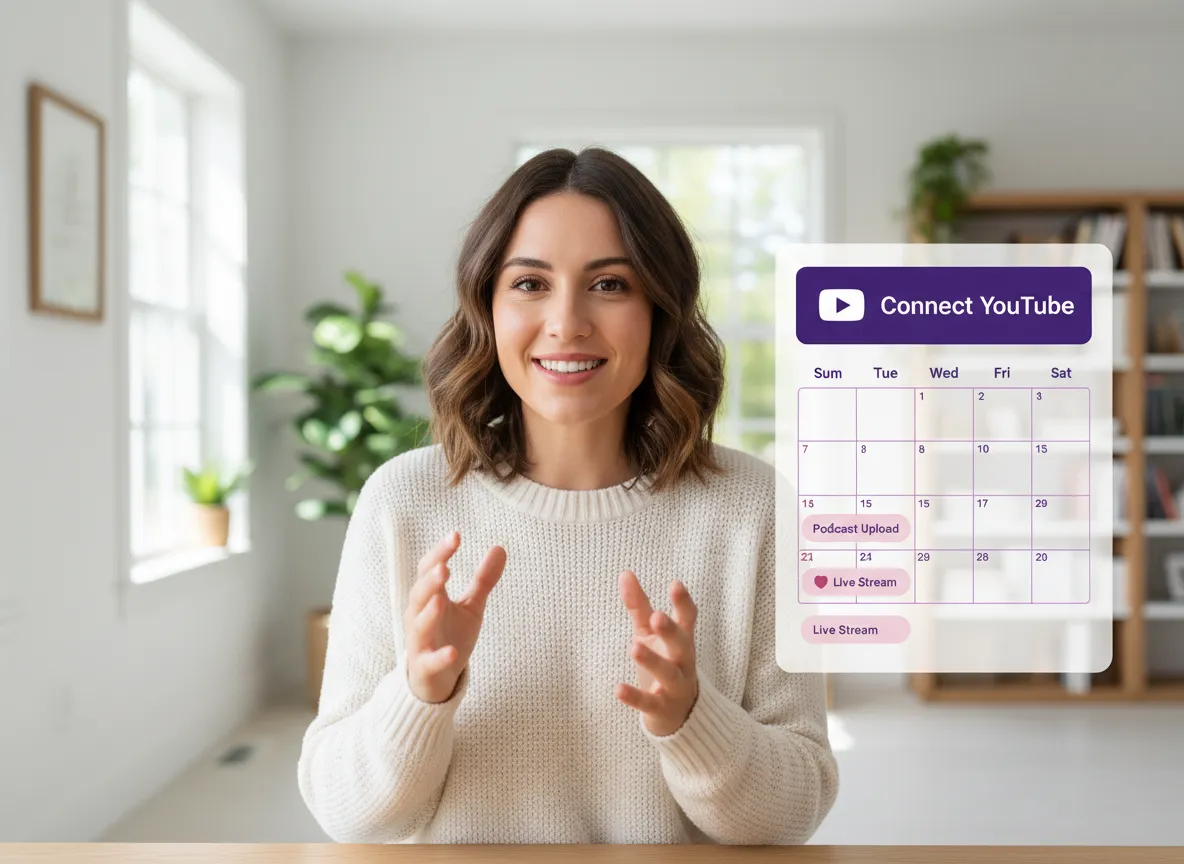
Forbind din YouTube-konto for at udgive dine Shorts med det samme eller brug vores indholdskalender til at planlægge dit indhold på optimale tidspunkter.
Forvandl én video til 10+ Instagram Reels med AI.
Med blot få klik kan du downloade eller dele dine videoer med dine venner eller teammedlemmer via et link.
Forvandl dine videoer og lyde til Reels, historier, opslag og mere med ét klik.
Planlæg, tidsindstil og auto-generer ubesværet engagerende AI-drevne opslag, og udgiv dine Instagram Reels sammen med de perfekte billedtekster.
Tilføj dynamiske undertekster til dine videoer automatisk, alt sammen i browseren.
Saml dit team ved at invitere samarbejdspartnere til at arbejde på dine projekter i ét workspace.
Oversæt ubesværet dit videoindhold til over 130 sprog, og udvid din globale rækkevidde med blot få klik.
Forbedr nemt din videos visuelle appel og brandidentitet ved at tilføje logoer, billeder, afslutninger og brugerdefinerede skrifttyper til dine videoer.


Hvordan identificerer Vizard højdepunkter fra en lang Twitch-stream?
Kan jeg konvertere en Twitch VOD på flere timer til YouTube Shorts?
Understøtter Vizard 9:16 lodret format til YouTube Shorts?
Kan jeg tilføje undertekster og branding til mine klip?
Kan jeg planlægge eller udgive direkte på YouTube?
Er det muligt at redigere klippene, efter de er genereret?
Hvilke sprog understøttes til undertekster?
Hvordan identificerer Vizard højdepunkter fra en lang Twitch-stream?
Kan jeg konvertere en Twitch VOD på flere timer til YouTube Shorts?
Understøtter Vizard 9:16 lodret format til YouTube Shorts?
Kan jeg tilføje undertekster og branding til mine klip?
Kan jeg planlægge eller udgive direkte på YouTube?
Er det muligt at redigere klippene, efter de er genereret?
Hvilke sprog understøttes til undertekster?

 Yao Wang

Yao Wang

Yao Wang

Yao Wang

Yao Wang


















