

NEW

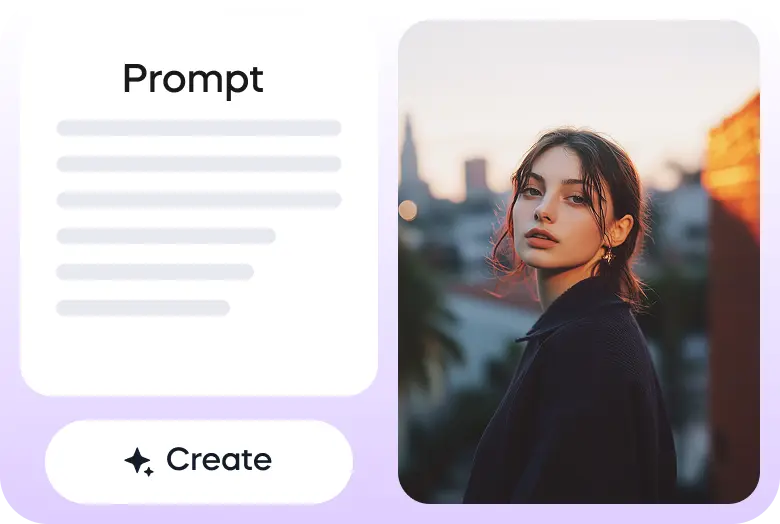
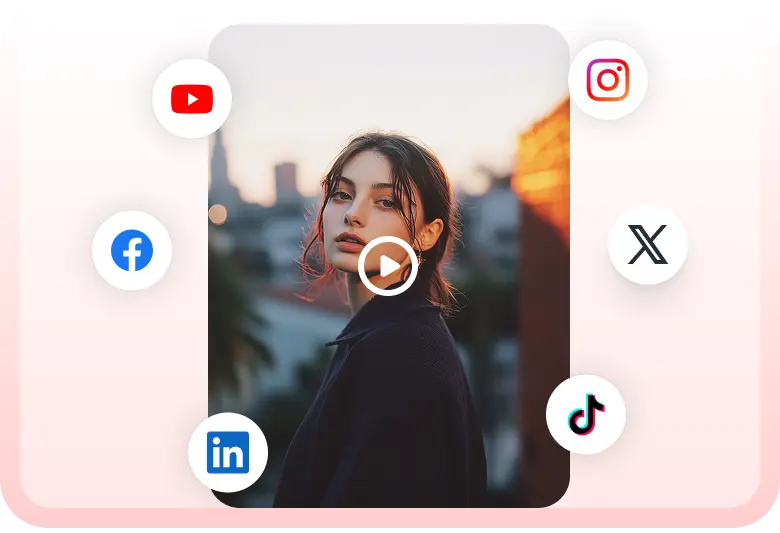
在Vizard上使用Nano Banana Pro開始創建的三個簡單步驟:
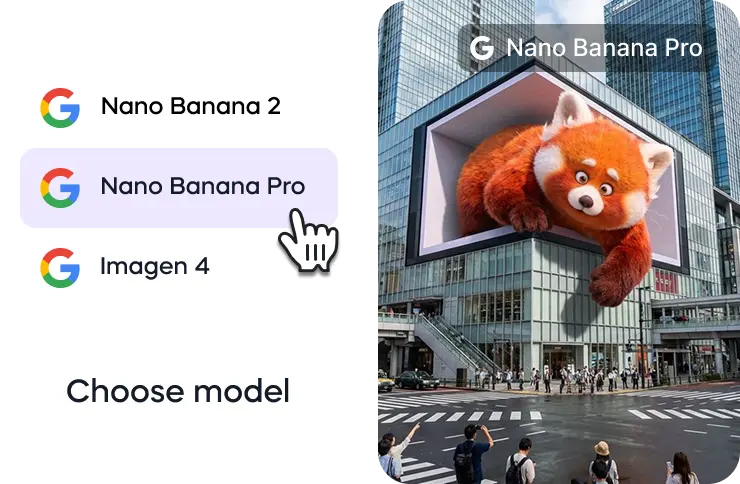
轉到Vizard的AI圖像生成器,從可用的圖像生成模型中選擇Nano Banana Pro模型。
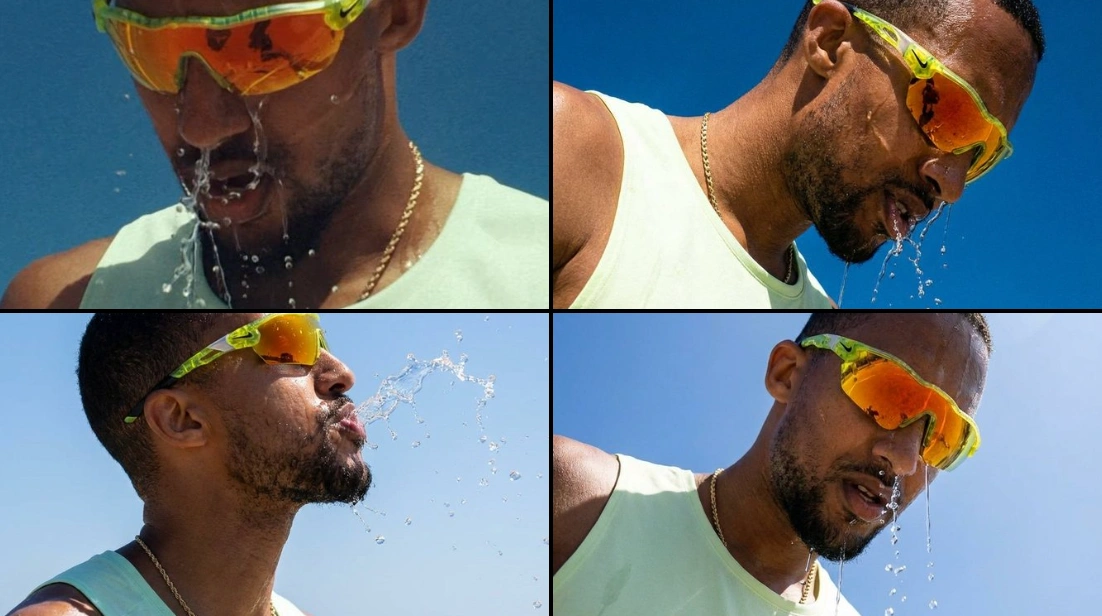
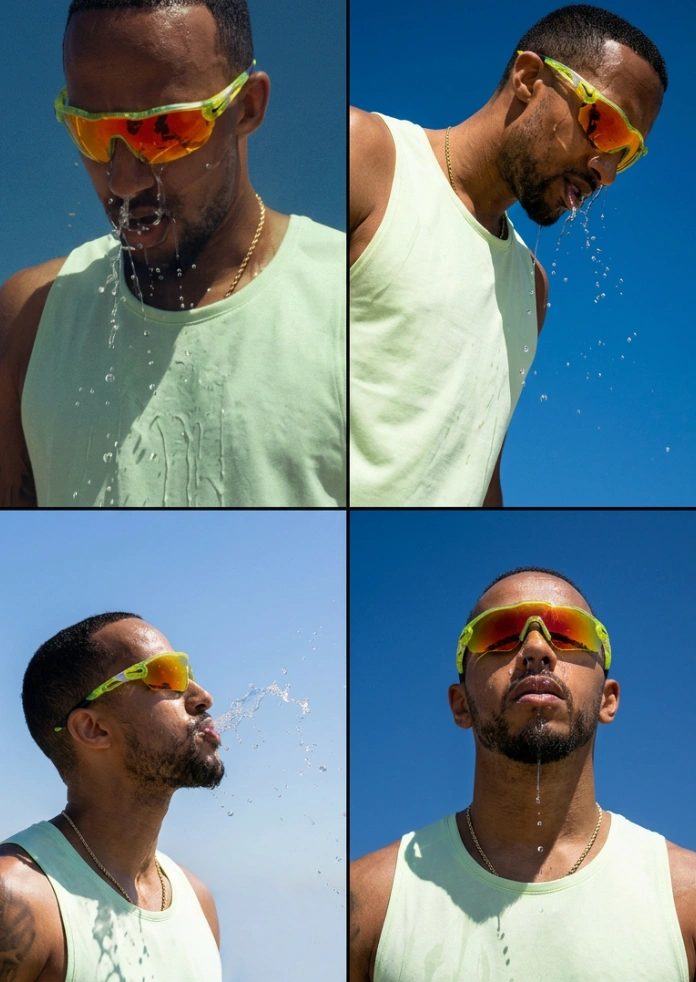
Turn one image into an entire photoshoot.
— Google Gemini (@GeminiApp) December 29, 2025
Edit the angle, lighting, lens and so much more with Nano Banana Pro.
See a room come together with Nano Banana Pro.
— Google Gemini (@GeminiApp) January 8, 2026
Upload a photo of the room you’re working on, then upload pics of those wish list items and watch the magic come to life.
More ingredients. More control. 🍌
— Flow by Google (@FlowbyGoogle) December 4, 2025
With Nano Banana Pro in Flow, you can now include up to 10 ingredients when generating an image. This means more consistency and more creative control over your outputs when you use your image with Frames to Video.
See this in action for… pic.twitter.com/YwWr0QyLt6
We just dropped Nano Banana Pro, built on Gemini 3. 🍌
— Google DeepMind (@GoogleDeepMind) November 20, 2025
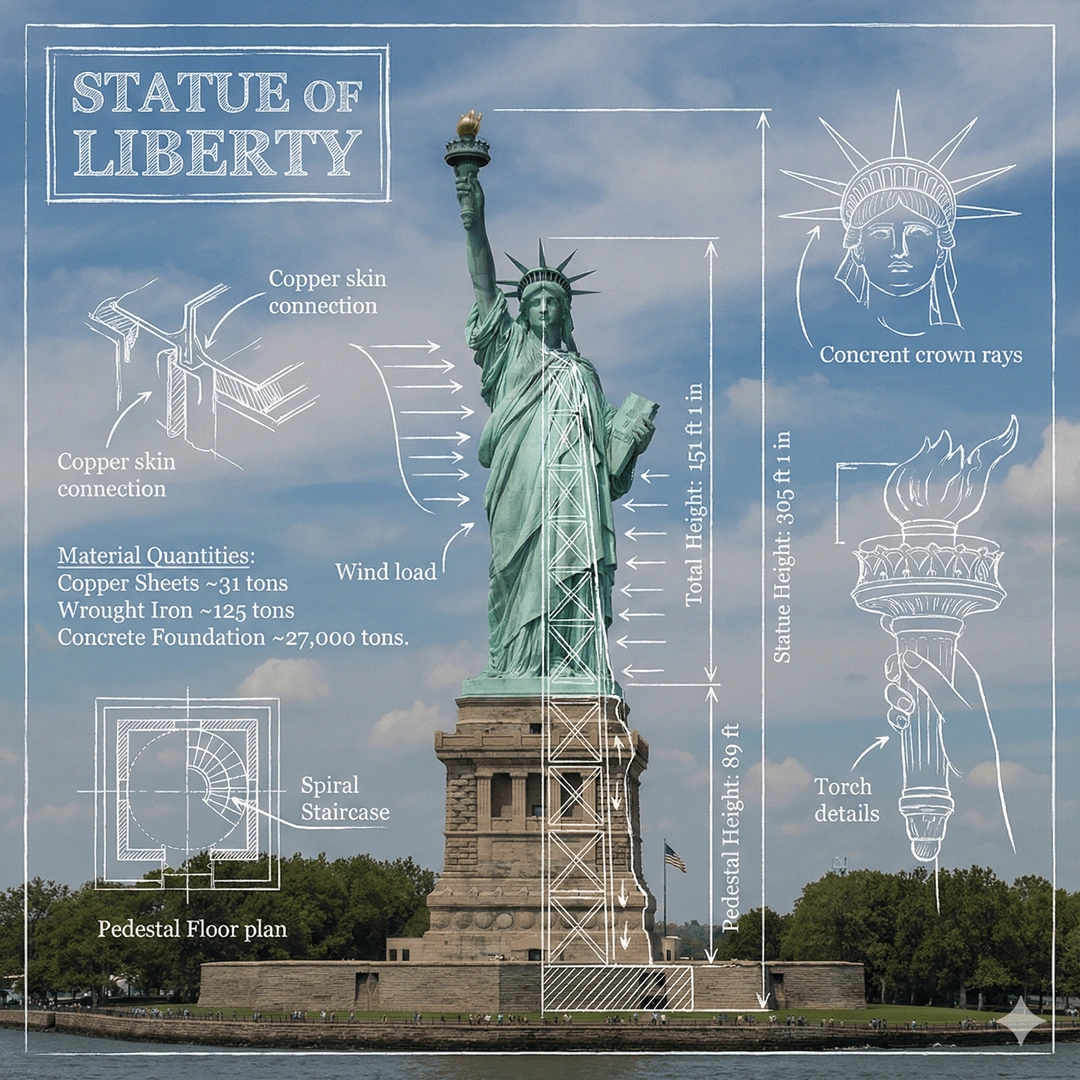
With state-of-the-art text rendering, vast world knowledge and studio-quality creative controls, Gemini 3 Pro Image can create and edit more complex visuals, infographics and more. Here’s what’s under the hood. 🧵 pic.twitter.com/x8fTe6pcmO
Have you tried prompting with the word "risograph"? It makes a cool effect.
— Nano Banana 2 (@NanoBanana) January 15, 2026
Prompt: Create a collection of icons representing [a theme], they belong together as a single theme. Put them in a 2x2 grid (no lines). The background is pure white. Make the icons as risograph prints.… https://t.co/enkWeqHLkh pic.twitter.com/gqhLBPtMXR
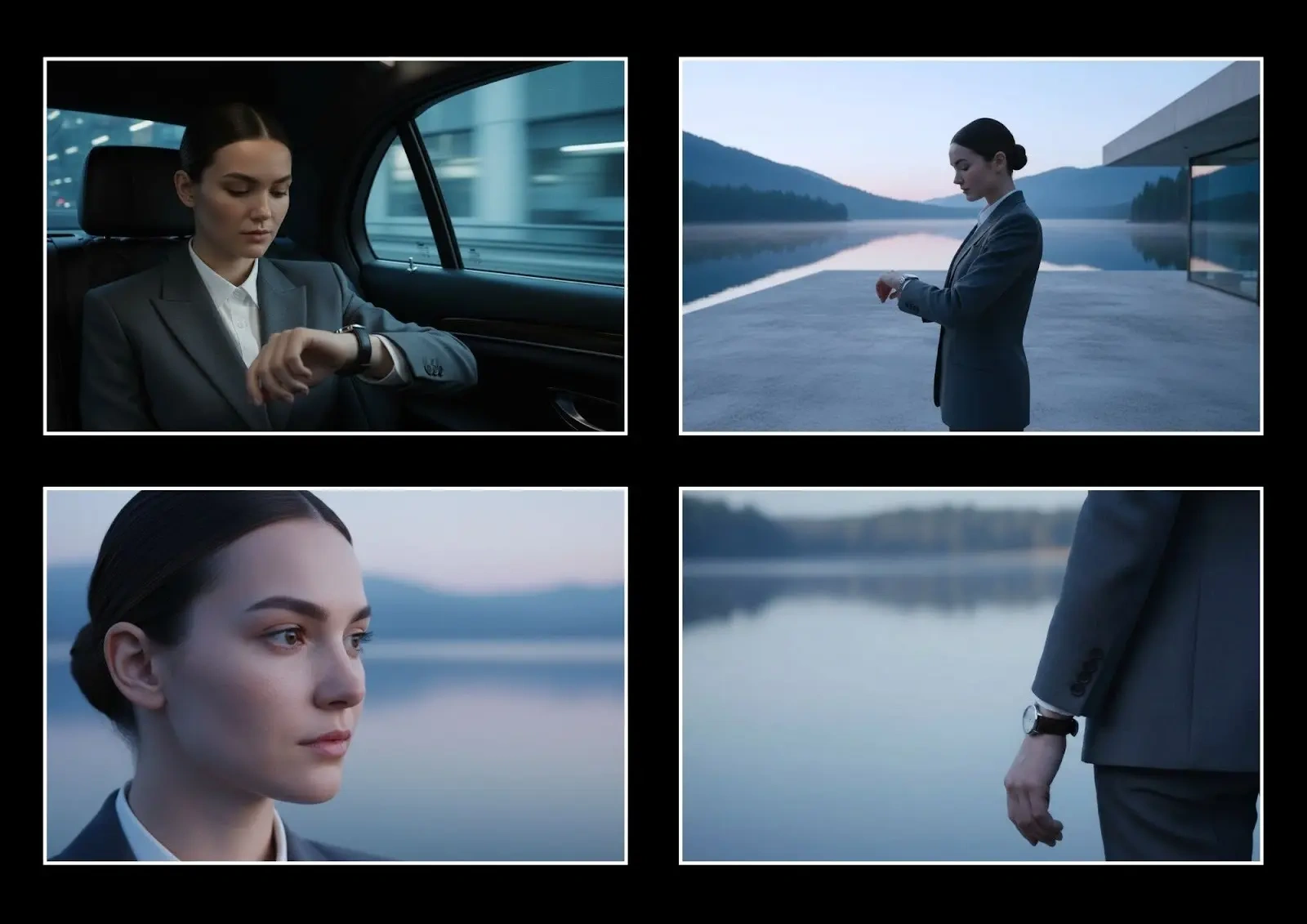
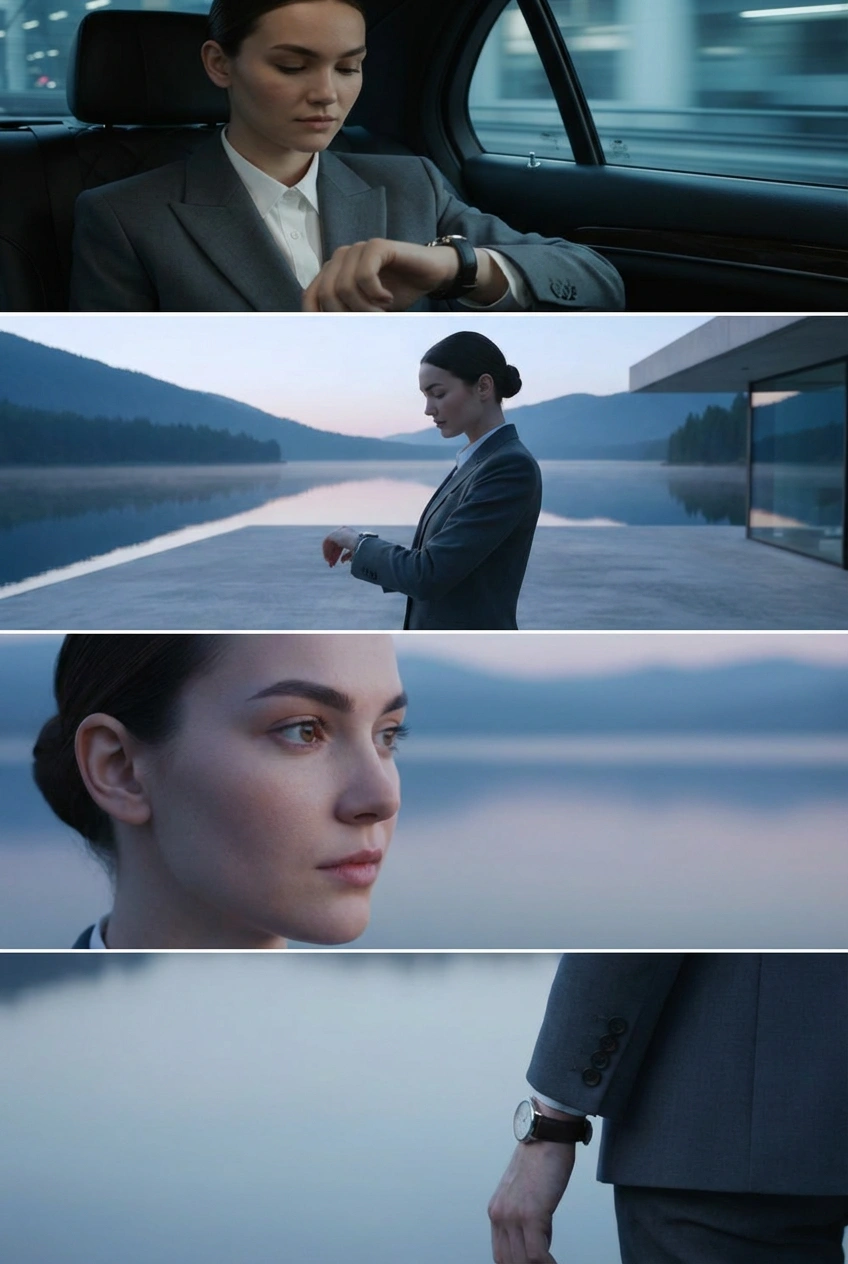
With Nano Banana Pro in Flow, you have the control to design and curate the setting, refine the details, and visualize the camera angles.
— Flow by Google (@FlowbyGoogle) January 5, 2026
Get the shot just as you pictured it.
See it in action.👇 pic.twitter.com/e0pybrJWVw
You can now turn your sources into cinematic video explainers in @NotebookLM 📽️
— Google (@Google) March 6, 2026
It uses our most advanced models like Gemini 3, Nano Banana Pro and Veo 3, to animate the visual story behind your sources.
Here’s a Cinematic Video Overview explaining... Cinematic Video Overviews… pic.twitter.com/Mrn1iqcXi3
Here’s how it works:
— Google DeepMind (@GoogleDeepMind) January 29, 2026
🔵 Design your world and character using text and visual prompts.
🔵 Nano Banana Pro makes an image preview that you can adjust.
🔵 Our Genie 3 world model generates the environment in real-time as you move through.
🔵 Remix existing worlds or discover new… pic.twitter.com/LiebMe2H9n
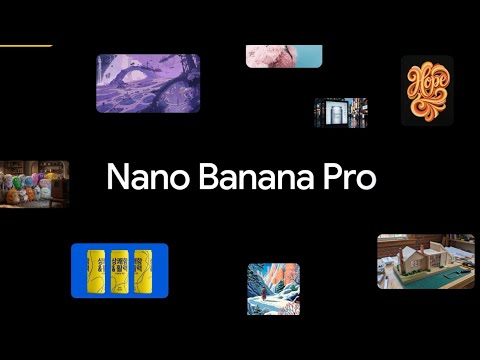
什麼是納米香蕉Pro?
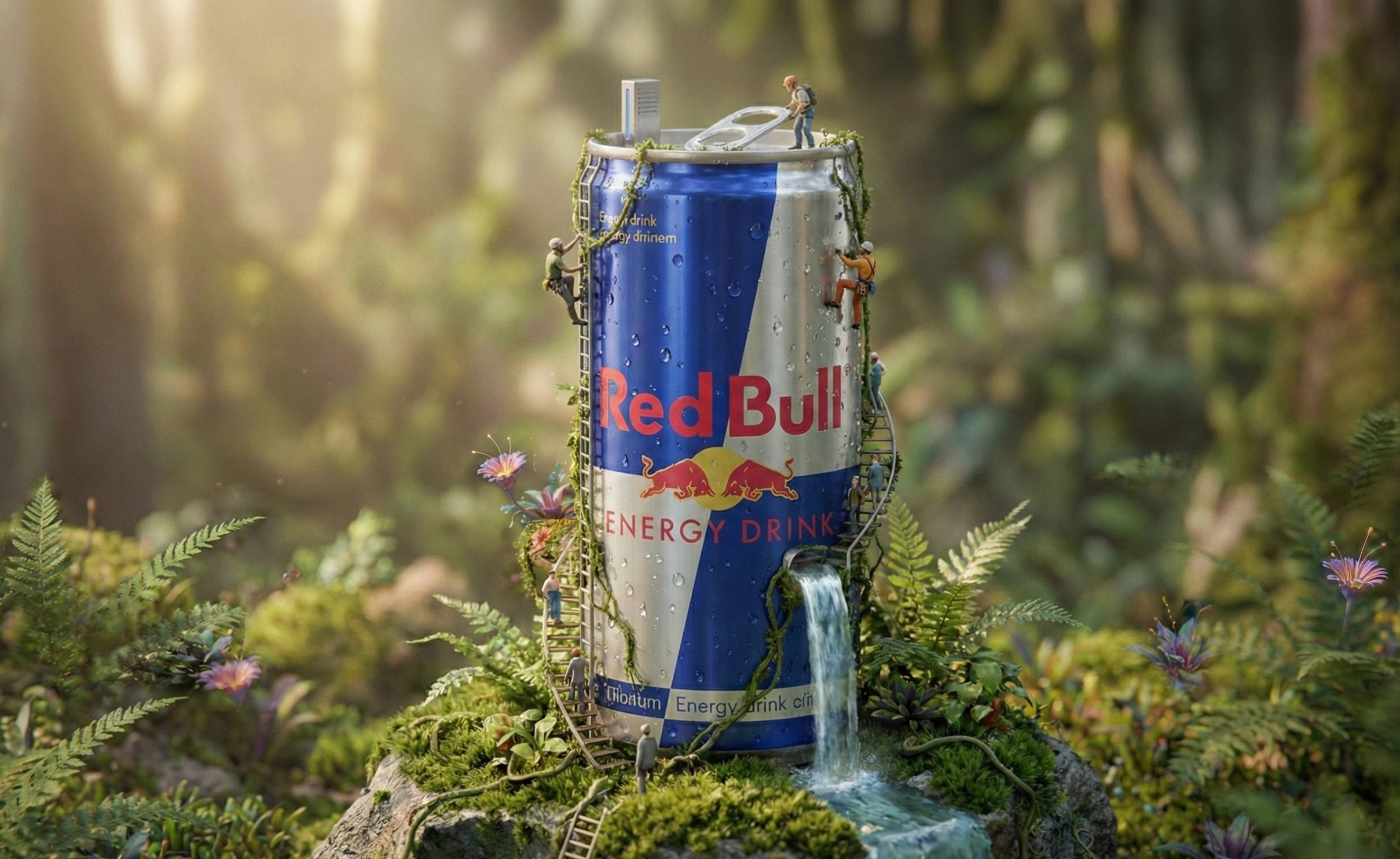
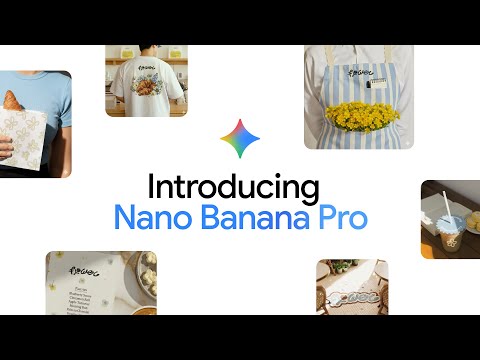
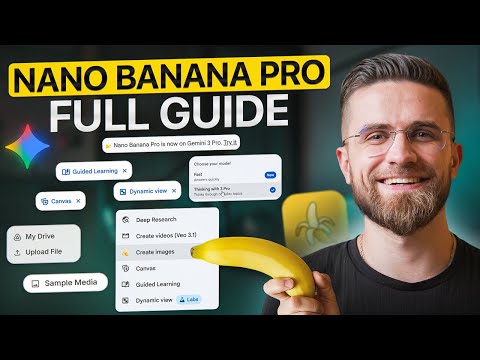
Nano Banana Pro(Gemini 3 Pro Image)是谷歌DeepMind基於Gemini 3 Pro構建的最先進的圖像生成和編輯模型。 它專為複雜的高保真任務而設計,在這些任務中,質量、事實準確性和創造性控制最為重要。
納米香蕉Pro和納米香蕉2有什麼區別?
Nano Banana Pro優先考慮最高質量、推理深度和事實準確性。 Nano Banana 2(Gemini 3.1 Flash Image)結合了Nano Banana Pro的高級功能和Gemini Flash的速度,使其成為快速迭代和日常工作流程的更好選擇。 對於需要絕對保真度的專業任務,Pro仍然是更強的選擇。
Nano Banana Pro支持什麼分辨率?
用戶可以使用Nano Banana Pro生成多種縱橫比的2K或4K圖像。 這使得它適用於打印就緒的資產、大幅面視覺效果和生產級交付物。
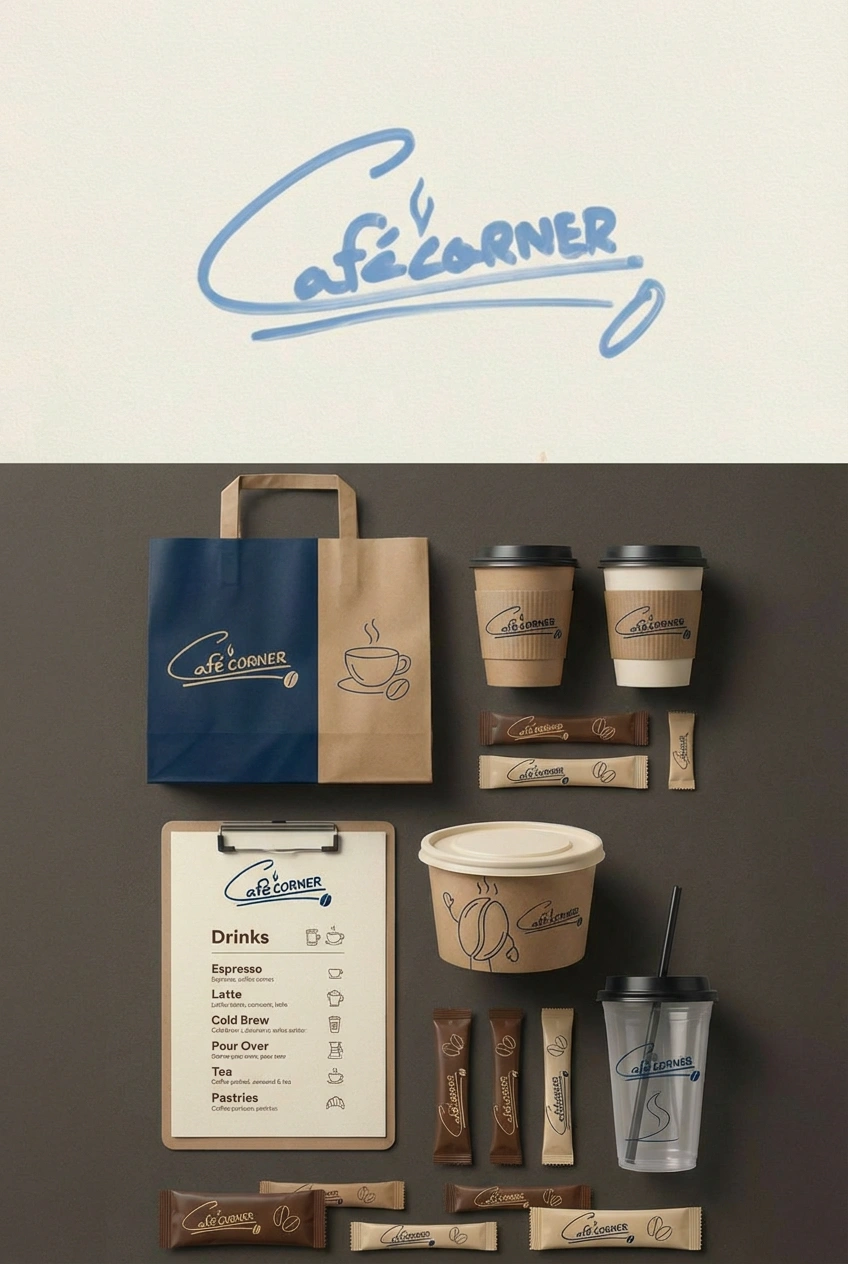
14參考圖像輸入是如何工作的?
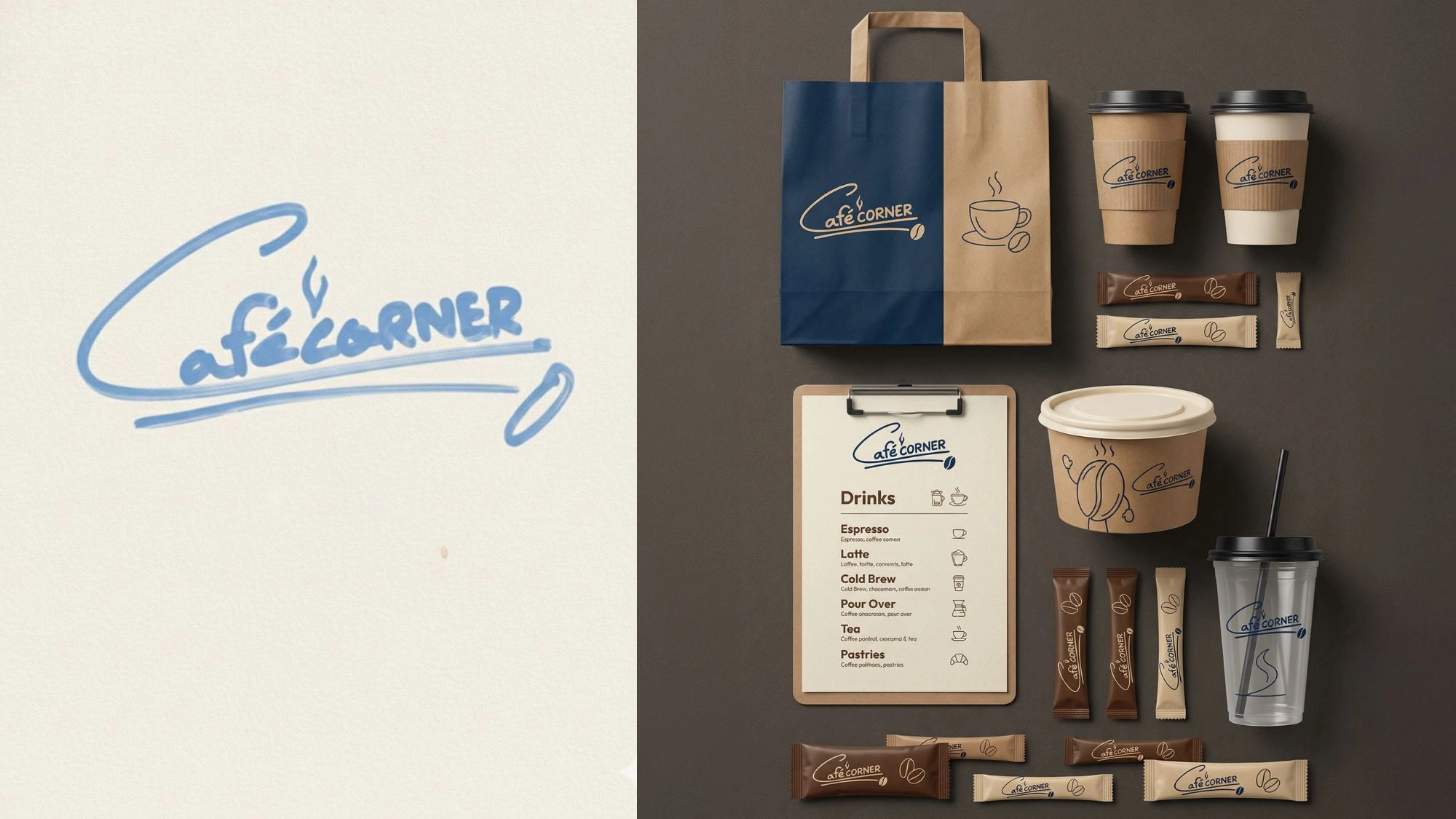
通過上傳多達14張參考圖片,您可以同時加載完整的風格指南,包括徽標、調色板、人物轉變和產品照片。 該模型使用所有這些作為上下文,以保持您的輸出品牌和視覺一致性。
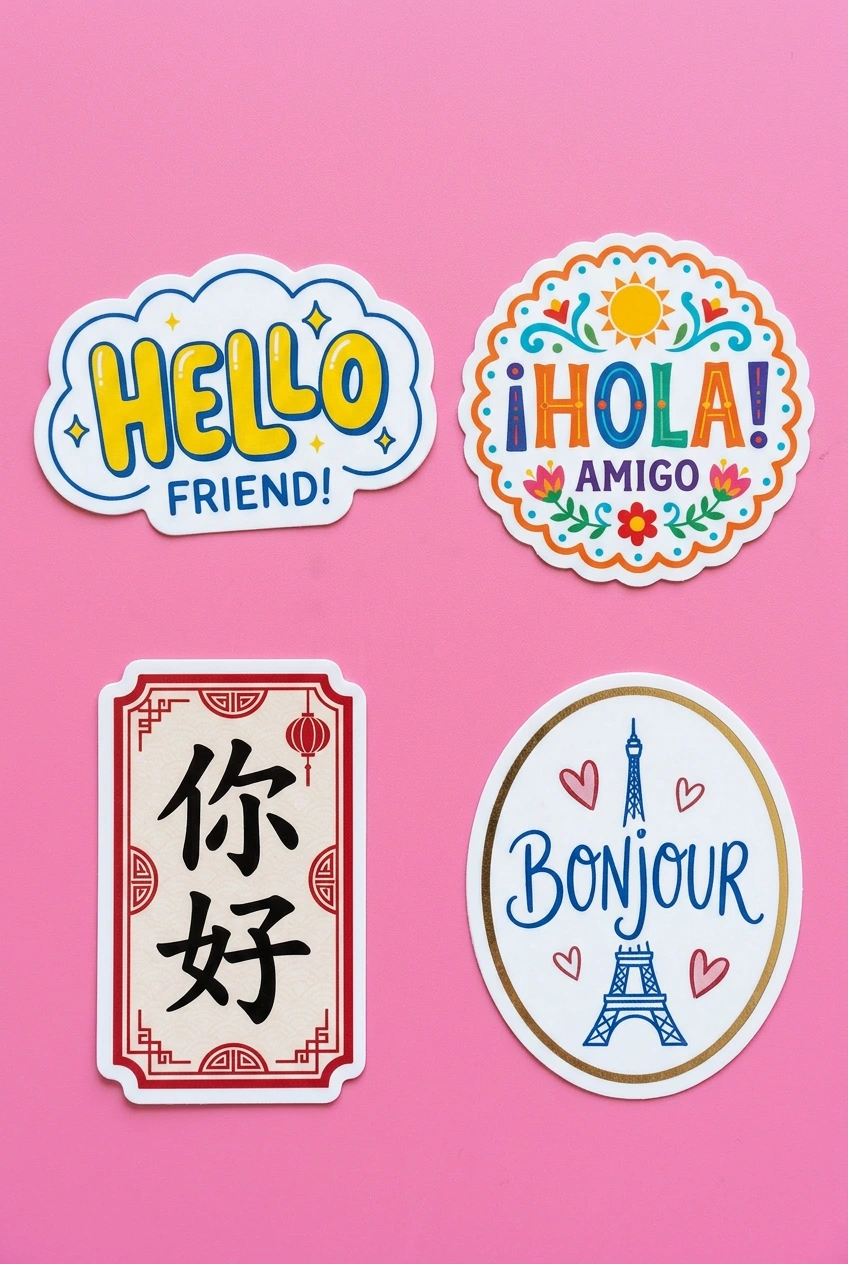
Nano Banana Pro能在圖像內部生成準確的文本嗎?
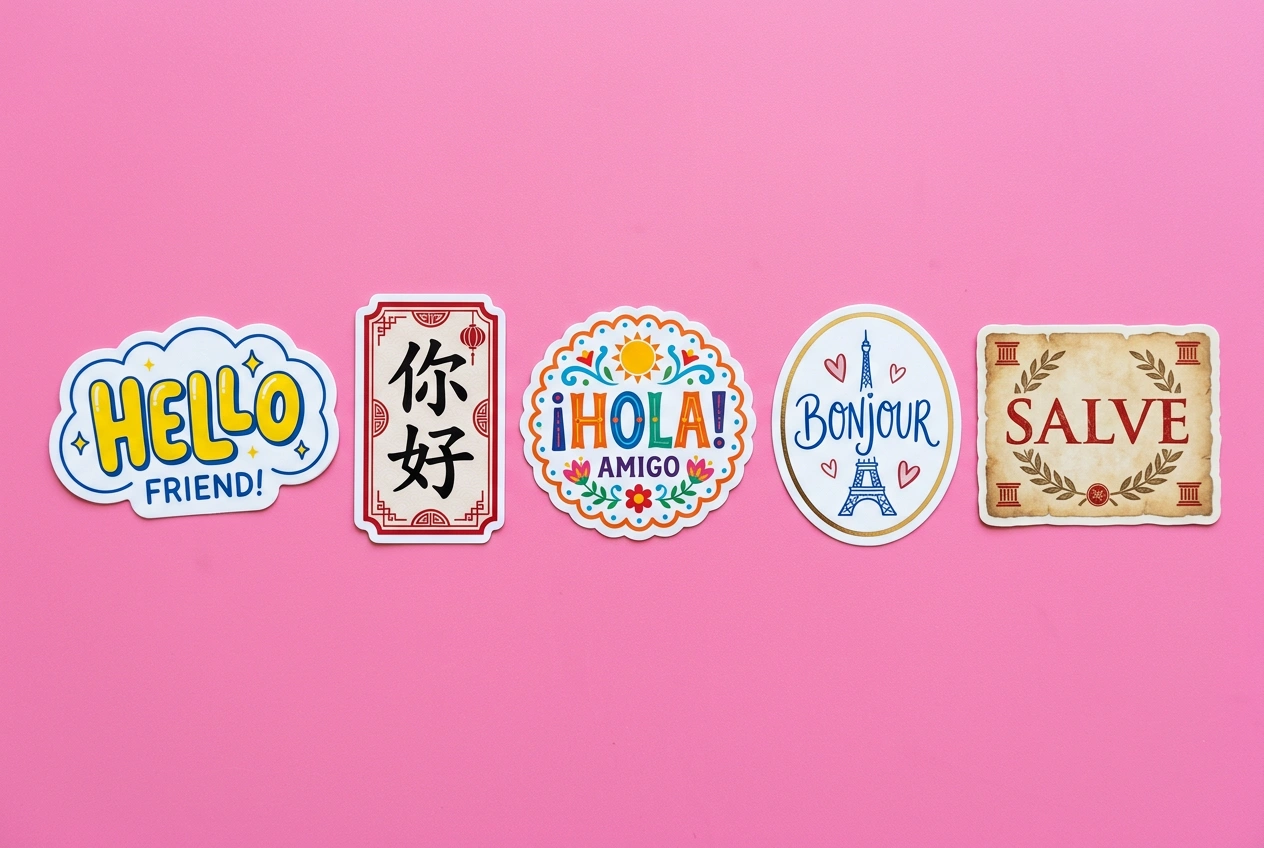
是的。 該模型在其前身的基礎上有所改進,能夠創建更詳細的圖像和準確的文本,並生成不同樣式、字體和語言的文本。 它處理從乾淨的無襯線標籤到精緻的印刷藝術的一切。
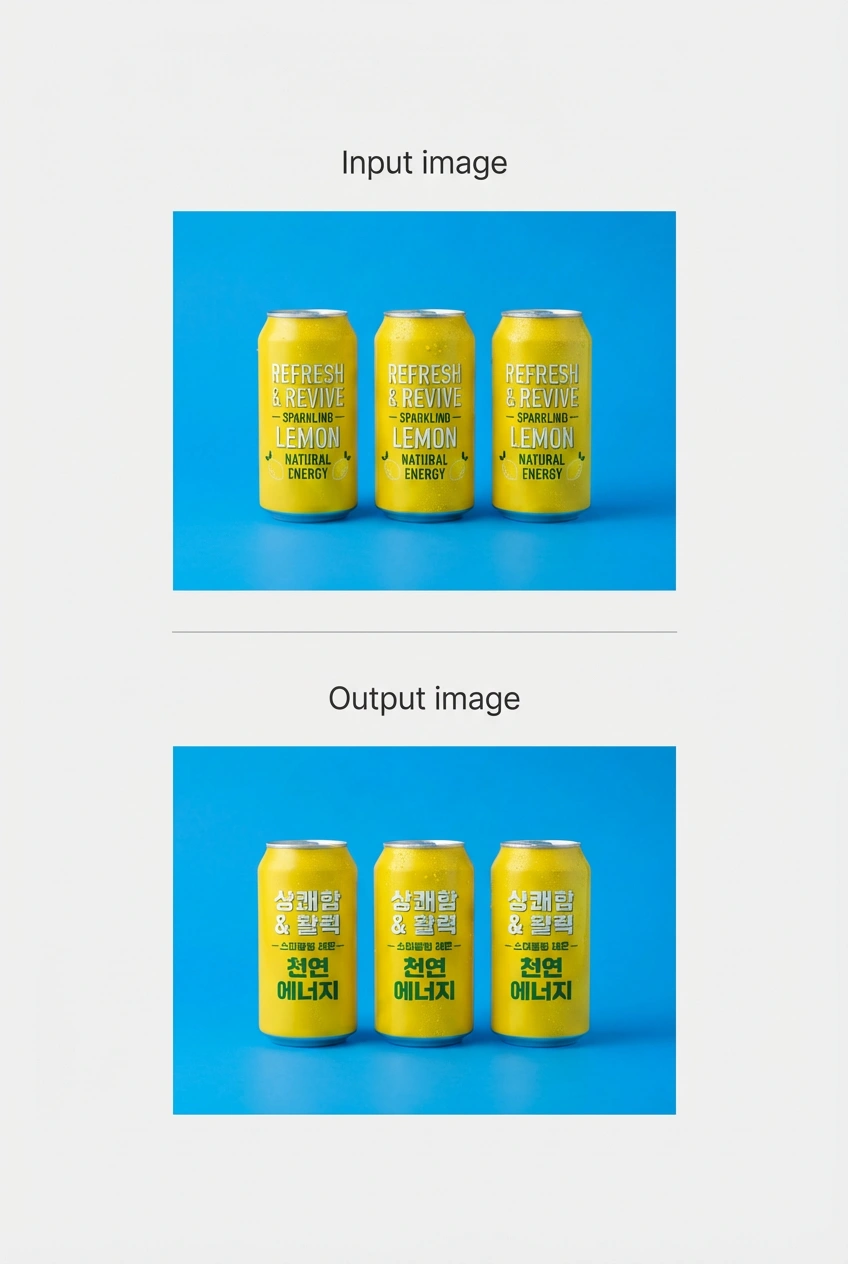
我可以翻譯現有圖像中的文本嗎?
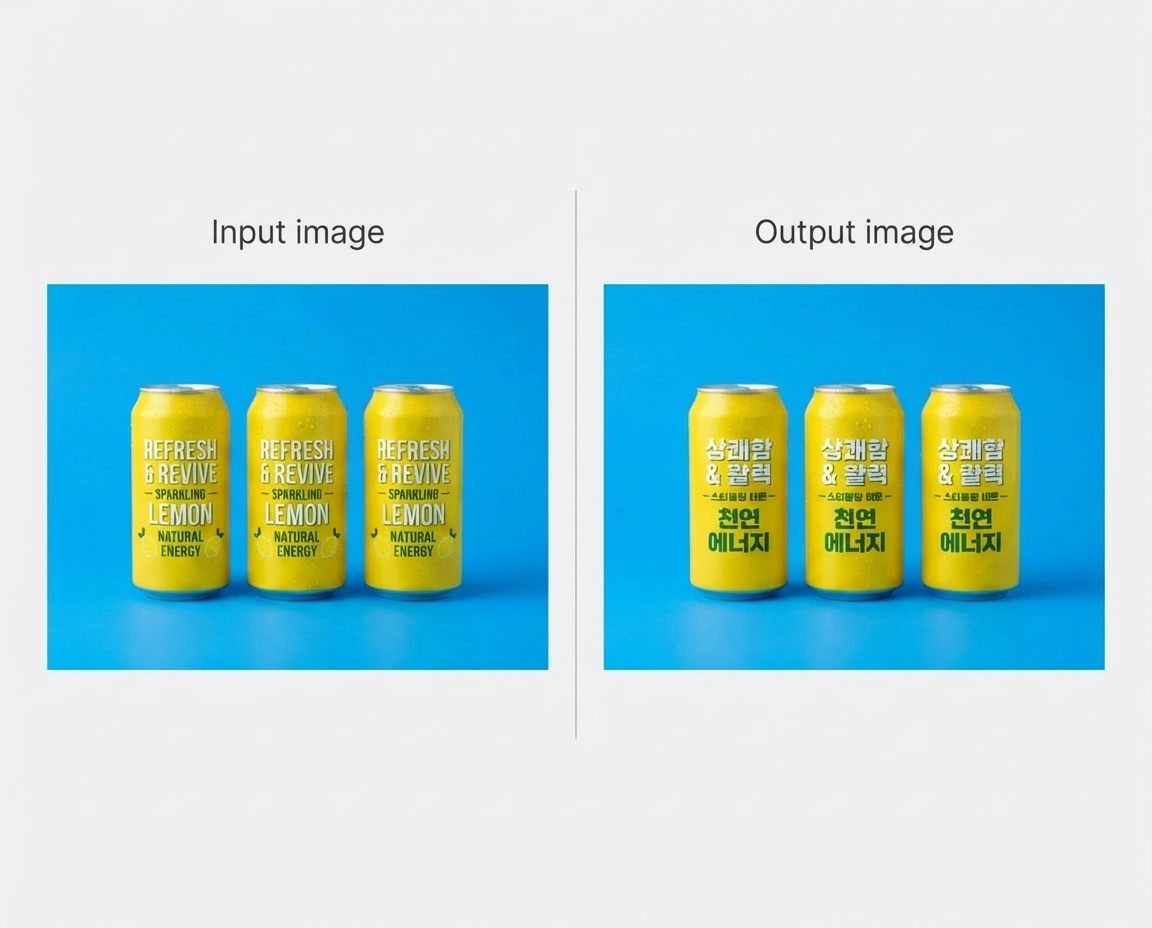
是的。 您可以拍攝圖像並翻譯其中的文本,這樣您的創意作品就可以立即用於其他國家。 這對於需要跨多個市場工作的產品包裝、廣告和標牌特別有用。
在Vizard上哪裡可以訪問Nano Banana Pro?
打開Vizard AI Studio,從模型選擇器中選擇Nano Banana Pro,開始生成。 您可以上傳參考圖像、編寫詳細的提示和調整縱橫比,所有這些都在與Veo 3、Kling 3.0和模型庫的其餘部分相同的界面中進行。
我需要付費的Vizard計劃才能使用Nano Banana Pro嗎?
您可以免費試用Nano Banana Pro,數量有限。 付費計劃可以解鎖更多世代、更快的處理速度,並訪問完整的Vizard型號陣容,包括Nano Banana 2、Veo 3、Kling 3.0和黑臉田雞2。
我可以將Nano Banana Pro的輸出用於商業項目嗎?
是的。 Vizard上生成的圖像可用於廣告、客戶工作、產品活動和商業製作。 對於大批量或企業許可問題,Vizard團隊可以指導您完成這些選項。
Vizard提供Nano Banana Pro的API訪問嗎?
是的。 Vizard的API允許開發人員和團隊將Nano Banana Pro集成到他們自己的產品中,並大規模自動化圖像生成。 更多詳細信息可在Vizard API頁面上獲得。
在Vizard上使用Nano Banana Pro開始創建的三個簡單步驟:
轉到Vizard的AI圖像生成器,從可用的圖像生成模型中選擇Nano Banana Pro模型。
Turn one image into an entire photoshoot.
— Google Gemini (@GeminiApp) December 29, 2025
Edit the angle, lighting, lens and so much more with Nano Banana Pro.
See a room come together with Nano Banana Pro.
— Google Gemini (@GeminiApp) January 8, 2026
Upload a photo of the room you’re working on, then upload pics of those wish list items and watch the magic come to life.
More ingredients. More control. 🍌
— Flow by Google (@FlowbyGoogle) December 4, 2025
With Nano Banana Pro in Flow, you can now include up to 10 ingredients when generating an image. This means more consistency and more creative control over your outputs when you use your image with Frames to Video.
See this in action for… pic.twitter.com/YwWr0QyLt6
We just dropped Nano Banana Pro, built on Gemini 3. 🍌
— Google DeepMind (@GoogleDeepMind) November 20, 2025
With state-of-the-art text rendering, vast world knowledge and studio-quality creative controls, Gemini 3 Pro Image can create and edit more complex visuals, infographics and more. Here’s what’s under the hood. 🧵 pic.twitter.com/x8fTe6pcmO
Have you tried prompting with the word "risograph"? It makes a cool effect.
— Nano Banana 2 (@NanoBanana) January 15, 2026
Prompt: Create a collection of icons representing [a theme], they belong together as a single theme. Put them in a 2x2 grid (no lines). The background is pure white. Make the icons as risograph prints.… https://t.co/enkWeqHLkh pic.twitter.com/gqhLBPtMXR
With Nano Banana Pro in Flow, you have the control to design and curate the setting, refine the details, and visualize the camera angles.
— Flow by Google (@FlowbyGoogle) January 5, 2026
Get the shot just as you pictured it.
See it in action.👇 pic.twitter.com/e0pybrJWVw
You can now turn your sources into cinematic video explainers in @NotebookLM 📽️
— Google (@Google) March 6, 2026
It uses our most advanced models like Gemini 3, Nano Banana Pro and Veo 3, to animate the visual story behind your sources.
Here’s a Cinematic Video Overview explaining... Cinematic Video Overviews… pic.twitter.com/Mrn1iqcXi3
Here’s how it works:
— Google DeepMind (@GoogleDeepMind) January 29, 2026
🔵 Design your world and character using text and visual prompts.
🔵 Nano Banana Pro makes an image preview that you can adjust.
🔵 Our Genie 3 world model generates the environment in real-time as you move through.
🔵 Remix existing worlds or discover new… pic.twitter.com/LiebMe2H9n
什麼是納米香蕉Pro?
Nano Banana Pro(Gemini 3 Pro Image)是谷歌DeepMind基於Gemini 3 Pro構建的最先進的圖像生成和編輯模型。 它專為複雜的高保真任務而設計,在這些任務中,質量、事實準確性和創造性控制最為重要。
納米香蕉Pro和納米香蕉2有什麼區別?
Nano Banana Pro優先考慮最高質量、推理深度和事實準確性。 Nano Banana 2(Gemini 3.1 Flash Image)結合了Nano Banana Pro的高級功能和Gemini Flash的速度,使其成為快速迭代和日常工作流程的更好選擇。 對於需要絕對保真度的專業任務,Pro仍然是更強的選擇。
Nano Banana Pro支持什麼分辨率?
用戶可以使用Nano Banana Pro生成多種縱橫比的2K或4K圖像。 這使得它適用於打印就緒的資產、大幅面視覺效果和生產級交付物。
14參考圖像輸入是如何工作的?
通過上傳多達14張參考圖片,您可以同時加載完整的風格指南,包括徽標、調色板、人物轉變和產品照片。 該模型使用所有這些作為上下文,以保持您的輸出品牌和視覺一致性。
Nano Banana Pro能在圖像內部生成準確的文本嗎?
是的。 該模型在其前身的基礎上有所改進,能夠創建更詳細的圖像和準確的文本,並生成不同樣式、字體和語言的文本。 它處理從乾淨的無襯線標籤到精緻的印刷藝術的一切。
我可以翻譯現有圖像中的文本嗎?
是的。 您可以拍攝圖像並翻譯其中的文本,這樣您的創意作品就可以立即用於其他國家。 這對於需要跨多個市場工作的產品包裝、廣告和標牌特別有用。
在Vizard上哪裡可以訪問Nano Banana Pro?
打開Vizard AI Studio,從模型選擇器中選擇Nano Banana Pro,開始生成。 您可以上傳參考圖像、編寫詳細的提示和調整縱橫比,所有這些都在與Veo 3、Kling 3.0和模型庫的其餘部分相同的界面中進行。
我需要付費的Vizard計劃才能使用Nano Banana Pro嗎?
您可以免費試用Nano Banana Pro,數量有限。 付費計劃可以解鎖更多世代、更快的處理速度,並訪問完整的Vizard型號陣容,包括Nano Banana 2、Veo 3、Kling 3.0和黑臉田雞2。
我可以將Nano Banana Pro的輸出用於商業項目嗎?
是的。 Vizard上生成的圖像可用於廣告、客戶工作、產品活動和商業製作。 對於大批量或企業許可問題,Vizard團隊可以指導您完成這些選項。
Vizard提供Nano Banana Pro的API訪問嗎?
是的。 Vizard的API允許開發人員和團隊將Nano Banana Pro集成到他們自己的產品中,並大規模自動化圖像生成。 更多詳細信息可在Vizard API頁面上獲得。









